Skip to content

Hue Ghost Theme for Podcast Websites

Build a podcast website in Ghost with numbered episodes, separate blog posts, embedded players, listening links, memberships, and dark mode.

Trusted by 140+ customers

One-time Purchase

Free Support & Updates

30-Day Money-Back Guarantee

If you're unhappy, get a full refund, no questions!

  • Ghost 6.0
  • Ghost Native Search
  • Ghost Native Comments
  • Ghost Custom Settings
  • Dark Mode
  • Current Version 1.1.2 — 27 August 2025
  • Documentation · Changelog

Hue Showcase

Hue is a Ghost theme for podcasters who want episode pages, show notes, memberships, and regular articles on one site.

The homepage lists podcast episodes in order, while a separate blog keeps written posts distinct from the show archive.

Explore the demo or read the documentation.

Podcast Homepage

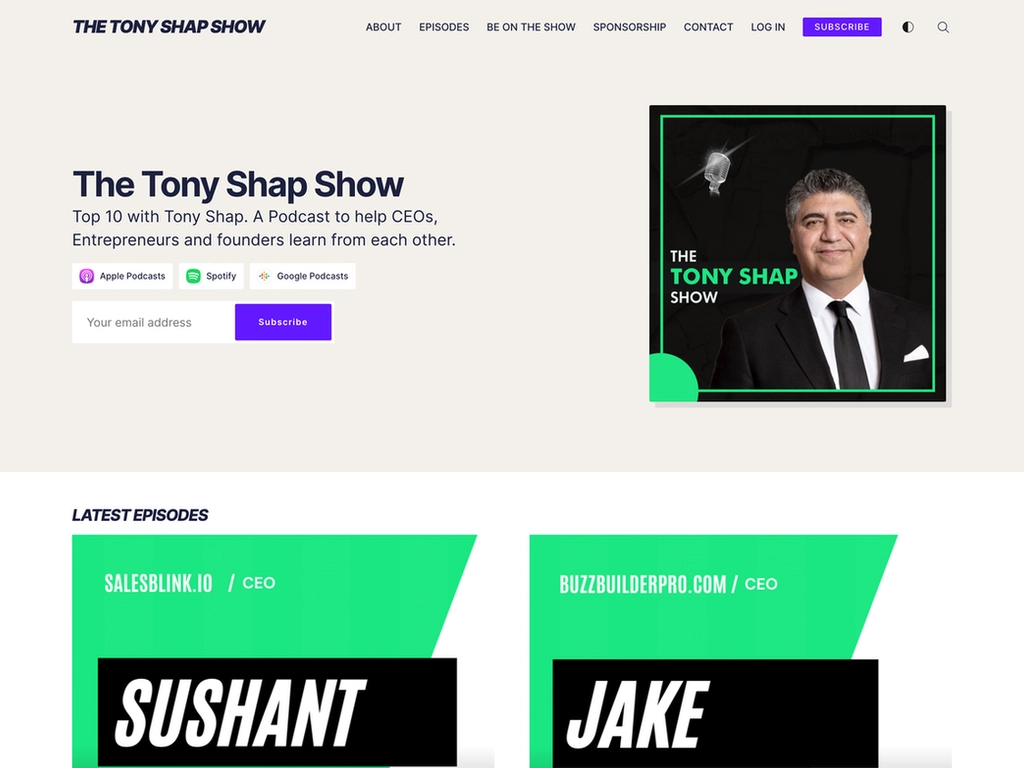
Present the show title, description, cover image, listening links, and email subscription form in the homepage hero. Numbered episode cards appear below it.
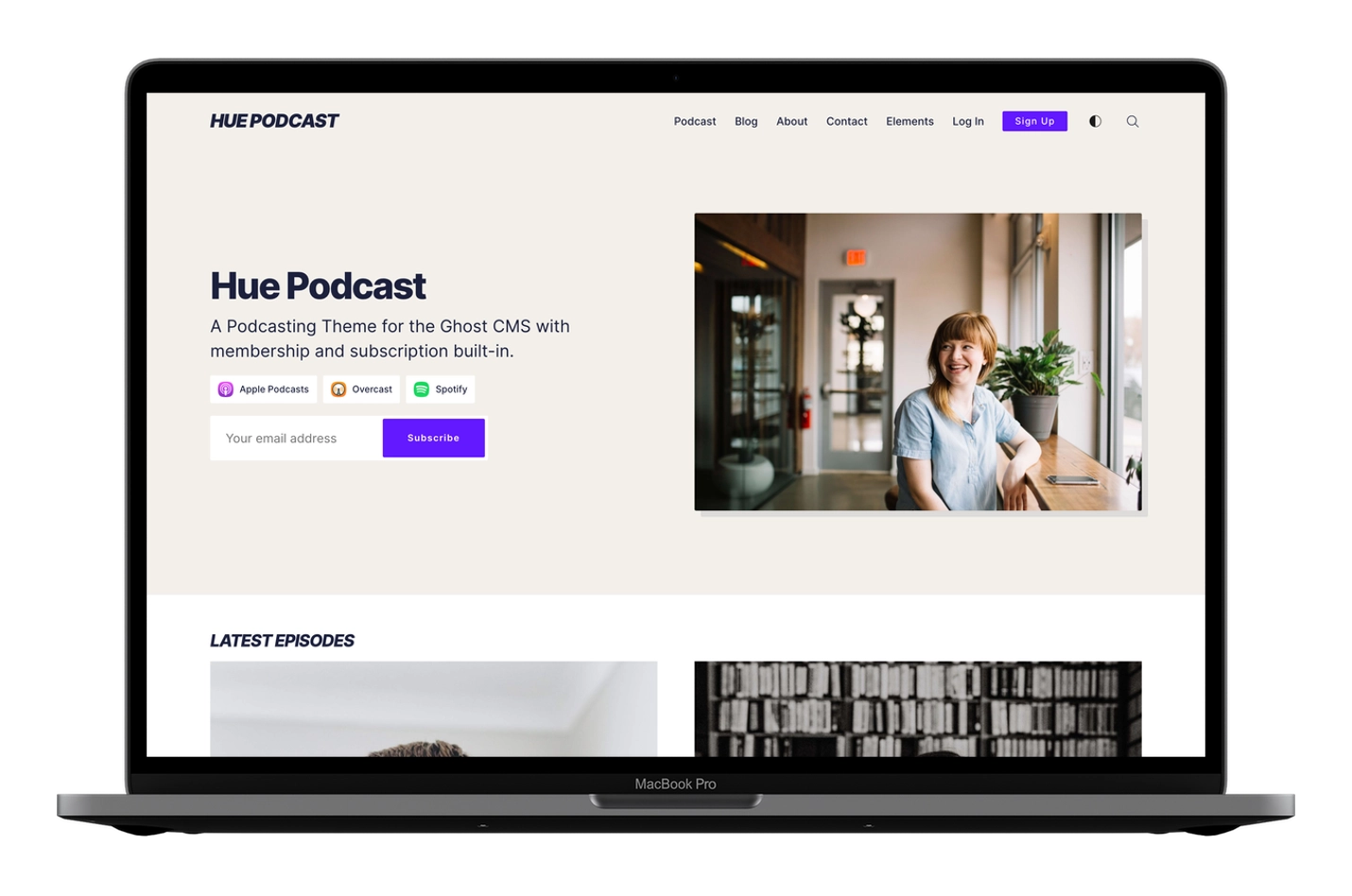
Hue Ghost theme podcast homepage with show information and episodes

Publish Episodes and Articles

Hue uses Ghost tags and routes to separate two publishing streams:

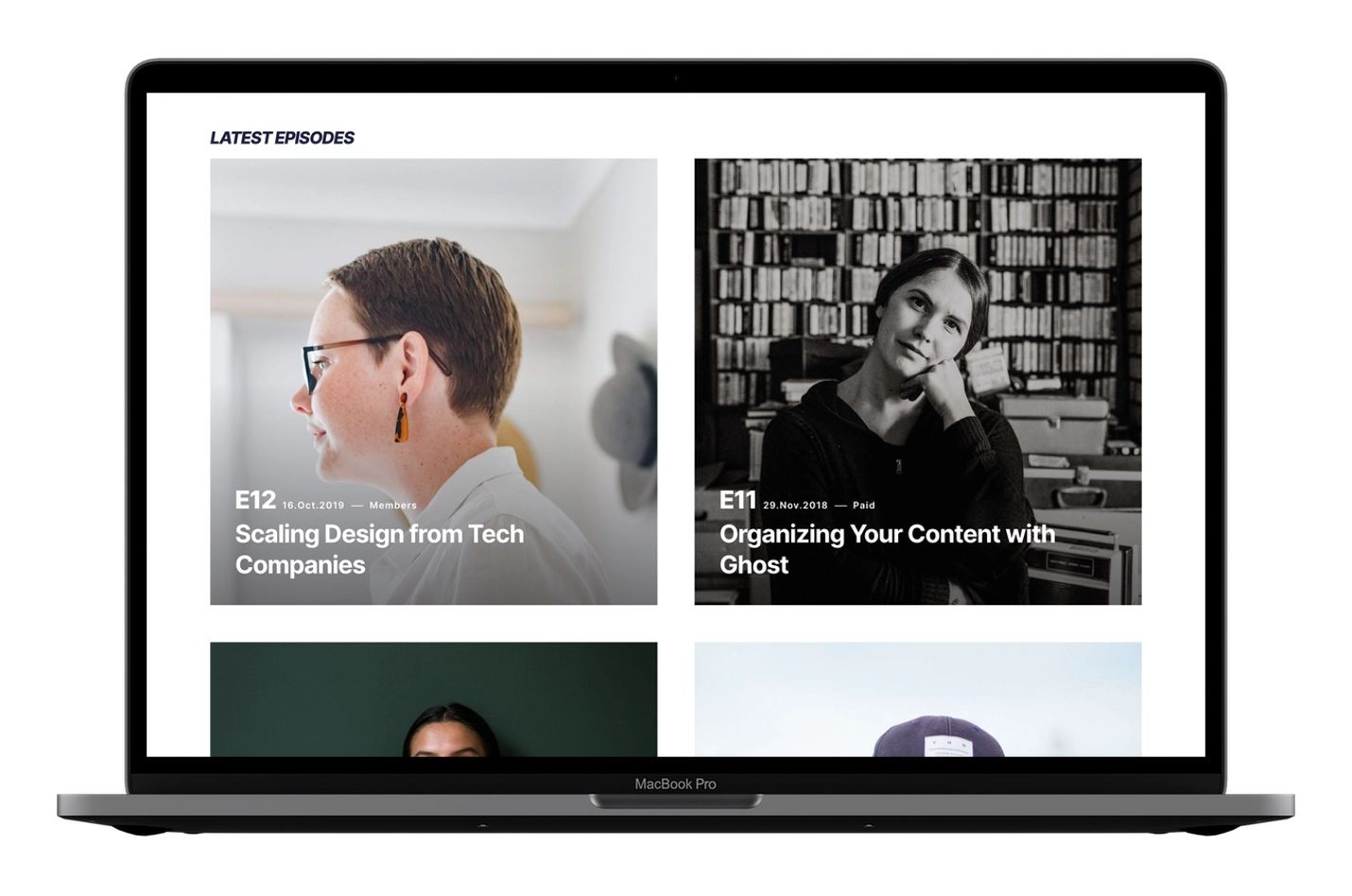
  • Add the podcast tag to an episode. It appears on the homepage with an automatically generated episode number.
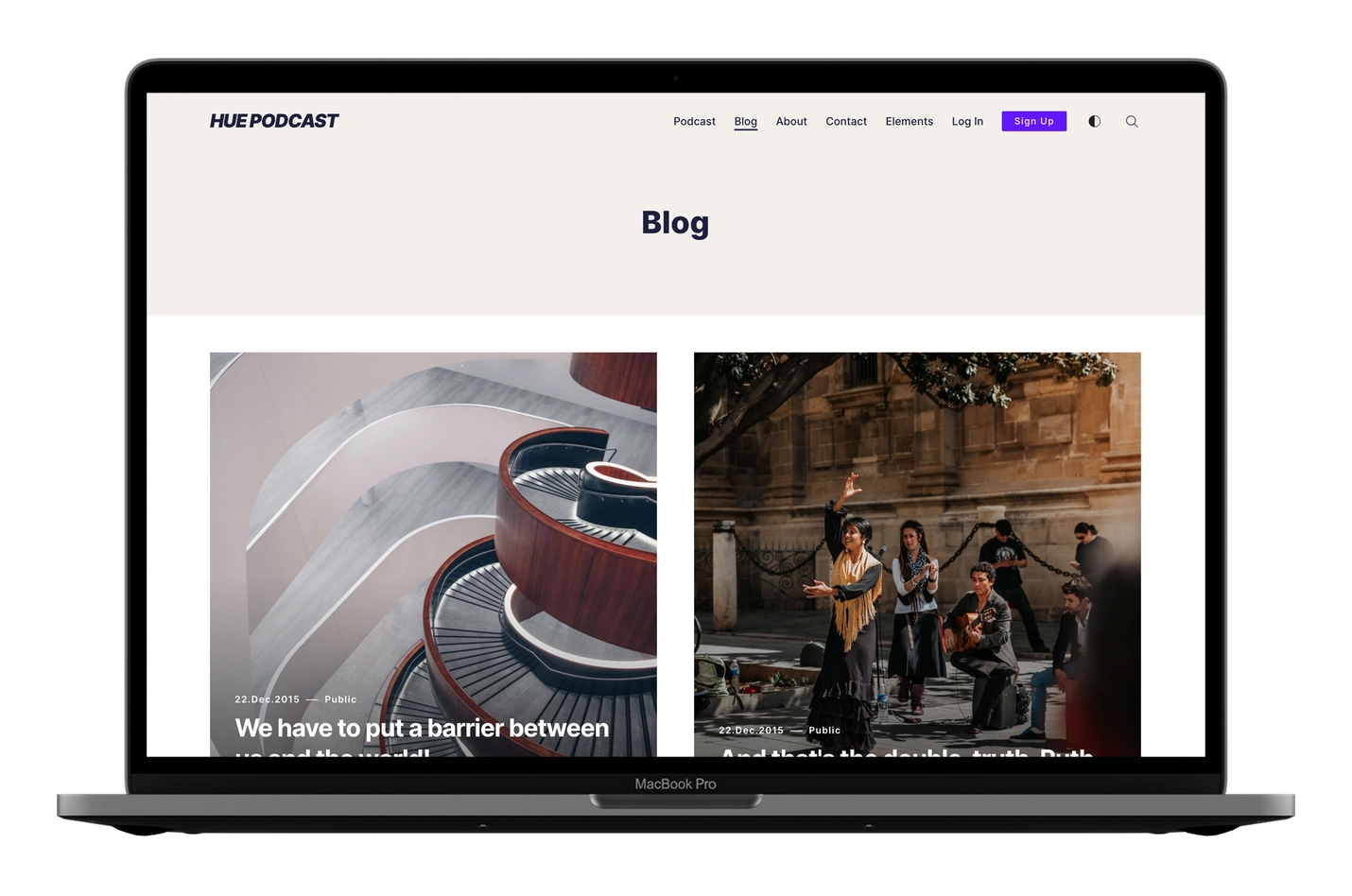
  • Add the blog tag to an article. It appears on the separate /blog page.
Numbered podcast episodes on the Hue Ghost theme homepage
Separate article archive in the Hue Ghost theme

Upload Hue’s included routes.yaml file after installing the theme. This required step sends podcast posts to the homepage and blog posts to /blog.

Add Your Podcast Player

Hue does not provide audio hosting or a custom podcast player. Host your show with a podcast service, copy its player embed code, and paste that code into a Ghost HTML card on the episode page.

Use the rest of the Ghost editor for show notes, images, links, transcripts, and member-only content.

Add current listening links to the homepage hero, including Apple Podcasts, Spotify, YouTube, Overcast, Pocket Casts, Castro, and your podcast RSS feed. Only services with a saved URL appear.
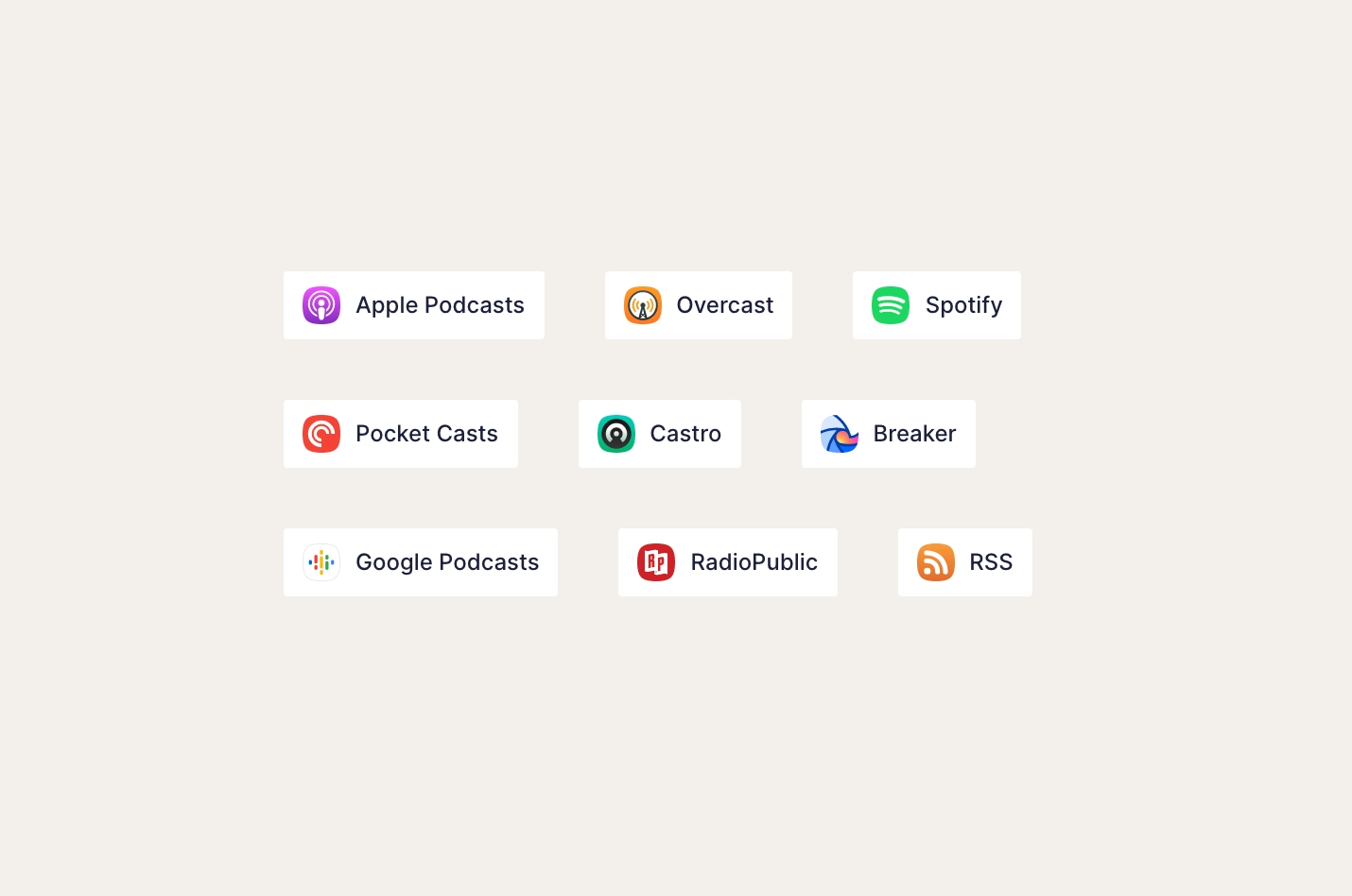
Podcast listening-service links in the Hue Ghost theme hero

Memberships and Subscriptions

Hue connects its email forms, Log in and Subscribe actions, access labels, and restricted-content prompts to Ghost memberships. Podcast episodes and blog posts can be public, member-only, paid, or limited to specific tiers.

Light, Dark, and Responsive Layouts

Hue follows the reader’s operating-system preference for light or dark mode and provides a navigation control for switching manually.
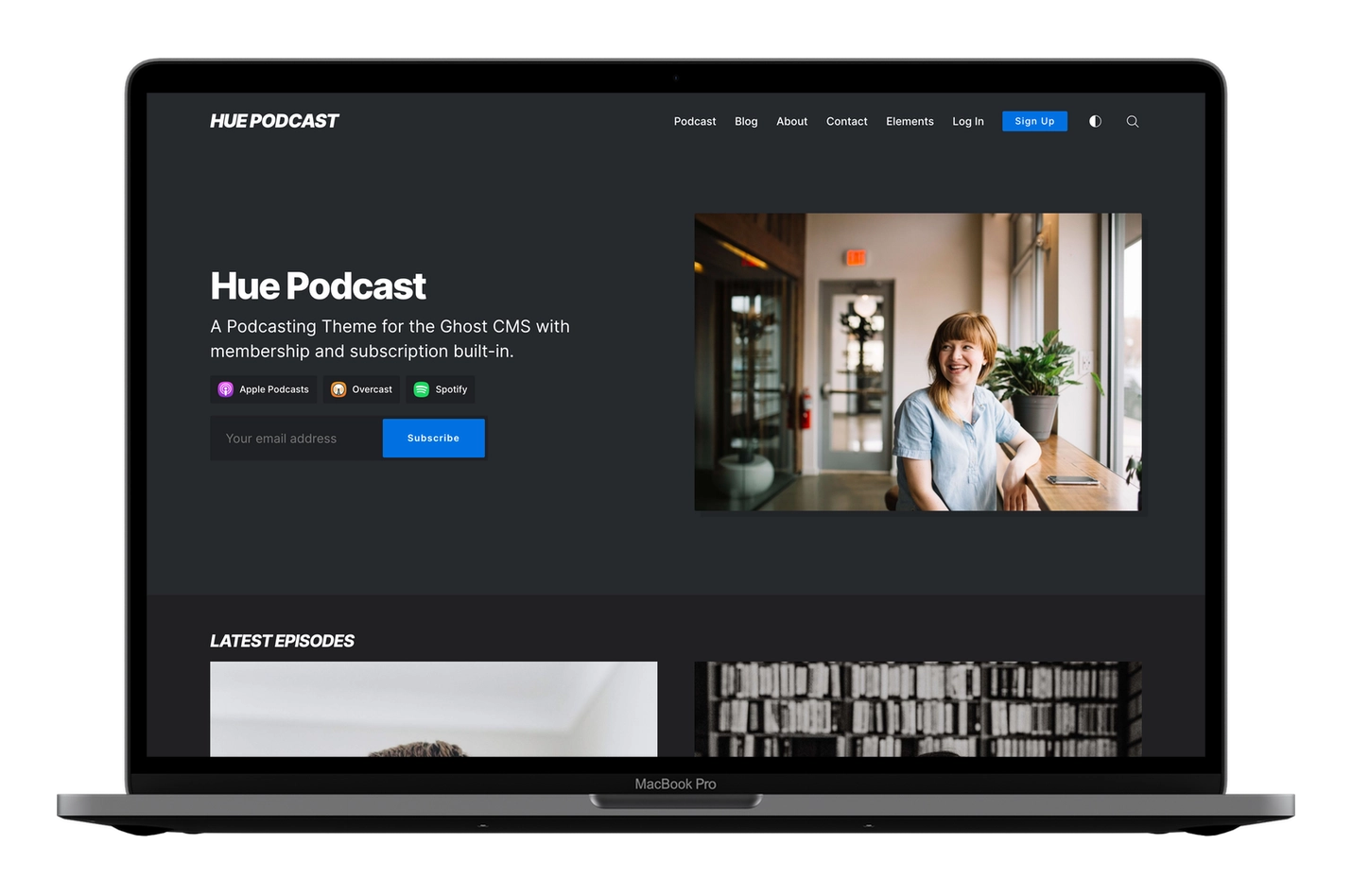
Hue Ghost theme in dark mode

Episode cards, article pages, navigation, and subscription controls adapt to phone, tablet, and desktop layouts.
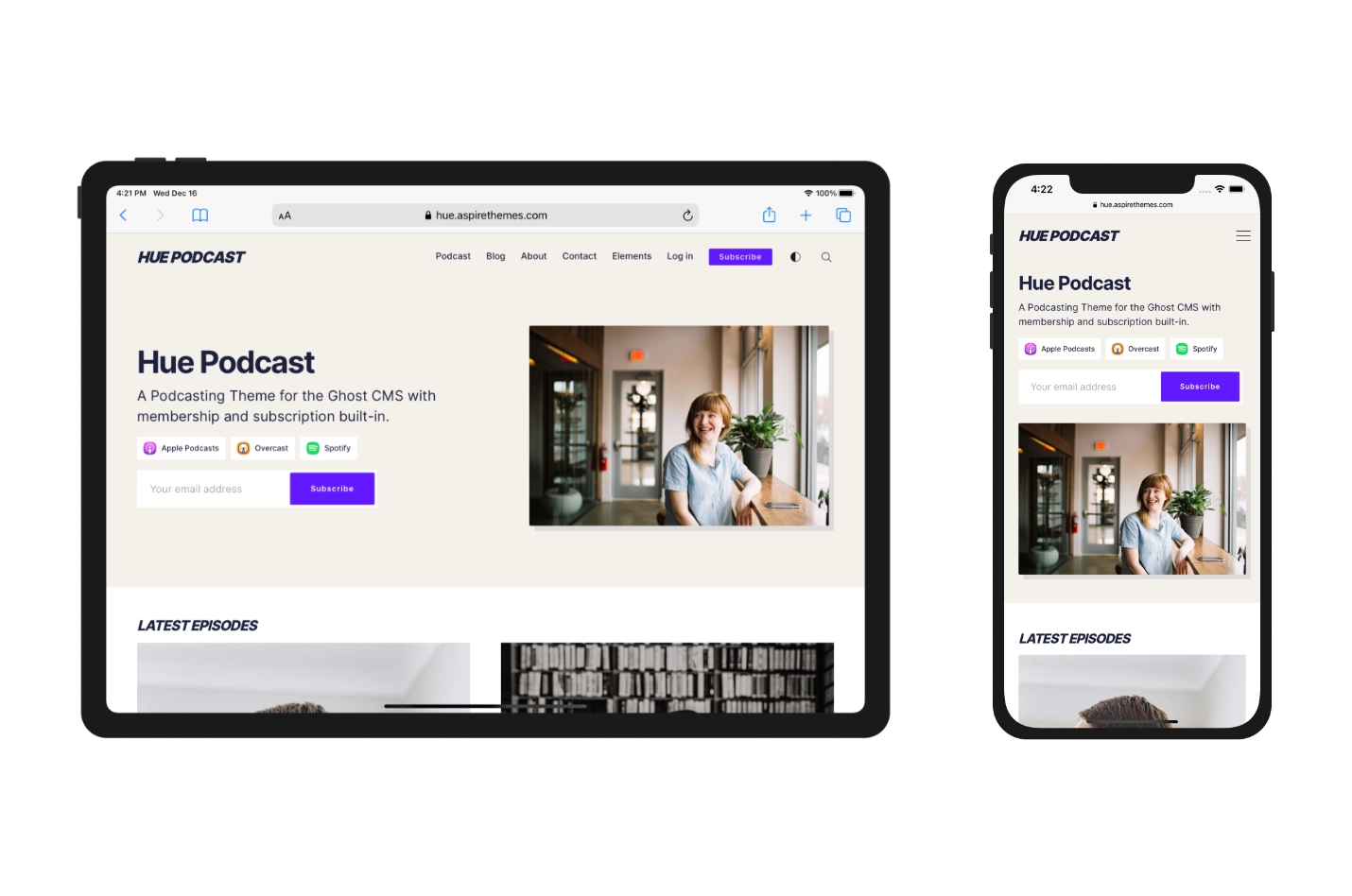
Hue Ghost theme responsive layouts on iPhone and iPad

Is Hue Right for You?

Choose Hue if your podcast already has a hosting service and you want a Ghost website for episodes, show notes, written articles, memberships, and email subscriptions.

Hue is not an audio host; its podcast player comes from the service you embed.

What Hue Includes

  • Ghost 6 support
  • Numbered episode cards
  • Separate podcast and blog routes
  • Podcast player embeds through Ghost HTML cards
  • Listening-service and RSS links
  • Ghost memberships, subscriptions, search, and comments
  • Public, Members, and Paid labels on post cards
  • Related posts and sharing
  • Light and dark modes
  • Responsive videos and tables
  • Syntax highlighting

Translation Support

Translation-ready theme text with 11 included language files: English, Arabic, Danish, Dutch, Finnish, French, German, Italian, Portuguese, Spanish, and Turkish.

Hue Ghost CMS Theme Translation

Deploy with GitHub

Use the Deploy Ghost Theme GitHub Action to upload theme changes to Ghost from your repository.
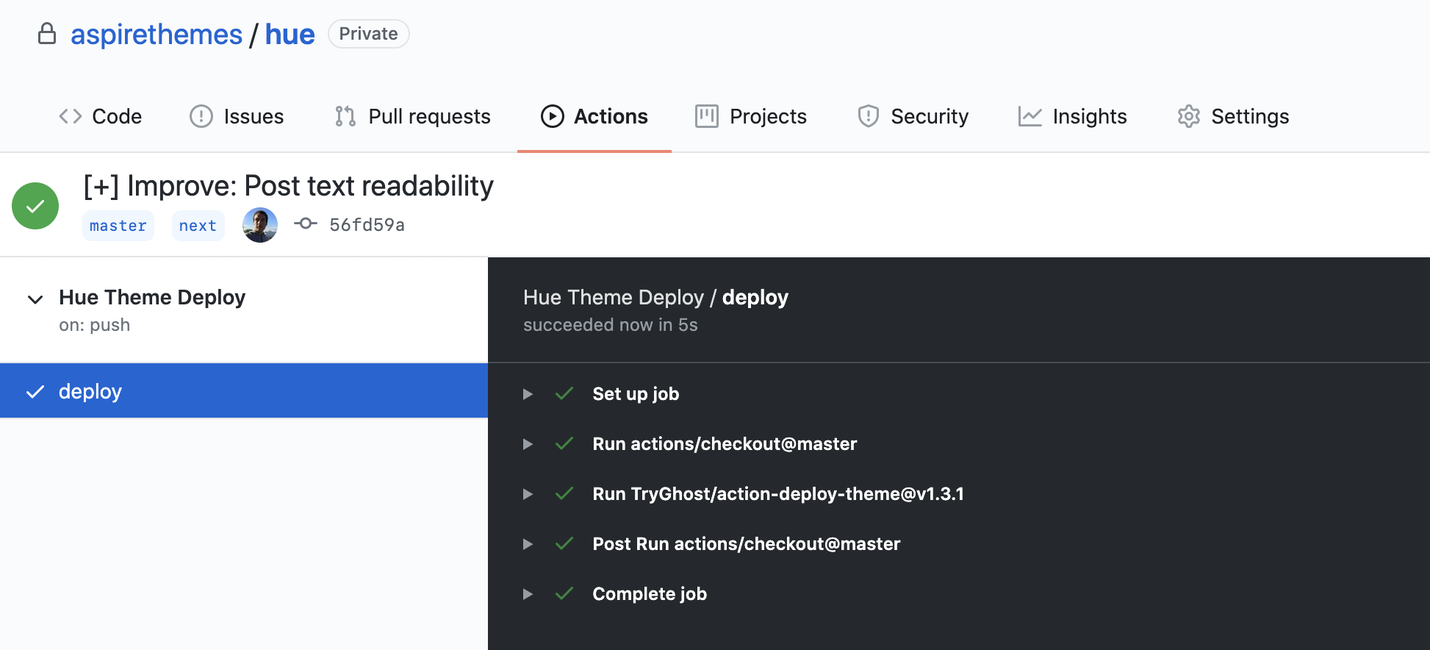
Hue ghost theme for podcast websites Ghost CMS Theme GitHub Actions

Frequently Asked Questions

What browsers do your Ghost themes support?

All Ghost themes work in the latest stable releases of major browsers, including Firefox, Safari, Opera, Chrome, and Edge.

What is the scope of your support?

Support covers questions about theme functionality, feature configuration, and bugs or issues in the original theme.

What is not included in your support?

My theme support service does not cover theme customizations or assistance with Ghost setup or server configuration.

How fast do you respond to support inquiries?

I usually reply within one business day (Mon–Fri).

What if I need help with a Ghost issue?

Ghost issues and questions are best addressed by contacting Ghost Support ↗ directly or using the Ghost Forum.

How long does theme support last?

Each purchase includes six months of support. You can extend this to 12 months for an additional fee at checkout.

What happens after the support period ends? Will I still be able to use the theme?

Yes. You can continue using the theme and receiving available updates after support expires. Renew your support if you need help with theme functionality, configuration, or bugs.

How can I renew my support?

You can renew your support for six months ($29) or twelve months ($49).

Can I try a theme before I purchase it?

You cannot download a theme before purchasing it, but you can explore its live demo. Purchases are covered by a 30-day money-back guarantee.

What is your refund policy?

You may request a full refund within 30 days of purchase. Before the refund is issued, you must uninstall the theme and stop using it. Read the Terms for the complete refund conditions.

Can I use a single theme license on more than one website?

No. A single-theme license covers one Ghost website. Choose the Themes Bundle if you need to use Aspire Themes on multiple websites.

How can I reach you?

Send me a message through the contact page.

What does ‘free updates’ mean?

You will receive free updates for any theme issue fixes, improvements, new features, and compatibility upgrades for the Ghost CMS.

How often do you update your Ghost themes?

Update schedules vary by theme. I release updates for compatibility, fixes, and improvements as needed.

How do I know when a new update is available?

When an update is released, I send an email with a link to download the new version.

I lost the theme download link. How can I find it?

The download link is in your purchase receipt email and the update email. If that’s missing, please send me the email address used to purchase the theme and I will resend it. If you bought the theme from ThemeForest, you can download it from your account’s Downloads page.

How do I apply the new theme update to my current theme?

The theme’s changelog lists the files added, changed, or removed in each release.

Can I modify and customize the themes?

Yes, you are free to customize any theme as much as you like.

Do I need to know how to code to use your theme?

No coding is required to install the theme. Coding is only needed if you want to customize or extend the theme beyond the current features. Some features require configuration, and everything is explained in the online documentation. Also, there is a video with tips and recommended tools for editing theme files.

Are you available for theme customizations?

I'm not available for paid custom work or theme customizations.

Do the Ghost themes come with the raw HTML files?

No. The themes use Handlebars as the default Ghost template language.

Which Ghost Pro plan will I need to support your themes?

Ghost(Pro)’s Starter plan does not support custom theme installation. Choose a plan that includes custom themes and confirm the current options on Ghost’s pricing page.

Have any questions? Contact Ahmad

What my customers say

Oren Cohen Photo

Oren Cohen

@orencohen

I finally caved and bought @aspirethemes's bundle. It's either that or keep paying 149 dollars every time I see a theme I like - which is all of them. Good job!

Leslie Camacho Photo

Leslie Camacho

@LeslieSCamacho

If you happen to be looking for Ghost CMS themes, check out @aspirethemes I use one of their themes for Glimmering and love their work. Excellent design, code, and support.

Iain Broome Photo

Iain Broome

@iainbroome

My new website/newsletter is in @Ghost using the excellent Ubud theme from @aspirethemes. Had some very generous support from them too as I wanted to do a little tweaking. 🙌

Dr Fox, Wizard Photo

Dr Fox, Wizard

@drjasonfox

It’s been a genuine delight to use @aspirethemes as the starting point for my adventures with @Ghost – @ahmadajmi has done an incredible job of creating a flexible yet robust site replete with incredible documentation. Highly recommend 🧡

Menka Sanghvi Photo

Menka Sanghvi

@menka

Thanks for sharing my newsletter, Ahmed! I'm really enjoying the simplicity and beauty of using your theme with Ghost.

Bruce Maples Photo

Bruce Maples

@ForwardKY

I have used two different Aspire themes since I moved to Ghost. I have found the themes to be well designed, well built, and technically solid. They have features I have not found in other themes I have looked at. Even better, Ahmed Ajmi, the author of the themes, is both professional and responsive — a rare combination in the theme world. I recommend Aspire Themes and their author to anyone looking to either get started with Ghost, or take their Ghost site to the next level.

Jason Shen Photo

Jason Shen

@JasonShen

If you’re admiring the theme, it’s Ubud powered by @aspirethemes.

Tom Bell Photo

Tom Bell

@tombell93

I can honestly say I've been hugely impressed with @Ghost and the themes from @aspirethemes are beautifully simple. Thank you!

Elizabeth Butler Photo

Elizabeth Butler

@elizabutlermd

Thank you for making a great product! 😊 Ubud has been a great theme to work with. Your fantastic documentation makes things so easy to customize! ⚡ Highly recommend @aspirethemes for anyone building with @ghost.

Marco Zehe Photo

Marco Zehe

@MarcoInEnglish

I just bought the whole theme bundle from Ahmed this morning. That includes that theme. I am currently redoing my German blog using the Nubia theme and love it.

Isabelle Roughol Photo

Isabelle Roughol

@iroughol

This is why I love the @Ghost community. I struggled to build a fadeout so a nice guy in the forum helped me. Then theme designer @ahmadajmi joined in. Next he releases it to all users with a (unnecessary but lovely) shoutout. This is what the Internet used to feel like.

Caro Griffin Photo

Caro Griffin

@carolinesyrup

Aw, thanks! 🥰 Ubud is my favorite theme ever. It's so lovely and easy to customize.

Bill Fox Photo

Bill Fox

@BillFoxStrategy

Thank you for featuring my site! Your themes are superbly designed and a joy to work with. Thank you for your great work!

Jonas Achouri Photo

Jonas Achouri

@jasmourad

Excellent support from the team behind the Aspire themes, if you decide to give it a try @ahmadajmi 🌟

Latest Ghost Themes