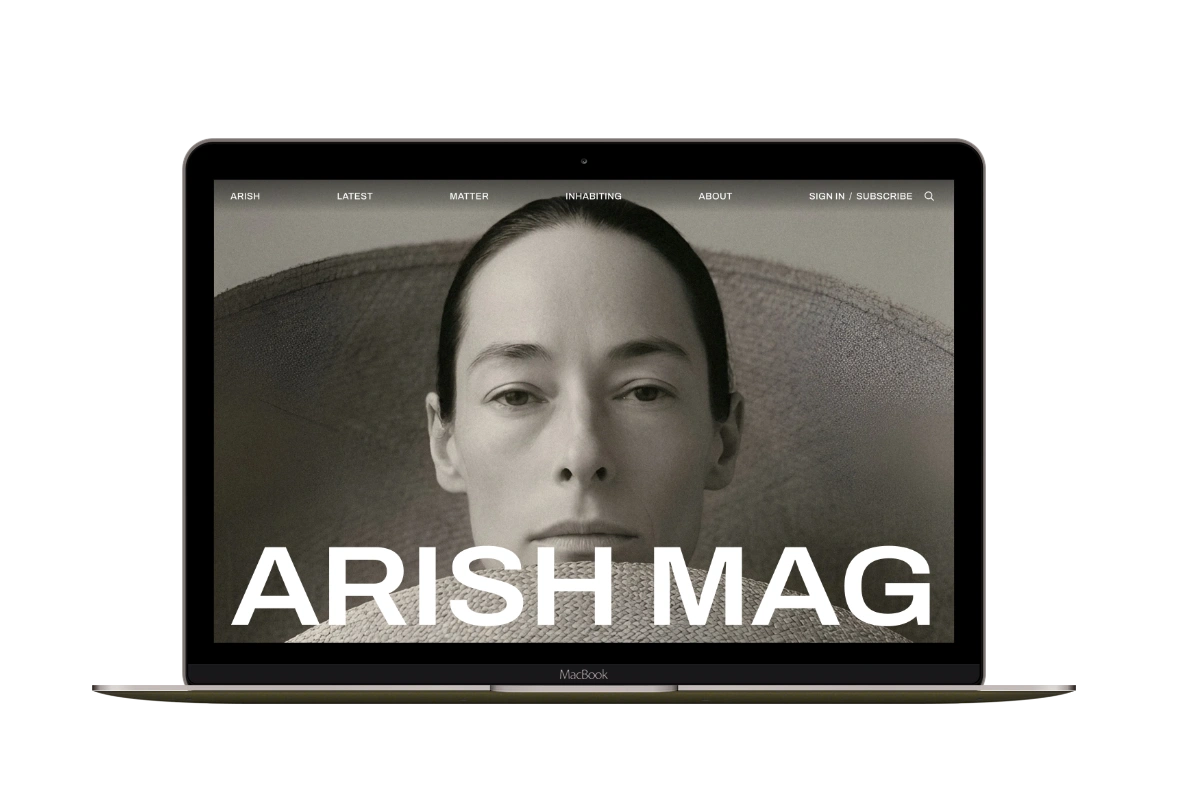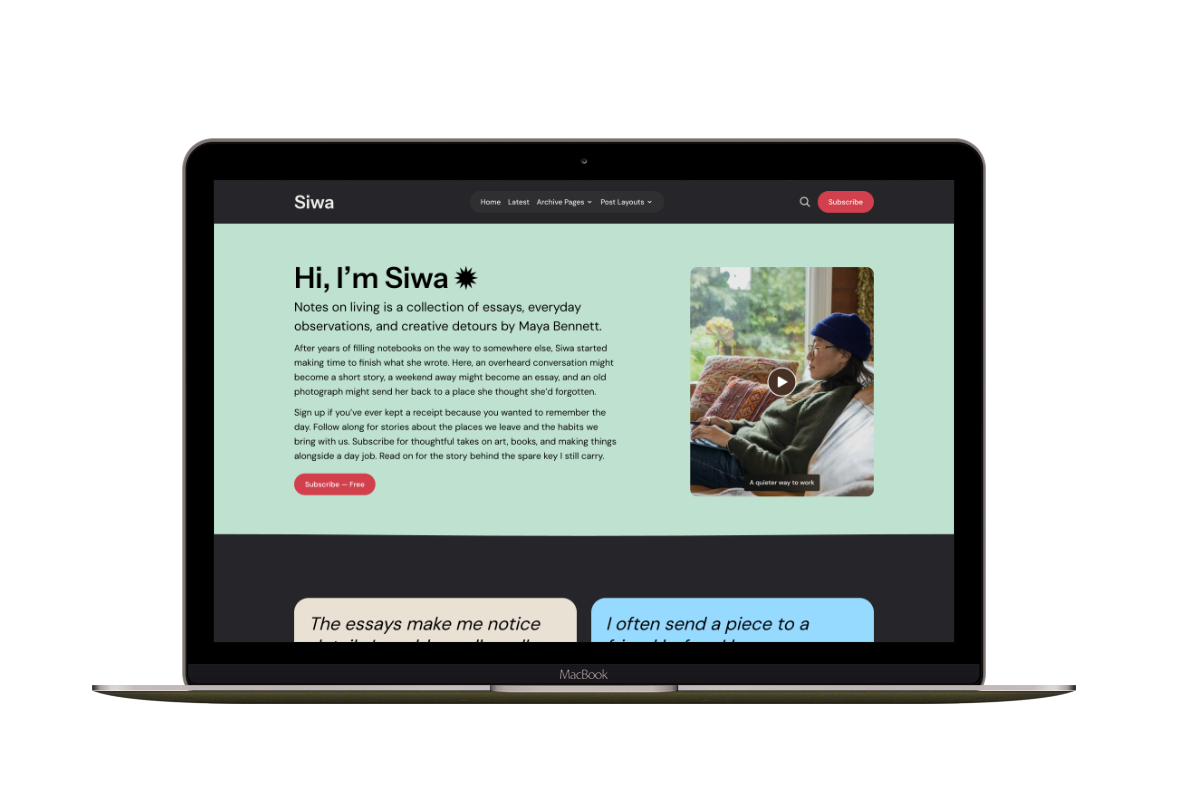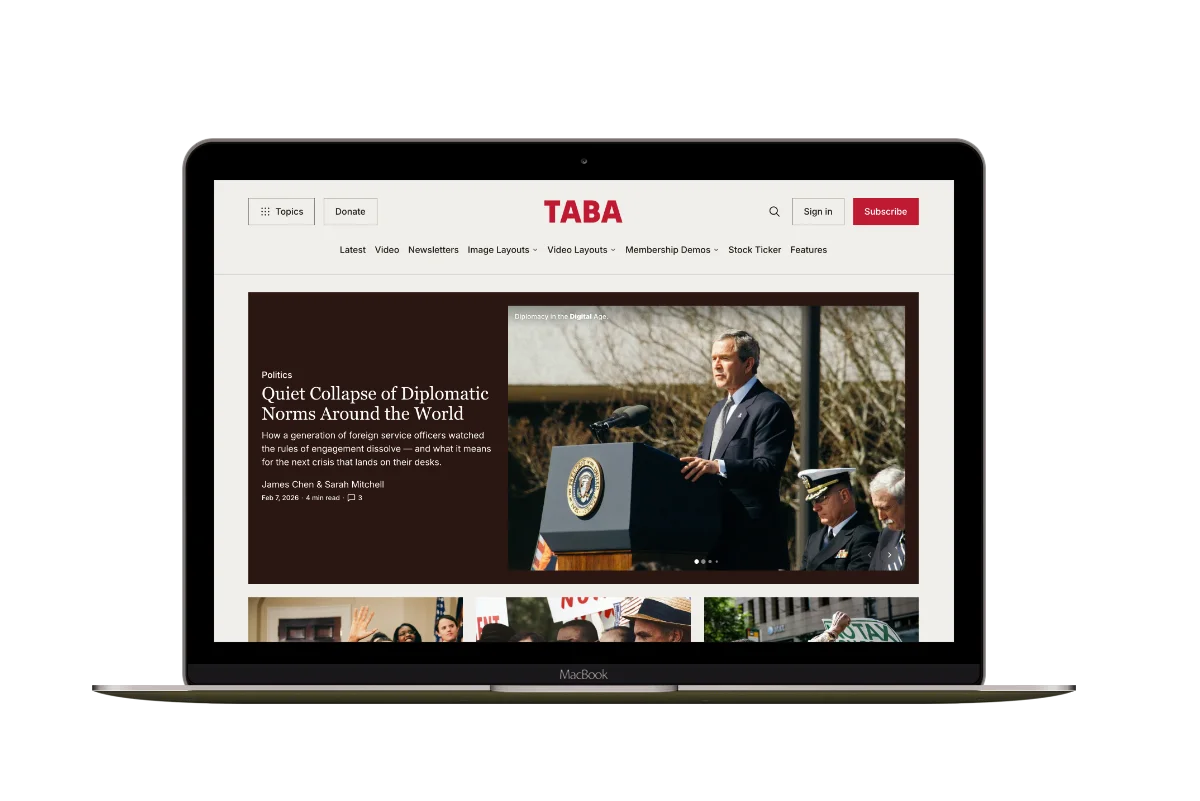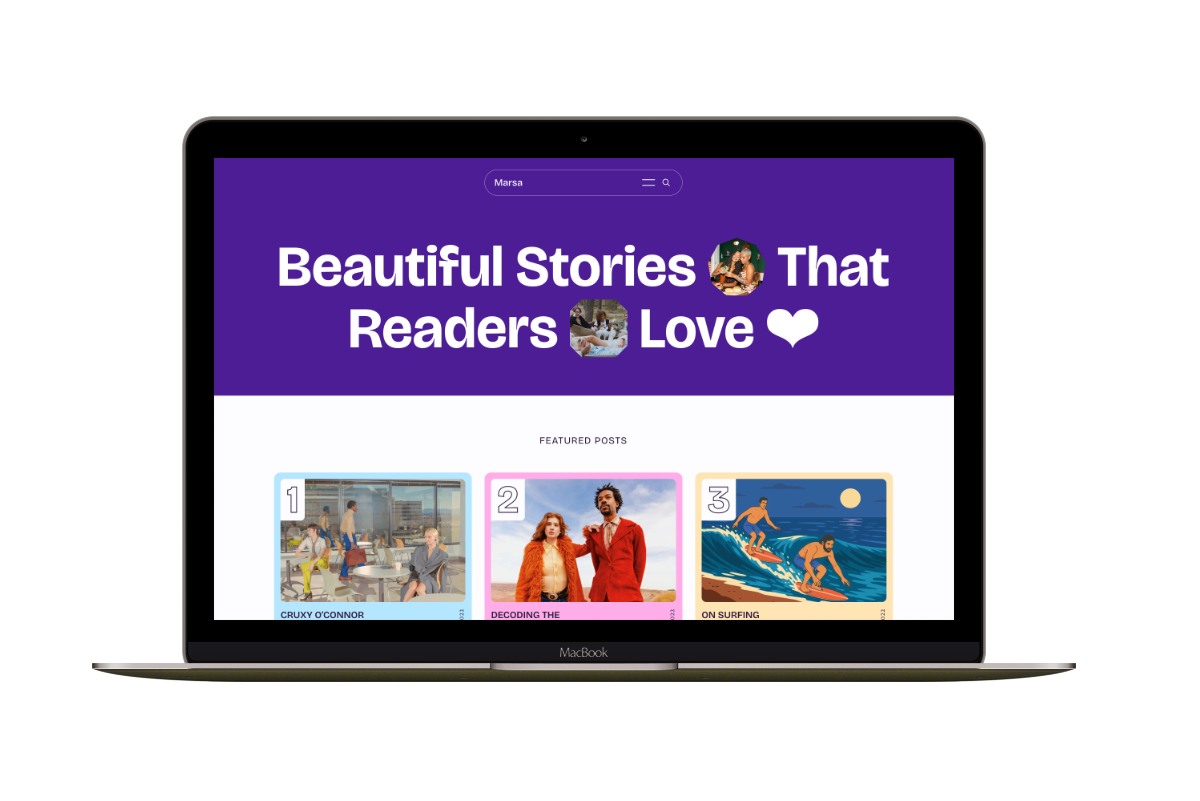
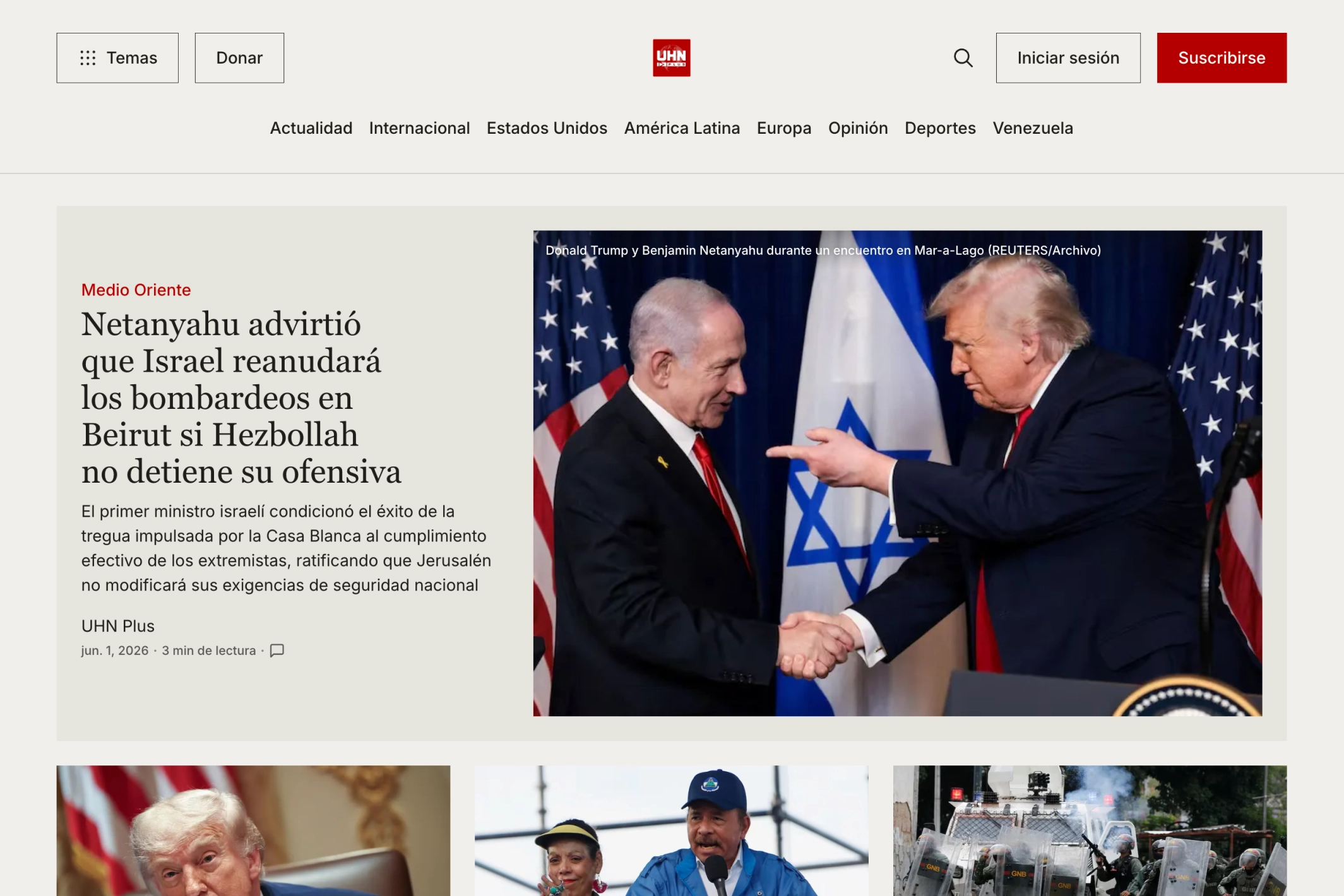
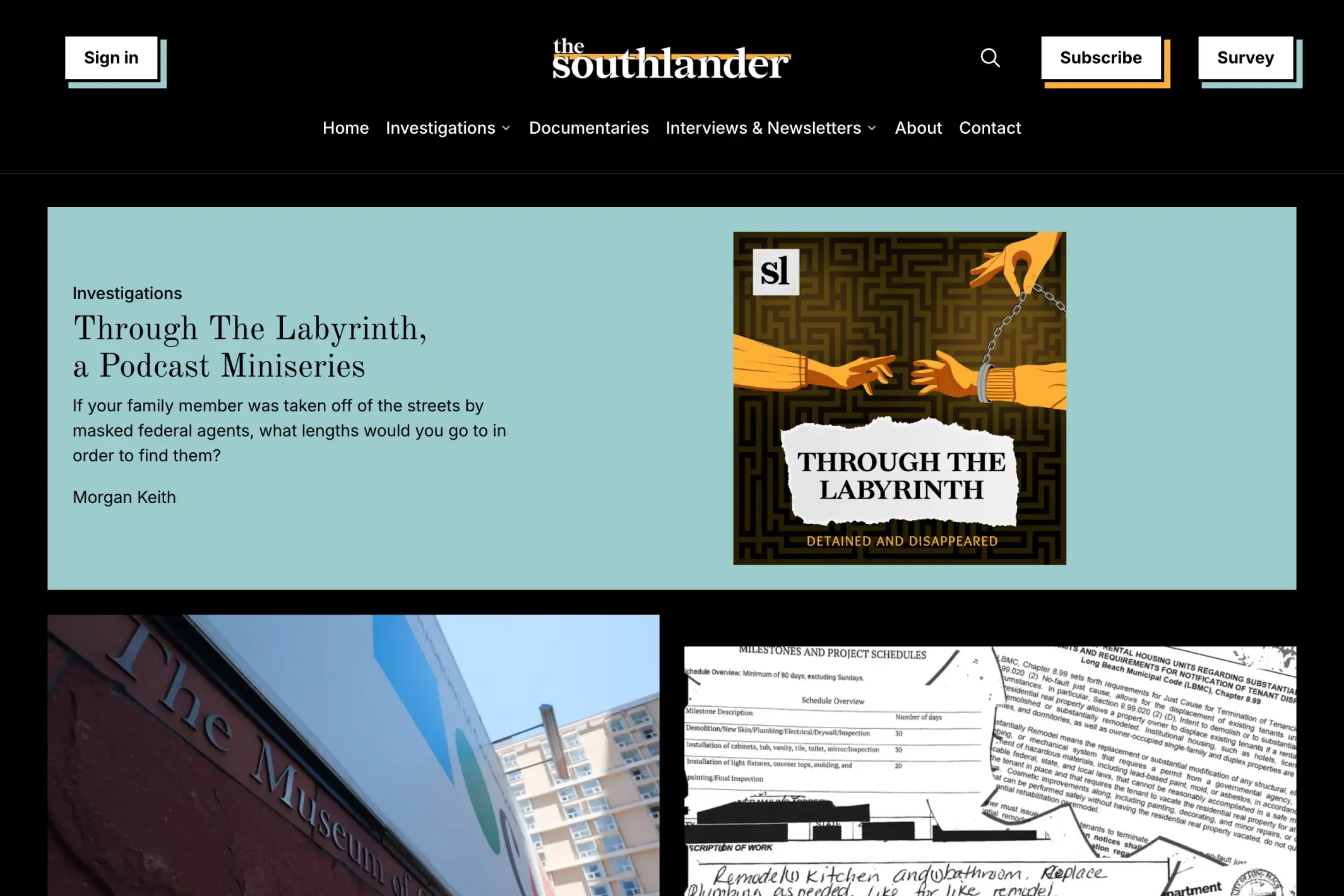
Taba is a Ghost theme for newsrooms and digital magazines that publish across several topics and media formats. It combines a structured front page, eleven custom story layouts, video publishing, memberships, newsletters, and article tools.
Explore the demo, dark demo, or read the documentation.
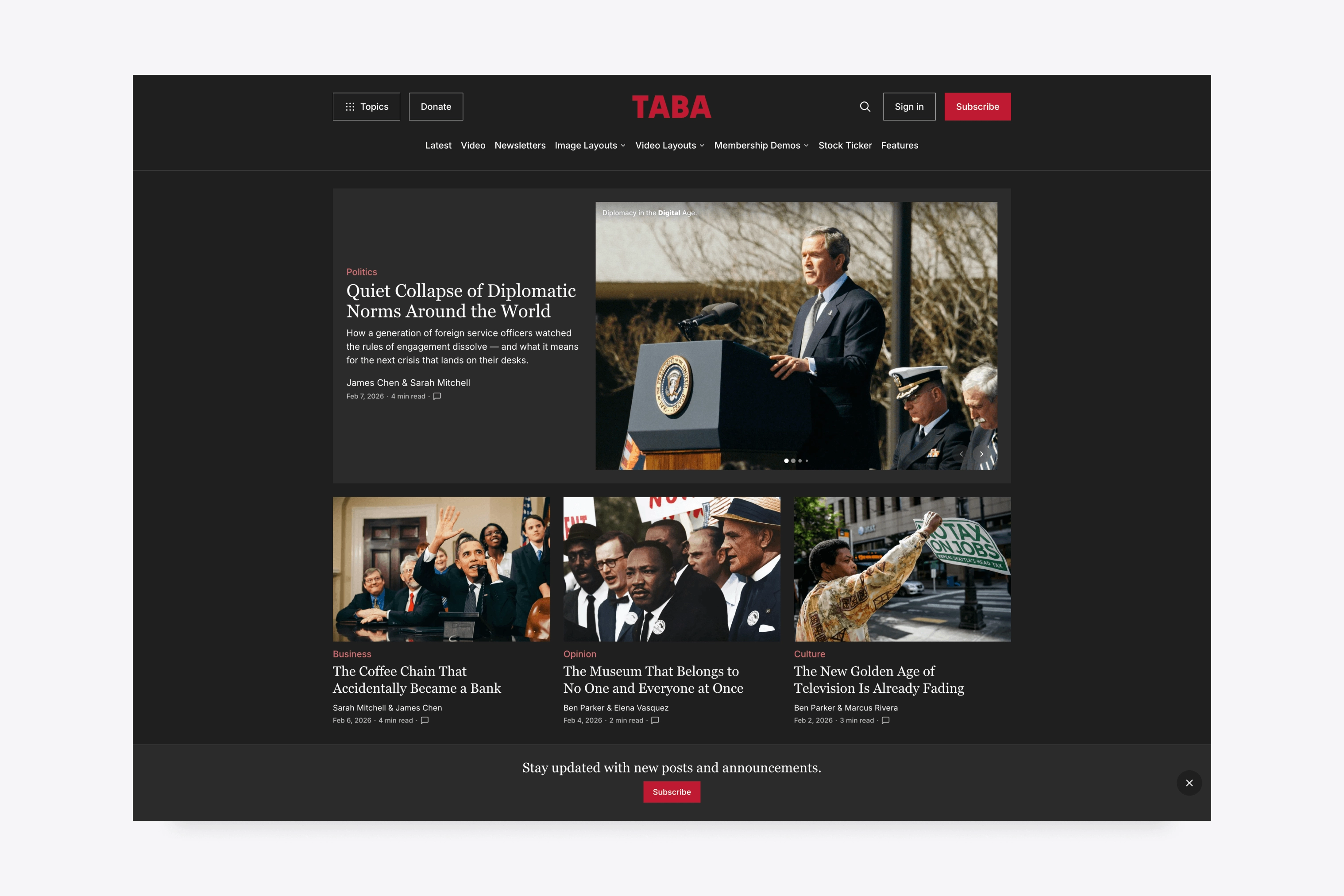
Editorial Homepage
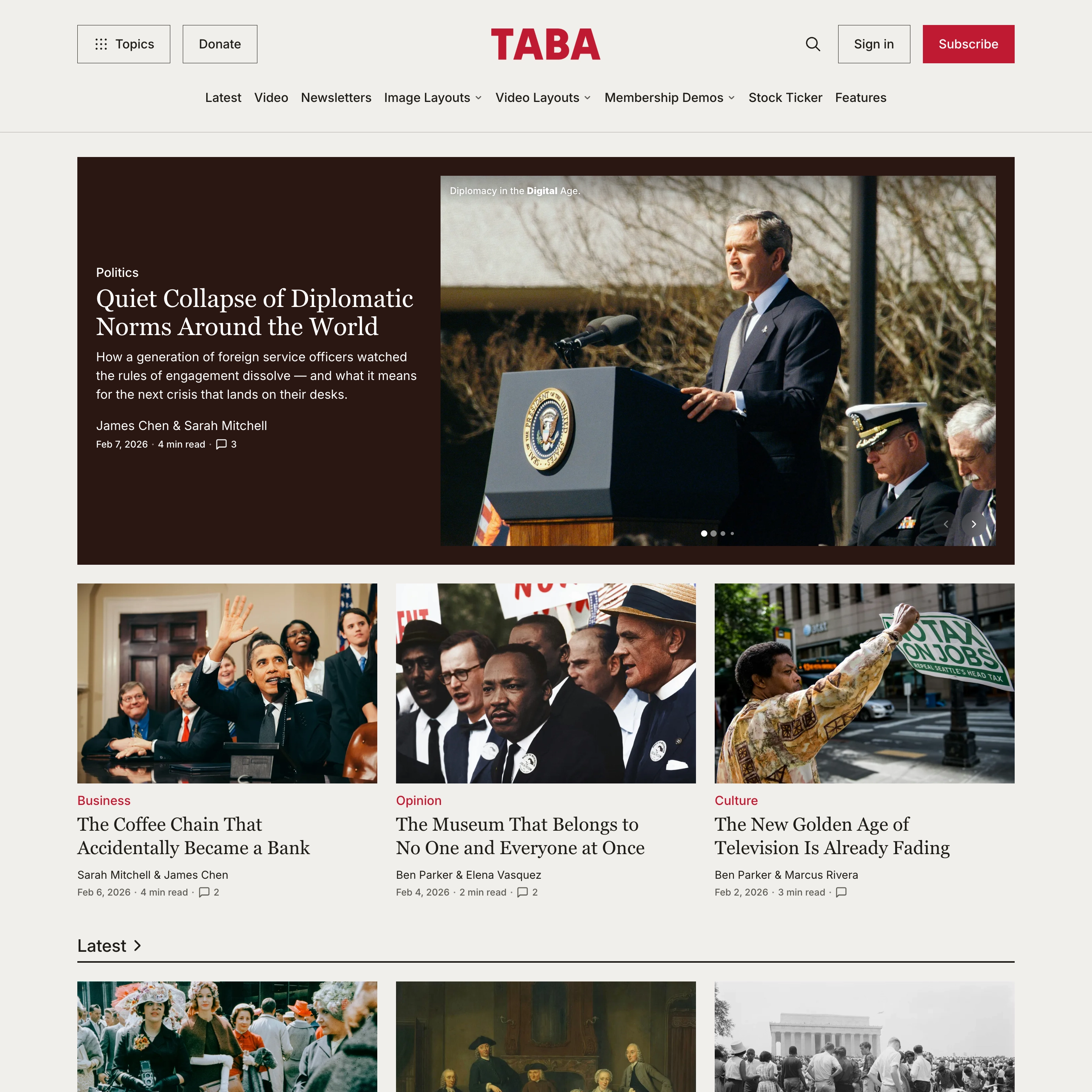
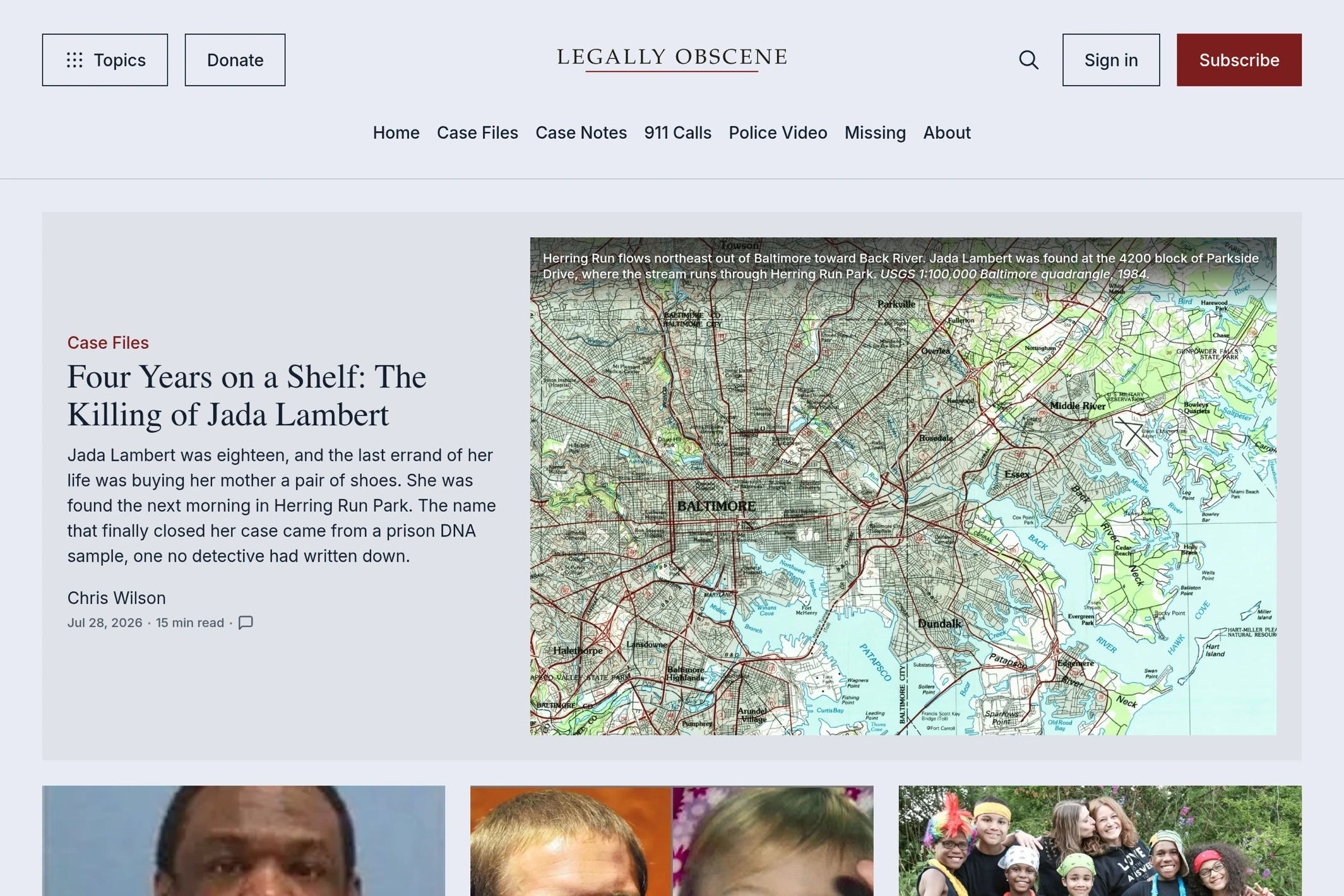
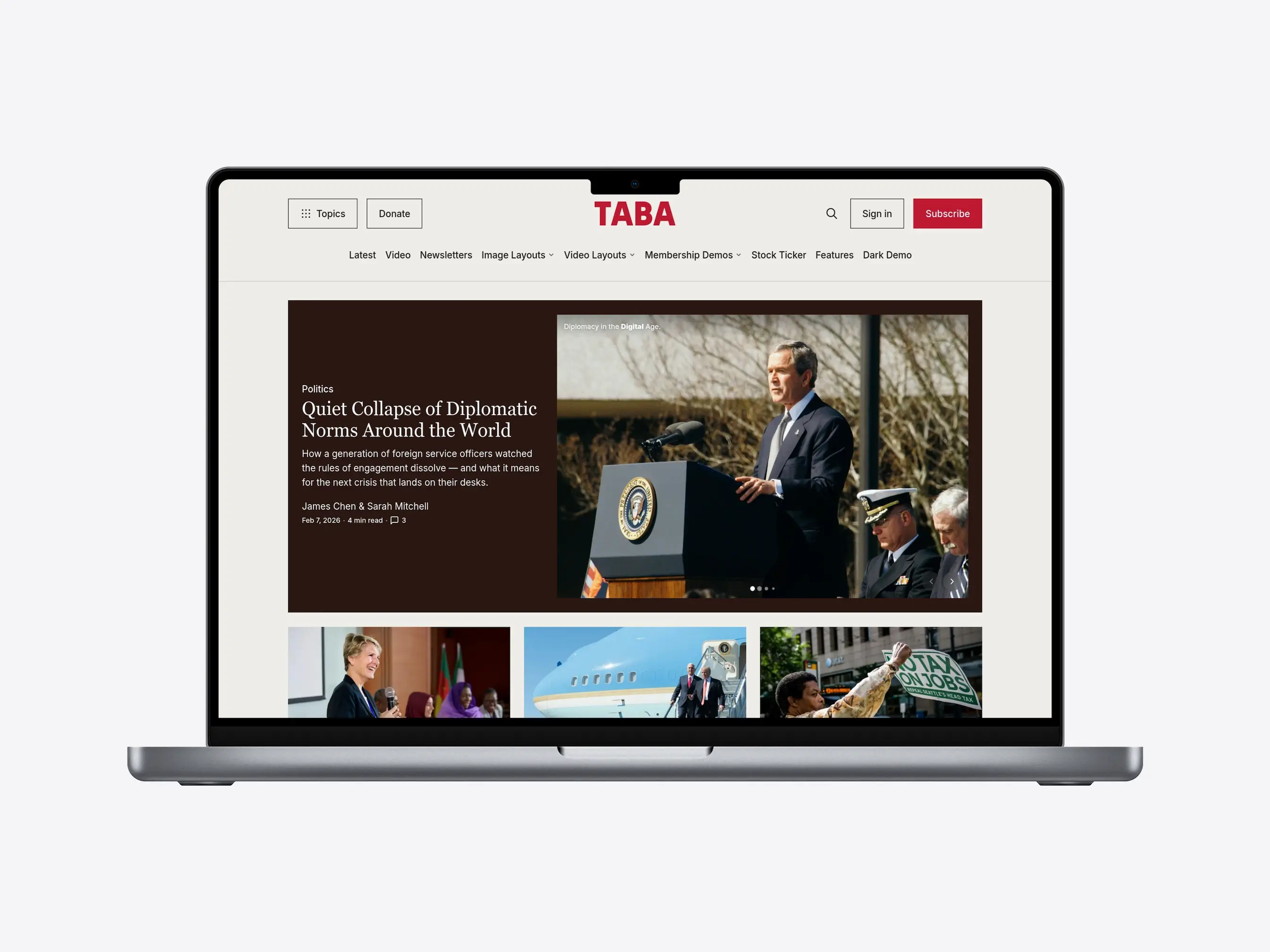
Build a front page with featured stories, topic sections, Editors’ Picks, video coverage, and curated story columns. Each section gives editors a distinct place to lead with a story or maintain recurring coverage.
Slideshow, Gallery, and Video Feature Cards
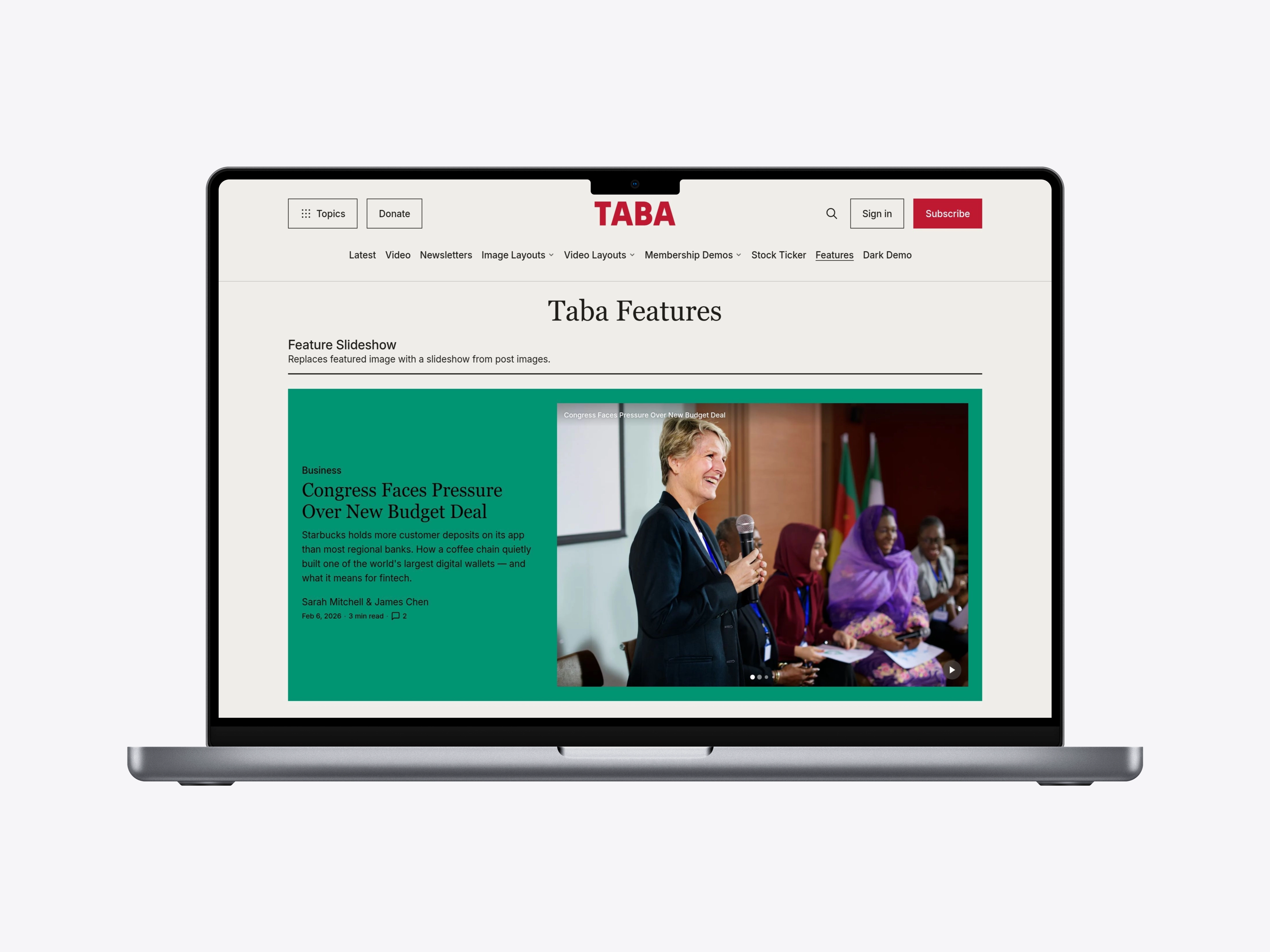
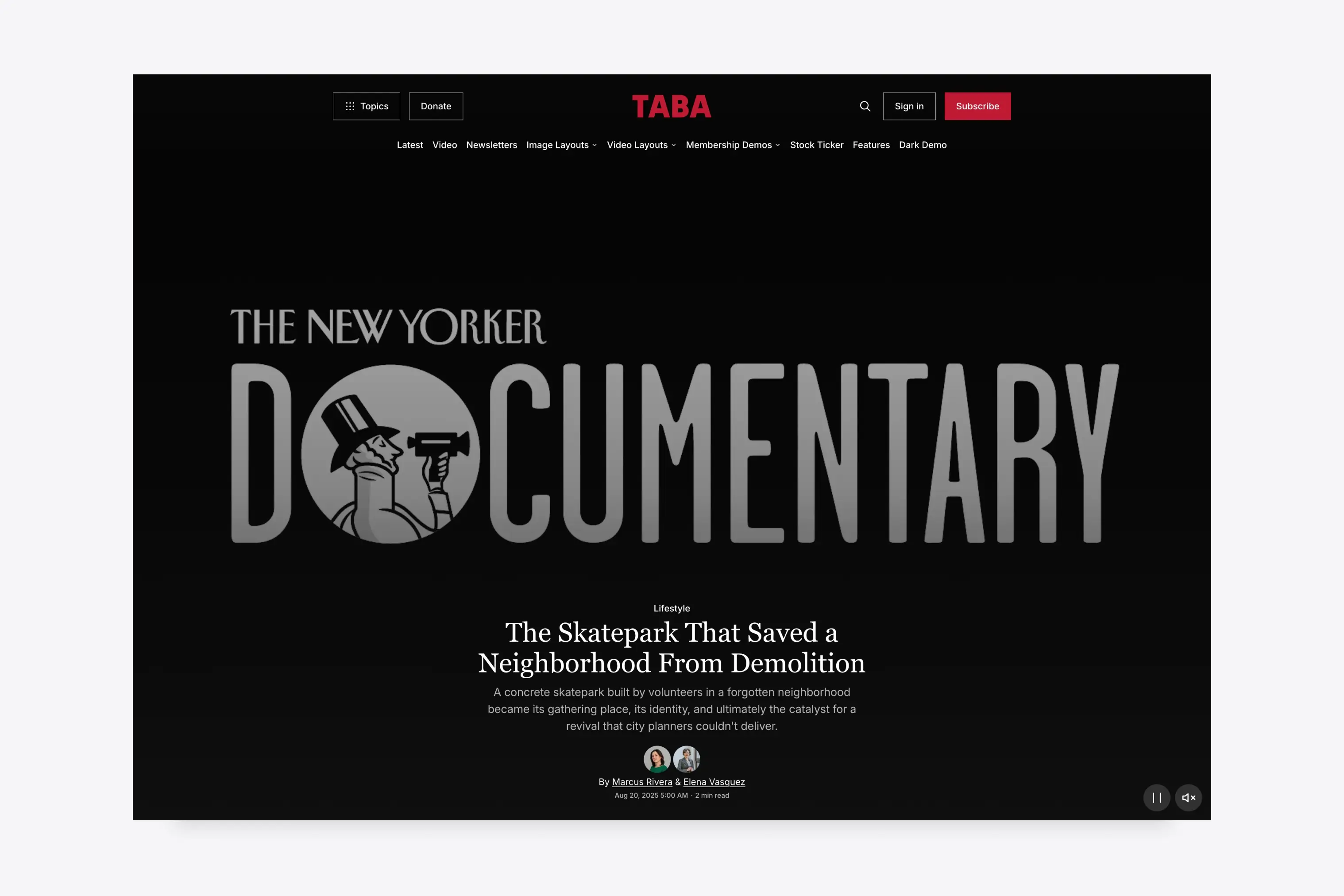
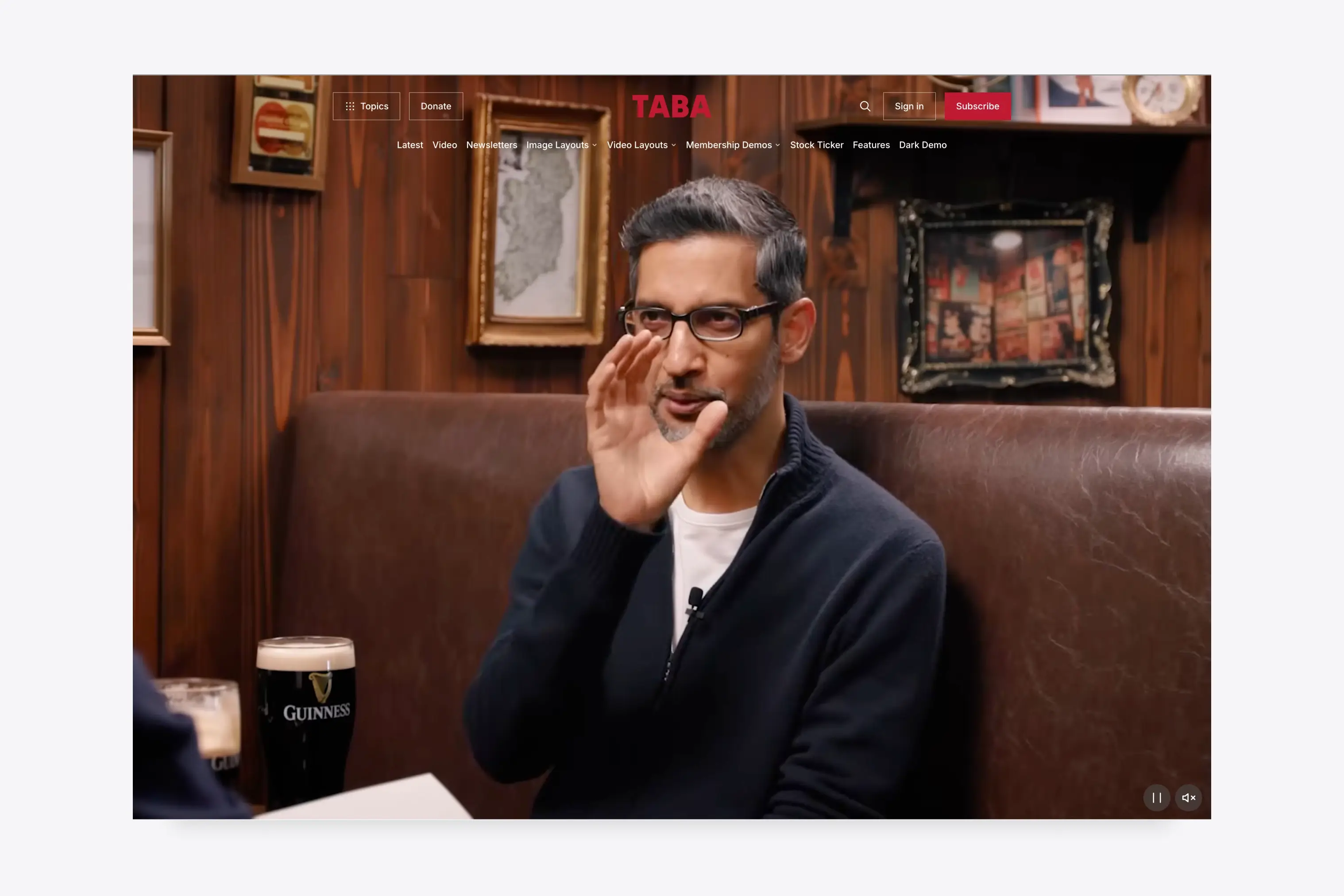
Use slideshow, gallery, video, and autoplay video cards for visual reporting, interviews, magazine features, and lead stories that need more than one static image.
See the feature card examples.
Light, Dark, and Custom Colors
Choose the default palette, five preset light and dark schemes, or Custom Colors for your own background, text, and accent colors.
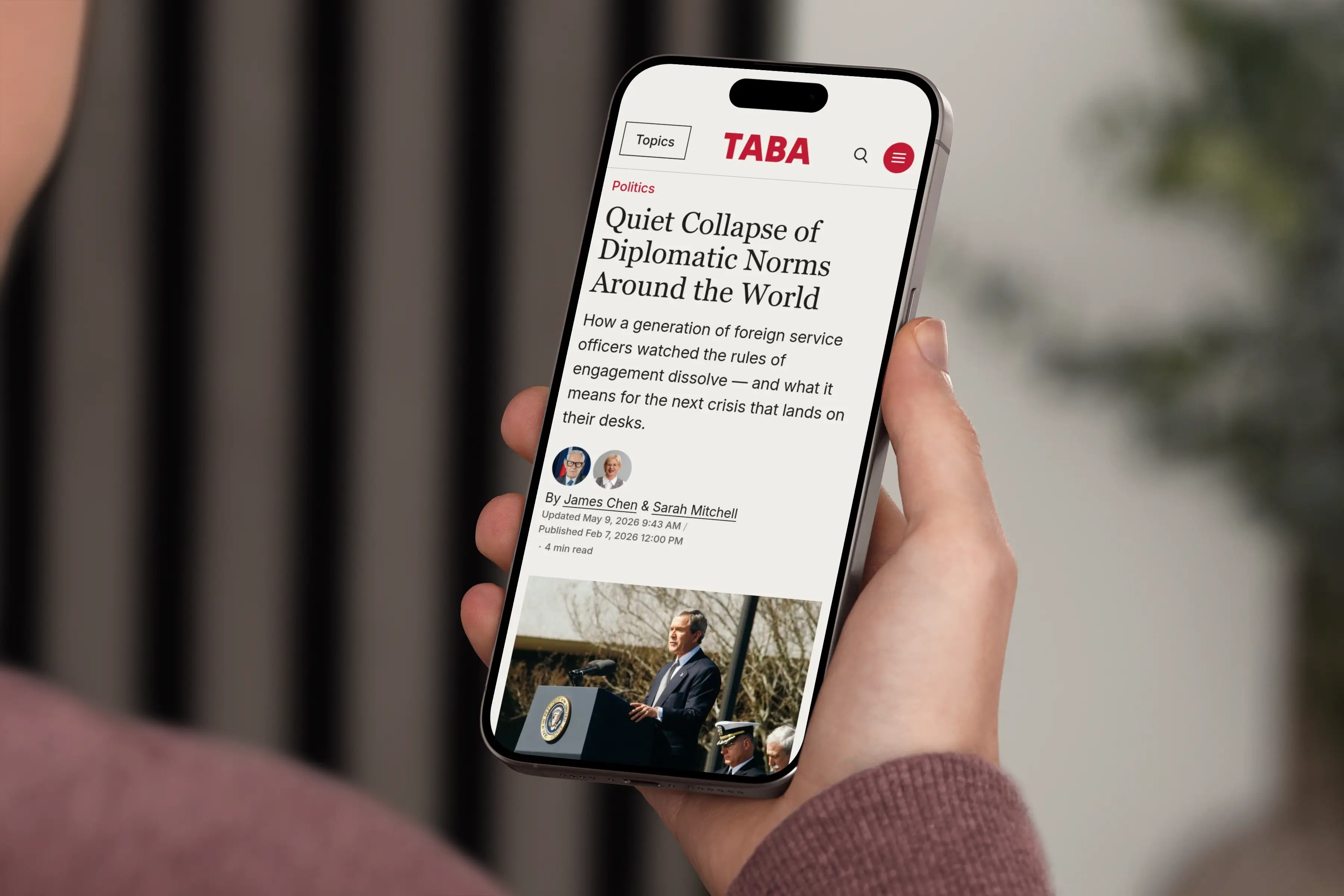
Responsive Editorial Design
The homepage, navigation, story layouts, video, and reading tools keep the same editorial order across mobile, tablet, and desktop screens.
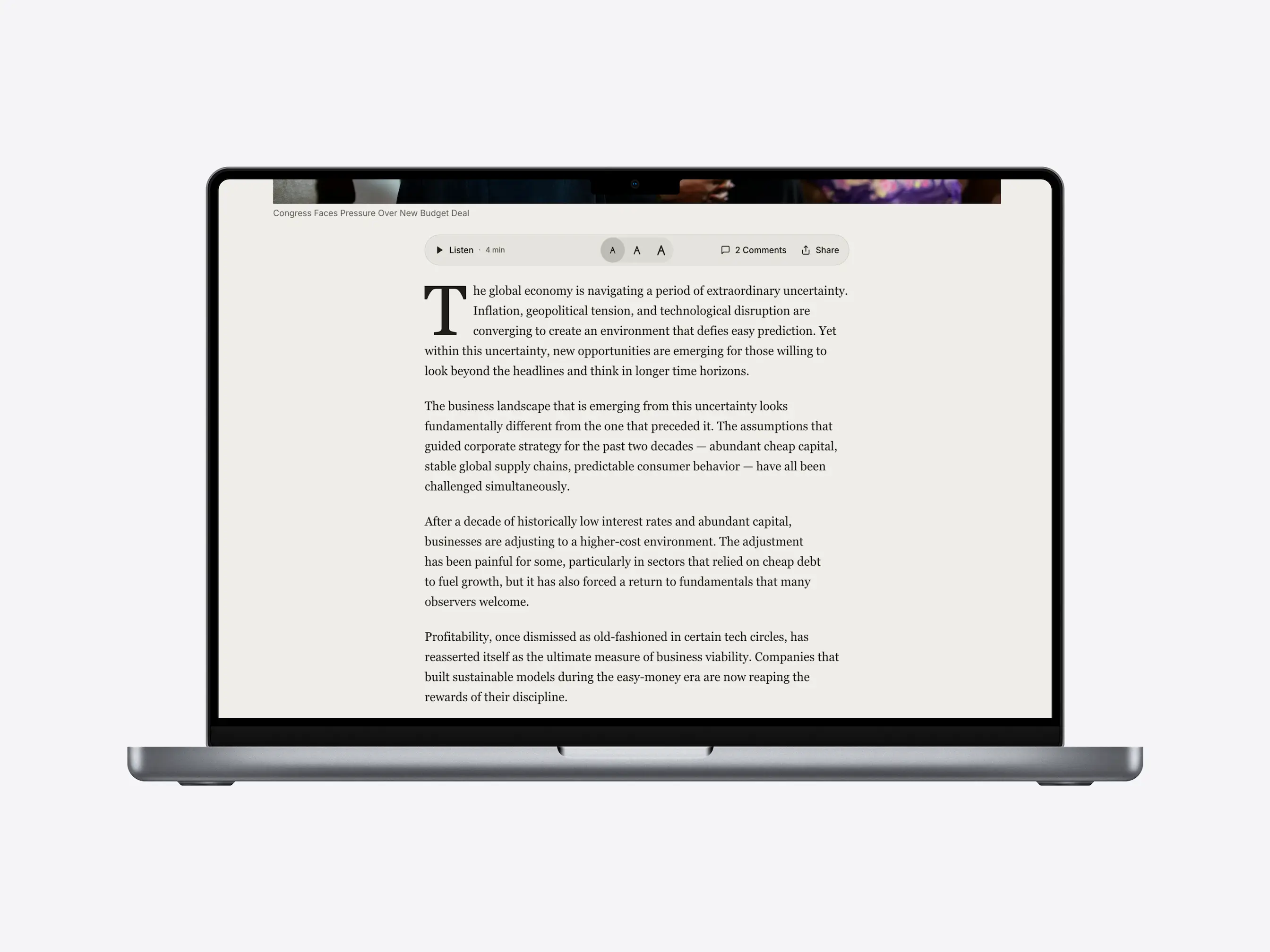
Article Reading Tools and Sharing
Articles include text-size controls, voice playback, reading progress, a media lightbox, comments, sharing, and print styles for long-form reading.
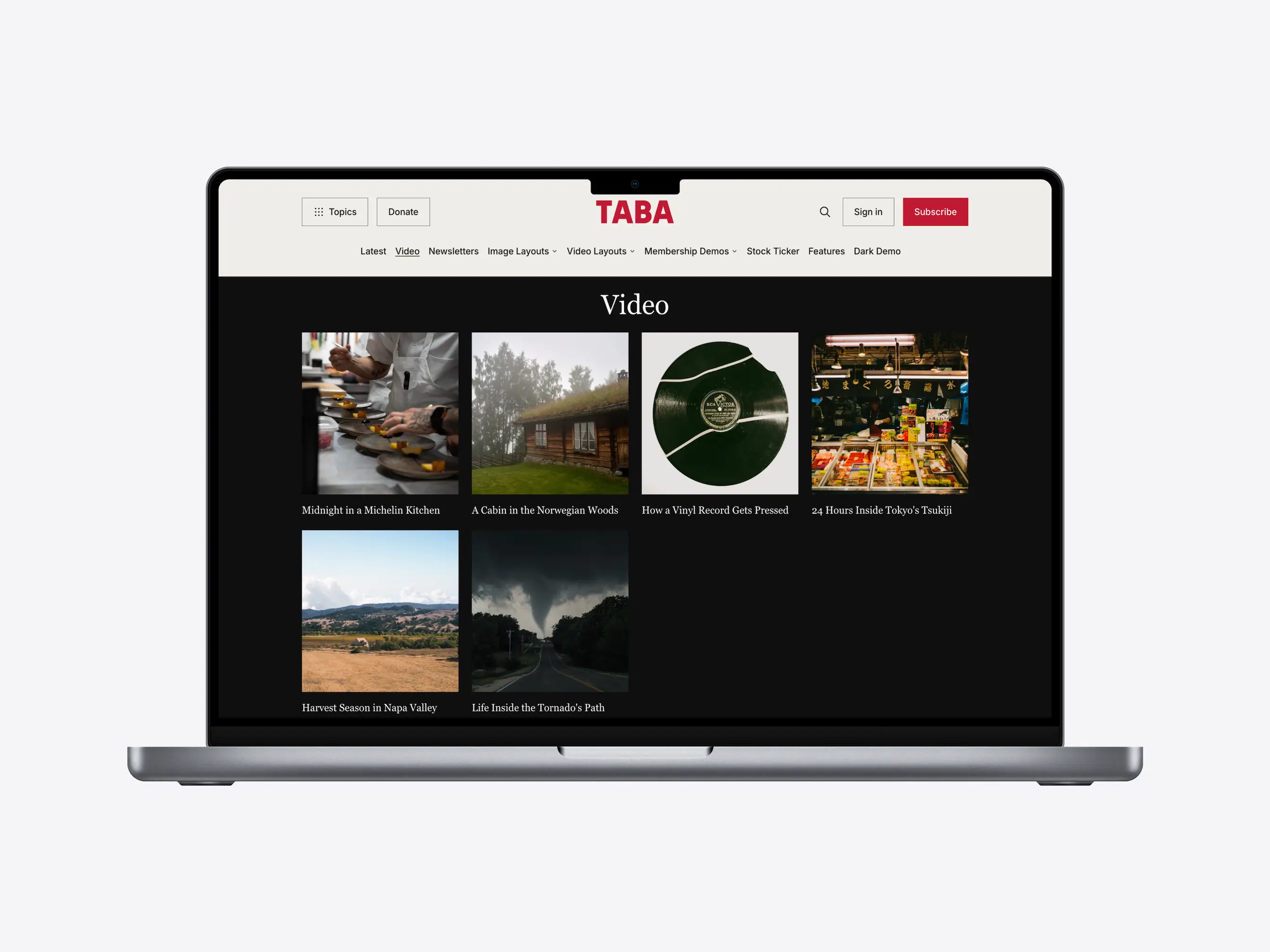
Video Publishing
Publish interviews, reports, explainers, and multimedia series with homepage video sections, video story layouts, video cards, and a standalone video archive. Taba works with Ghost video cards and YouTube embeds.
Stock Ticker for Market Coverage
Taba includes stock ticker support for market coverage, company reporting, and business commentary.
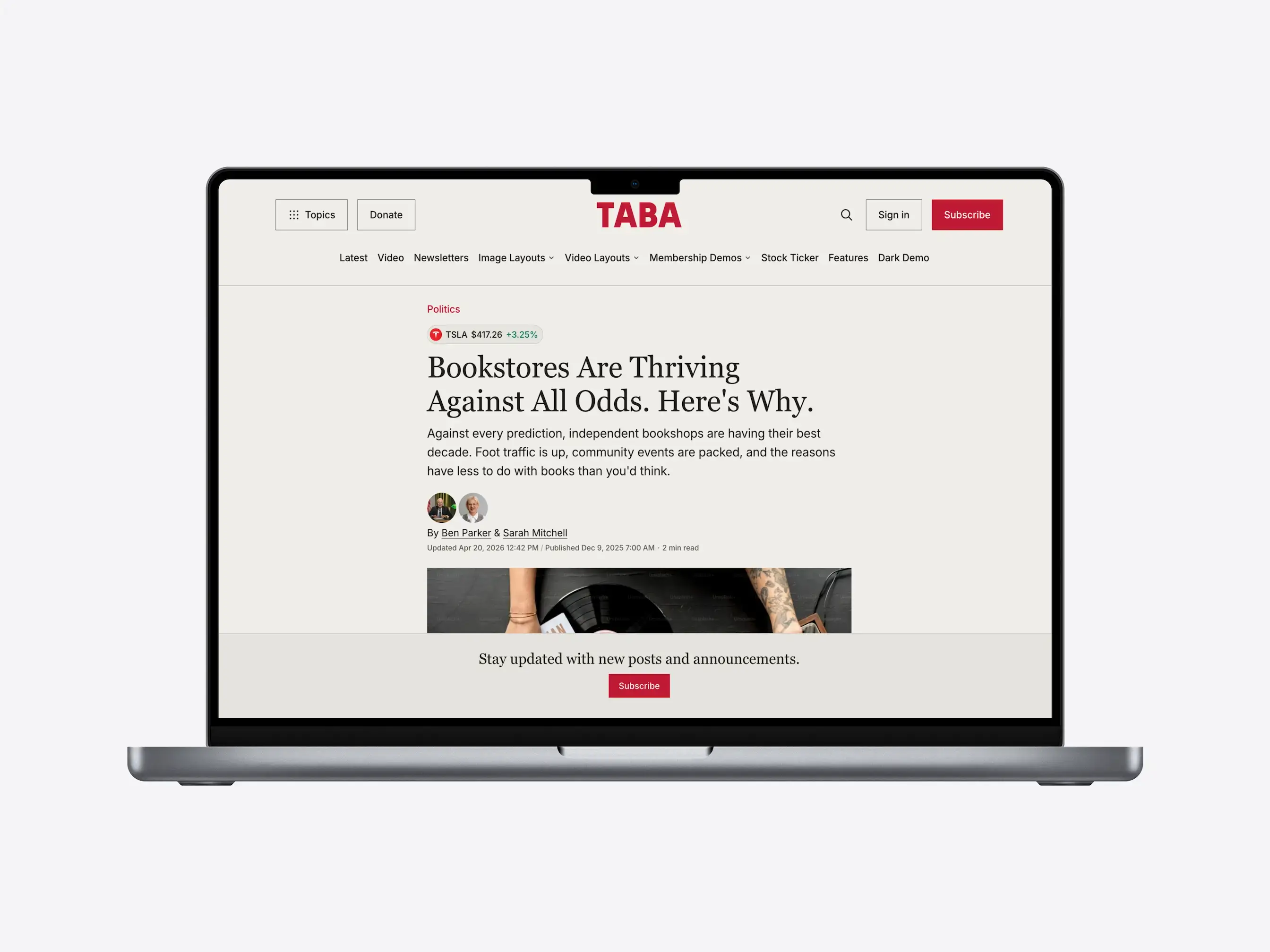
Add stock tags to relevant posts to display ticker symbols, prices, and movement. You can also show inline ticker references when a story mentions a symbol, as shown in this demo story.
Stock quotes require a Cloudflare account and a Finnhub API key. Use the stock ticker setup to connect them.
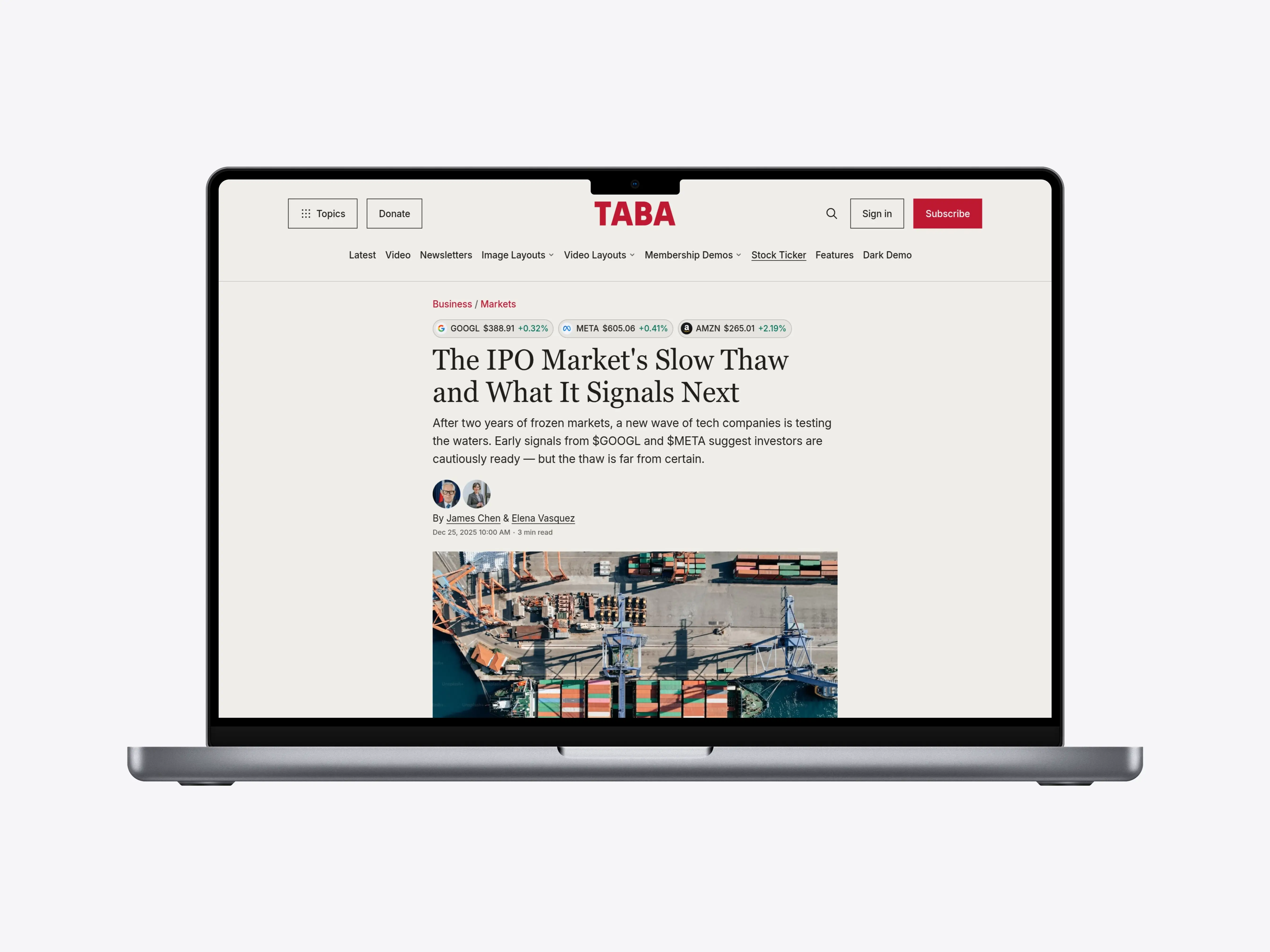
Navigation For Growing Archives
Help readers browse a growing archive through topic navigation, dropdown menus, related posts, tag pages, author pages, and Ghost search.
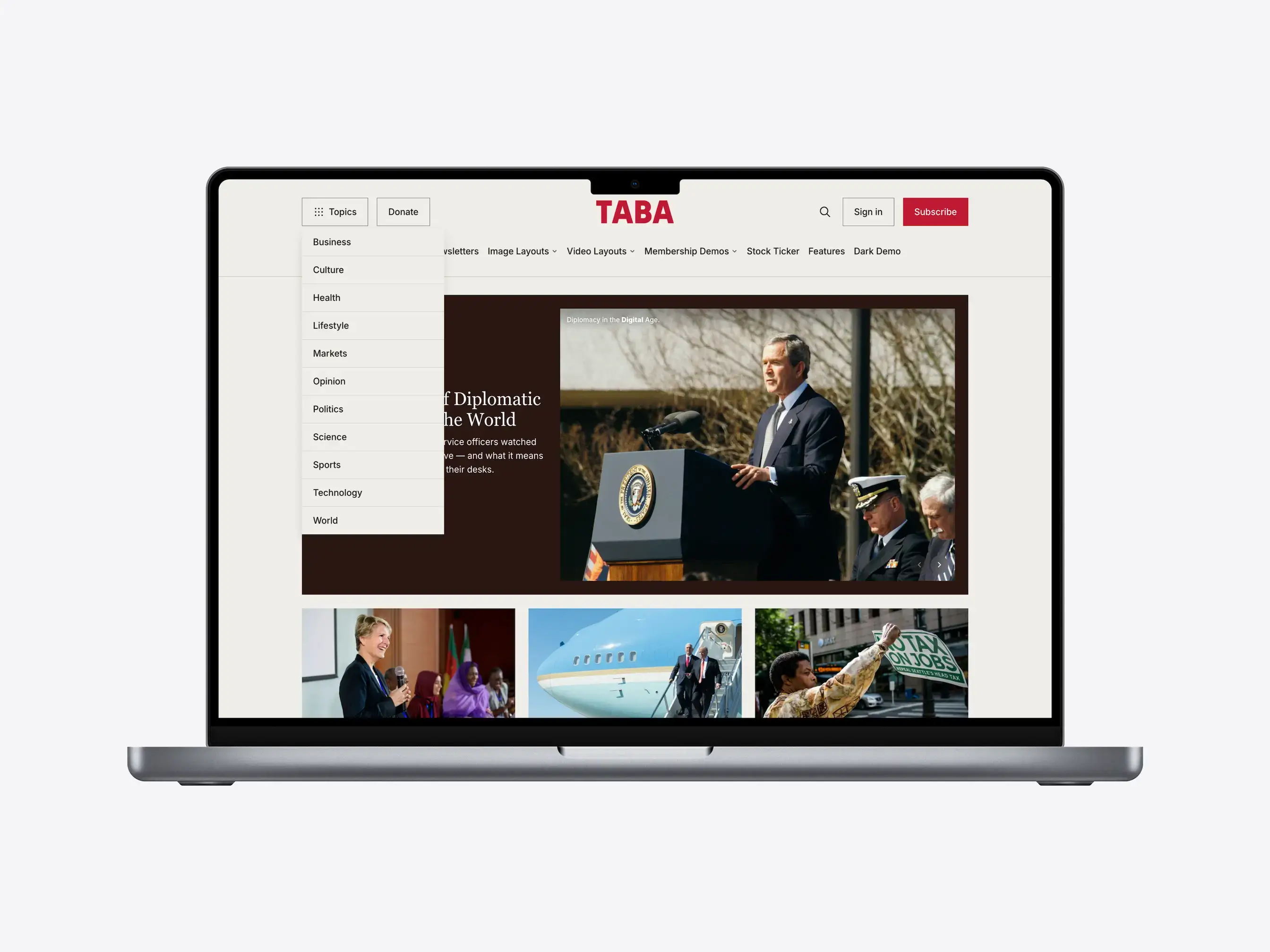
Memberships and Newsletters
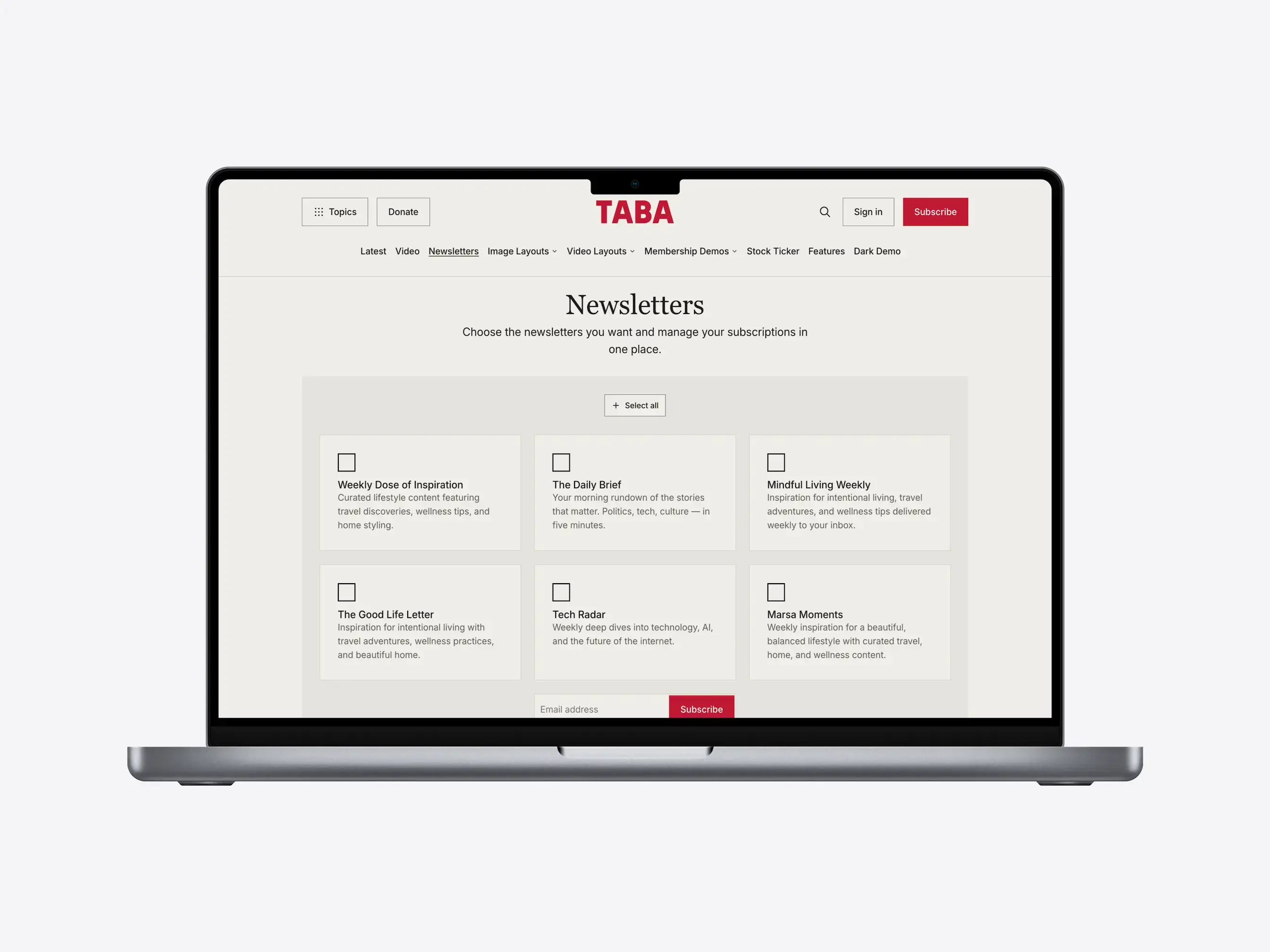
Taba supports member-only and paid posts, member accounts, newsletter signup flows, and donation calls to action. Its custom newsletters page lets readers choose newsletters and signed-in members manage their preferences through Ghost Portal.
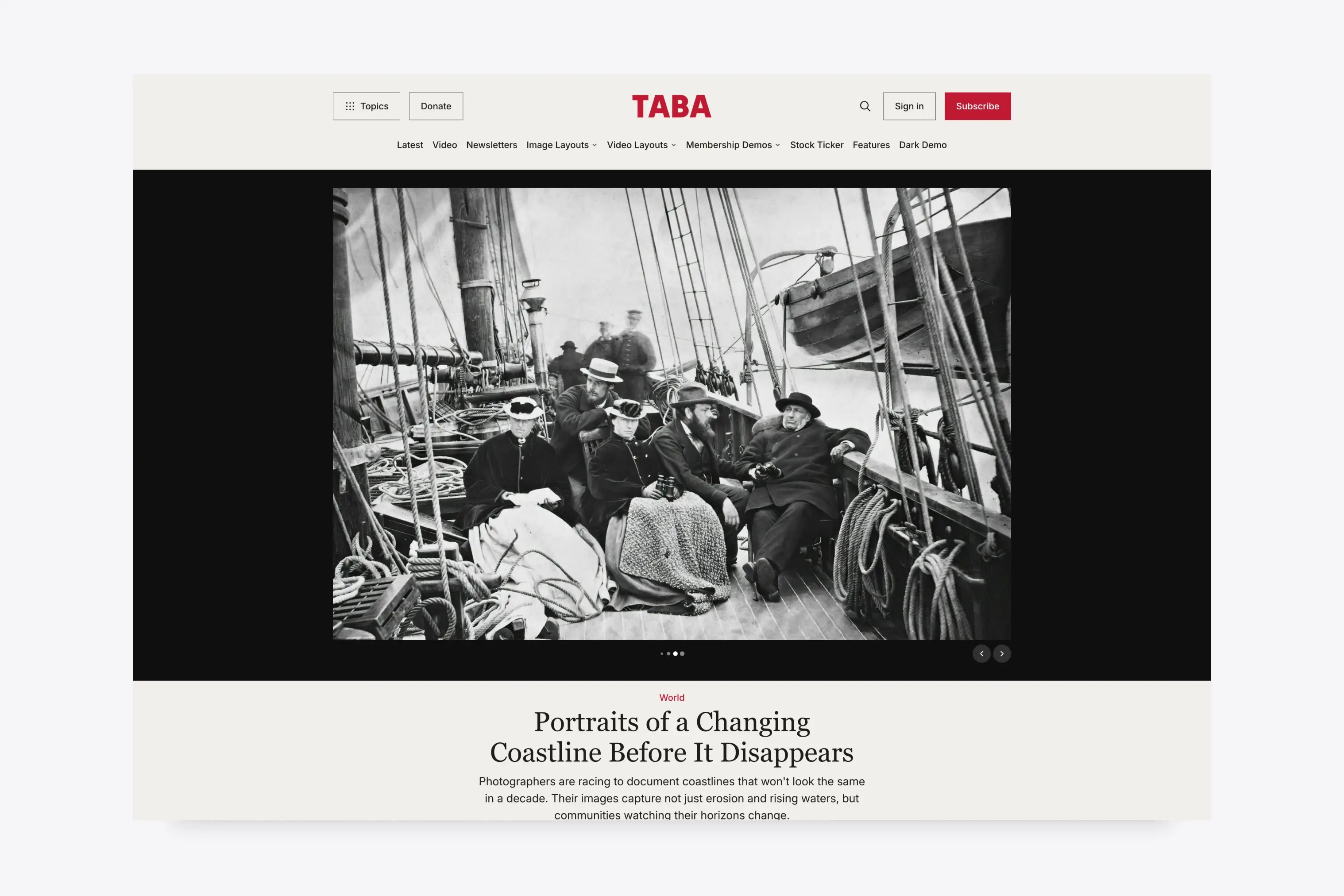
Story Layouts For Every Format
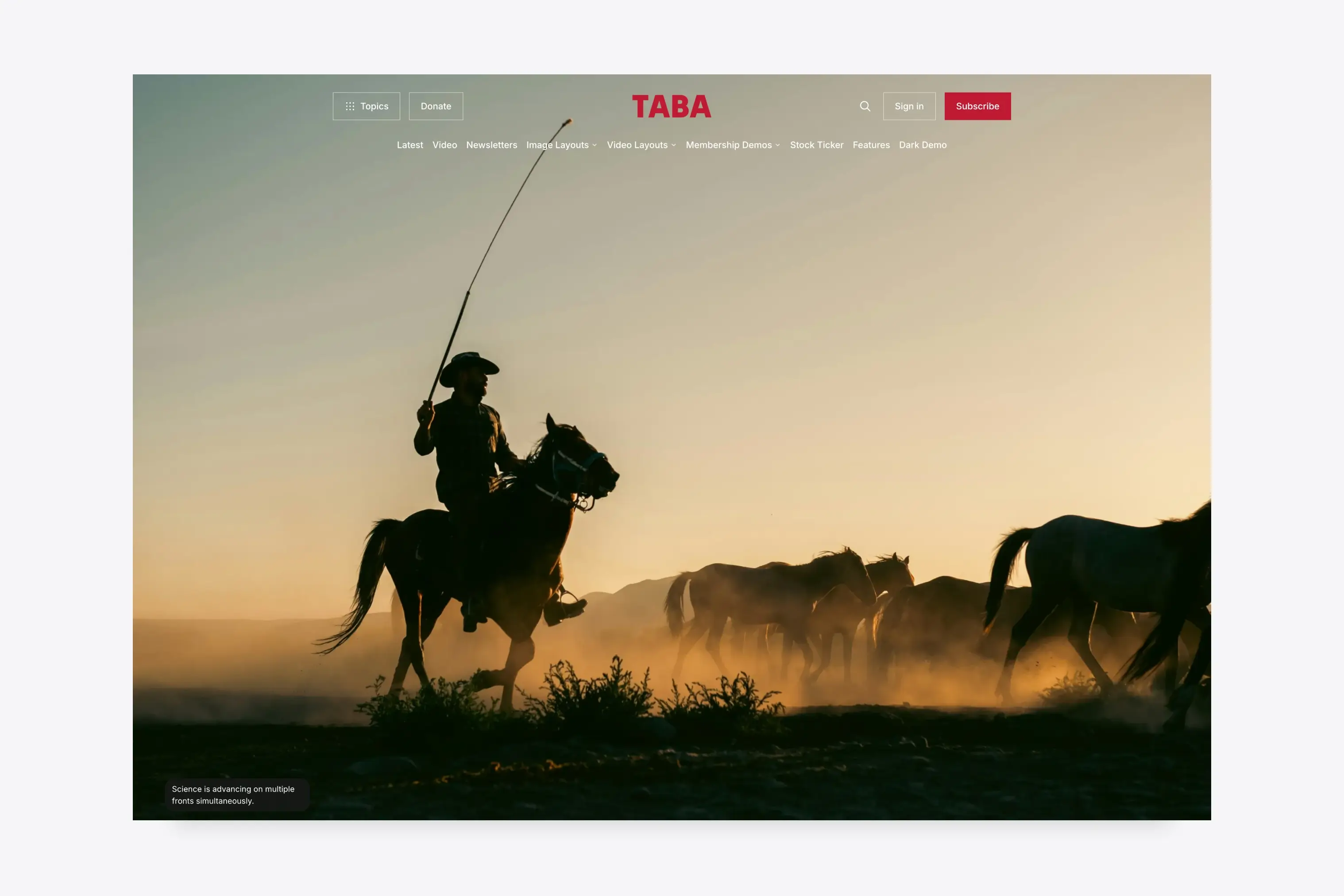
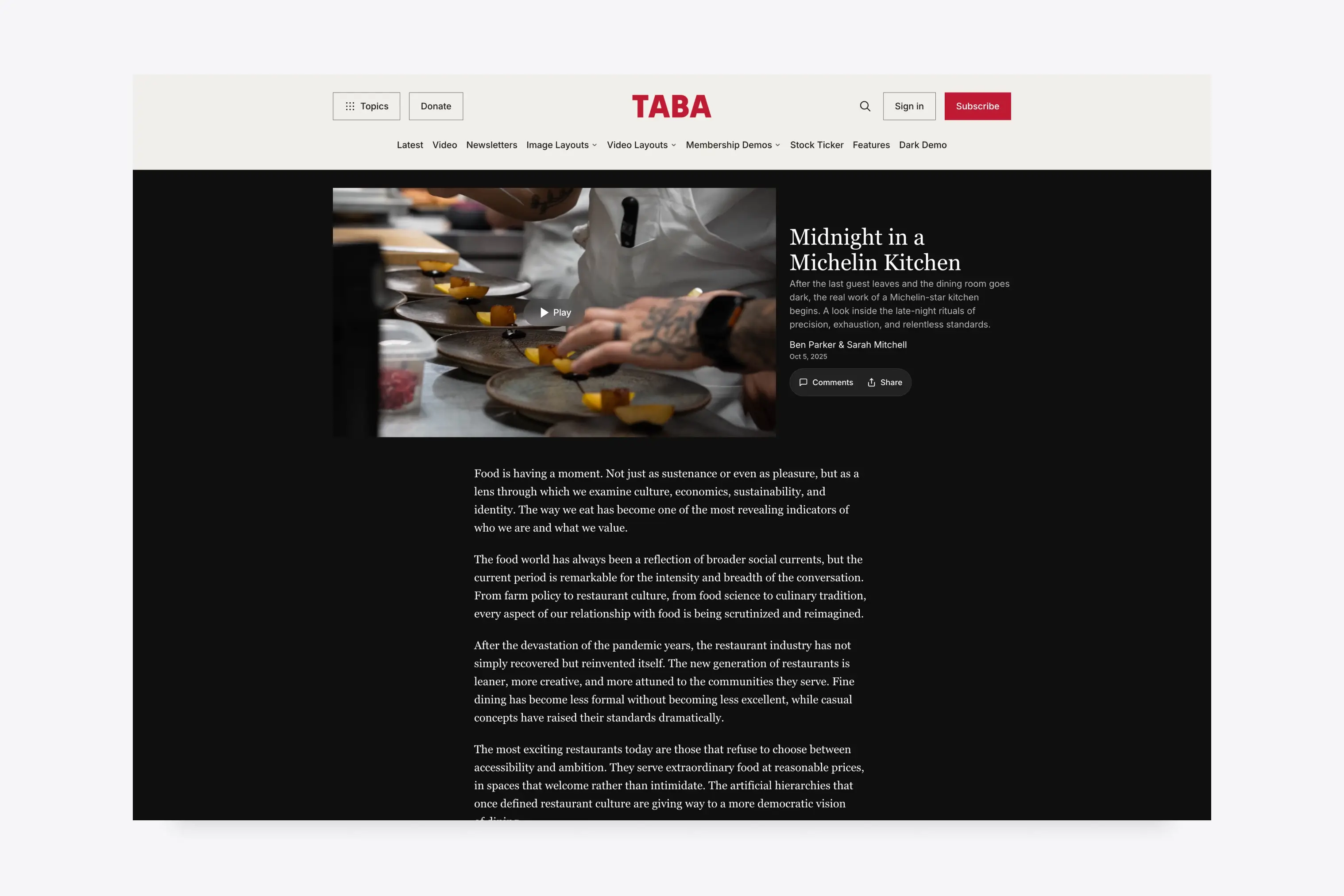
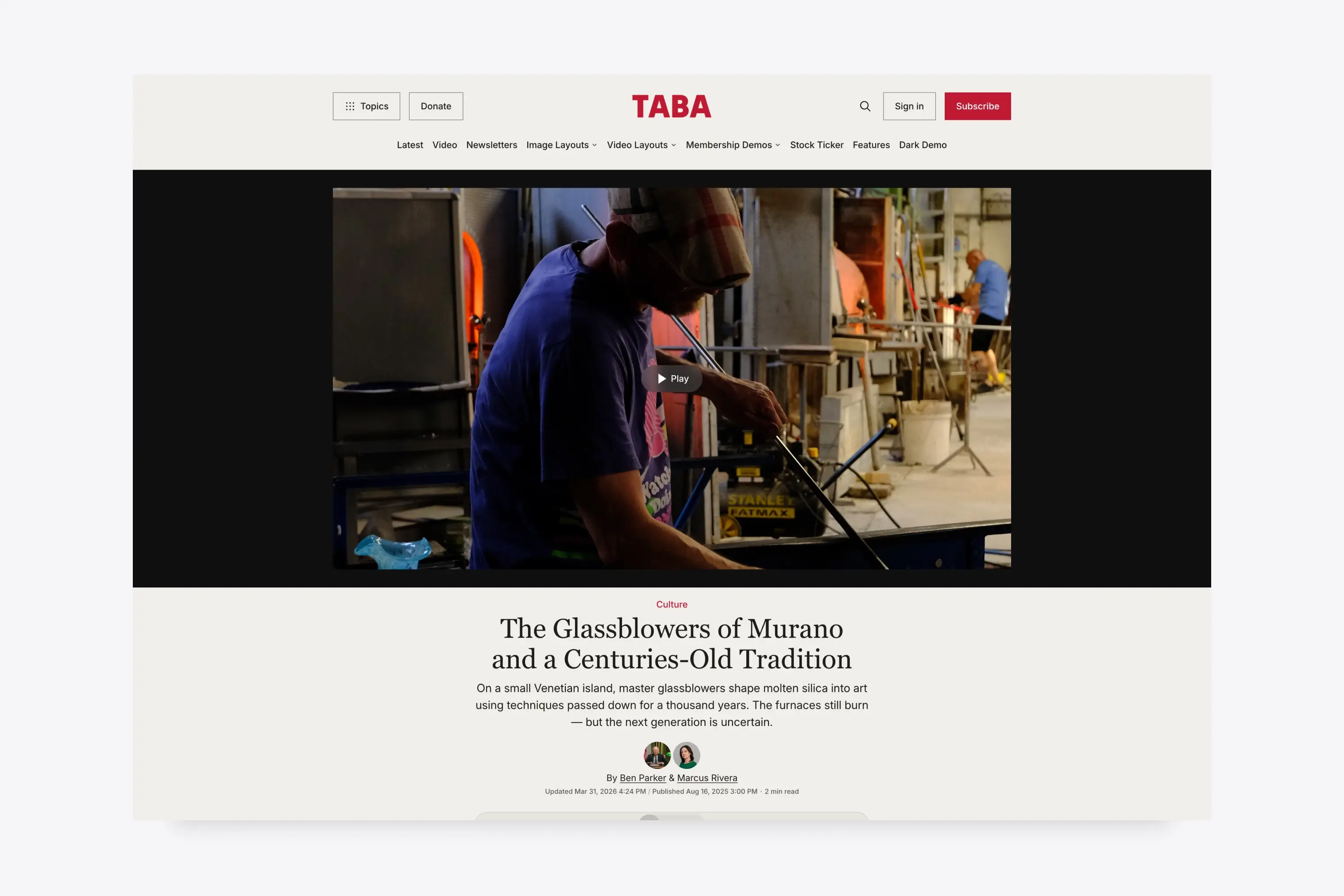
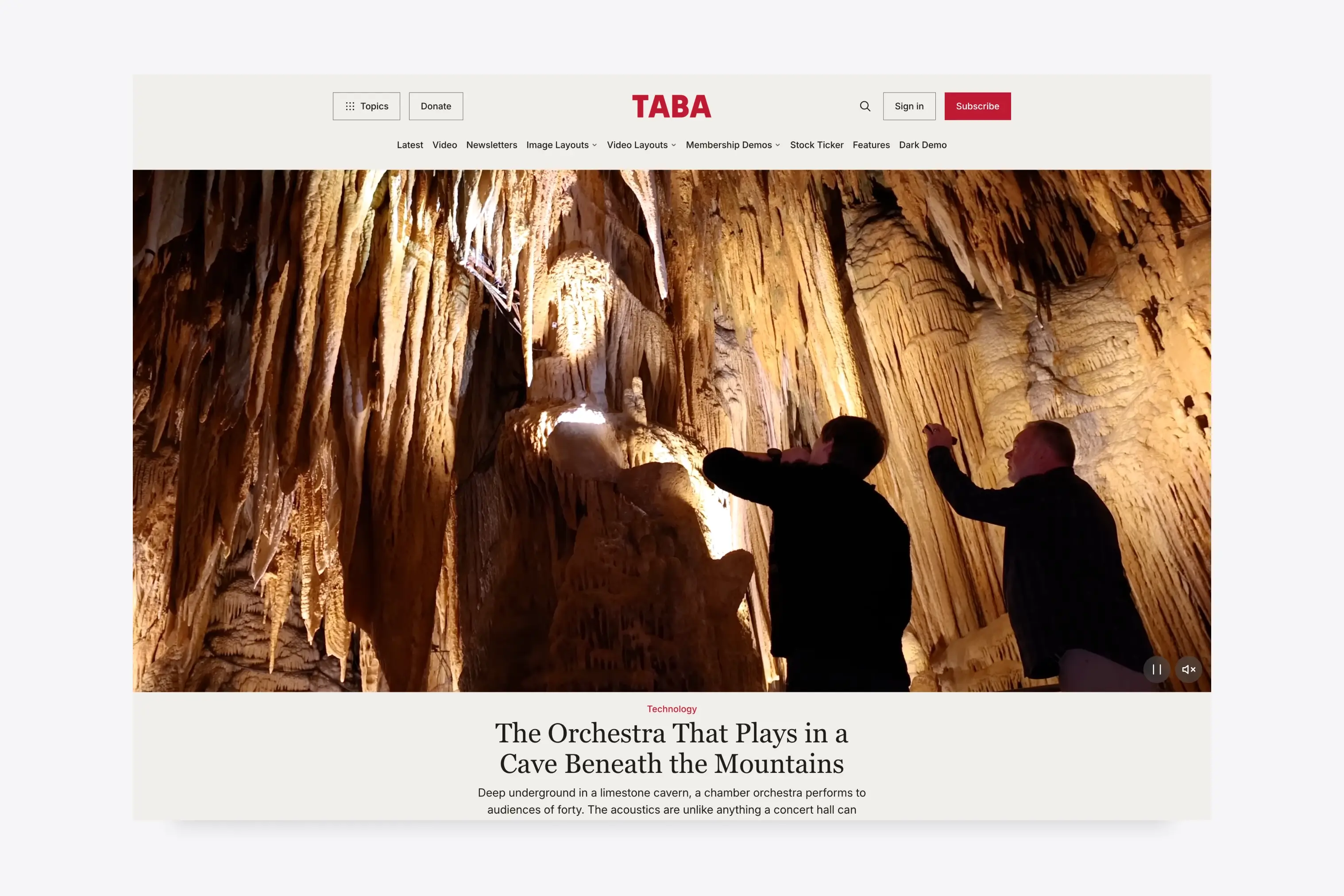
Choose from eleven custom post layouts for galleries, image-led features, and video stories. Wide, hero, banner, cover, background, and theater treatments give major stories a distinct opening while the article body remains consistent.
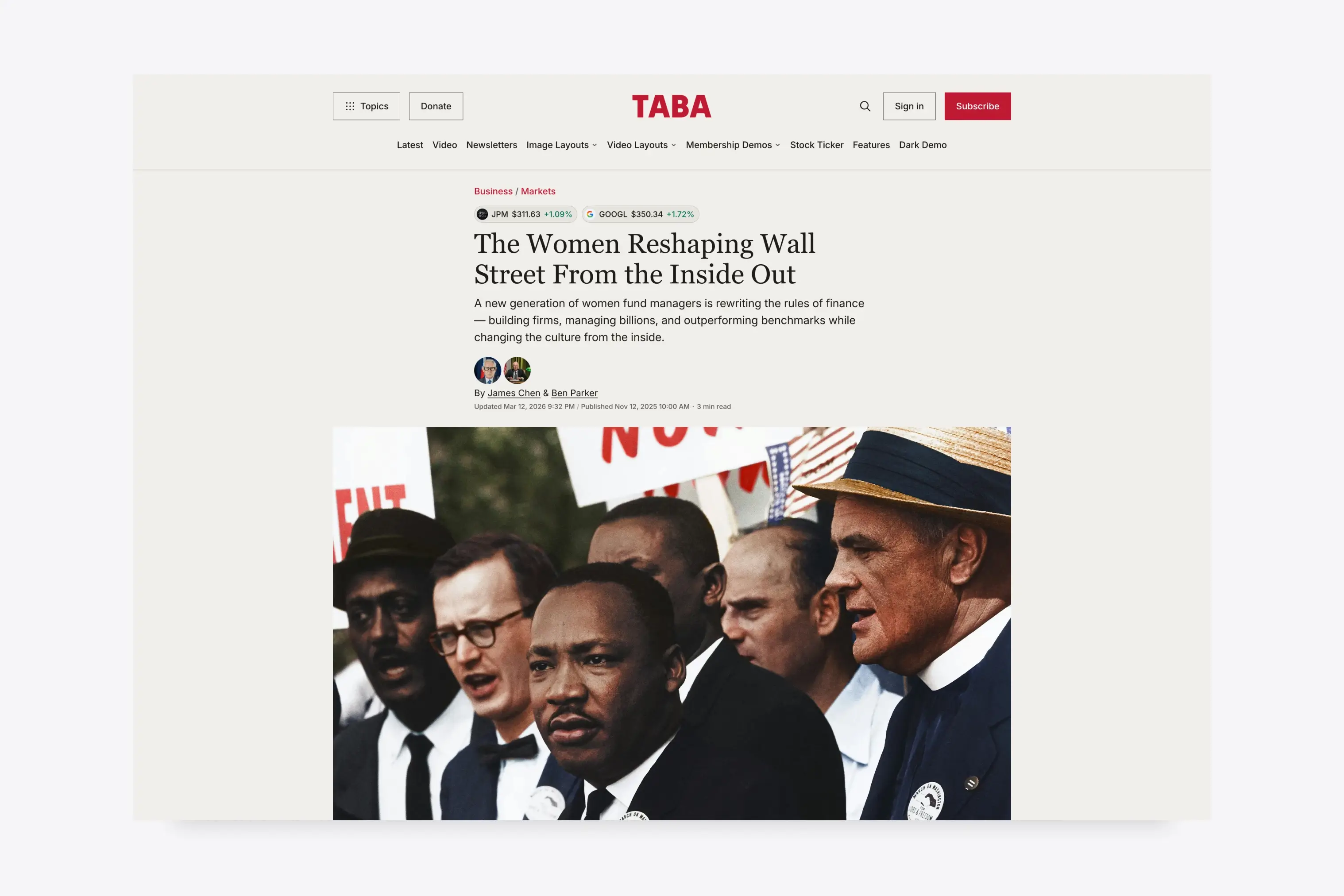
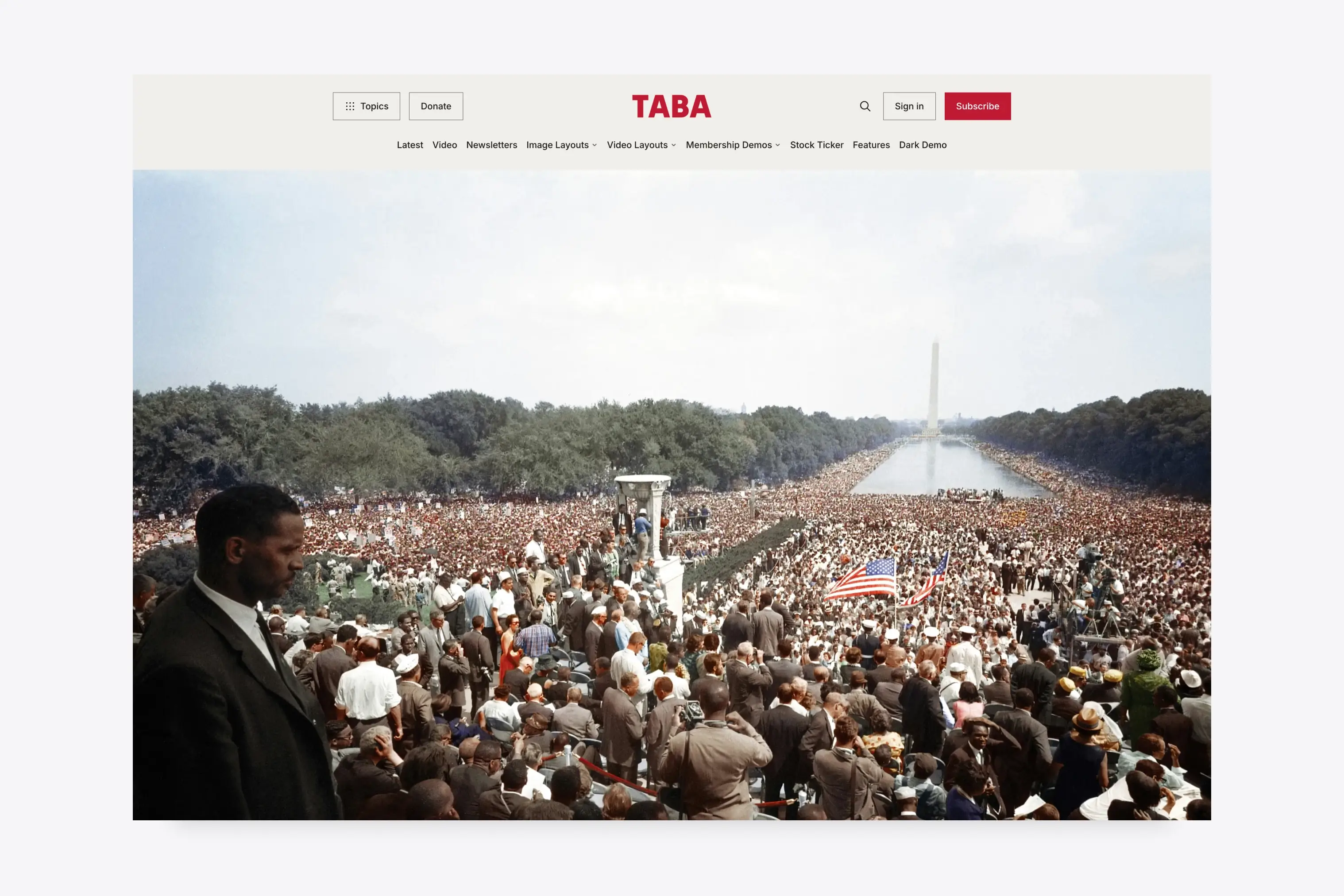
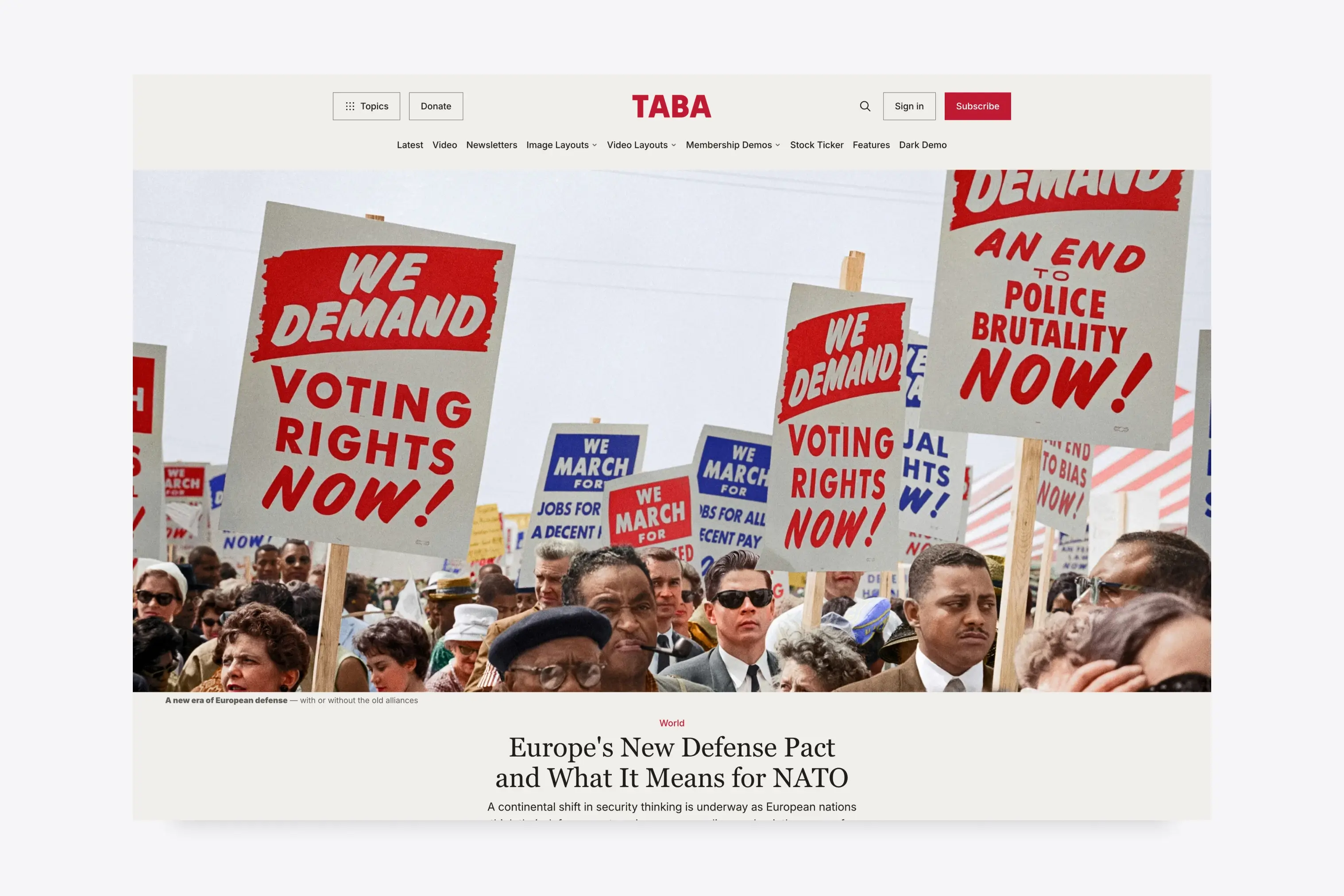
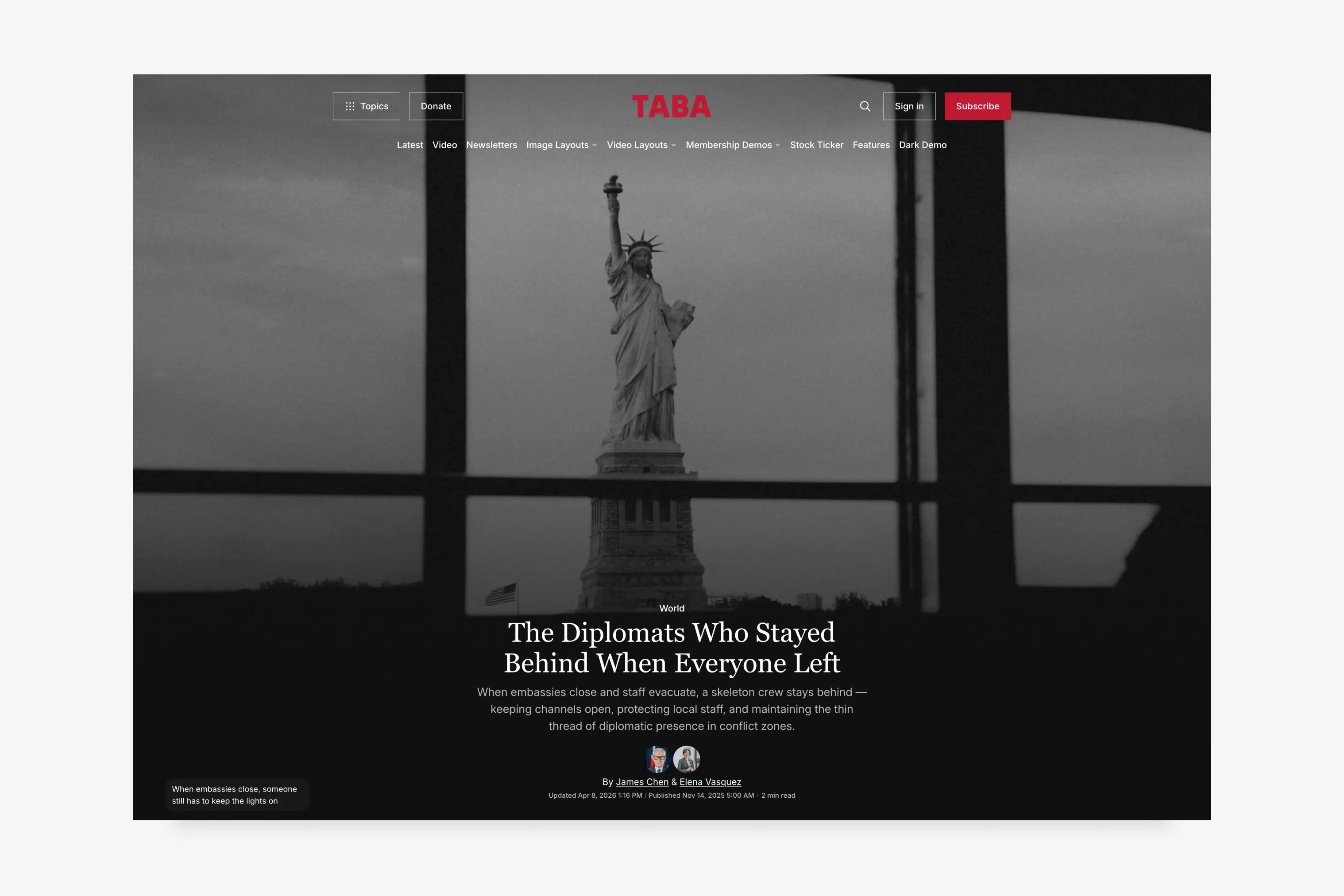
Sticky Announcement Bar
Promote a newsletter, membership, donation, announcement, or campaign with a sticky message and optional button. Show it to everyone, members, or non-members from Ghost settings.
Google Preferred Source Button
Help readers follow your publication more easily with support for Google Preferred Source for news publishers.

Customize From Ghost Settings
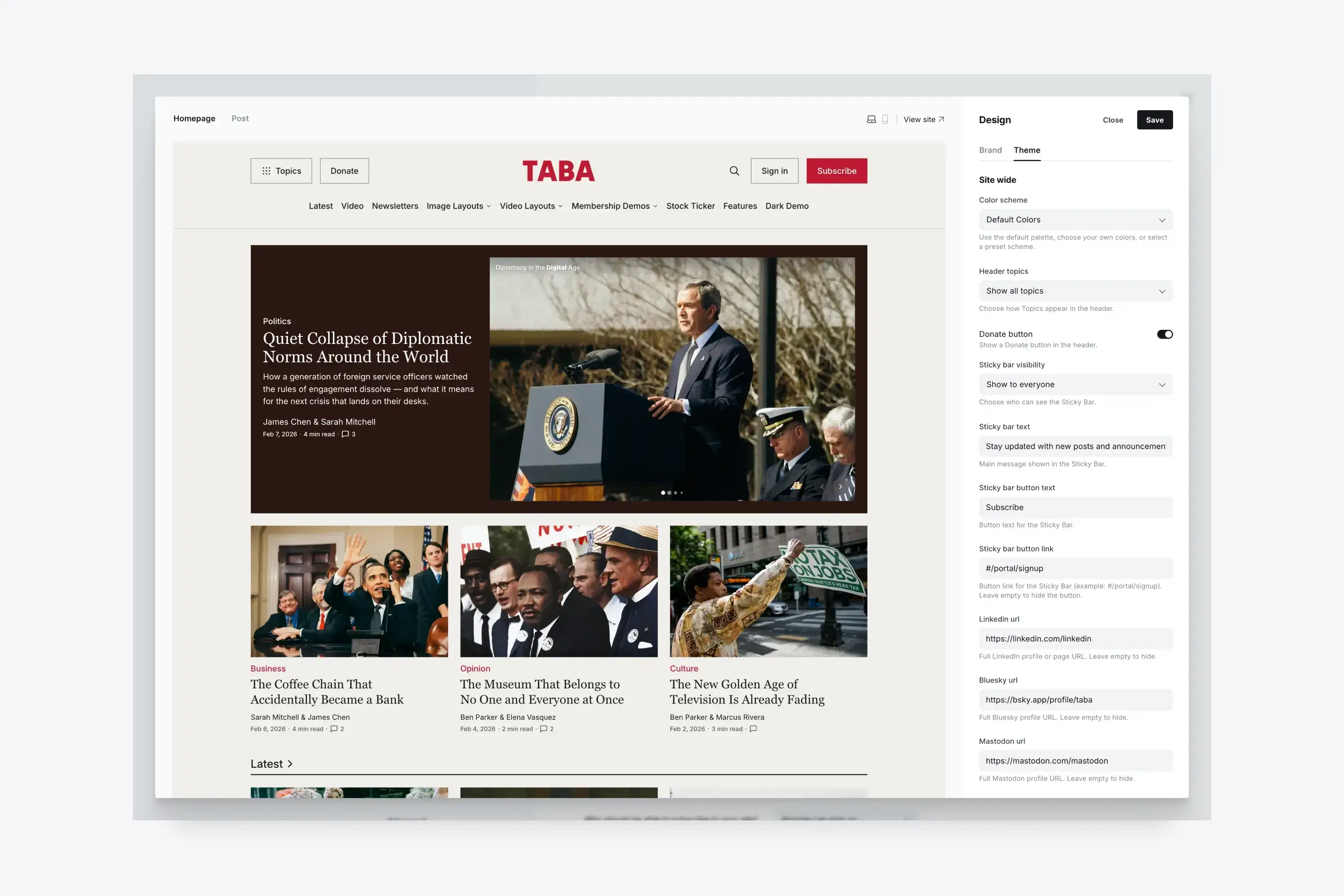
Customize colors, fonts, homepage sections, navigation, social links, donation buttons, and the sticky bar from Ghost Admin.
Is Taba right for your publication?
Choose Taba when a newsroom or magazine needs several independently managed homepage sections, visual and video story formats, deep topic navigation, and audience tools in one theme.
Choose Tripoli for a lighter multi-author magazine built around featured stories, topic sections, and conventional article layouts. Choose Hanoi when image-led discovery and creative story presentation matter more than newsroom density.
Taba also includes
- Ghost 6 support, all Ghost editor cards, native search, native comments, and custom fonts
- Author profiles, related posts, tag pages, and a header Topics menu
- Facebook and X links from Ghost, plus LinkedIn, Bluesky, Mastodon, TikTok, YouTube, and Instagram settings
- Translation-ready theme text with 12 included language files: English, Danish, Dutch, Finnish, French, German, Hebrew, Italian, Portuguese, Brazilian Portuguese, Spanish, and Turkish
Aspire Themes is trusted by 3,000+ customers
One-time Purchase
Free Support & Updates
30-Day Money-Back Guarantee
If you're unhappy, get a full refund, no questions!