A culture magazine on Ghost: An Arish example
Imagine a small culture magazine publishing photo essays, conversations with makers, and stories about everyday spaces. It has a studio visit, a room photographed through the day, and a written piece about creative work ready to publish. How should those stories share a website?
The Arish demo offers one example. It is a sample publication created for the Arish Ghost theme, which I make at Aspire Themes. This walkthrough uses that demo to explore the layout choices; it is not a customer case study.
Introduce the magazine
The opening pairs the publication name with a large photograph. Underneath, a short introduction names its territory: design, culture, and everyday life. Someone arriving without knowing the magazine can see its visual style and read what it covers before choosing a story.
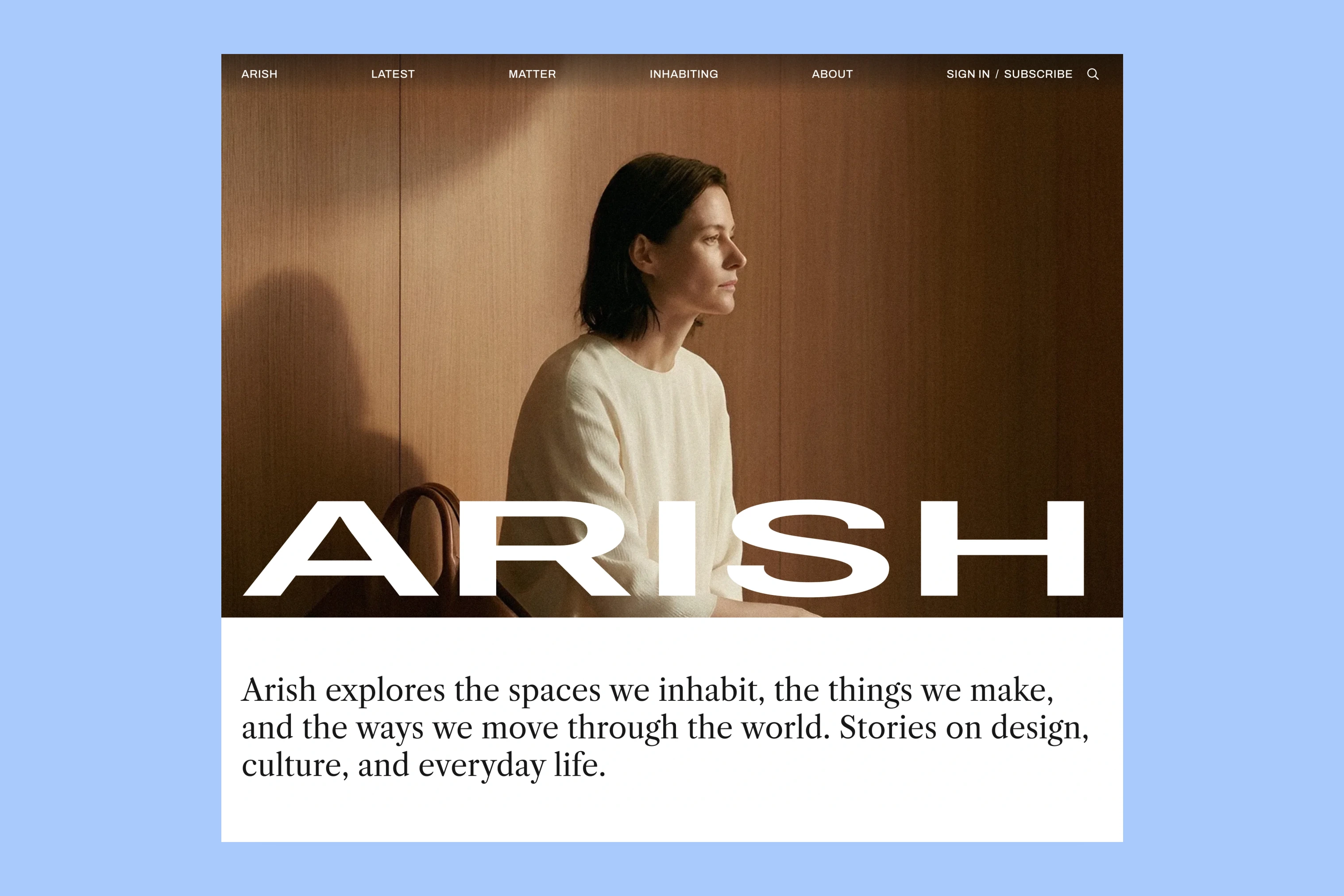
For the imagined magazine, a photograph from the studio visit could fill this opening. The introduction would describe the whole publication and stay relevant when the opening photograph changes. Arish also supports a title-only opening if the magazine wants its name and introduction to lead.
Select the front-page stories
After that introduction, readers need a starting point. Arish’s Featured section gives one story the largest position, with up to two supporting stories beside it.
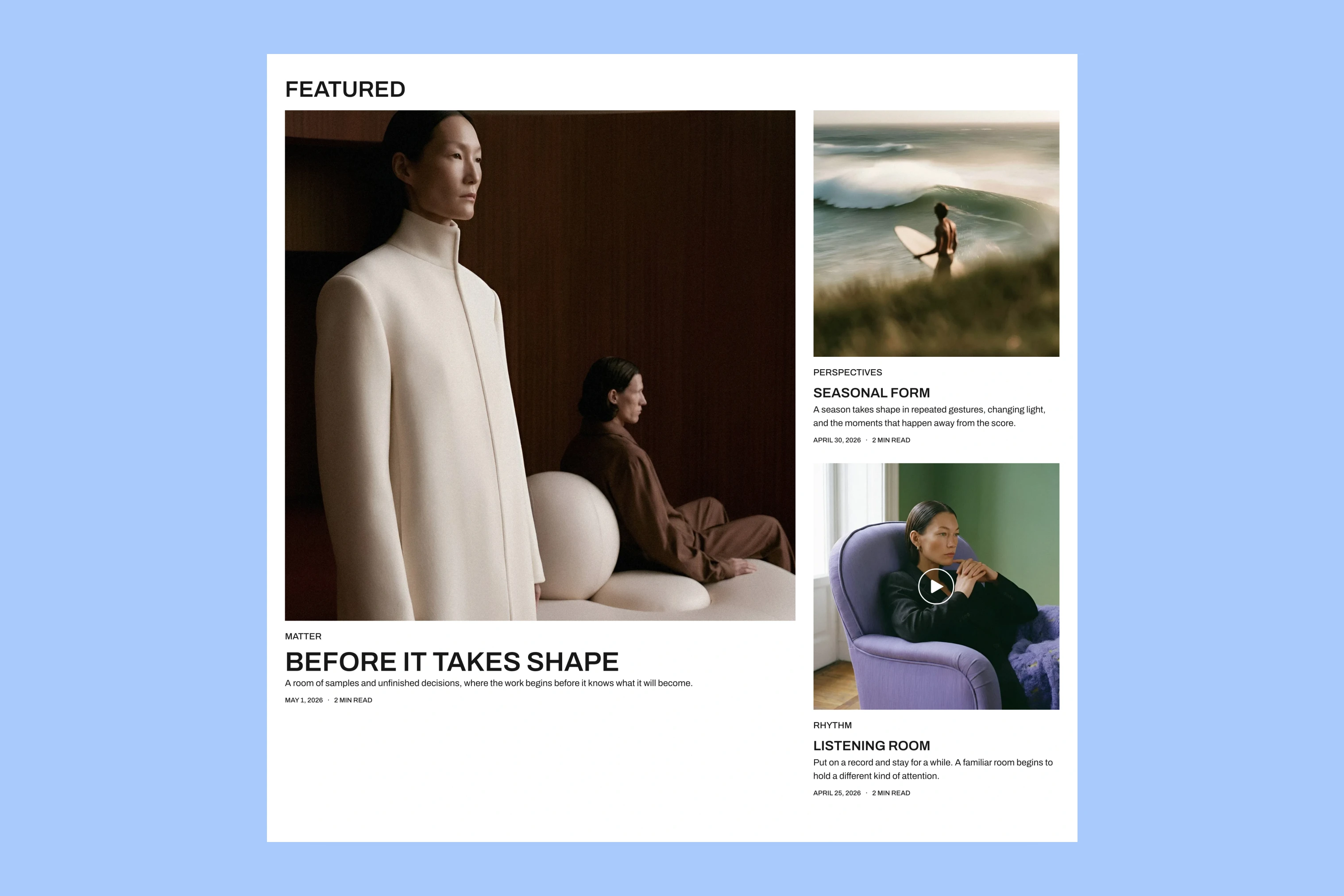
The studio visit could be the lead, with the room essay and creative-work piece beside it. That gives each story a place without asking readers to choose among a long row of equally prominent headlines.
The editor chooses which posts are featured in Ghost. Arish places the newest featured post first. Further down, Latest shows recent stories that are not already in the Featured selection, so a newly published piece can appear without replacing the lead selection.
Choose an opening for each story
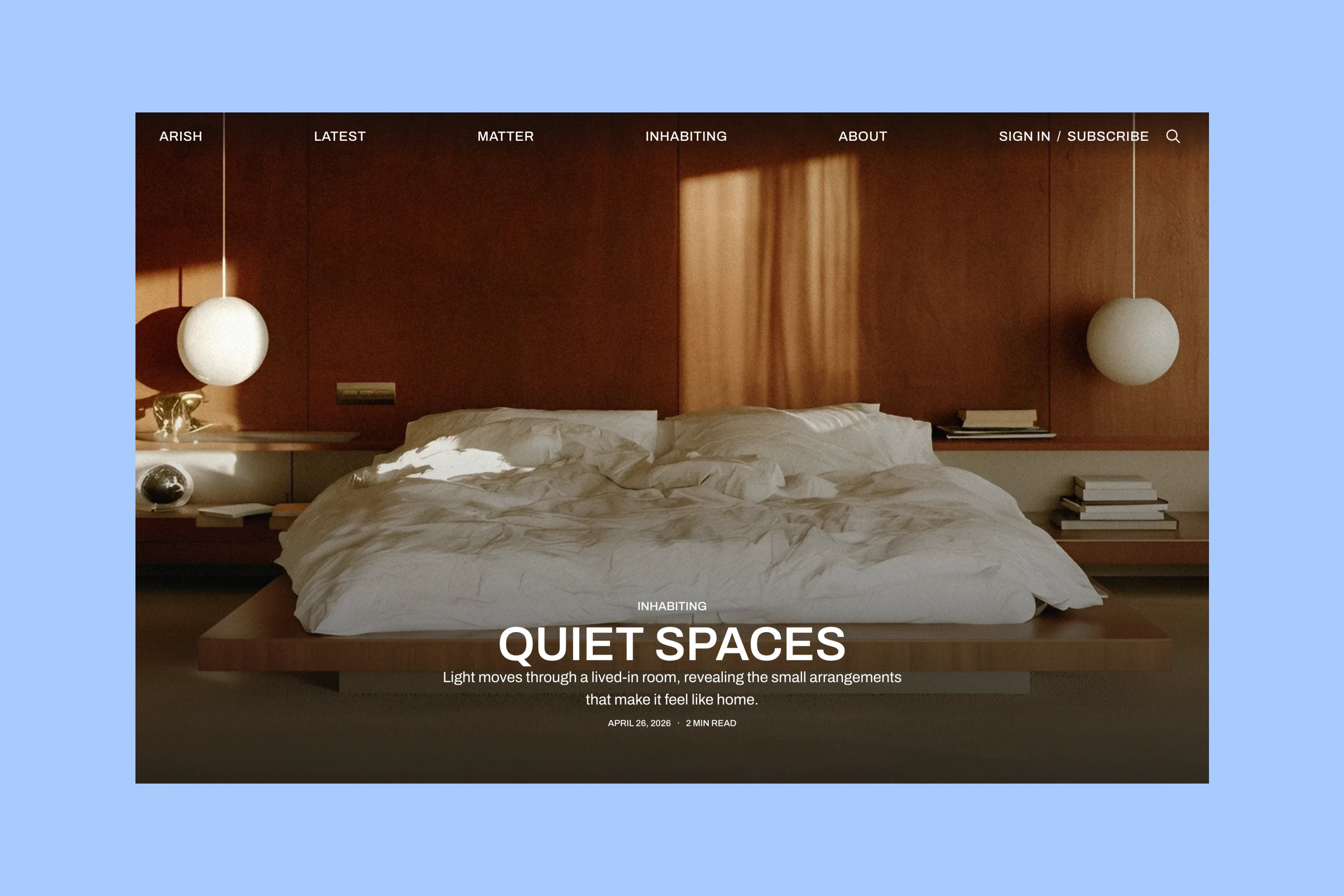
For the room essay, Arish’s Fullscreen layout can place the title over a bedroom photograph. Readers see the setting before reaching the text.
For the written feature about creative work, the Default layout places the title and short description above the photograph. The headline introduces the subject before readers reach the image.
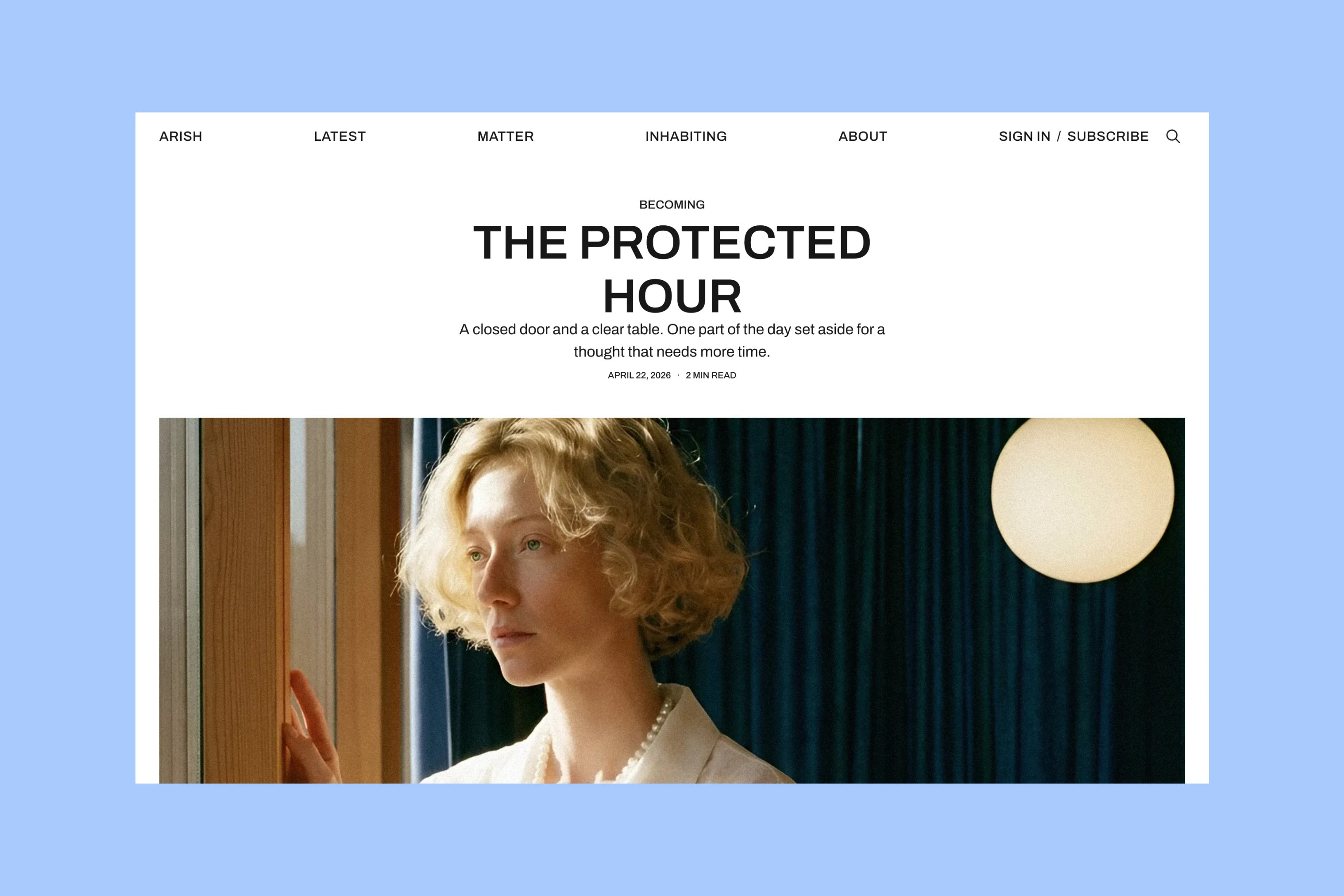
The magazine can choose either layout for each post.
Browse by subject
A reader interested in the studio visit may want more design stories. Homepage subject links take them to a collection of related work.
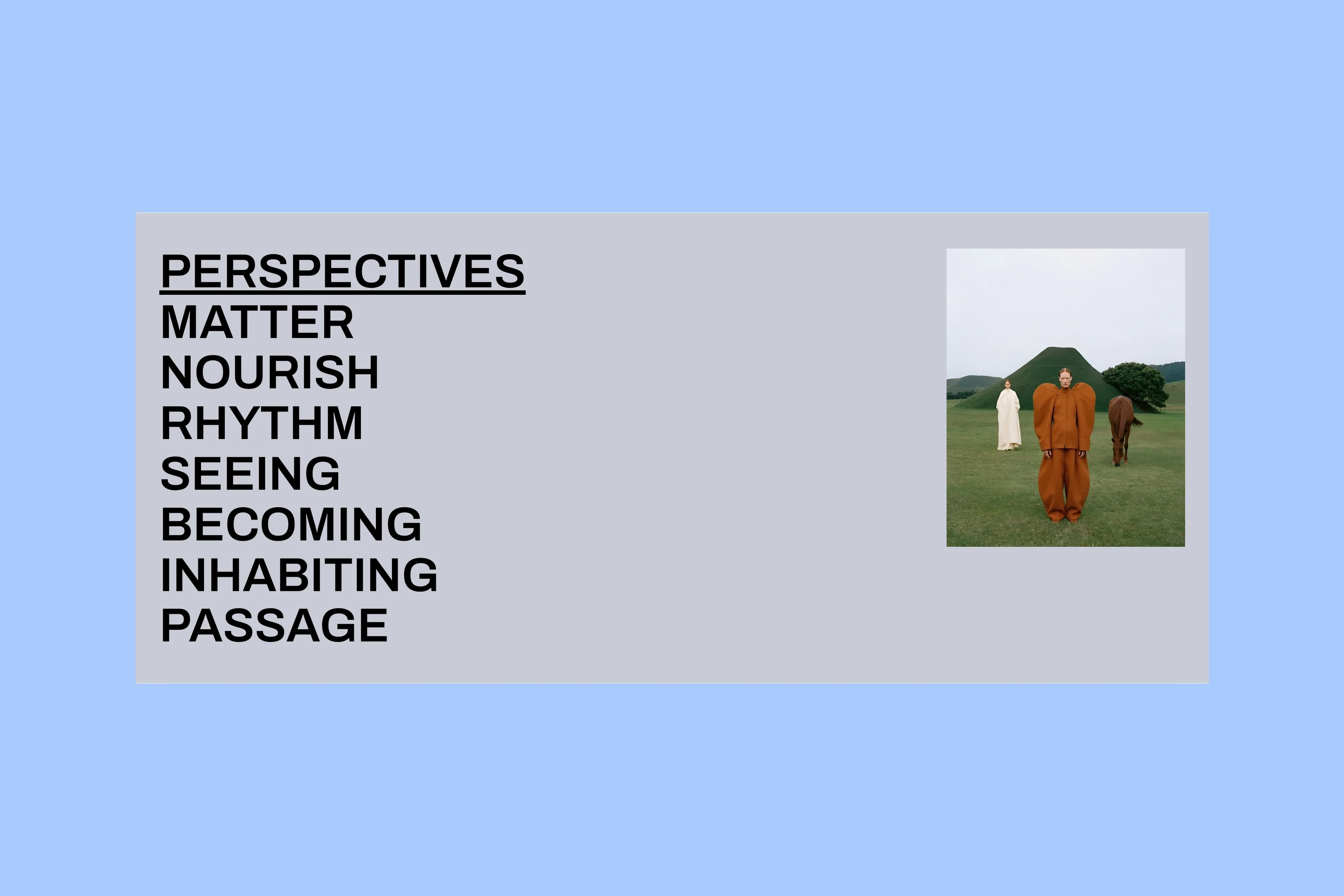
Each subject opens a page with its own introduction and the stories assigned to it. For this magazine, Design could bring together studio visits and conversations with makers, while Photography could collect the room essay and other photo stories.
More from the Blog
Latest Ghost Themes
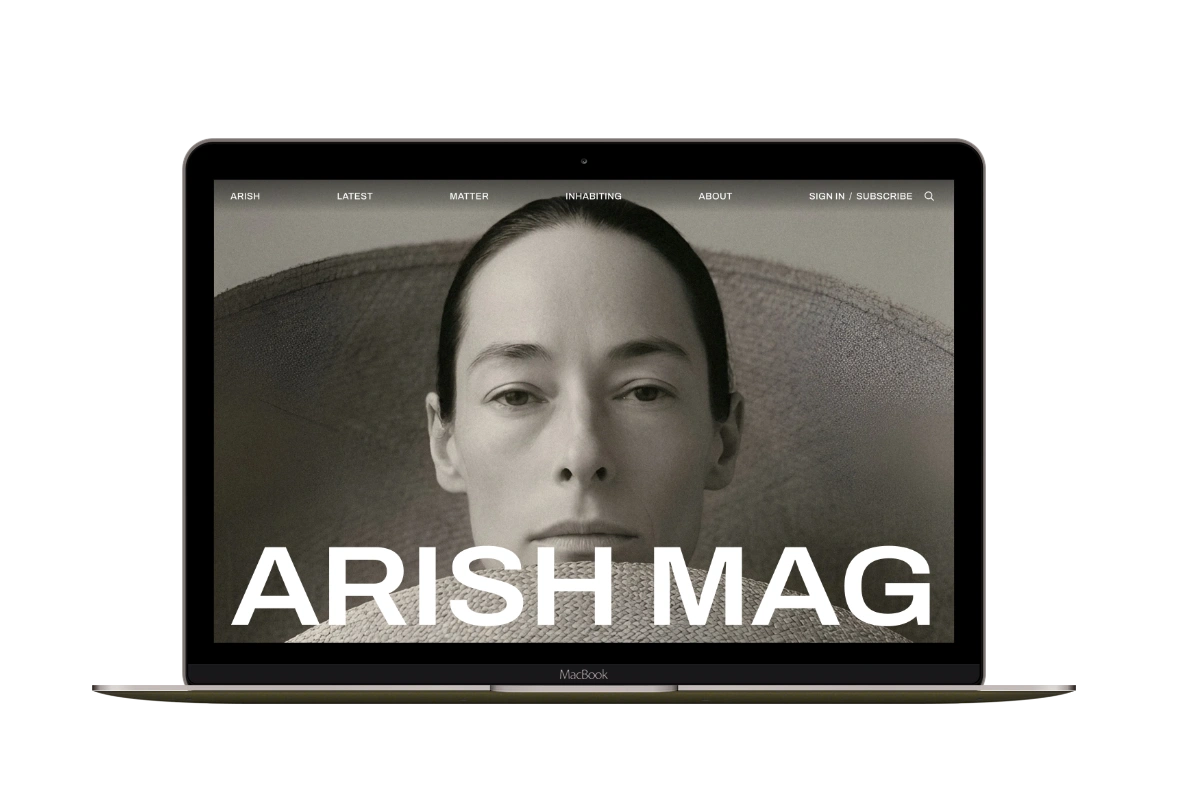
Arish
For visual magazines that lead with photography, film, and selected stories.
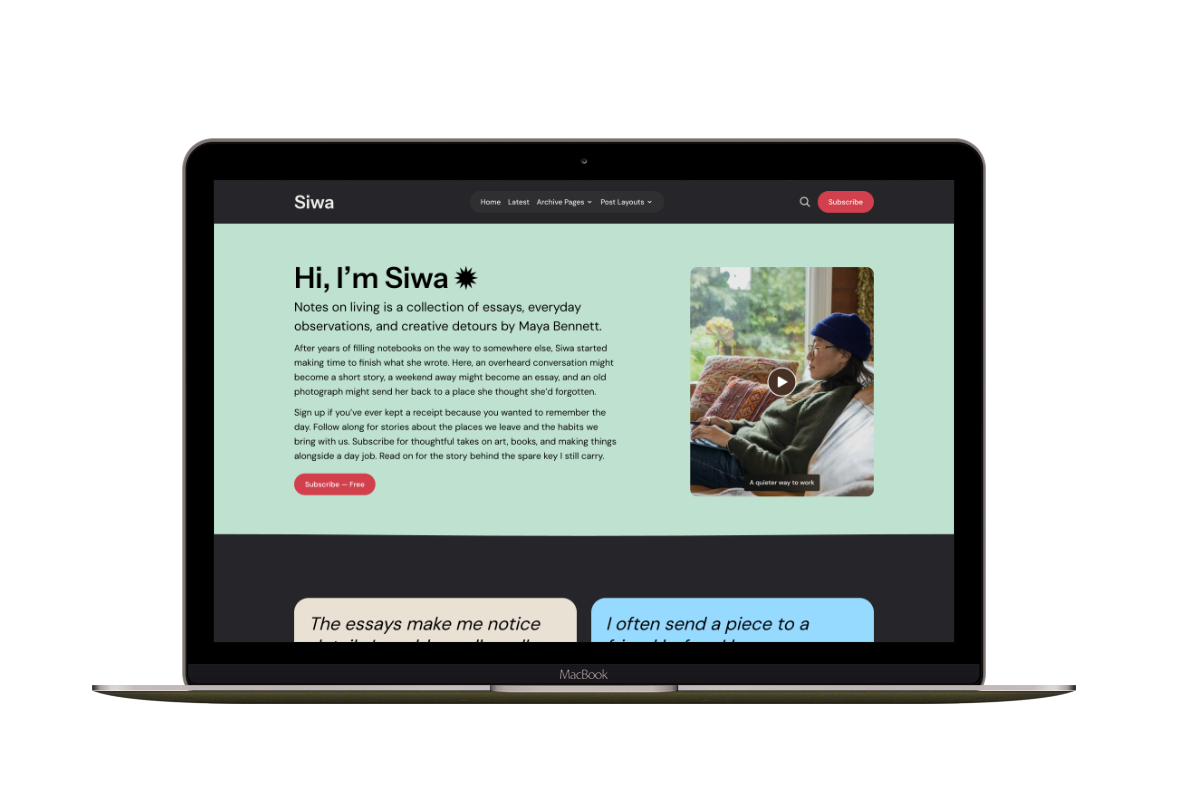
Siwa
A personal publication that introduces the writer before inviting readers into the stories.
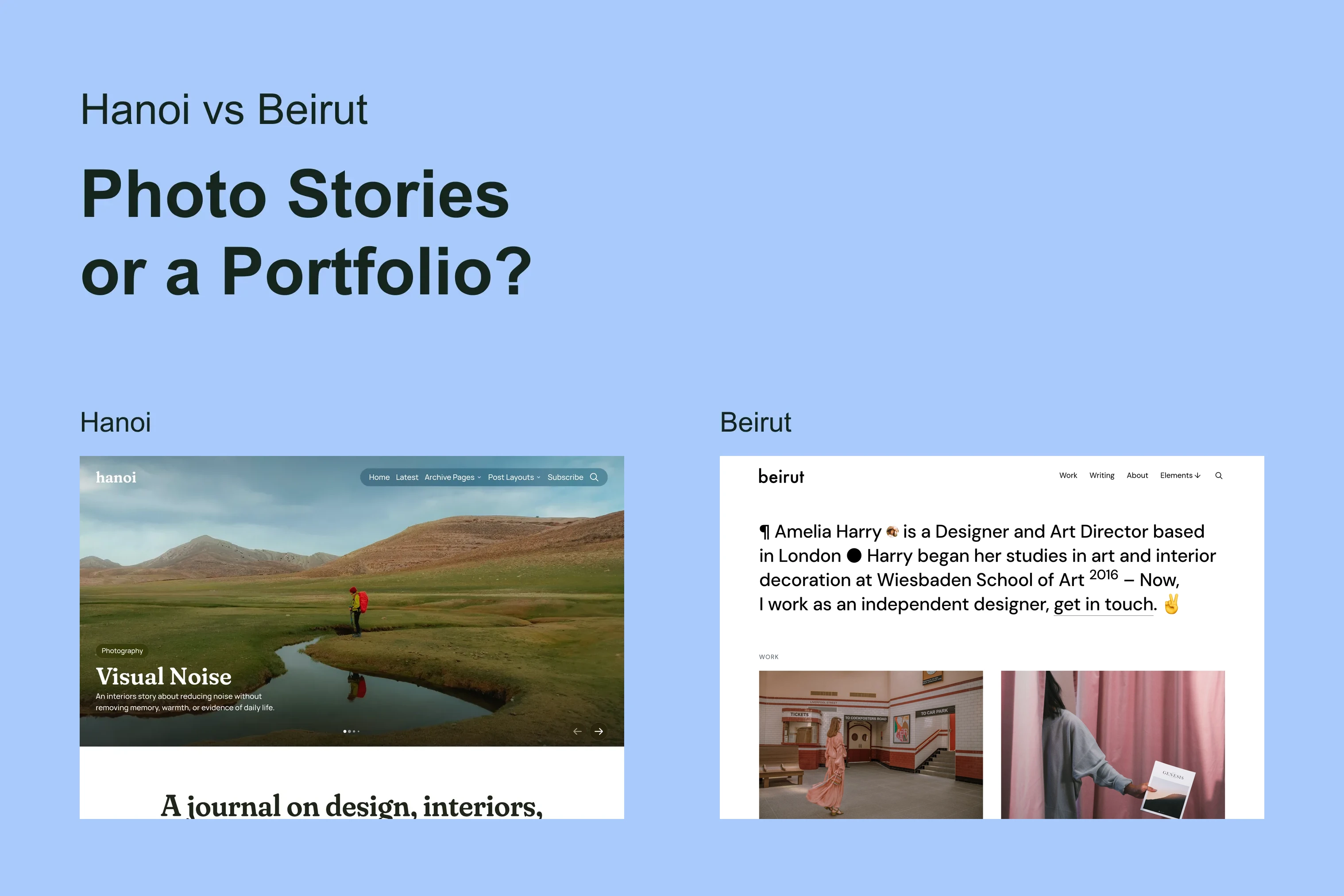
Hanoi
An image-led magazine for creative stories, rich navigation, and long-form reading.
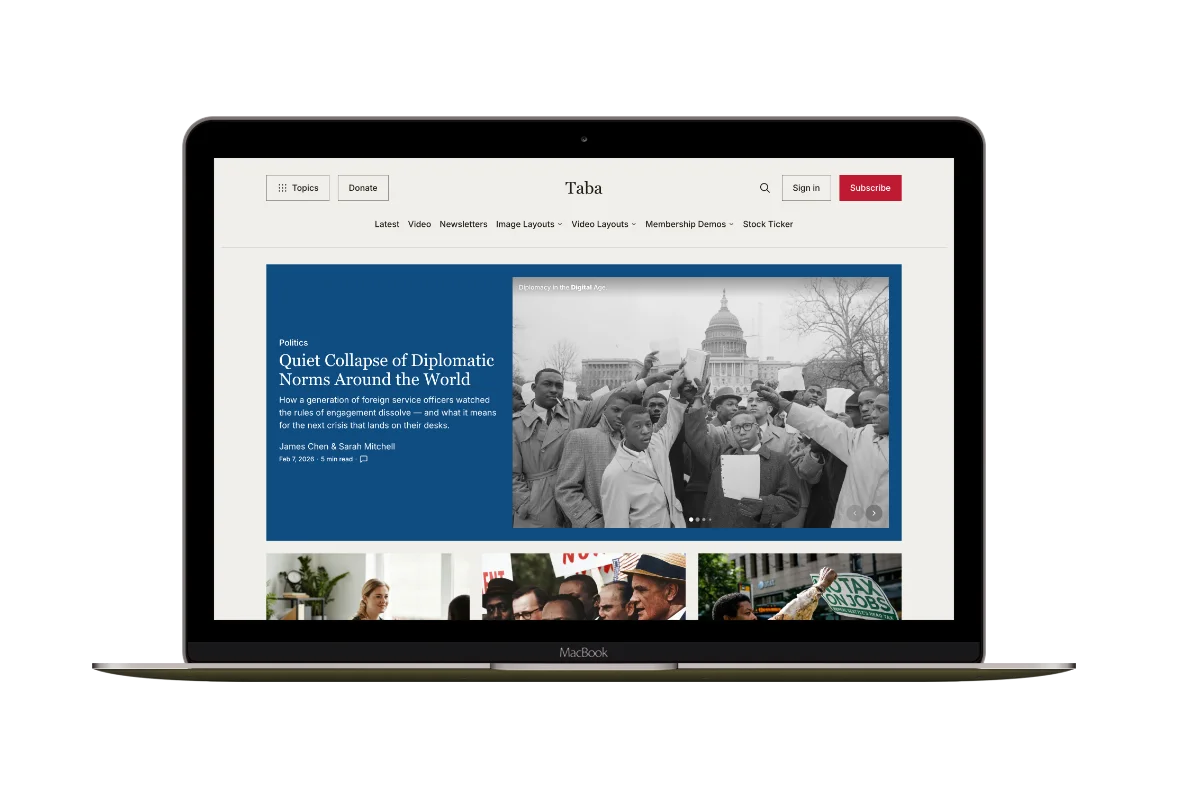
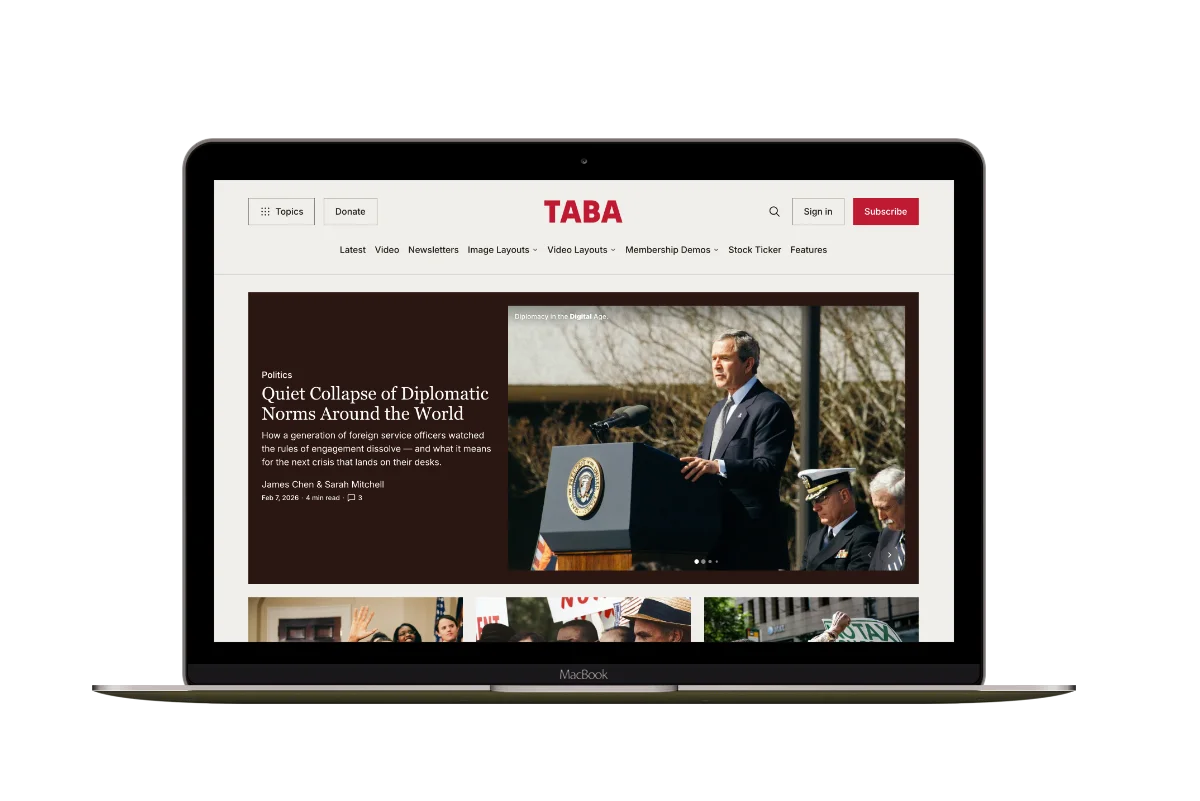
Taba
A newsroom front page for coverage across topics, video, and story formats.
Marsa
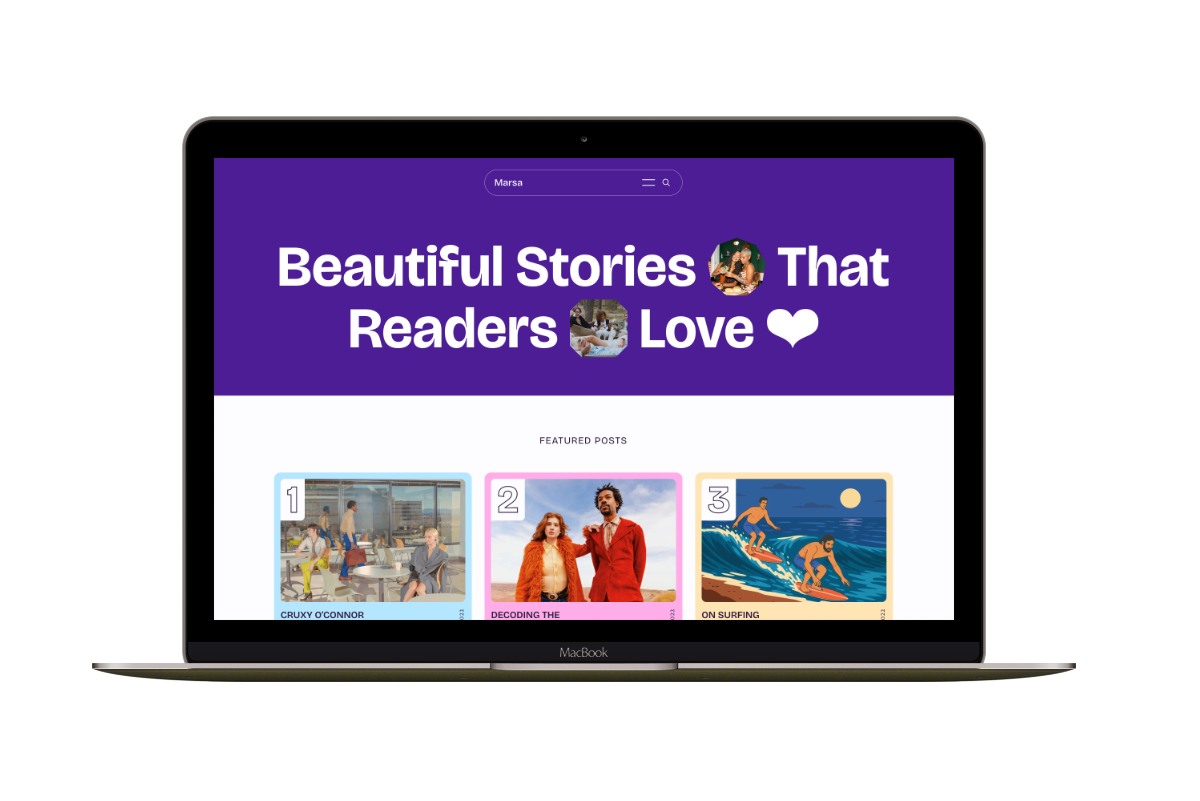
A flexible publication homepage for featured stories, topics, and newsletters.
Hakone
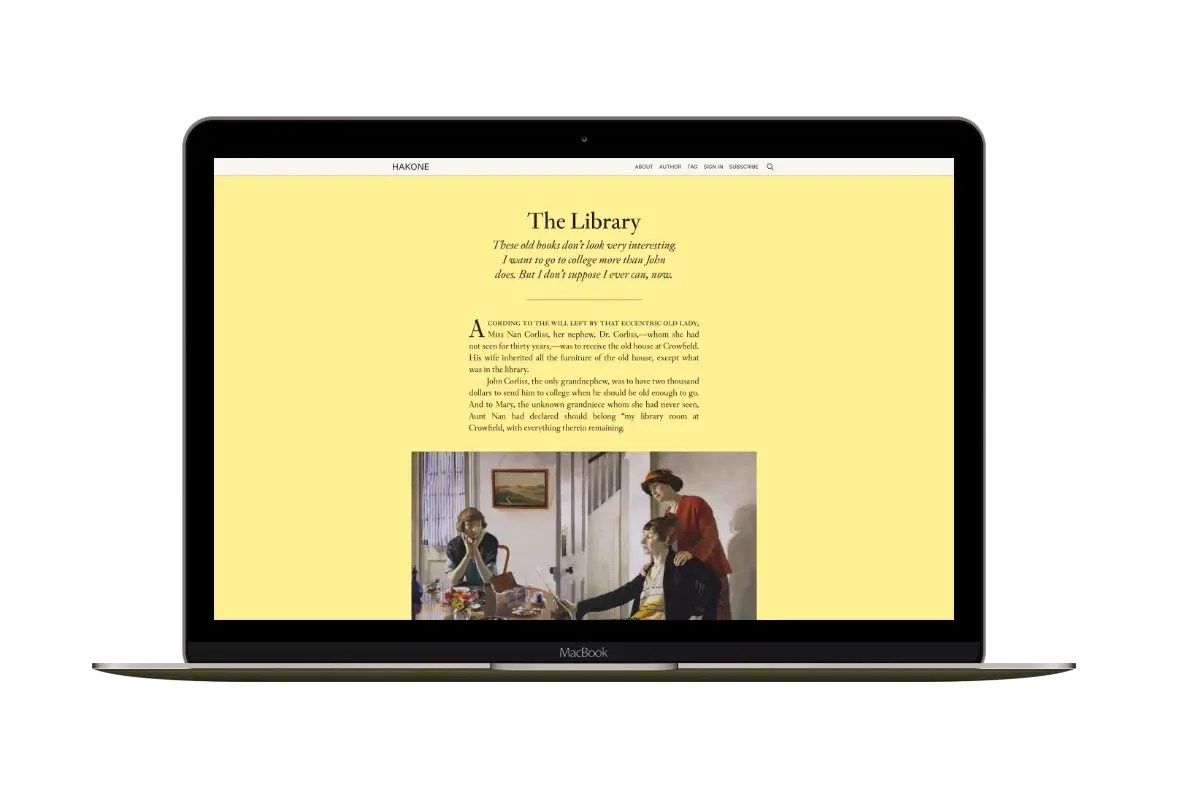
For writers who want readers to browse complete posts on the homepage.