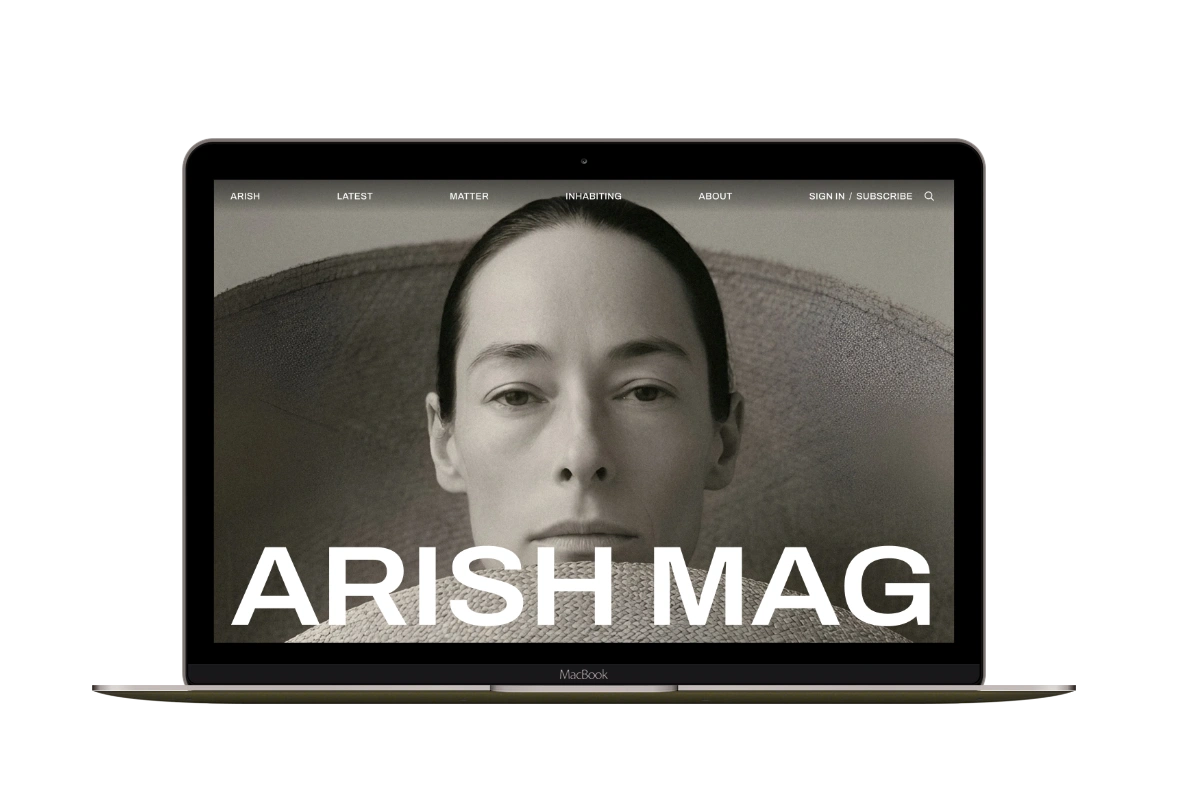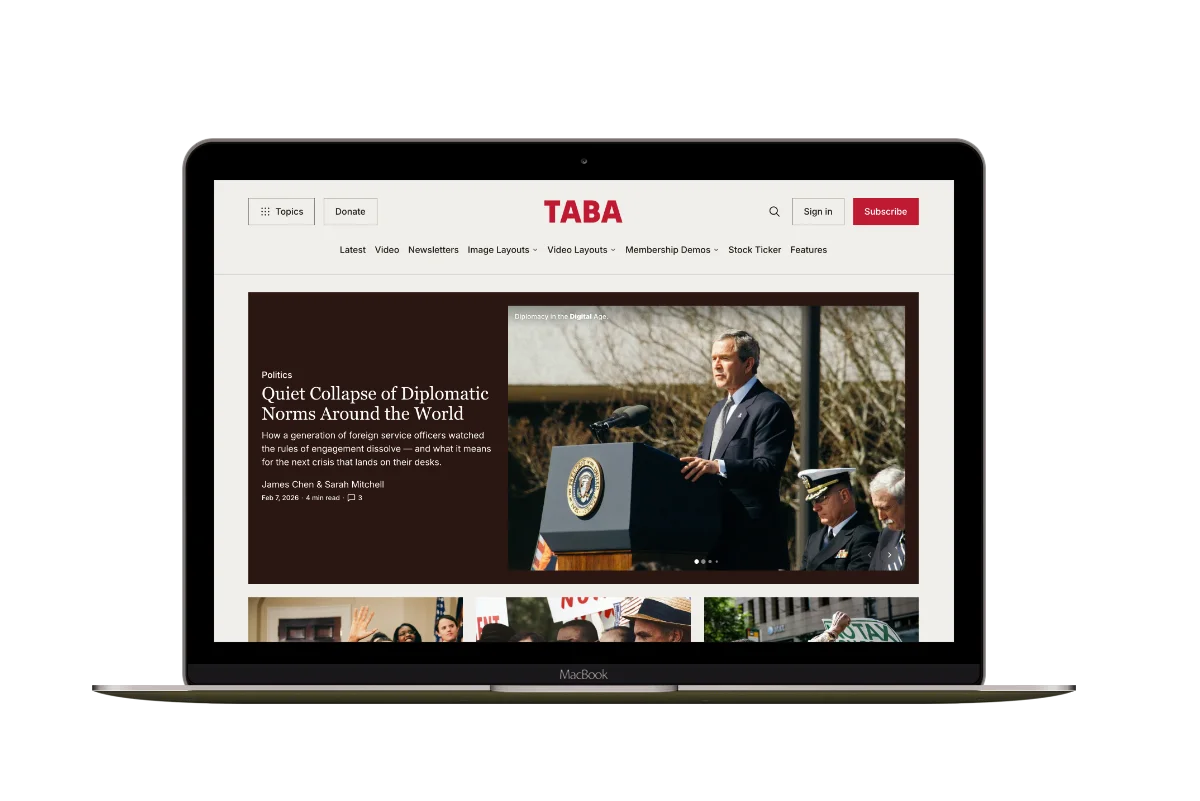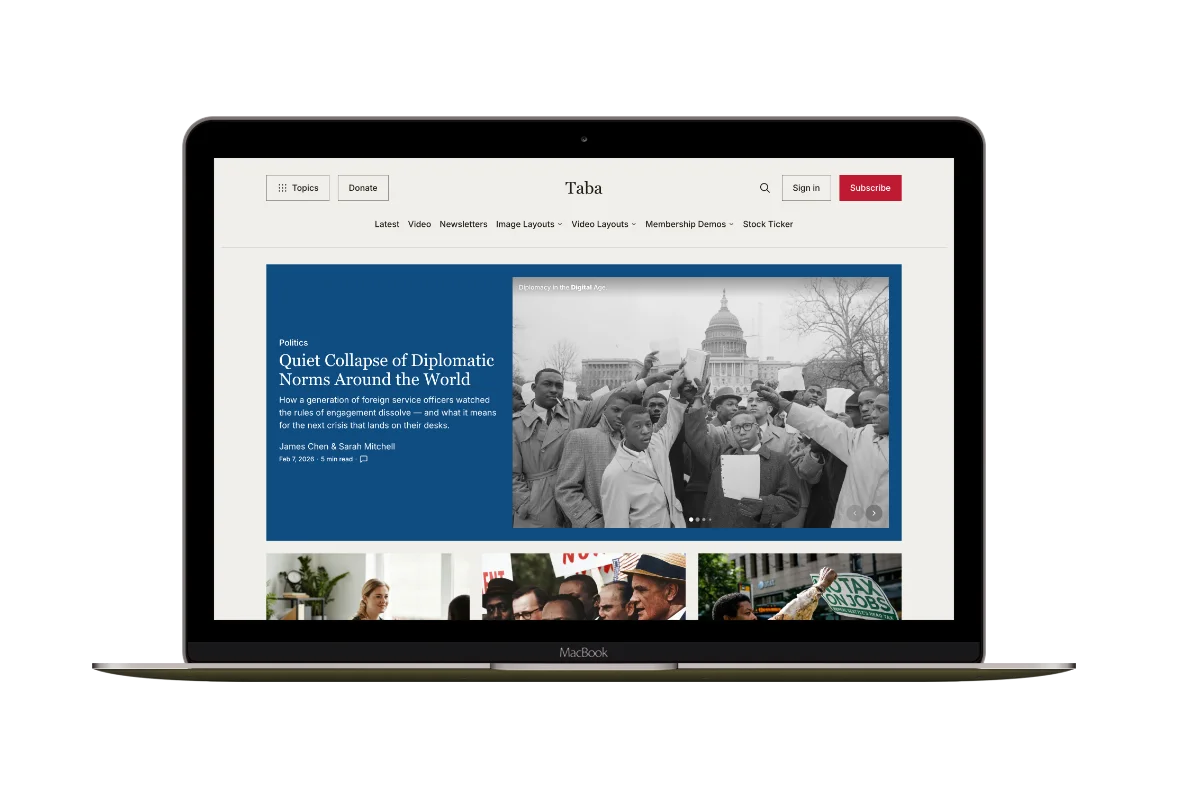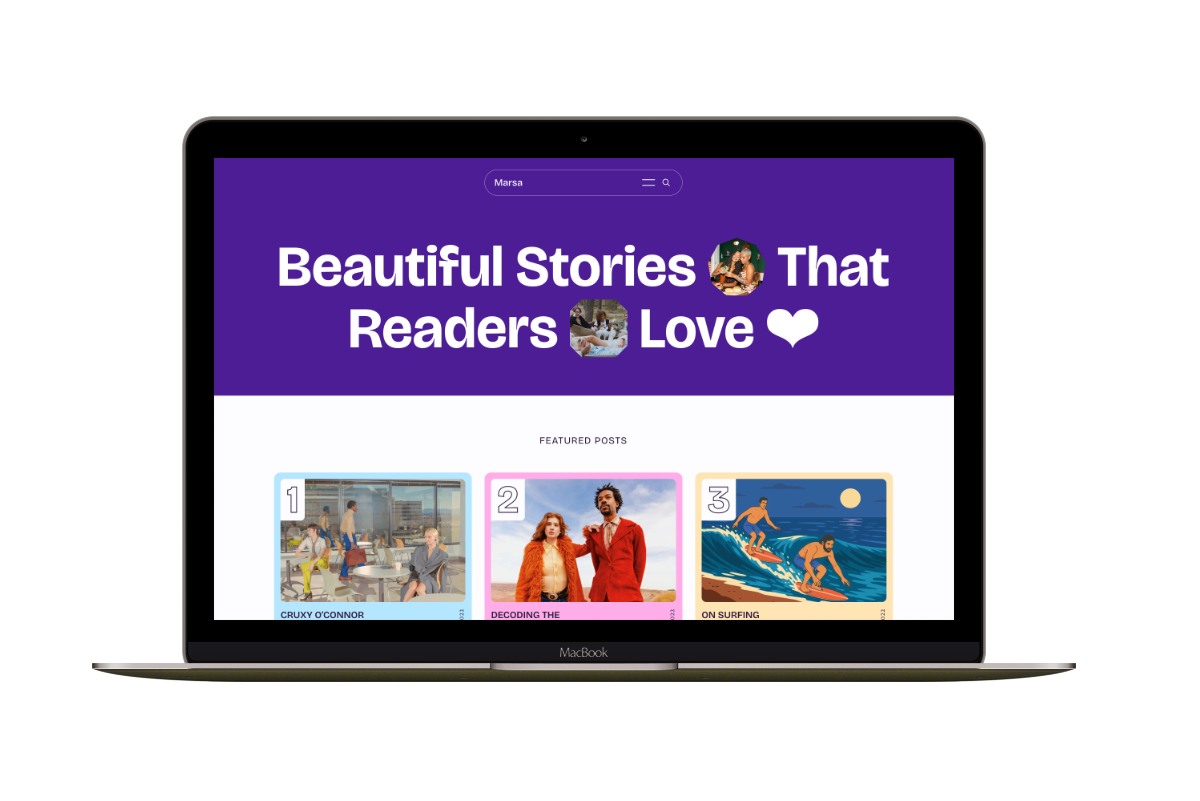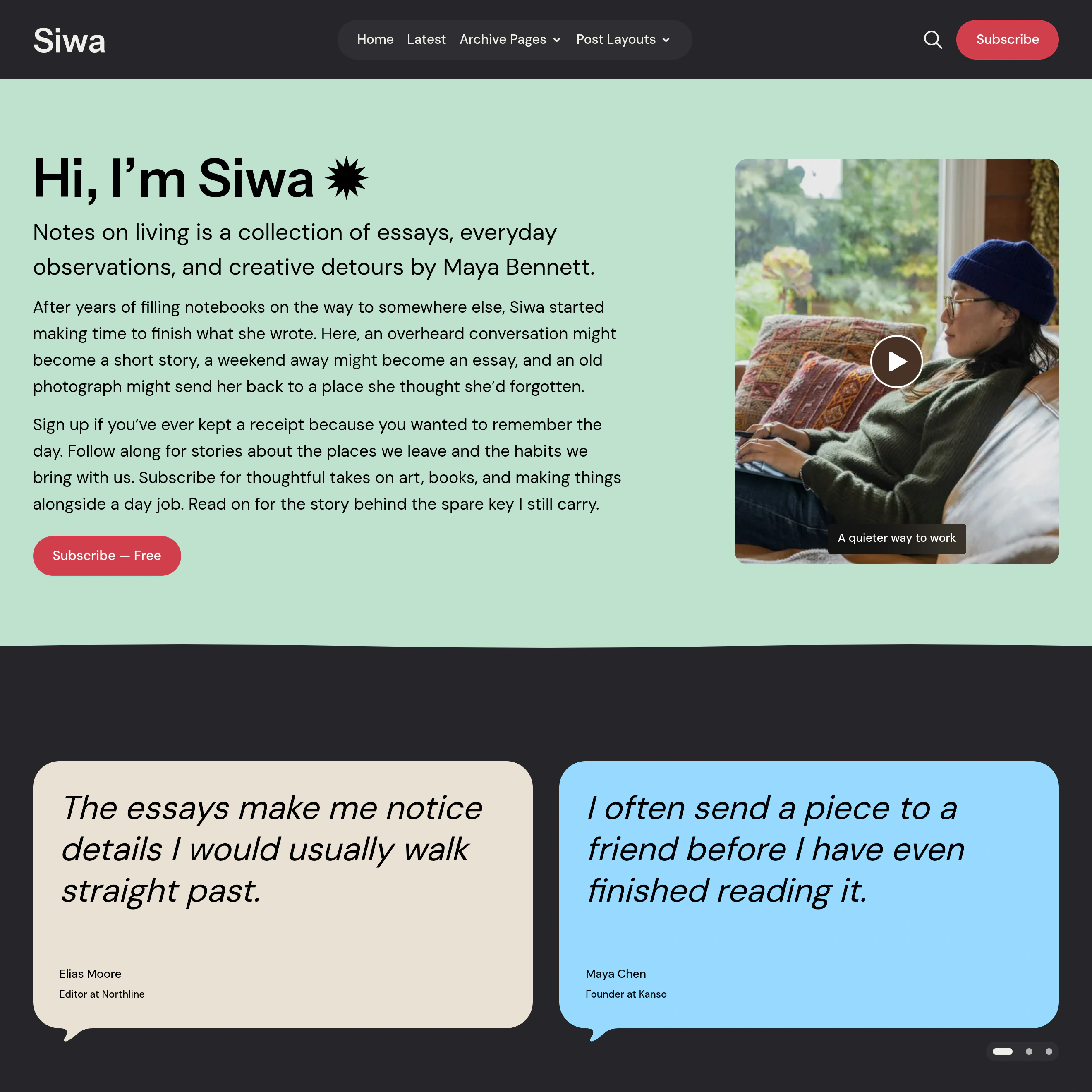
Siwa suits independent writers and small visual magazines. Share words, photographs, or video, and introduce yourself. Readers can sign up for your newsletter in the same publication. They can browse your stories visually and get to know the person behind the work.
A personal introduction
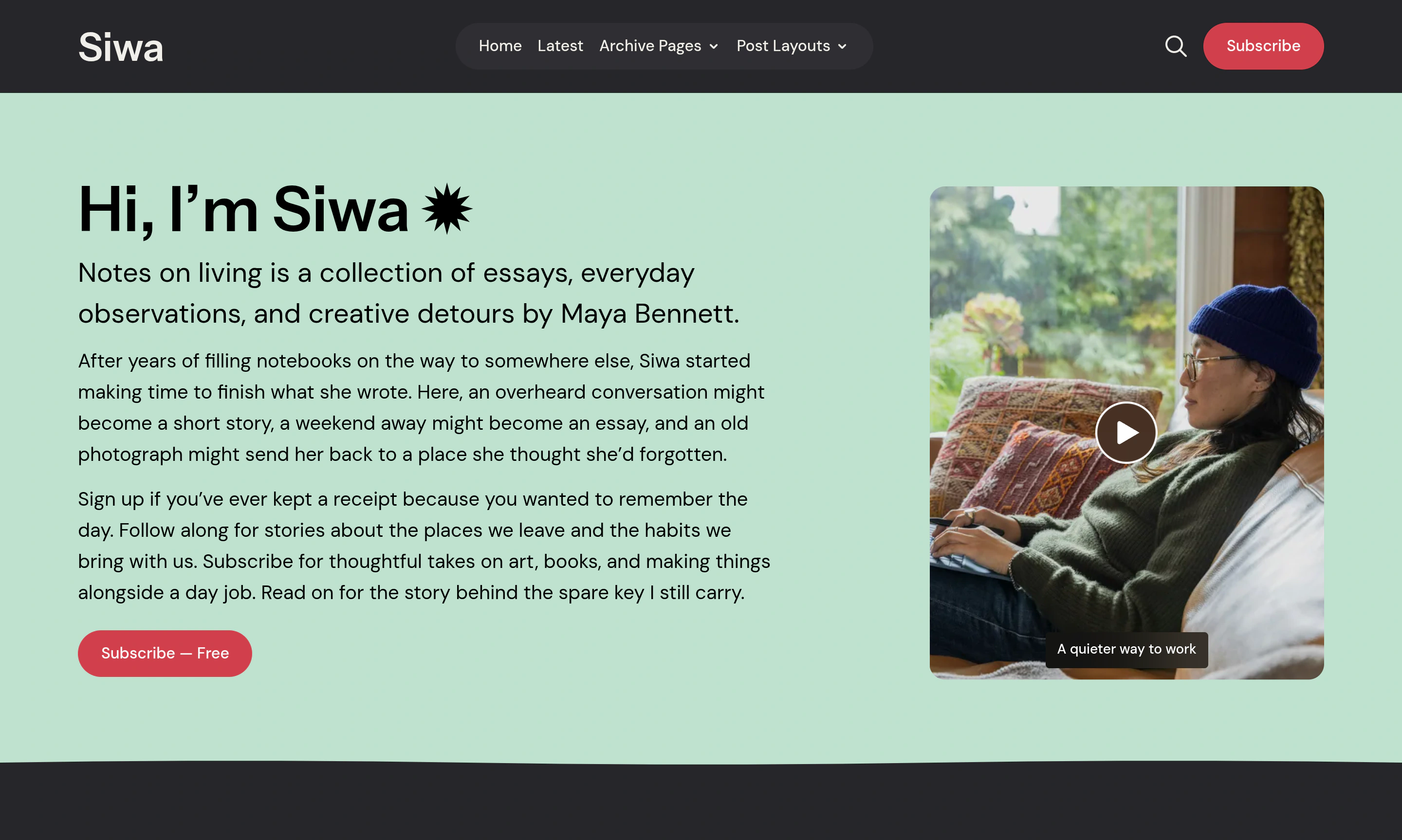
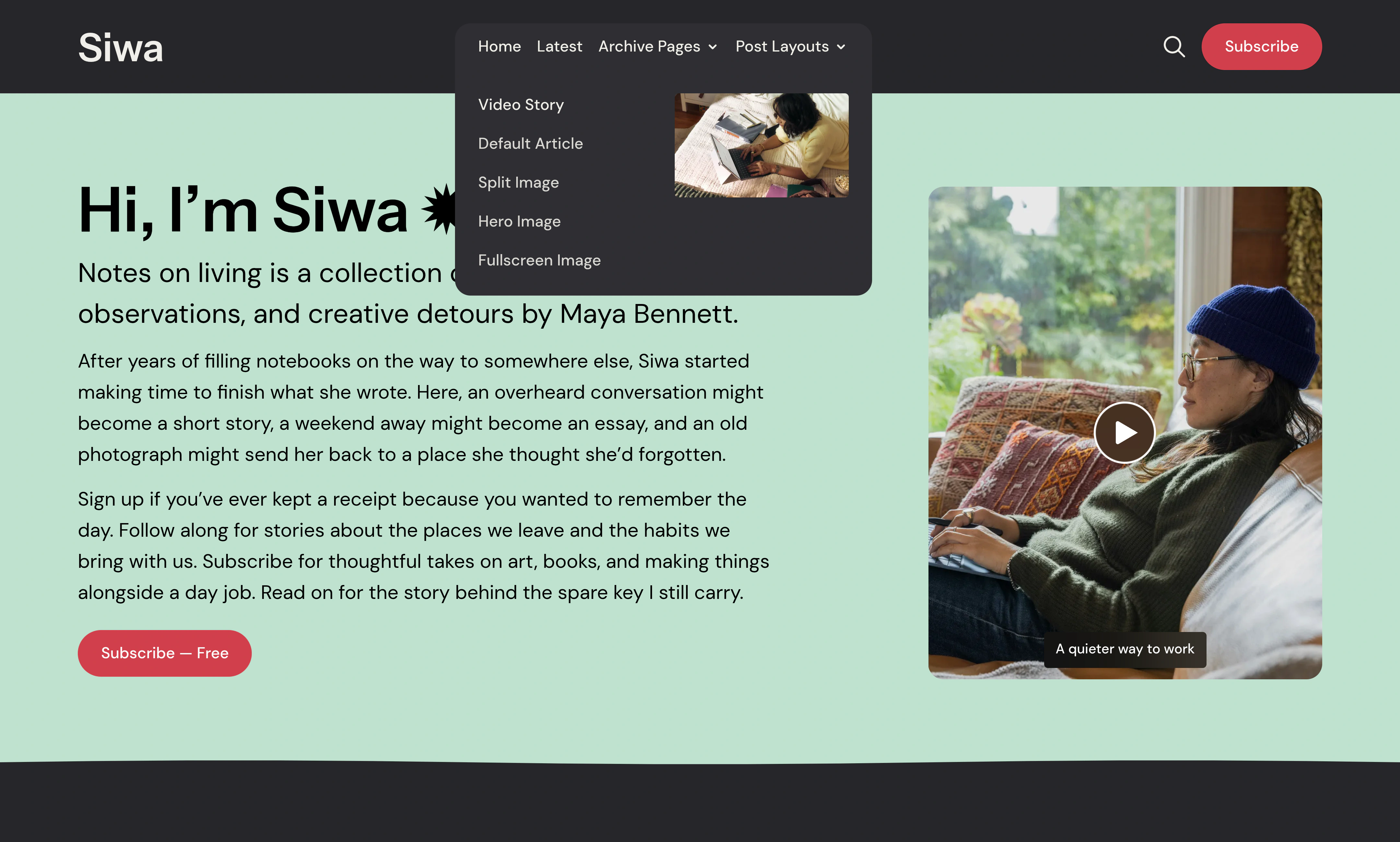
Give readers a person to connect with before they choose a story. Place your words beside a portrait or video in the homepage introduction. Explain what you publish and invite visitors to stay.
A video can make that introduction more personal. Visitors press Play to watch with sound in a lightbox; the page stays quiet until they choose to watch.
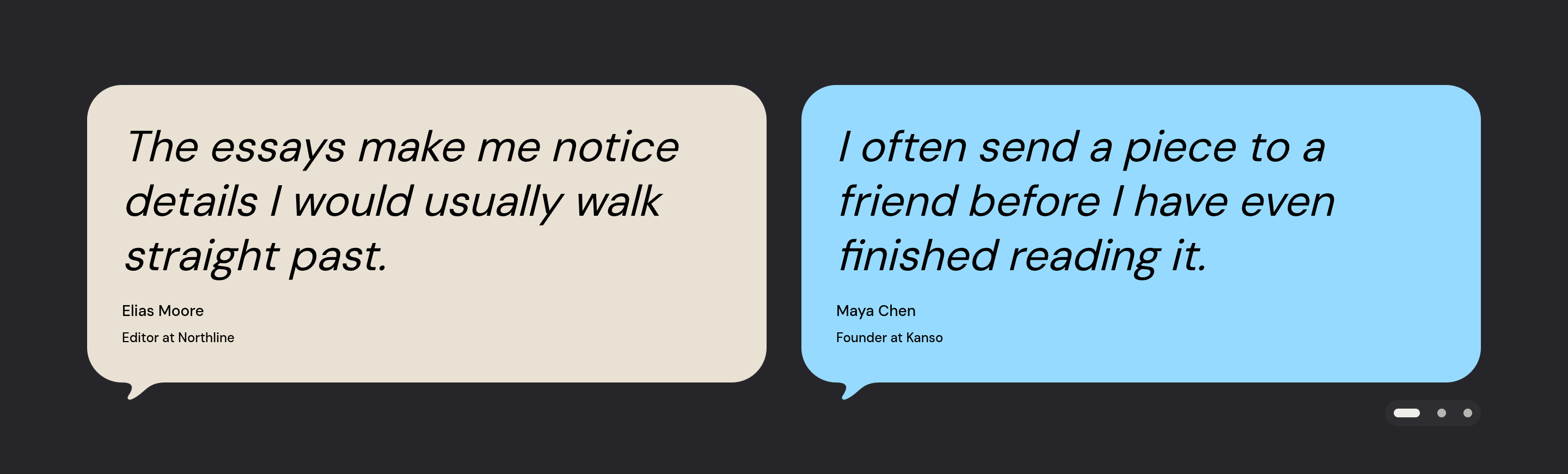
Reader quotes follow the introduction. Add each quote and its attribution yourself. You can give each quote its own background color. The quotes appear between your introduction and the story sections.
Featured stories
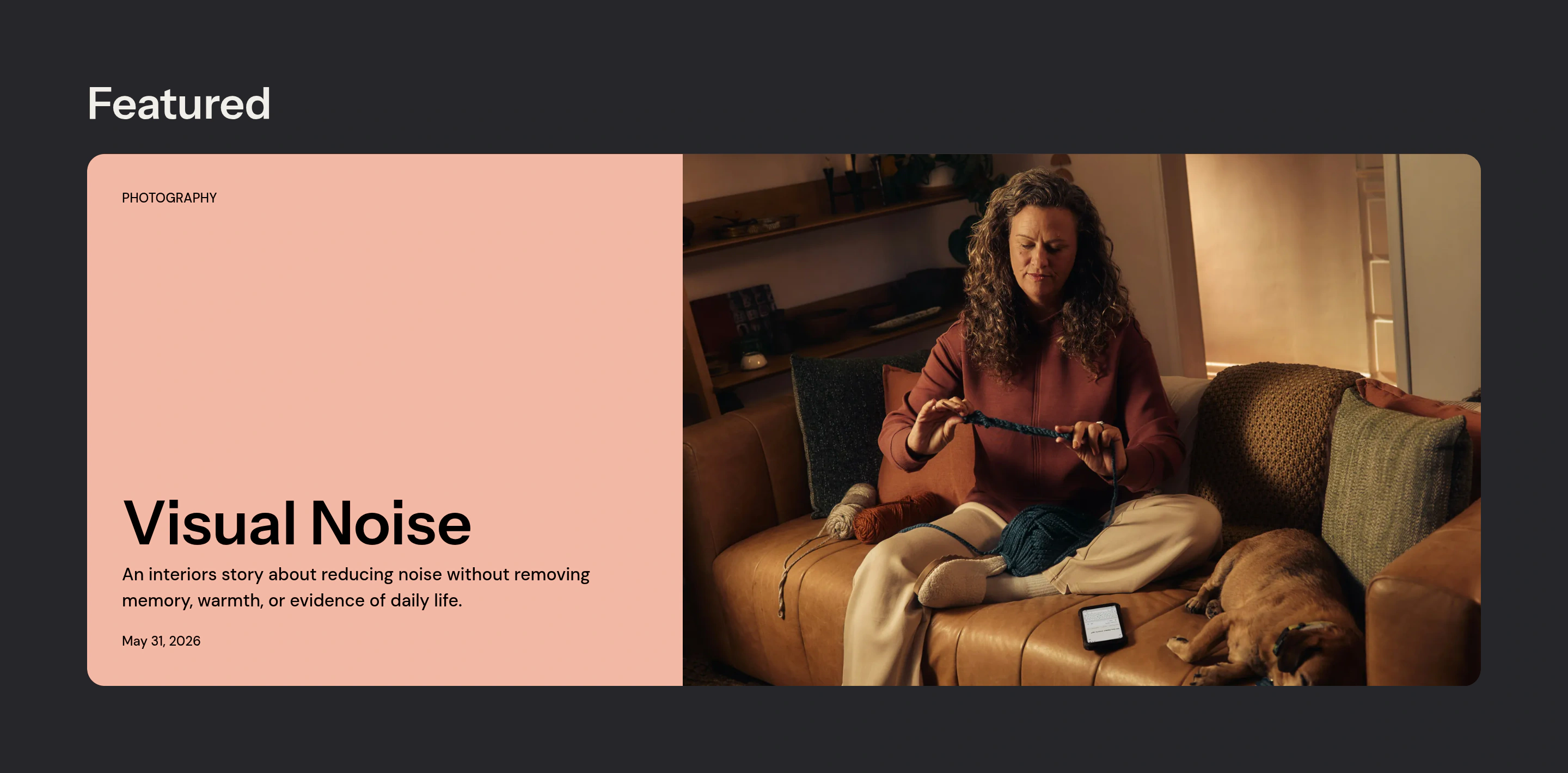
Your newest post may not be the best place to begin. Choose up to three Featured stories to introduce your work. Present them with large cards, excerpts, and images or muted video previews. Individual background colors give each story its own emphasis.
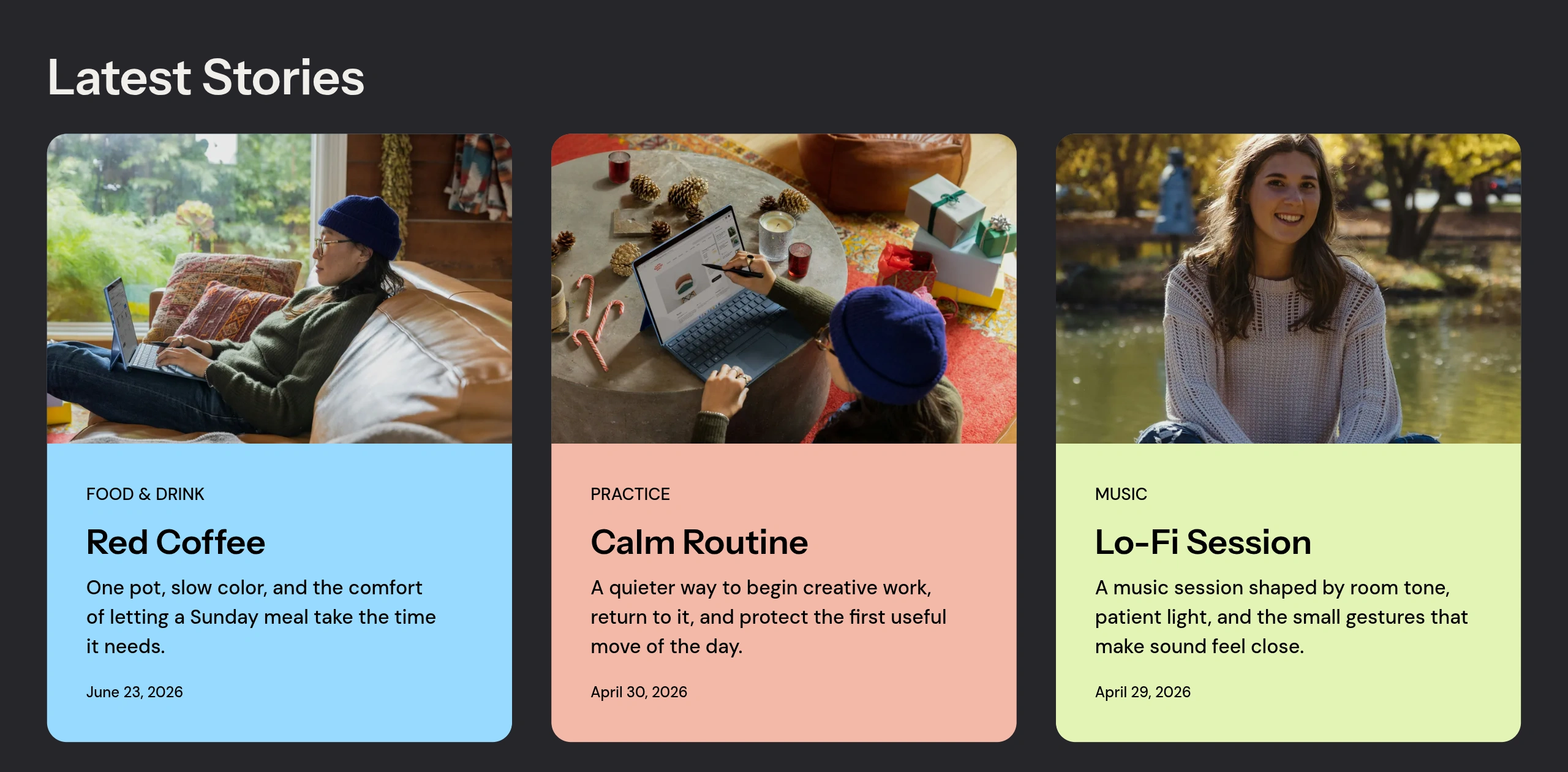
The Latest Stories grid follows, showing up to six recent posts. It excludes stories already selected for Featured. Returning readers can find what has changed. New visitors still have a clear starting point.
Navigation previews
A title tells readers where a link goes; an image gives them a glimpse of what they will find. Desktop dropdowns pair grouped links with previews from posts, pages, tags, and authors. Supported video stories can show muted previews.
On mobile, the menu keeps the grouped links in a drawer. Previews appear on desktop. Links remain usable when an image or video is unavailable.
Browse beyond the homepage
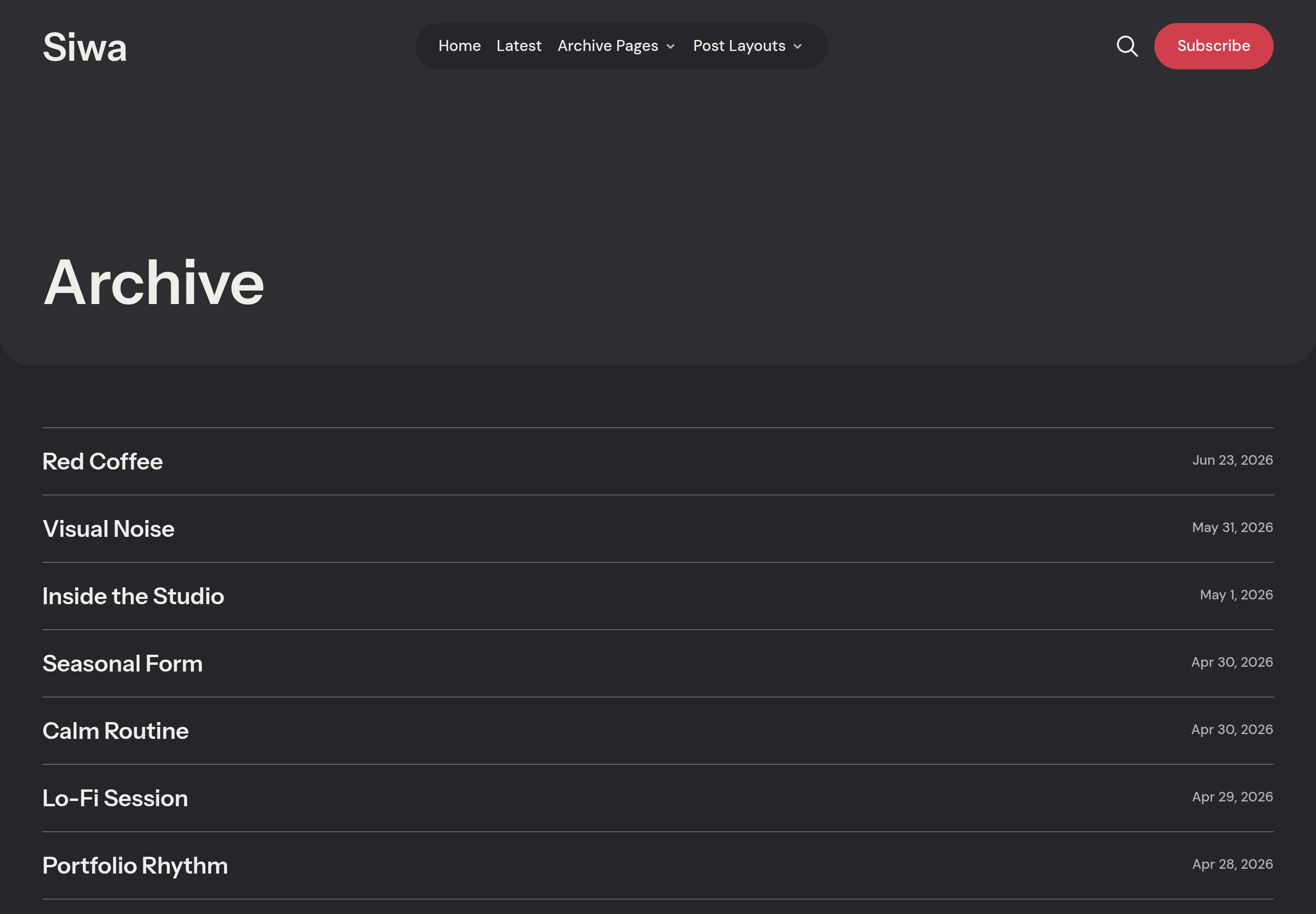
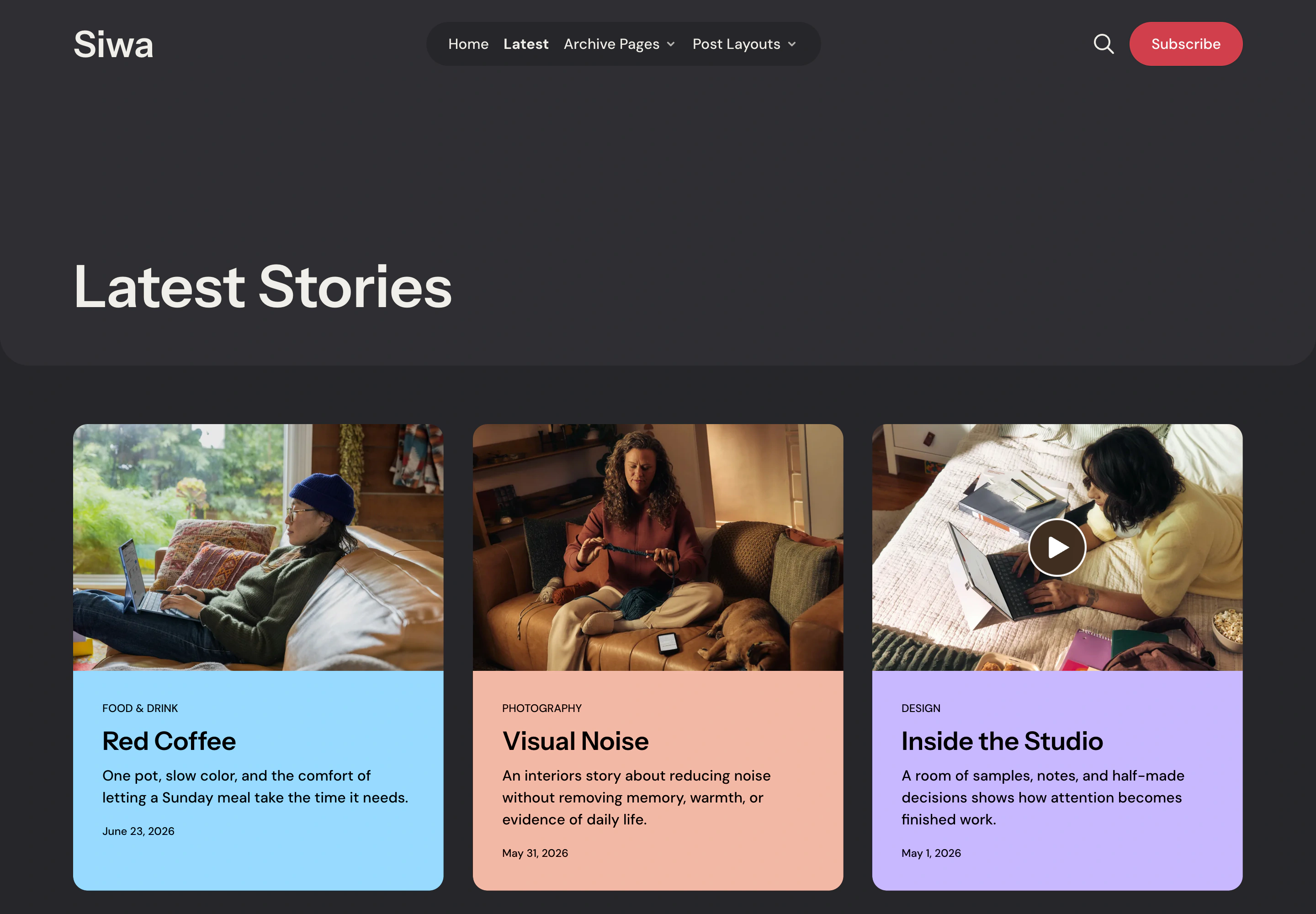
As your publication grows, readers need a way back to earlier work. Archive presents titles and dates in a compact list, while Latest offers an image grid. A reader can scan for a familiar title or browse for something that catches their eye.
Tag and author pages offer other routes into the collection. The tags directory lets readers choose a subject.
Five post layouts
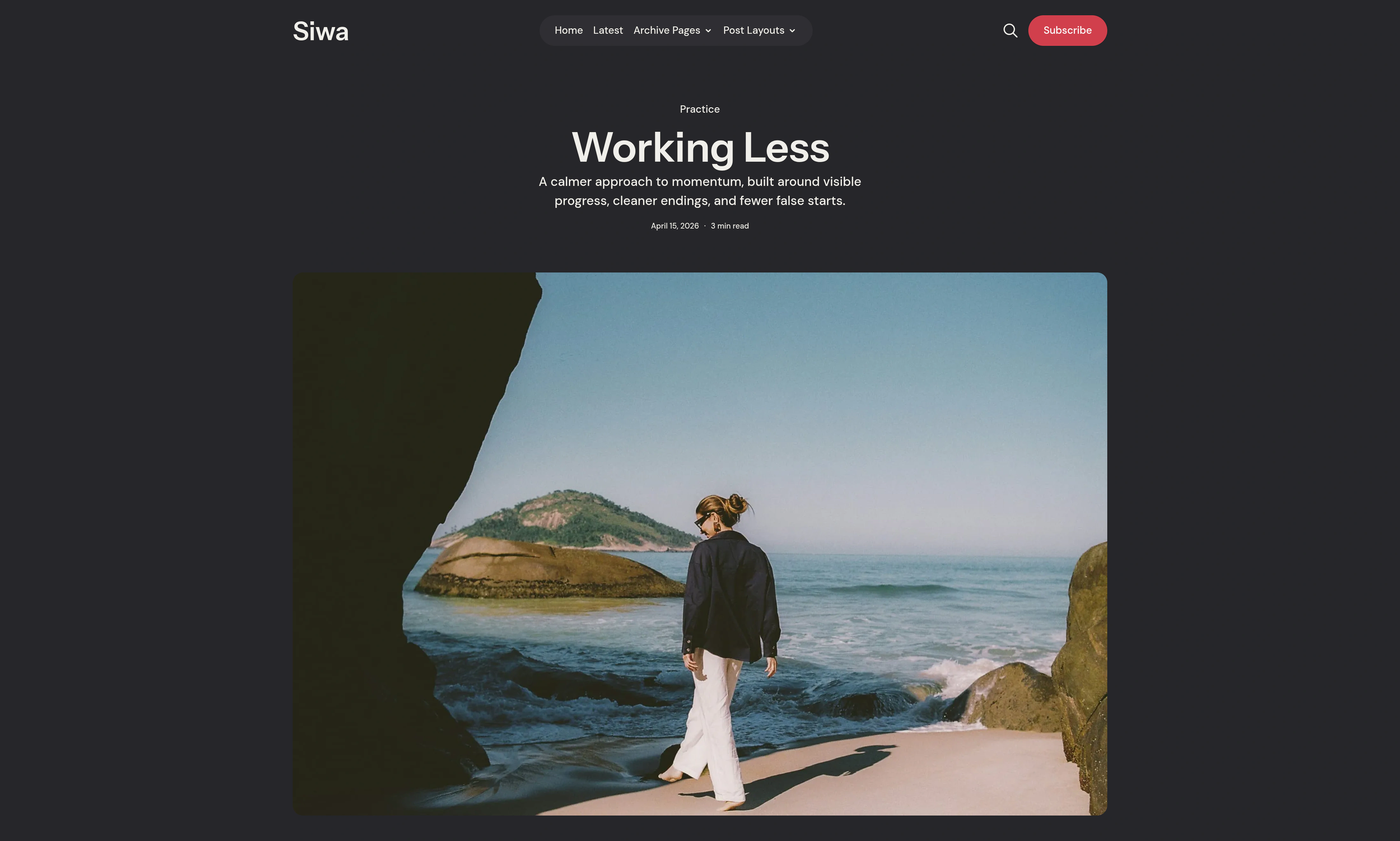
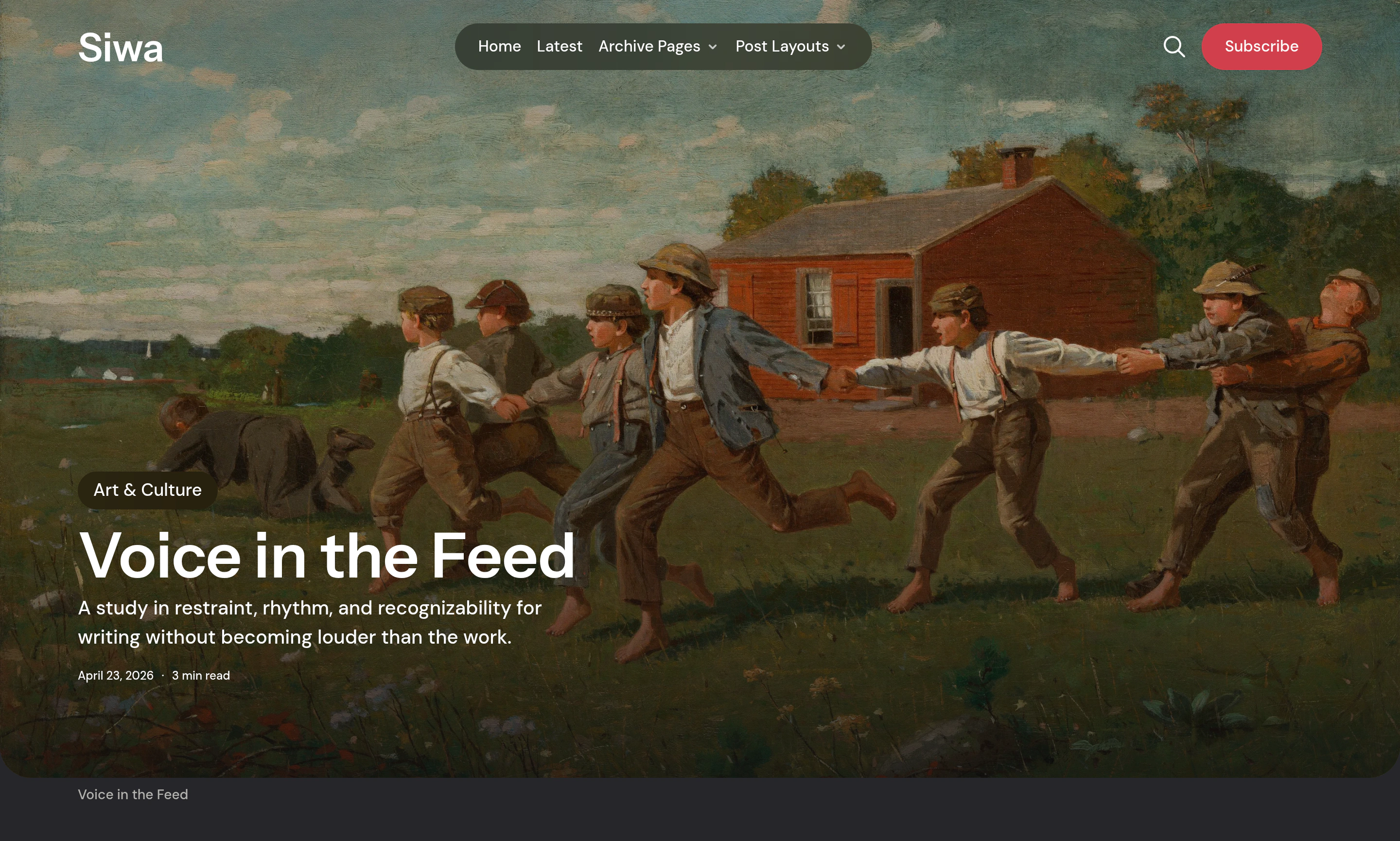
A written essay, a photo story, and a studio film can begin differently. Siwa gives you five post layouts. Choose an opening that suits the piece and keeps your publication’s identity.
-
Default: a centered title above the image.
-
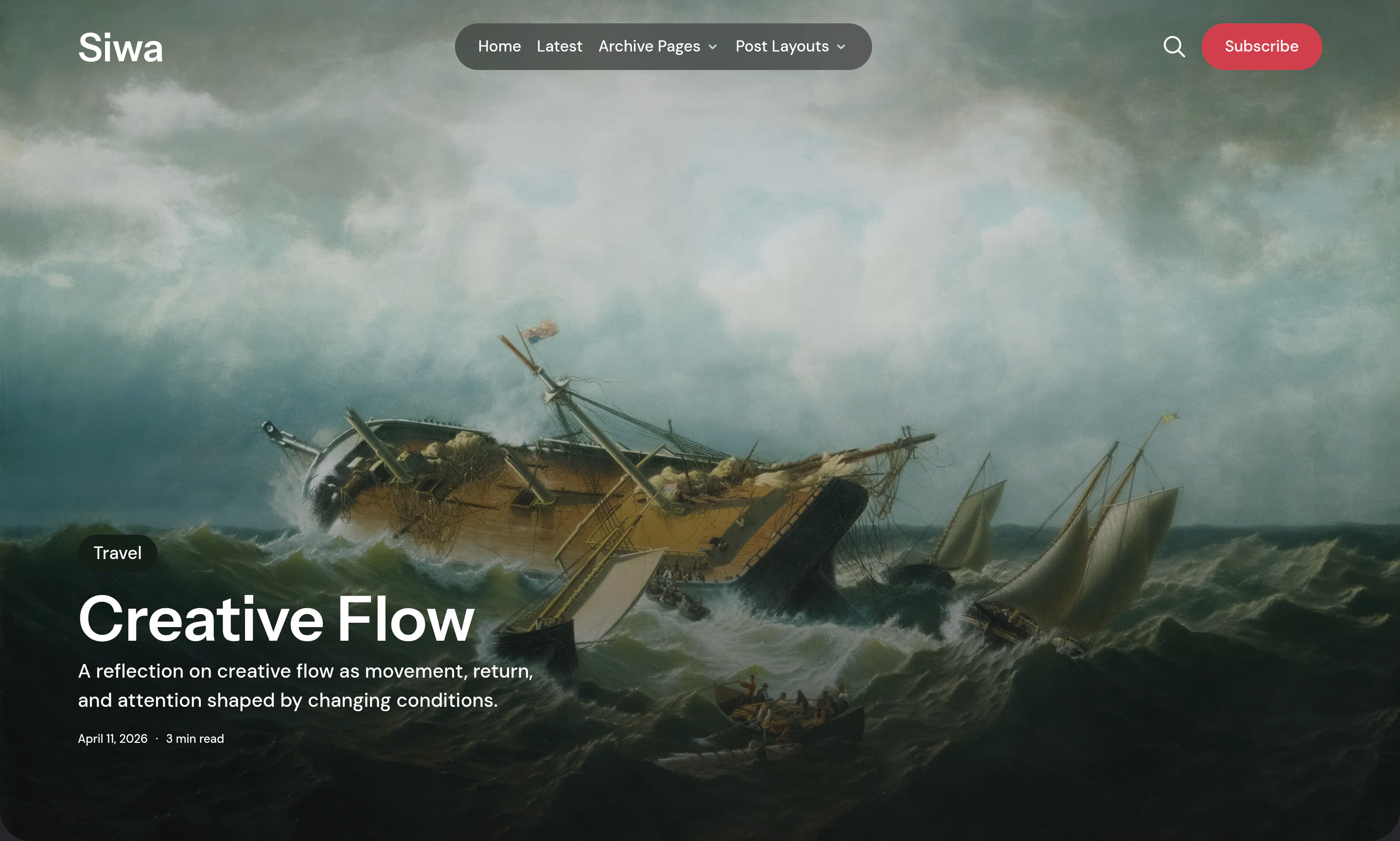
Hero: a title over the image.
-
Fullscreen: a screen-filling cover.
-
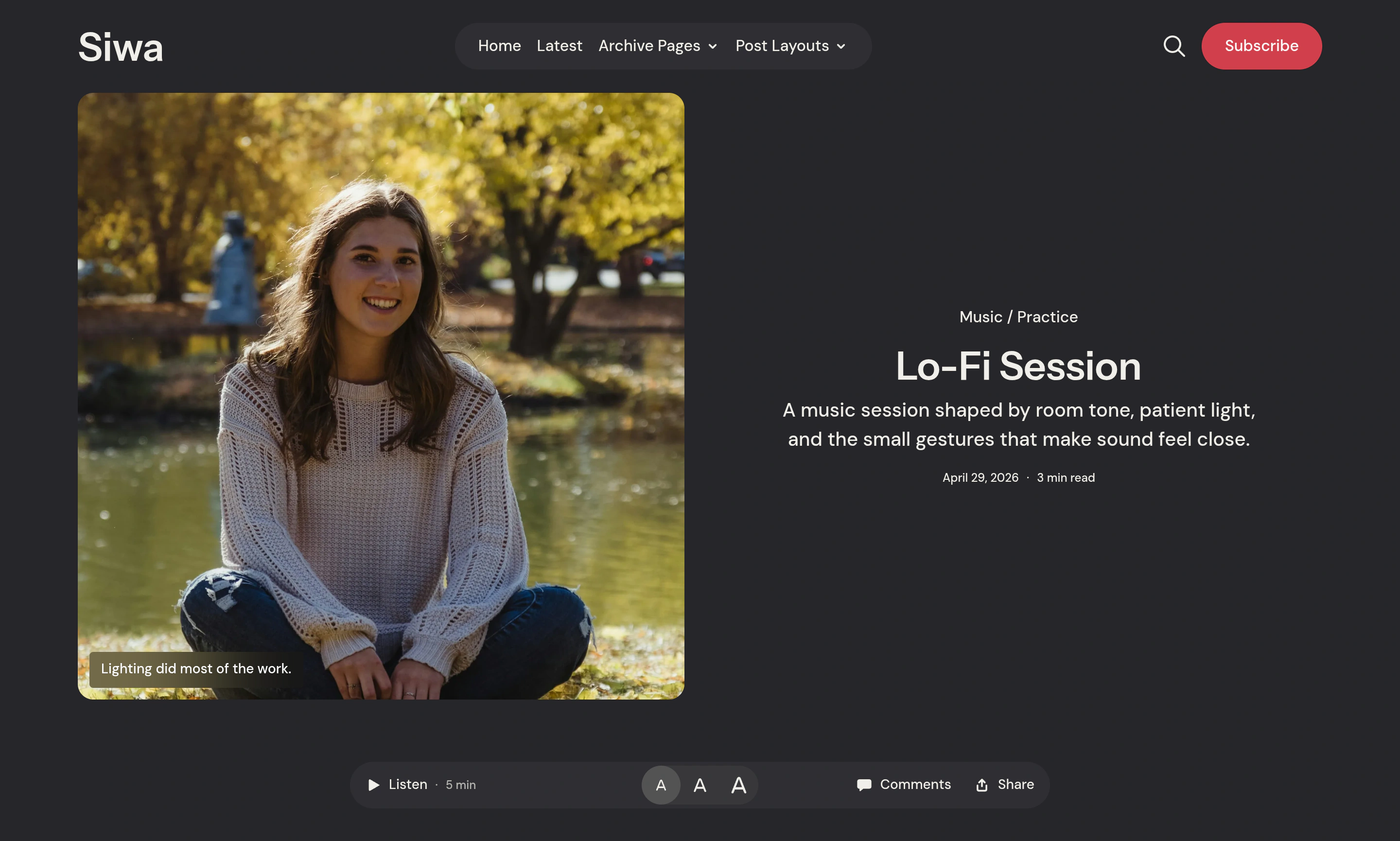
Split: the image beside the title and excerpt.
Read about the fifth layout, Post Video, below. Each example below opens in the demo.
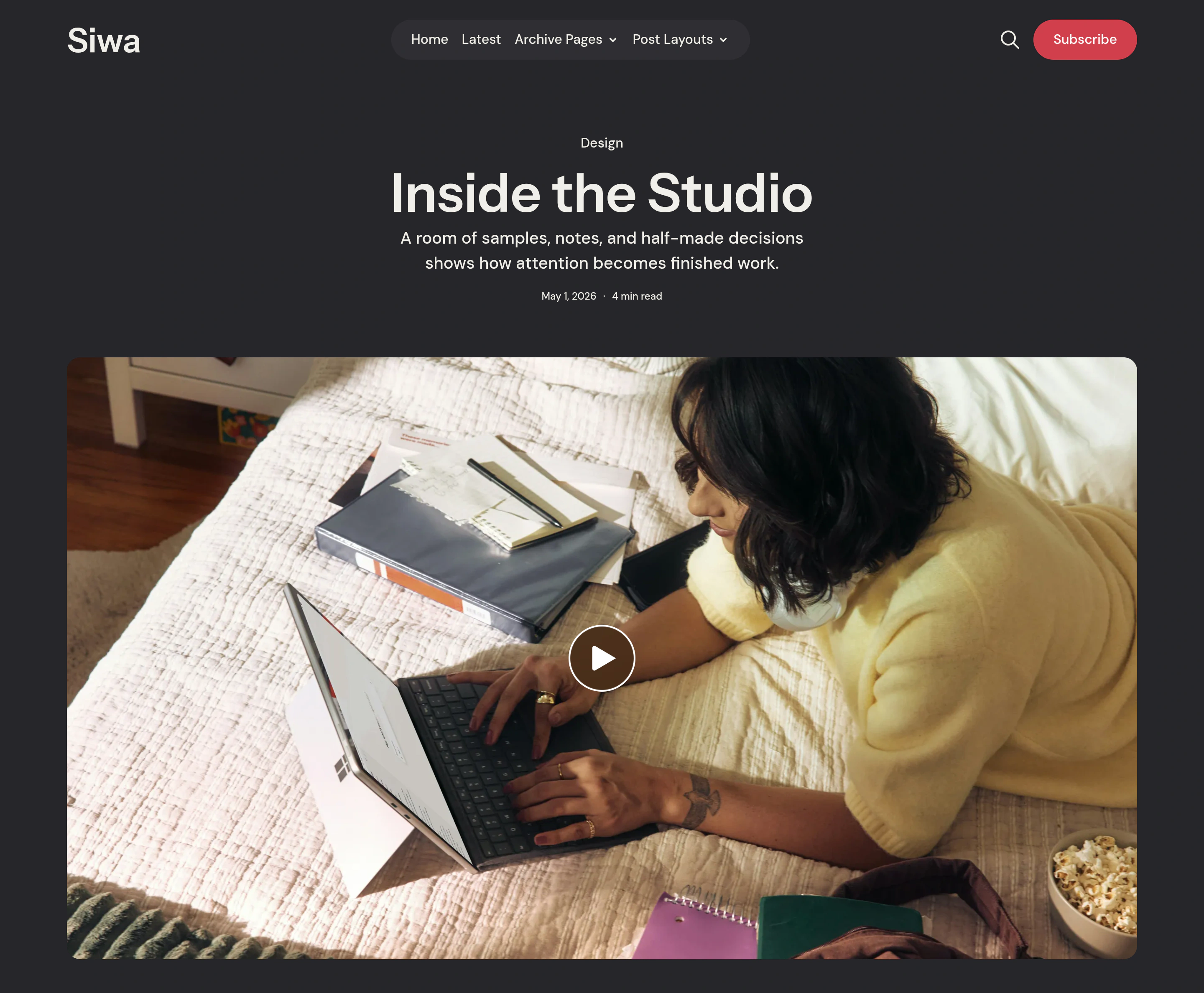
Choose Post Video to start a story with a video. It places the first supported video above the article. It supports native Ghost video, YouTube, and Vimeo. Readers start playback. The same story can have muted previews in cards and desktop navigation.
Video that belongs later in a piece can stay within an ordinary article instead.
Reading tools
Once the story begins, readers can adjust the text size or use Listen to hear the story read aloud. Listen uses the browser’s text-to-speech support. Available voices depend on the browser and device.
Help readers follow longer pieces with a reading progress bar. Siwa builds a table of contents from article headings. Sharing and Ghost comments are close at hand. Comments open in a side panel when enabled.
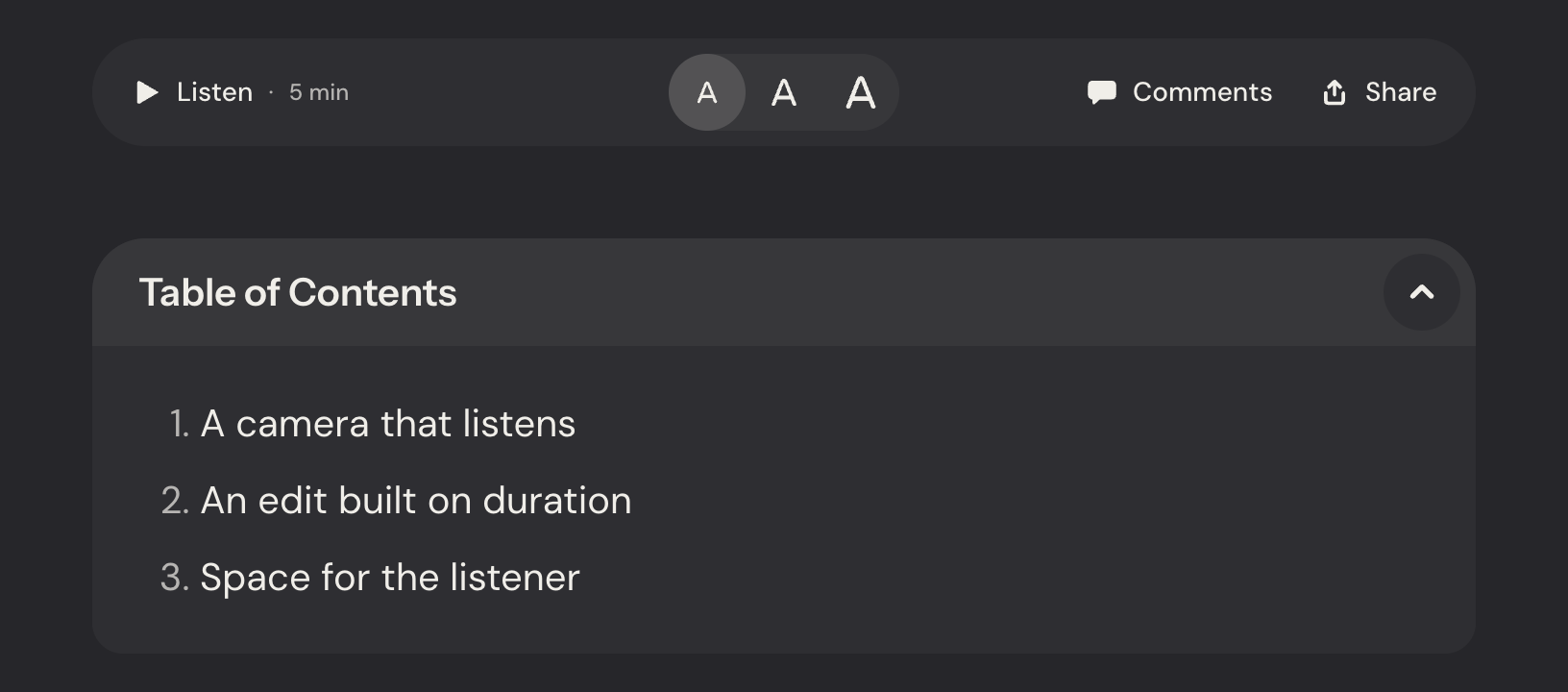
Image lightbox
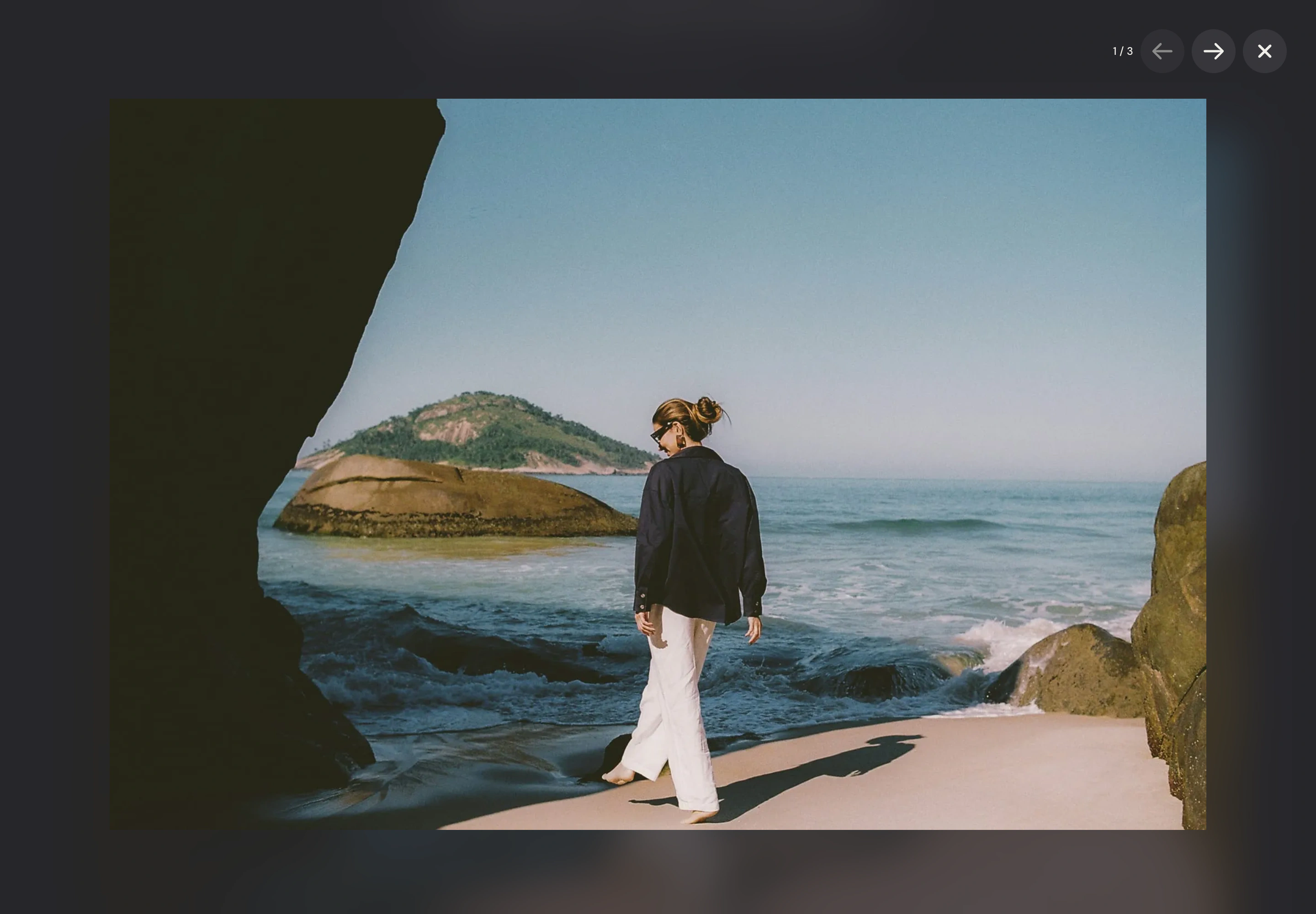
A photograph may deserve a closer look than the article column allows. Readers can open article images in a fullscreen viewer. This includes images in galleries. Images with links keep their links instead. Readers can move between images using the arrows, a keyboard, or swipe gestures.
Make it your publication
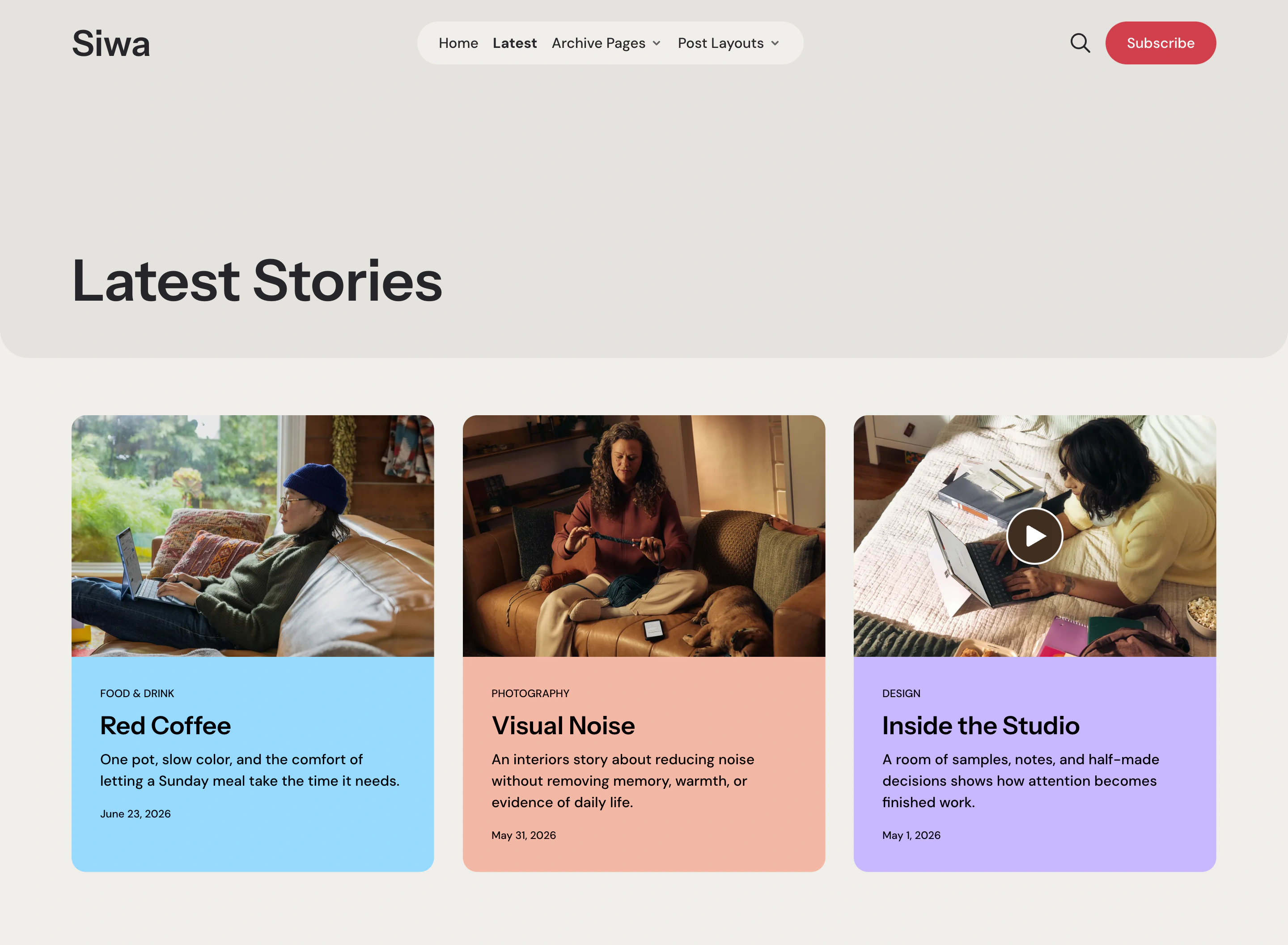
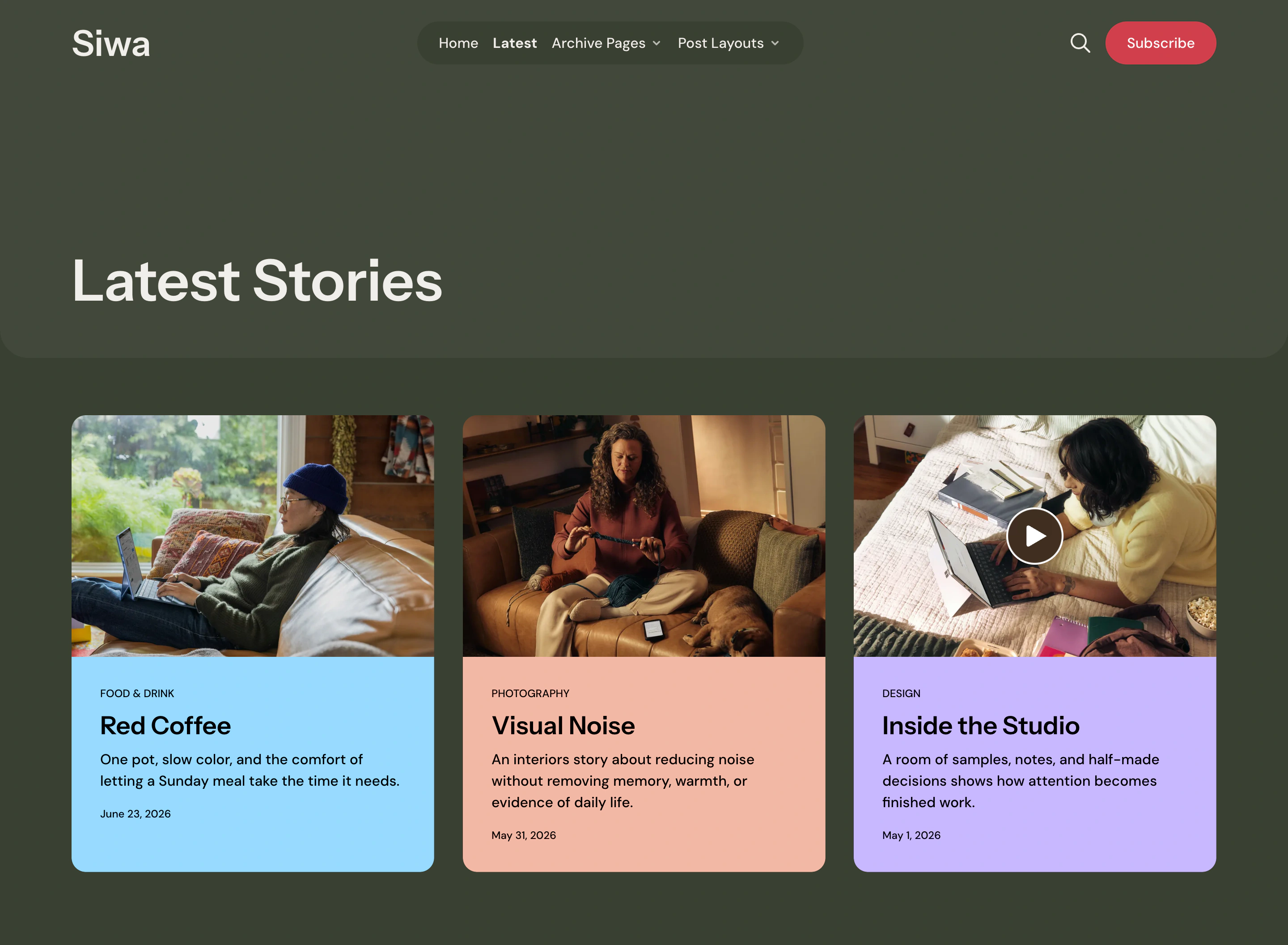
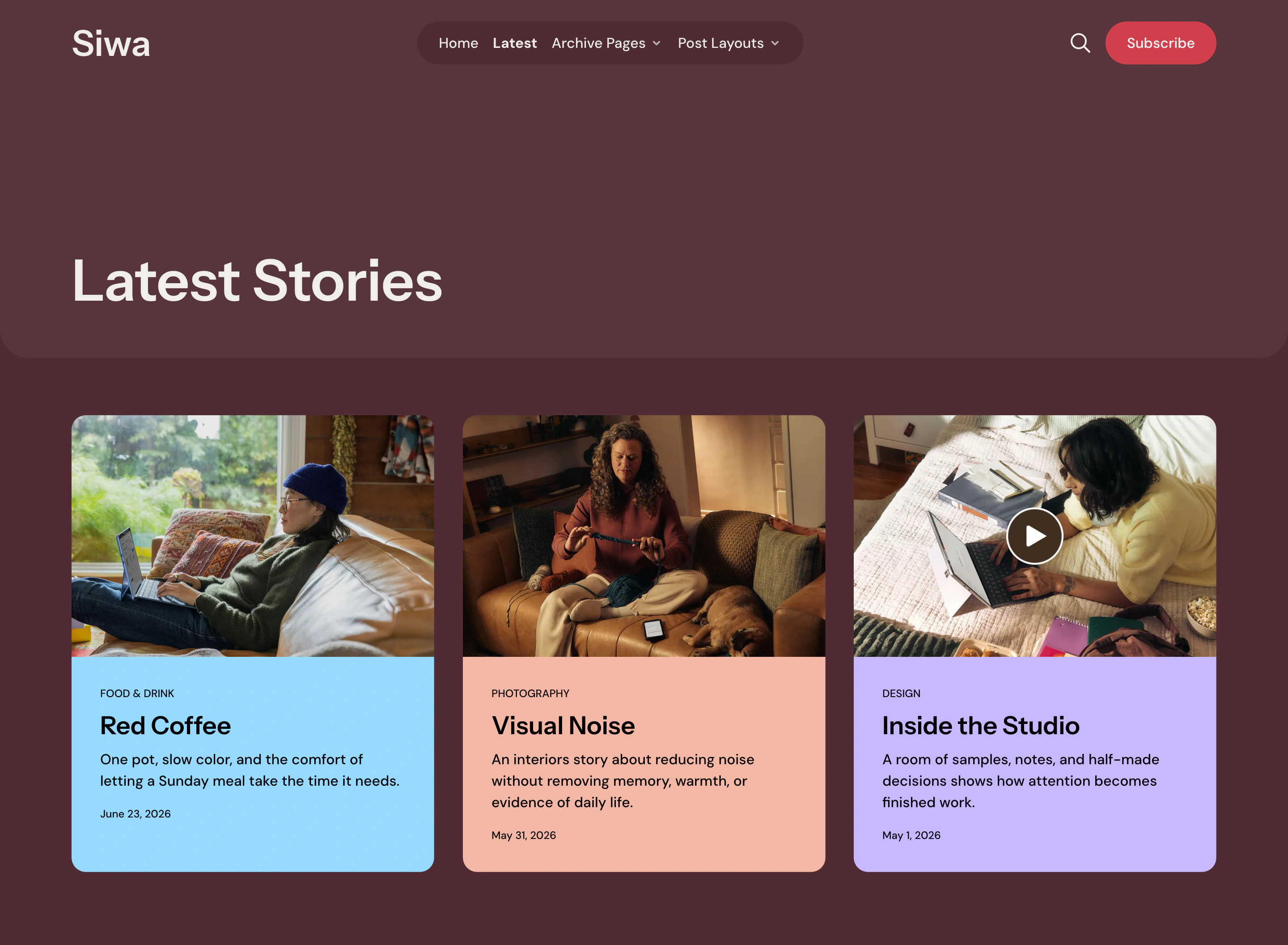
The site palette sets the background for your publication. Start with the dark Default Colors scheme, or choose:
-
Cloud Dancer
-
Kombu Green
-
Port Royale
-
Sodalite Blue
Custom Colors lets you set your own background and text colors. Ghost’s accent color controls buttons and links.
Individual story cards and sections can have their own backgrounds. Use a mint introduction and a peach Featured card on a dark site. Siwa chooses a text color that contrasts with each background. You can also use Ghost custom fonts.
Newsletters and memberships
After readers have explored your work, give them a specific reason to receive the next piece. The newsletter section has its own heading, description, and optional image. Its choices come from the newsletters you configure in Ghost. Visitors can choose what they want in their inbox.
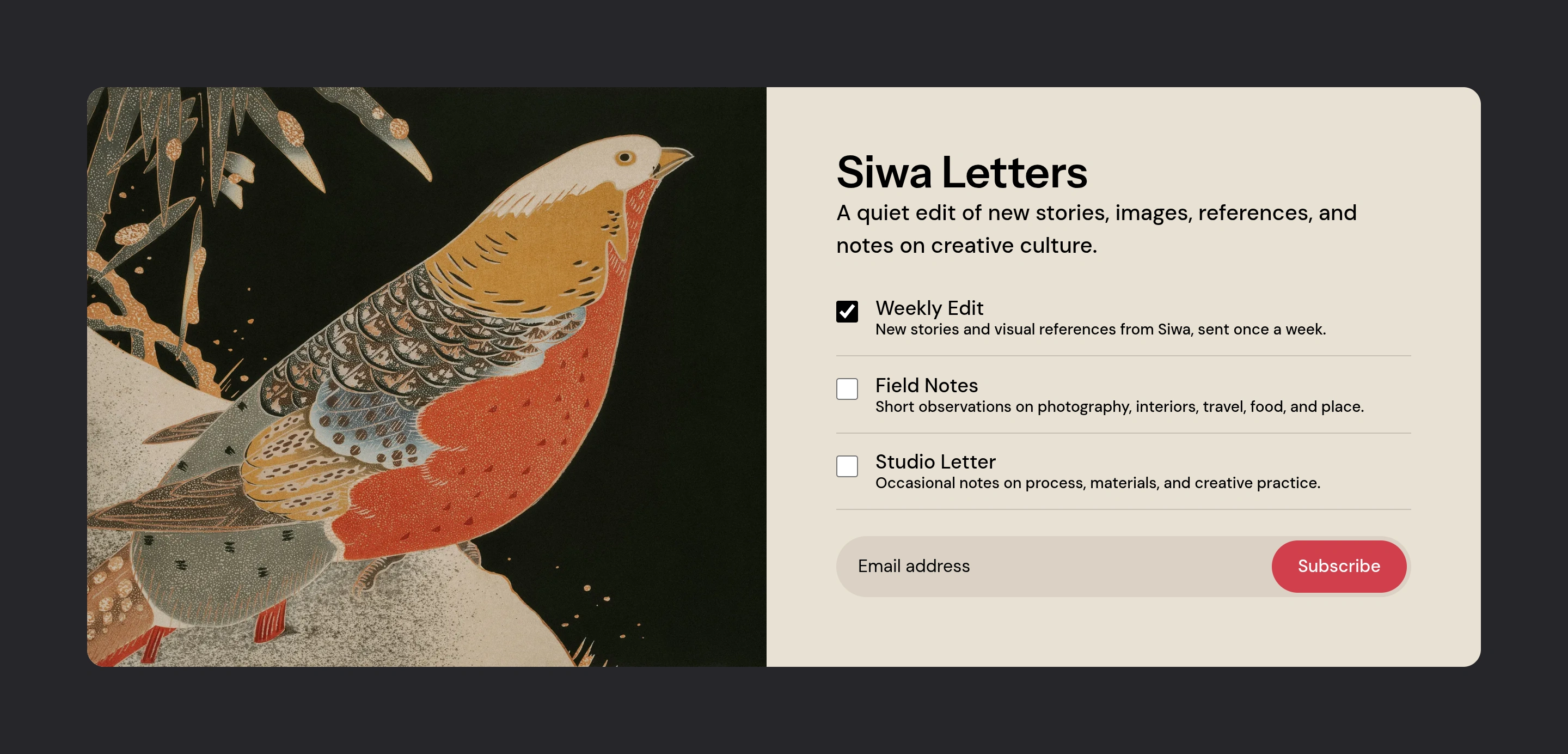
With an image, the section pairs artwork and signup controls on desktop. These stack on smaller screens. Without an image, the words and form use a centered column.
The newsletter section appears before the footer across the site for signed-out visitors.
Siwa also supports Ghost’s native memberships, including member-only and paid posts. Signed-in members do not see the repeated signup section.
Stock quotes
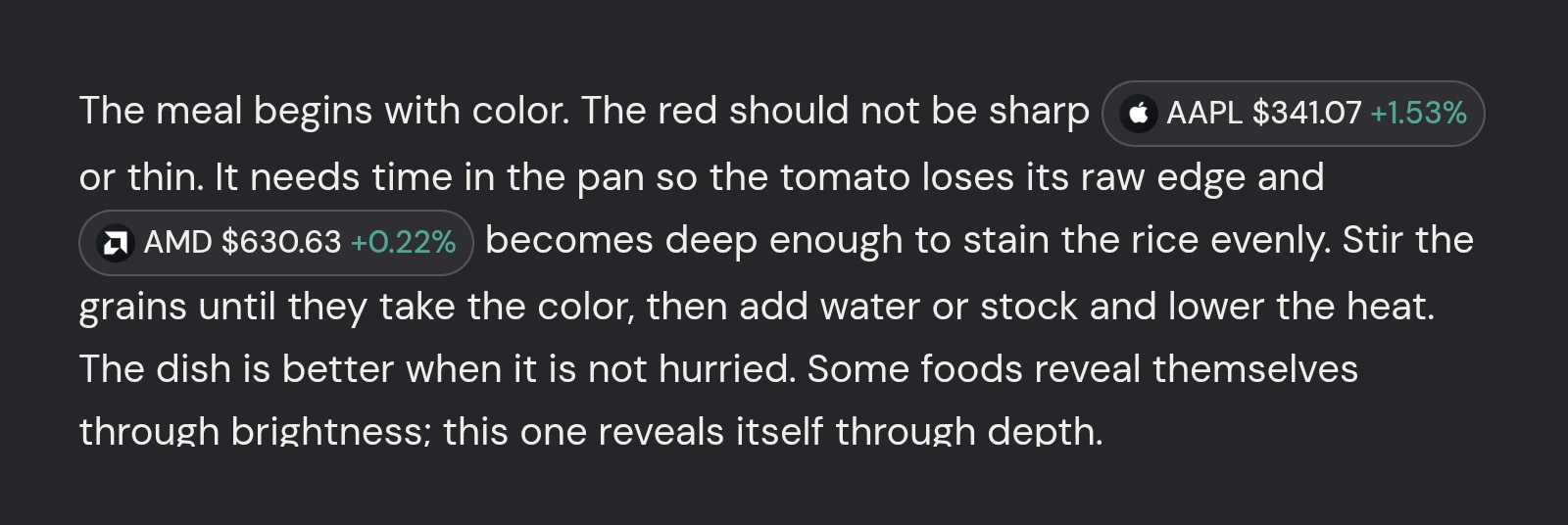
Write about US stocks with inline quotes. They show the latest available price and percentage change. These appear beside the symbol in your text.
Stock quotes use Finnhub. Symbol coverage and request limits depend on the service.
Responsive design
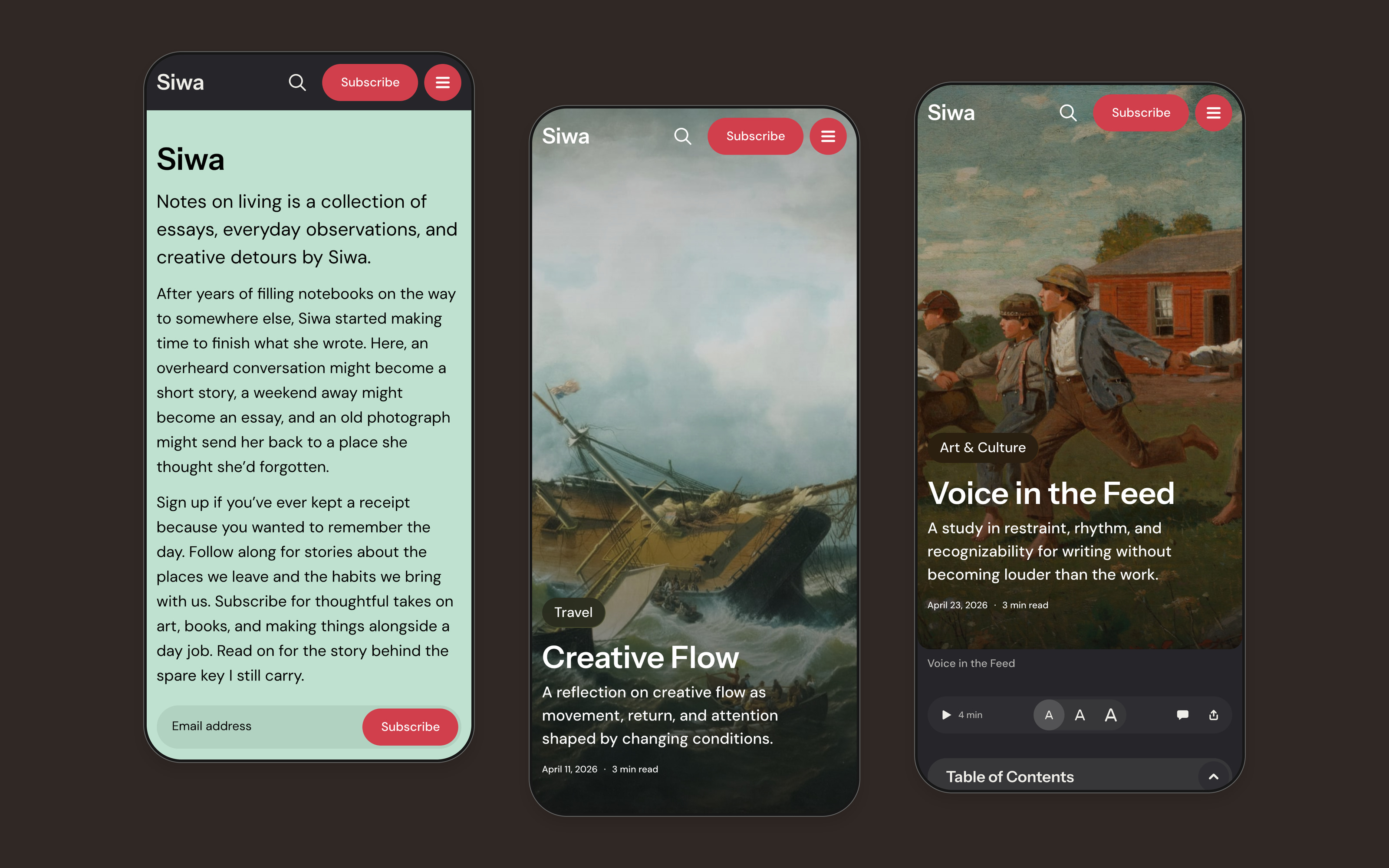
The introduction and story layouts adapt to smaller screens. Siwa arranges photography, headings, and reading tools for phones.
More Siwa features
-
Mobile navigation
-
Tag and author pages
-
Native Ghost search
-
Twelve interface translations
Aspire Themes is trusted by 3,000+ customers
One-time Purchase
Free Support & Updates
30-Day Money-Back Guarantee
If you're unhappy, get a full refund, no questions!