Your magazine homepage
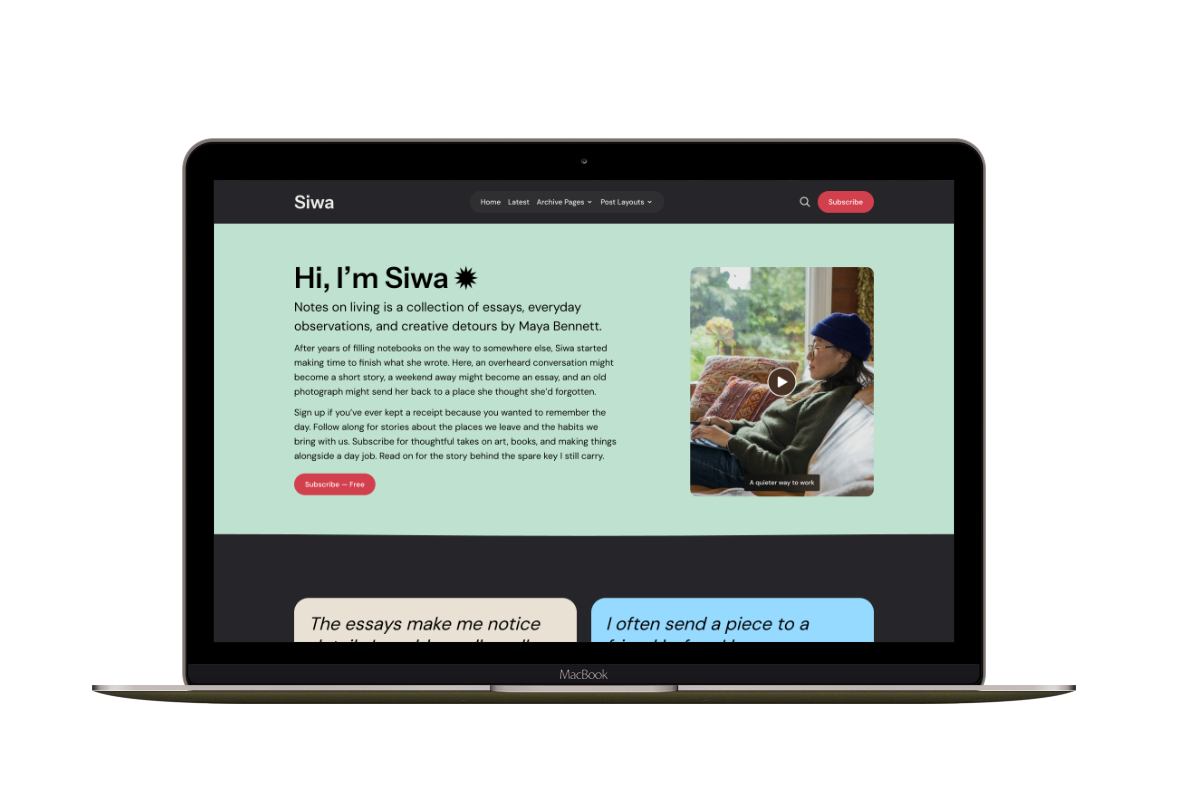
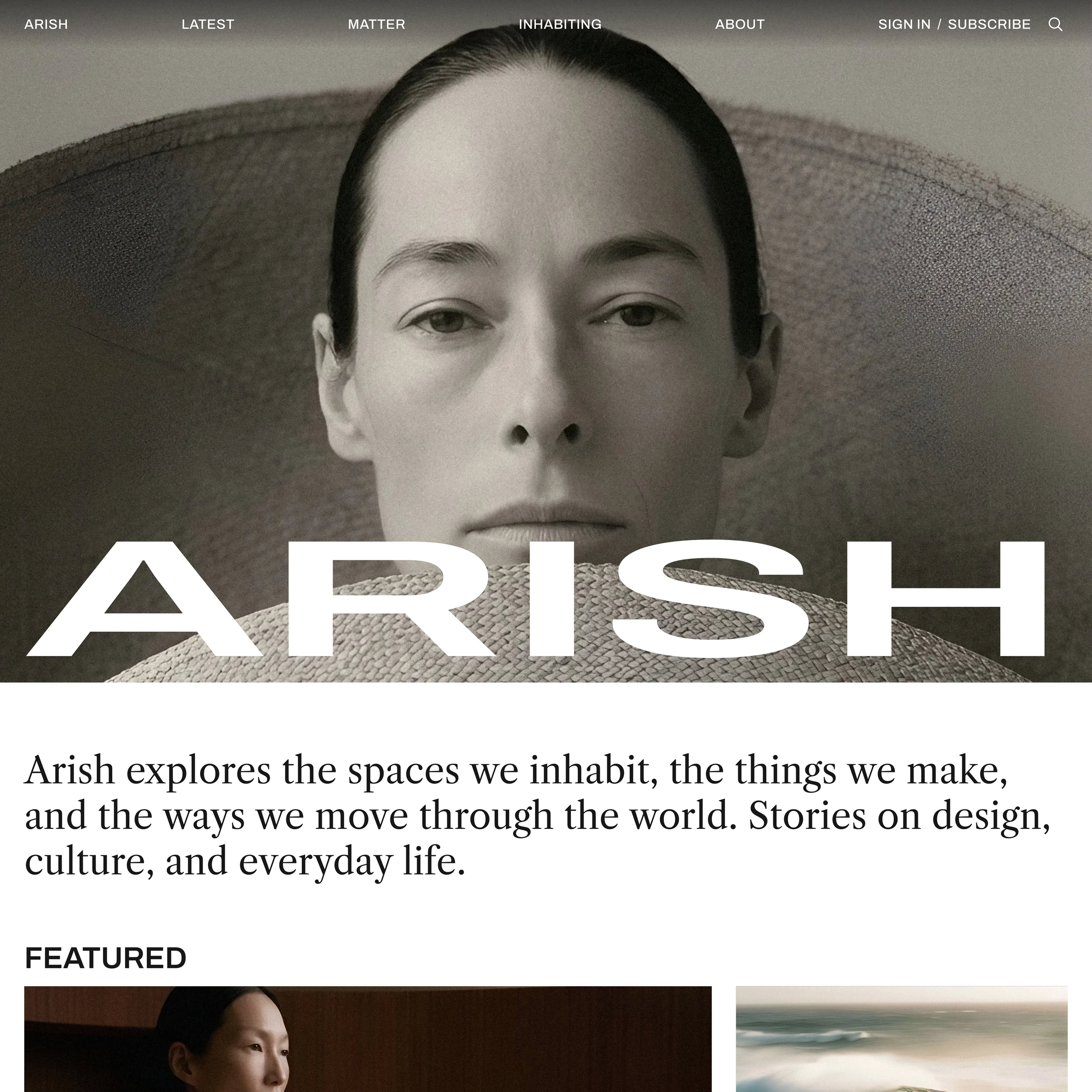
Open with a photograph, uploaded video, slideshow, or your magazine’s name. Add a short introduction below to explain what you publish. Then guide readers to selected stories and tags.
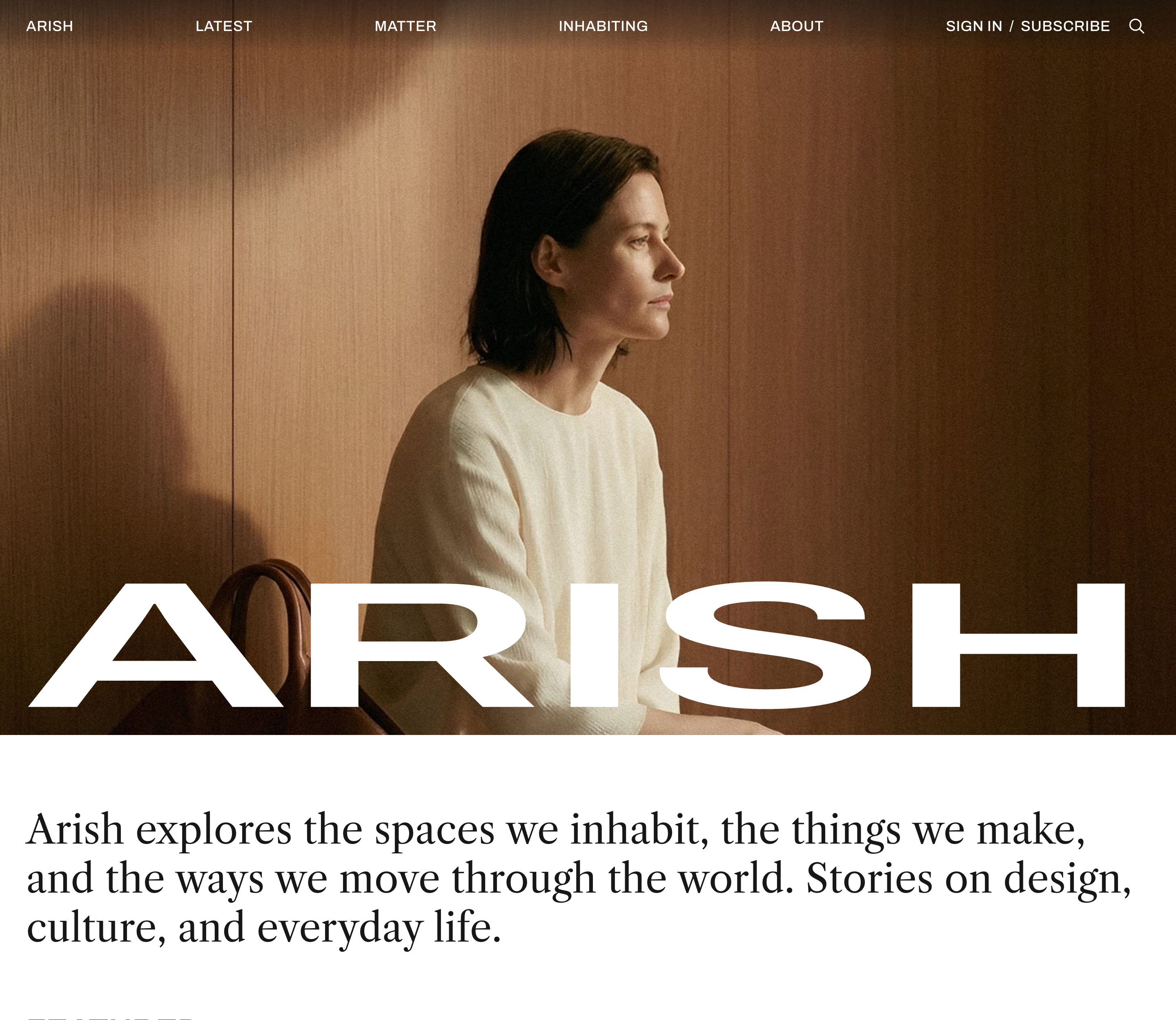
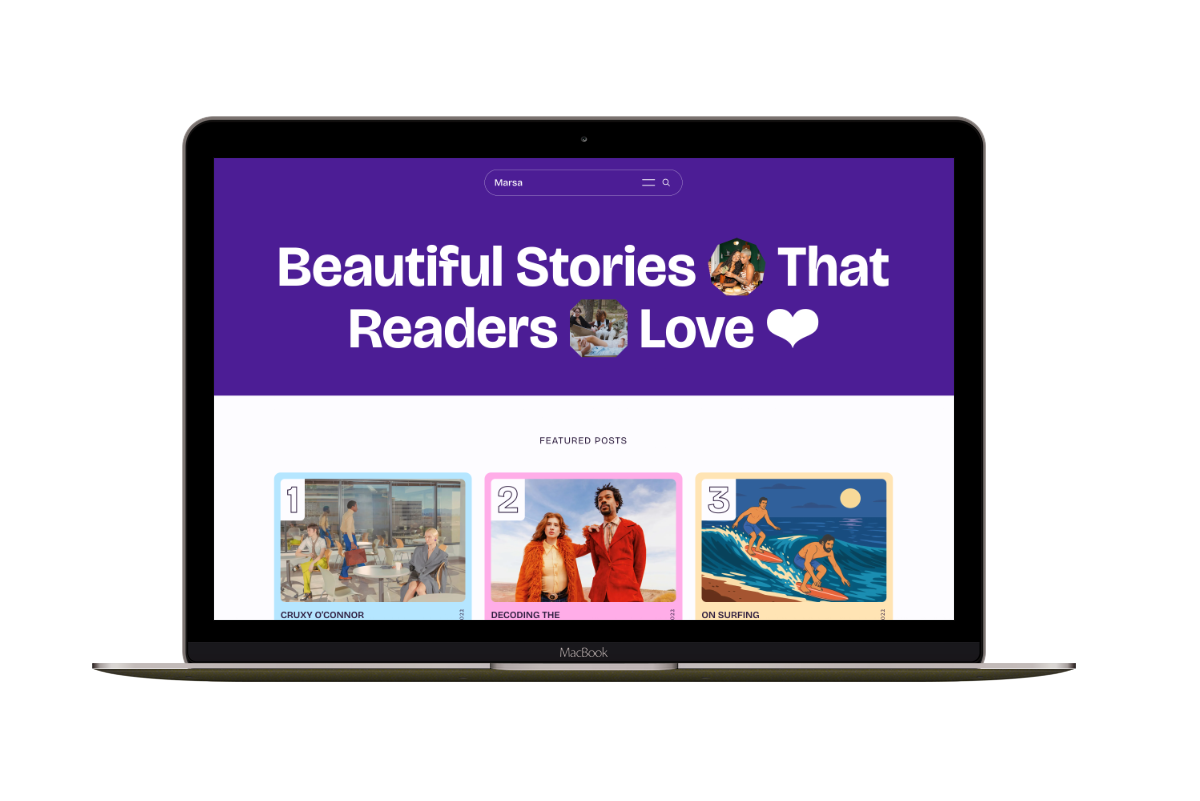
For a title-only opening, let your magazine’s name lead. Your introduction appears below it. The example below uses the Verdigris color scheme.
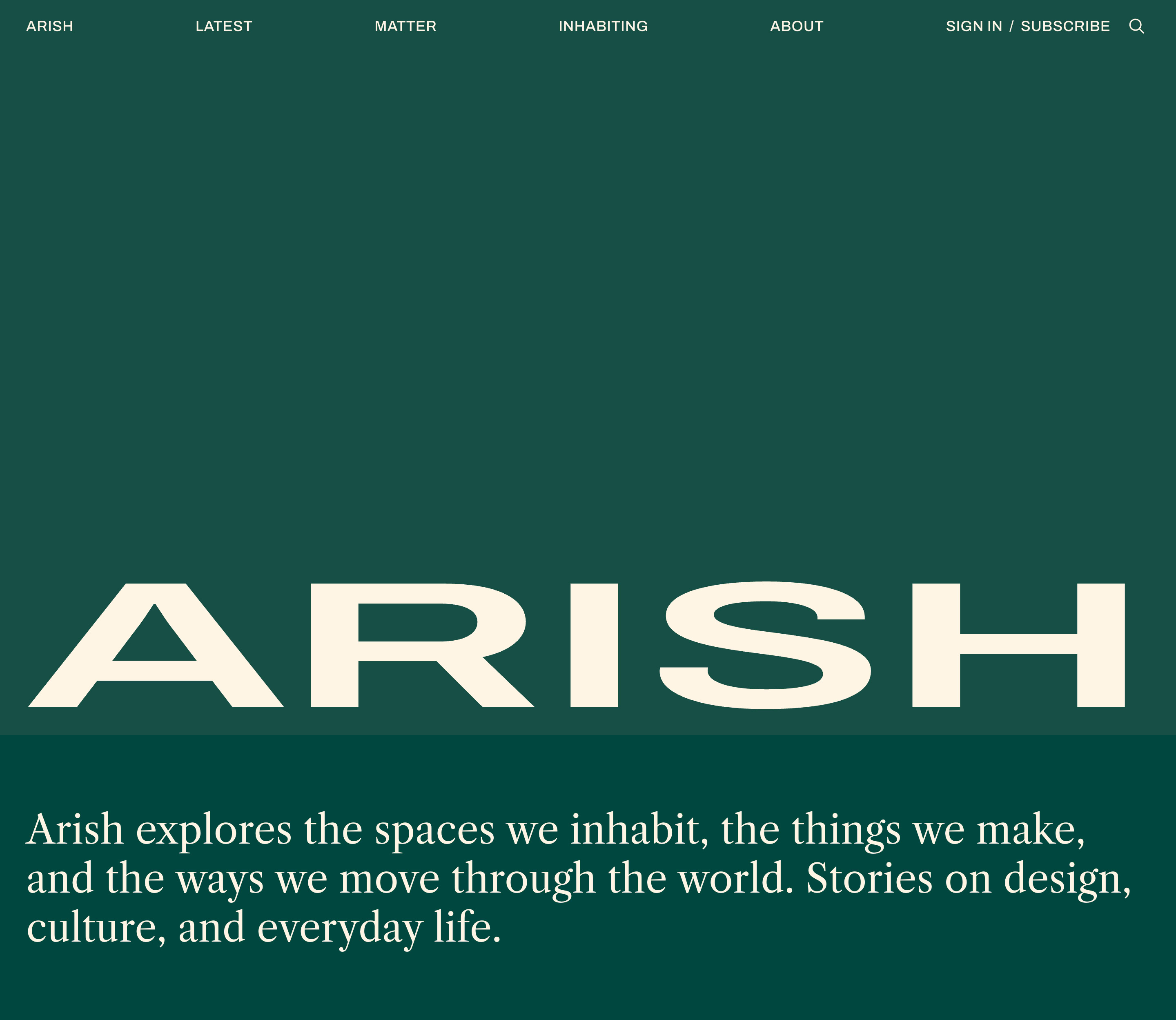
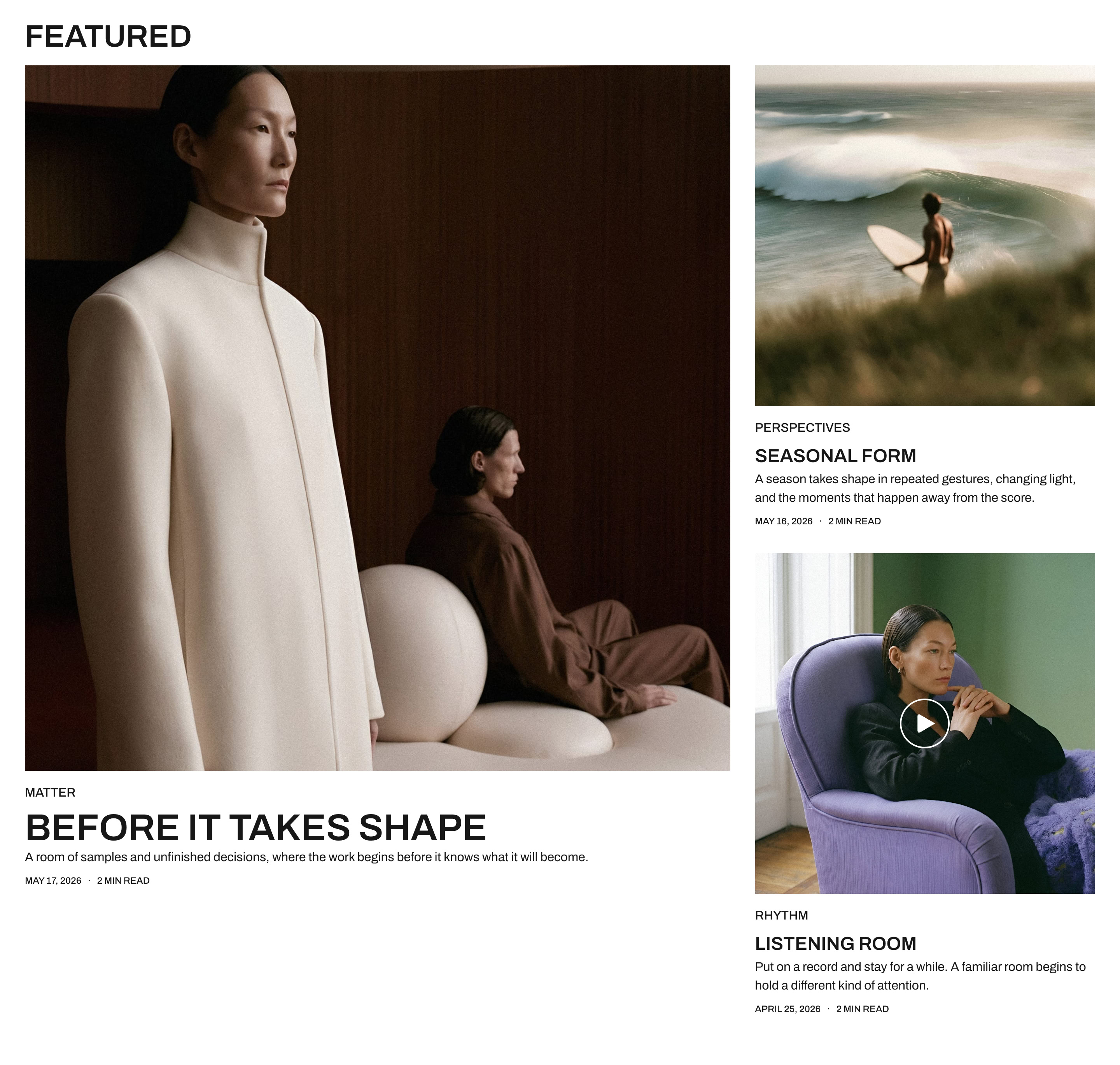
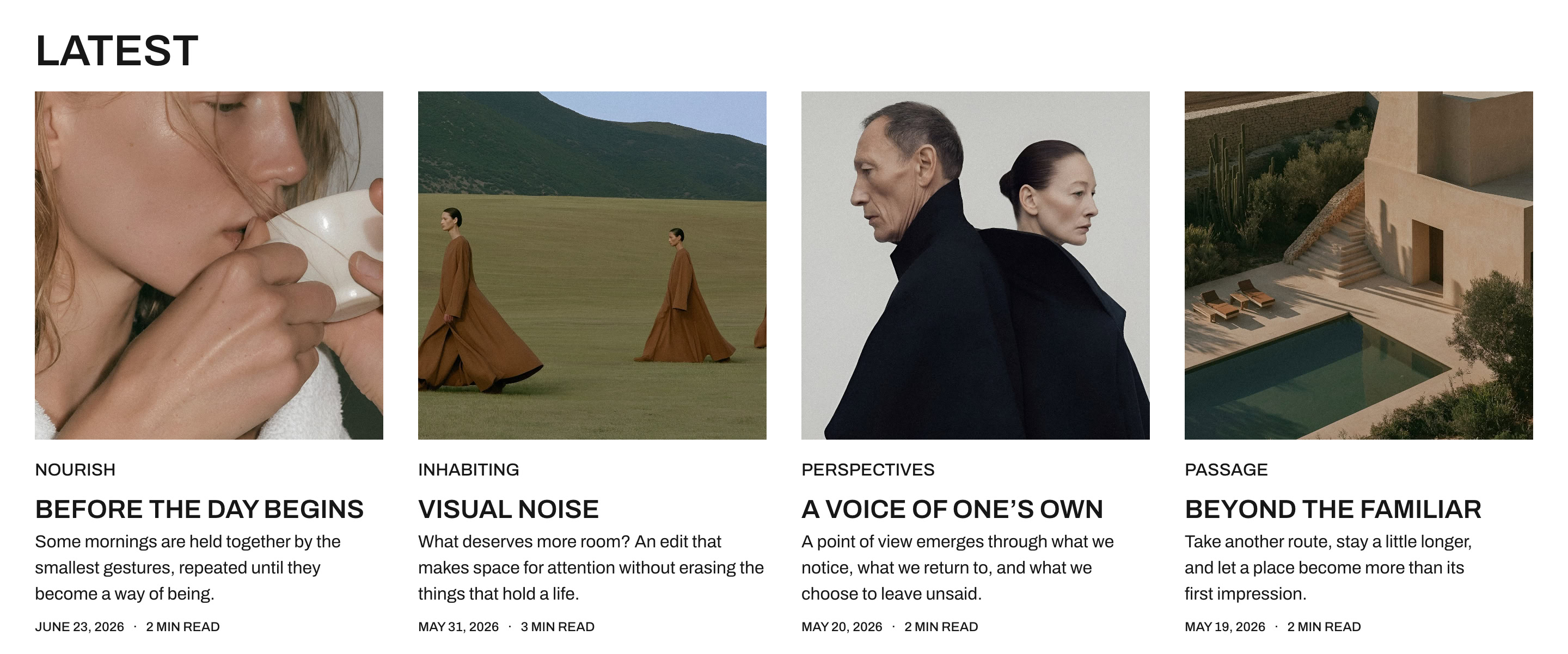
Featured and latest stories
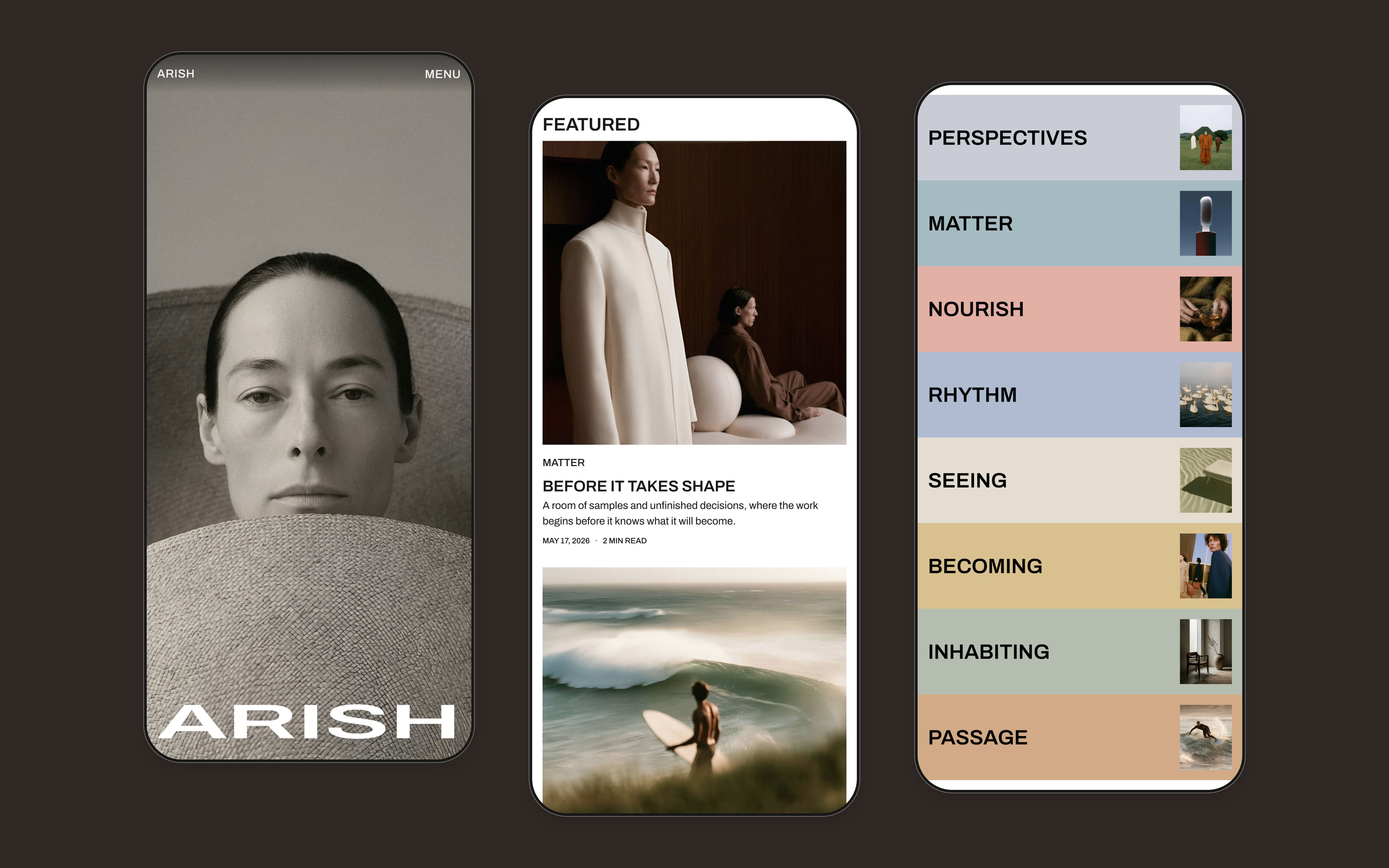
Give important stories a place at the top of your homepage. The Featured section leads with your newest featured story, with up to two more beside it. Latest shows recent posts without repeating those selected stories.
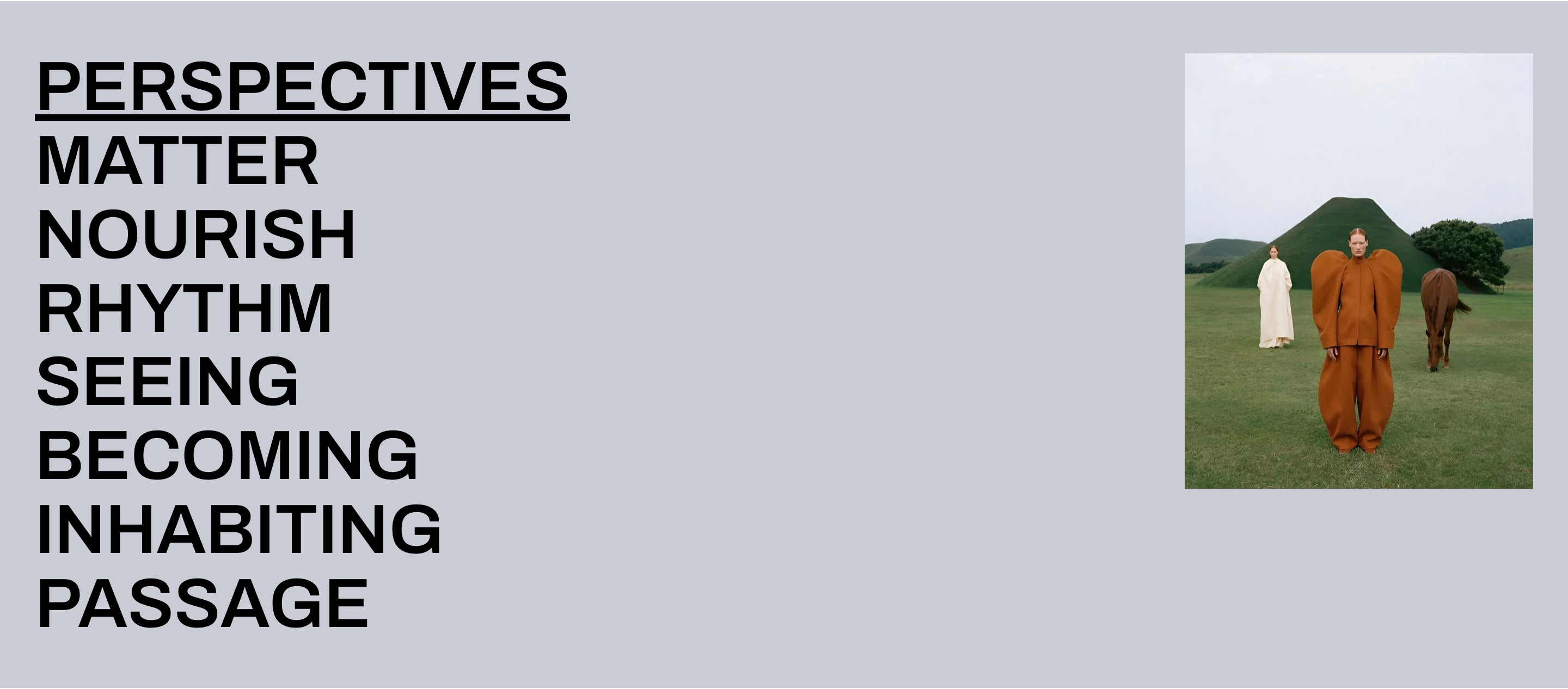
Browse by tag
Give tags a place on the homepage so readers can find more of what interests them. Each tag opens its archive. On desktop, the image preview changes as readers move between tags. On phones, each tag can have its own color and image.
The homepage on a phone
On phones, Featured stories stack and tags appear as colorful rows.
Six post layouts
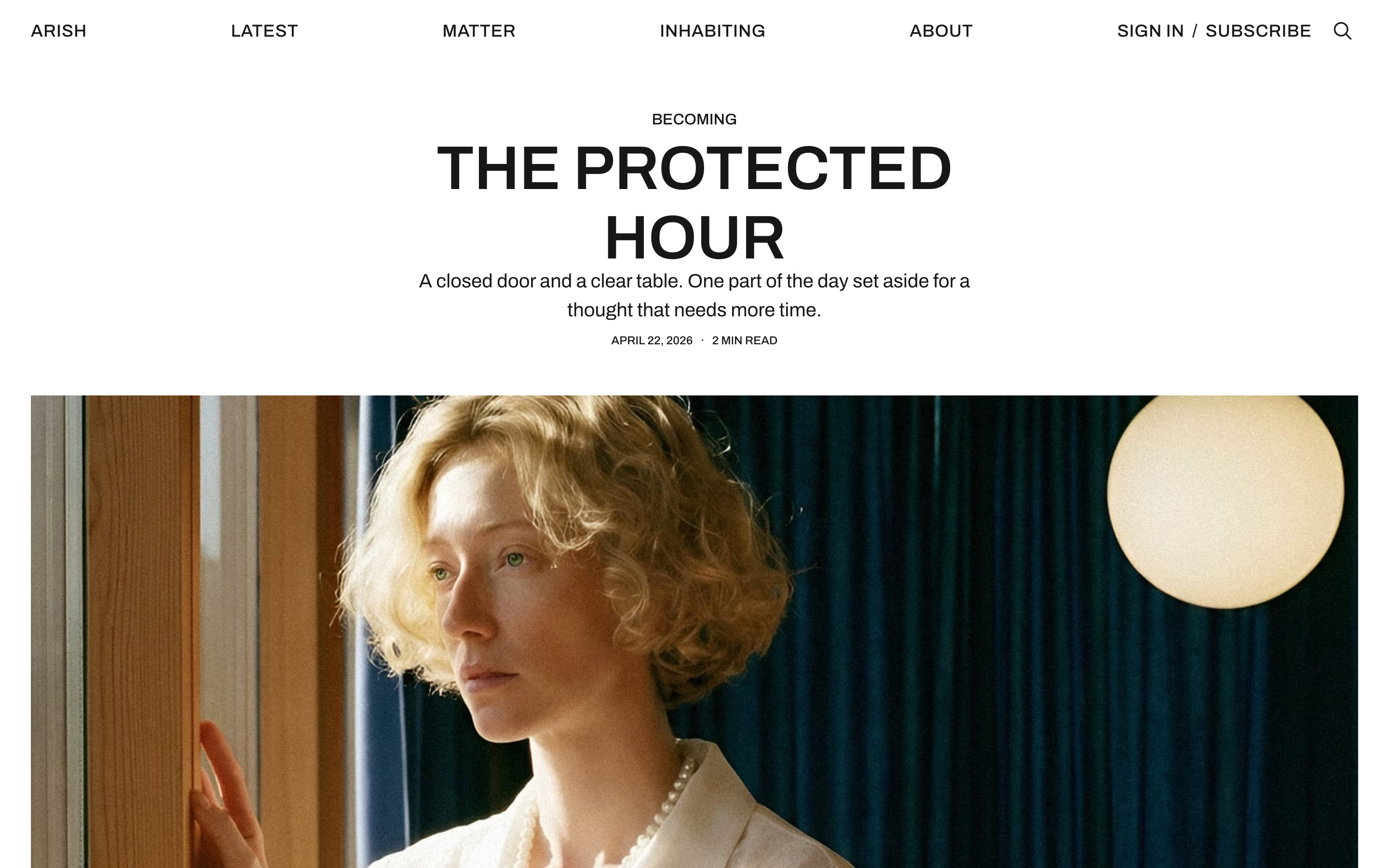
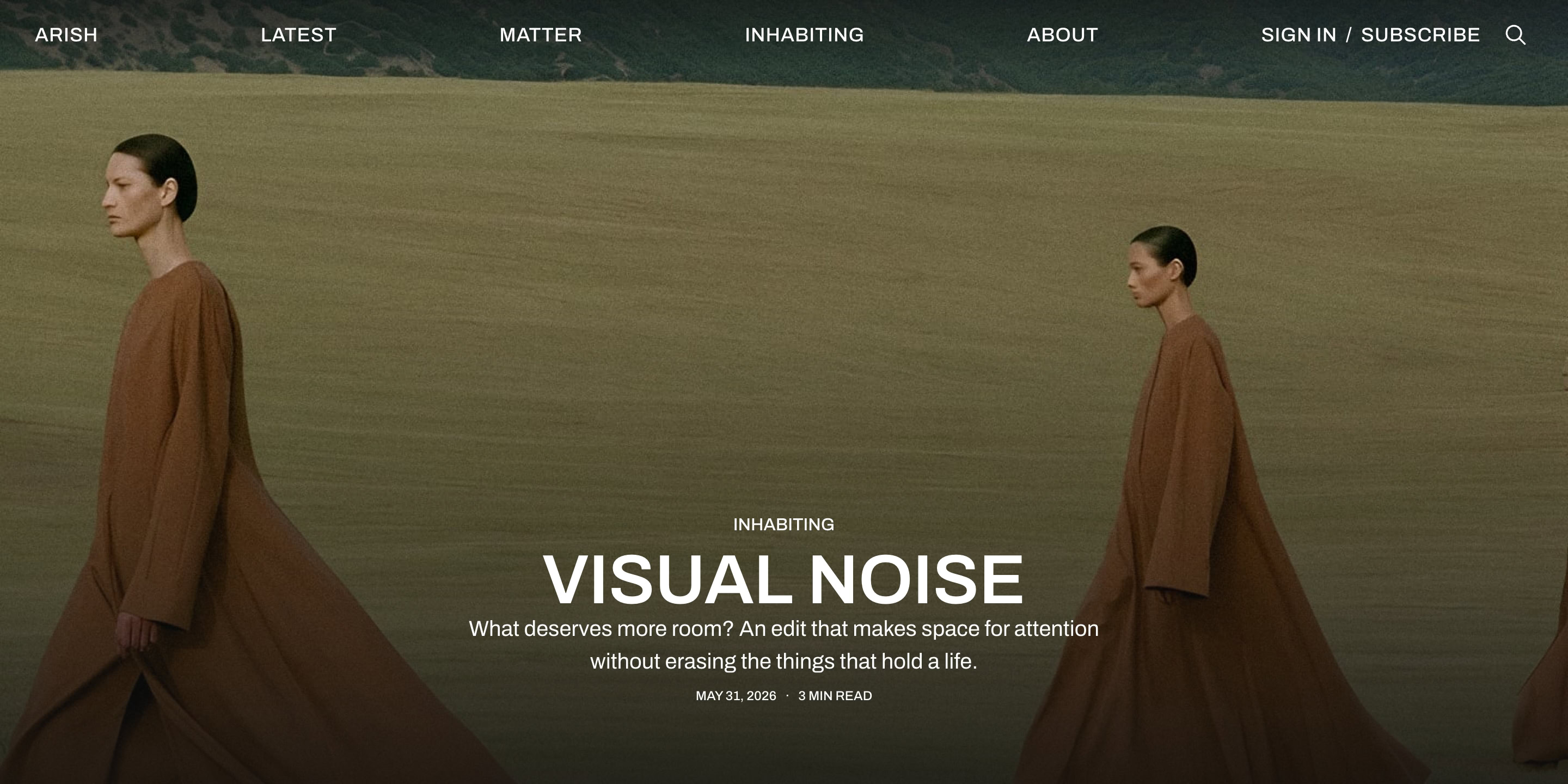
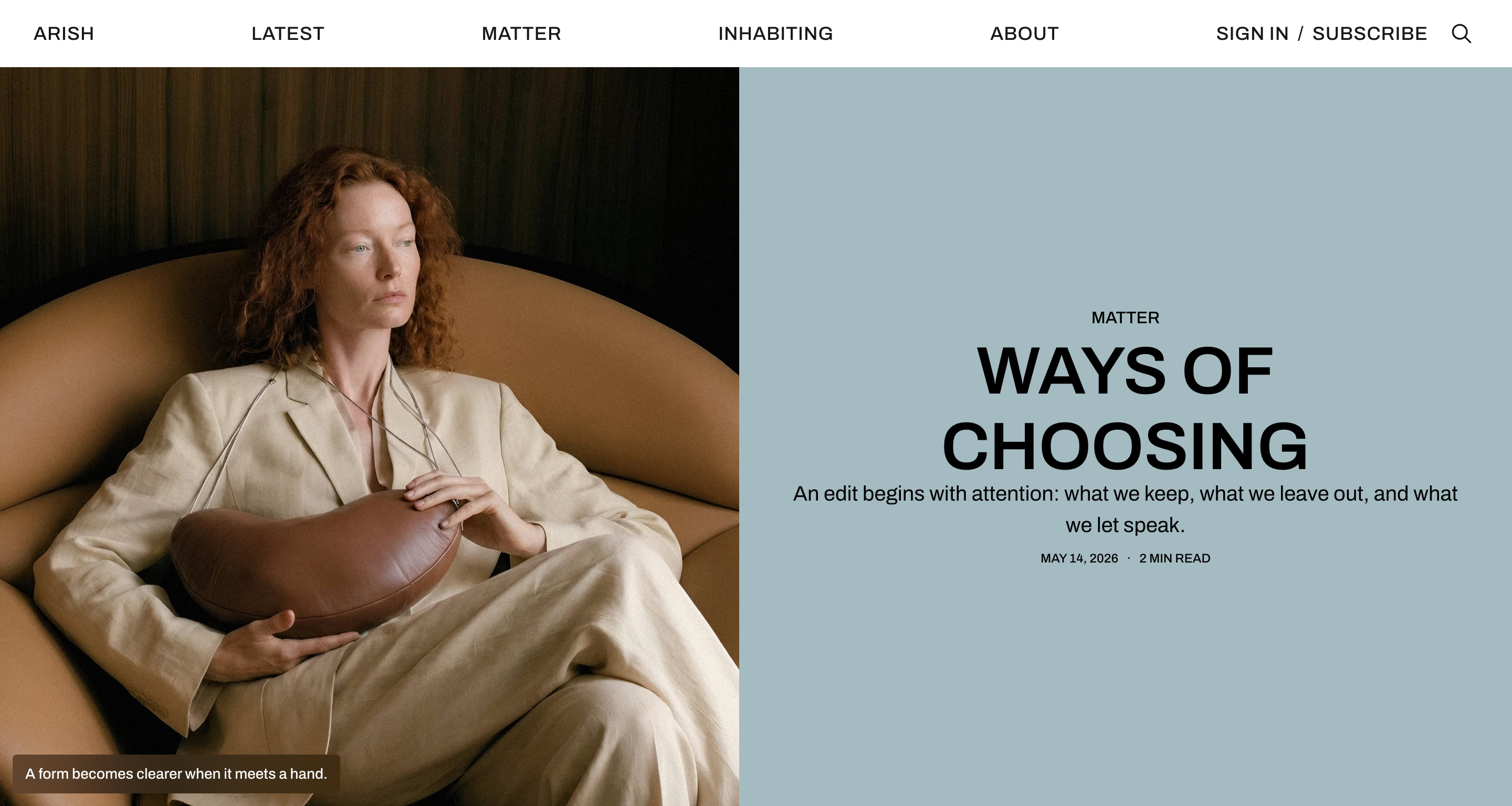
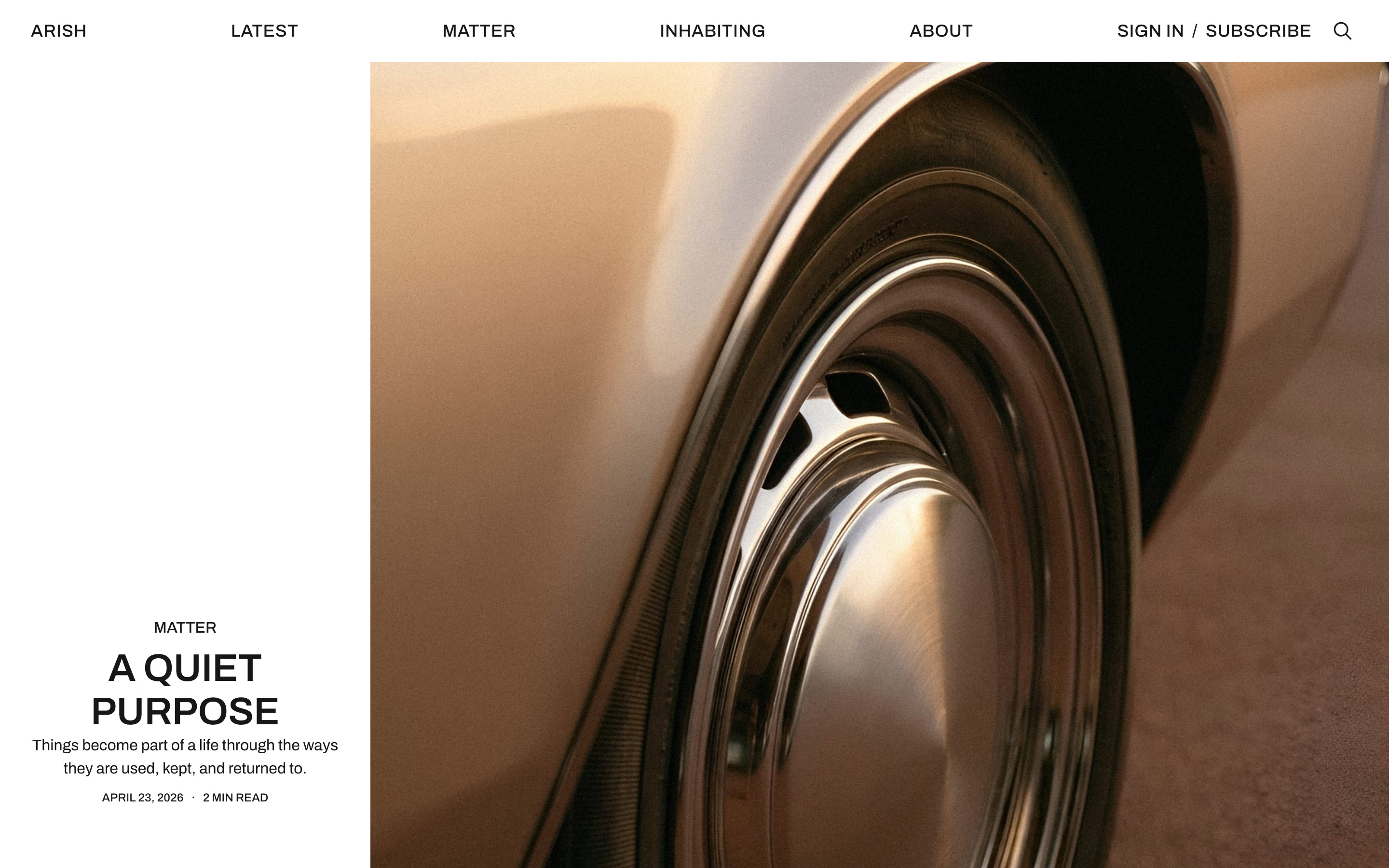
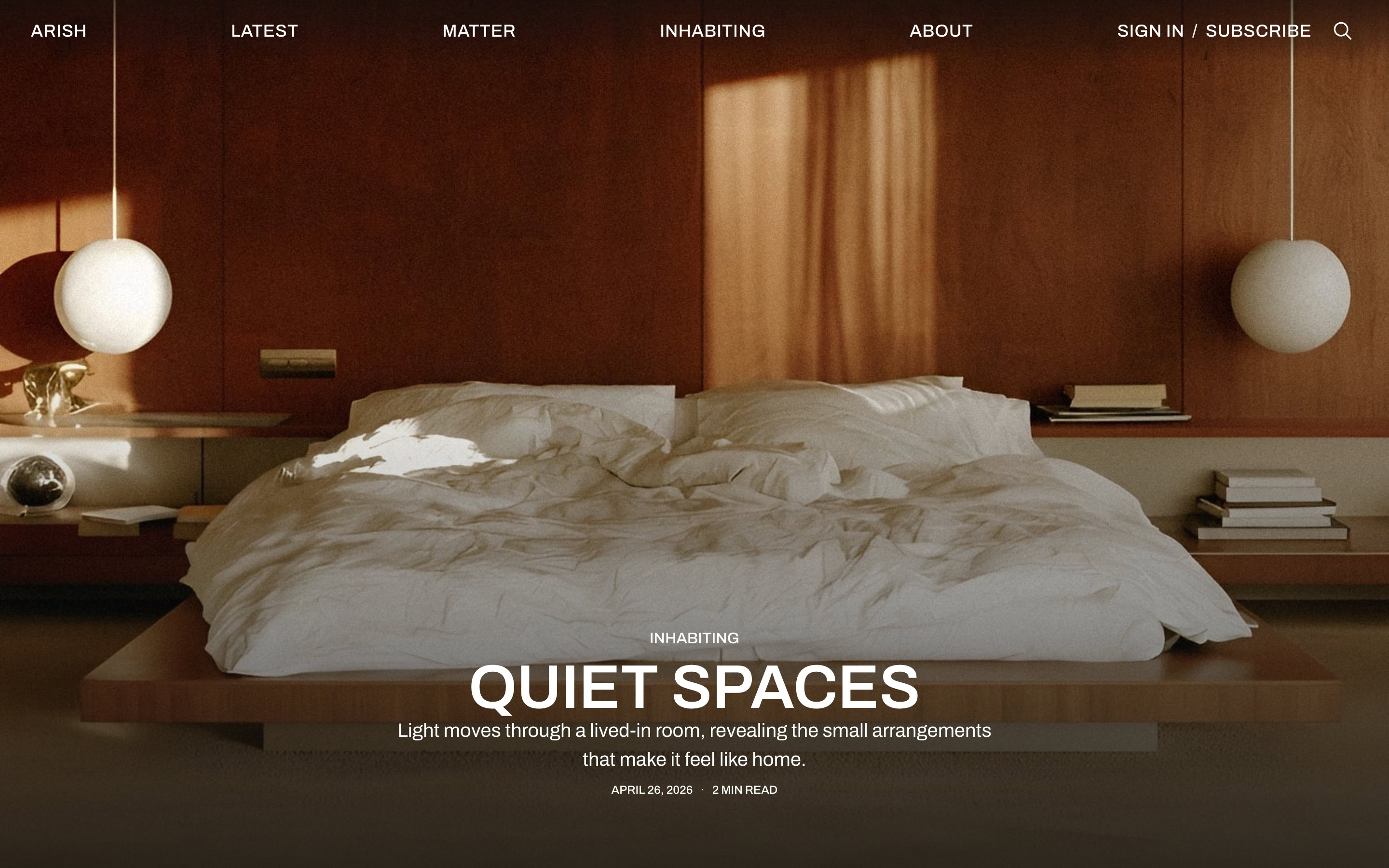
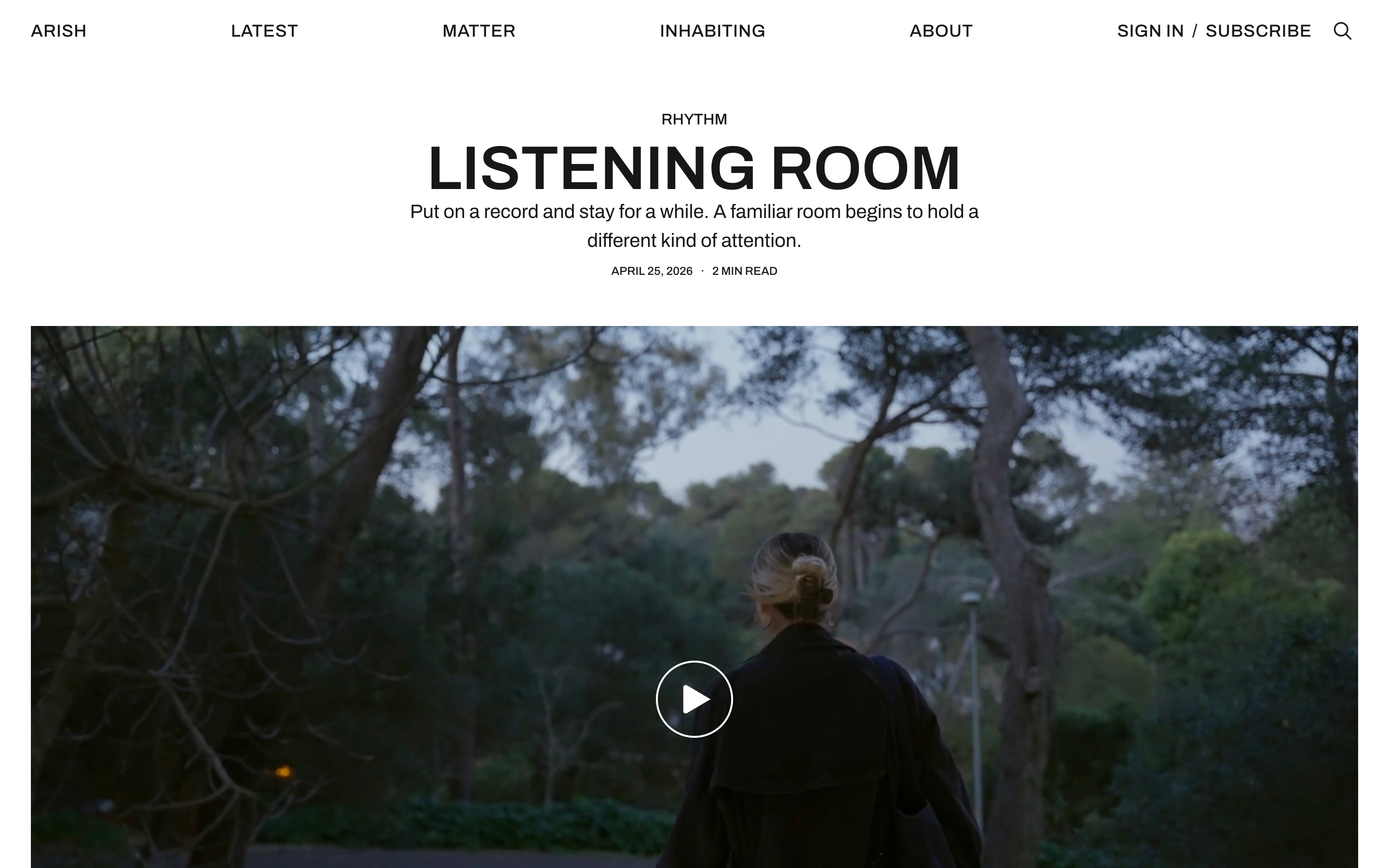
Choose how each story begins. Place the title above an image, show a photograph full-screen, or lead with a video. Arish includes six post layouts for different kinds of stories.
Post layouts on a phone
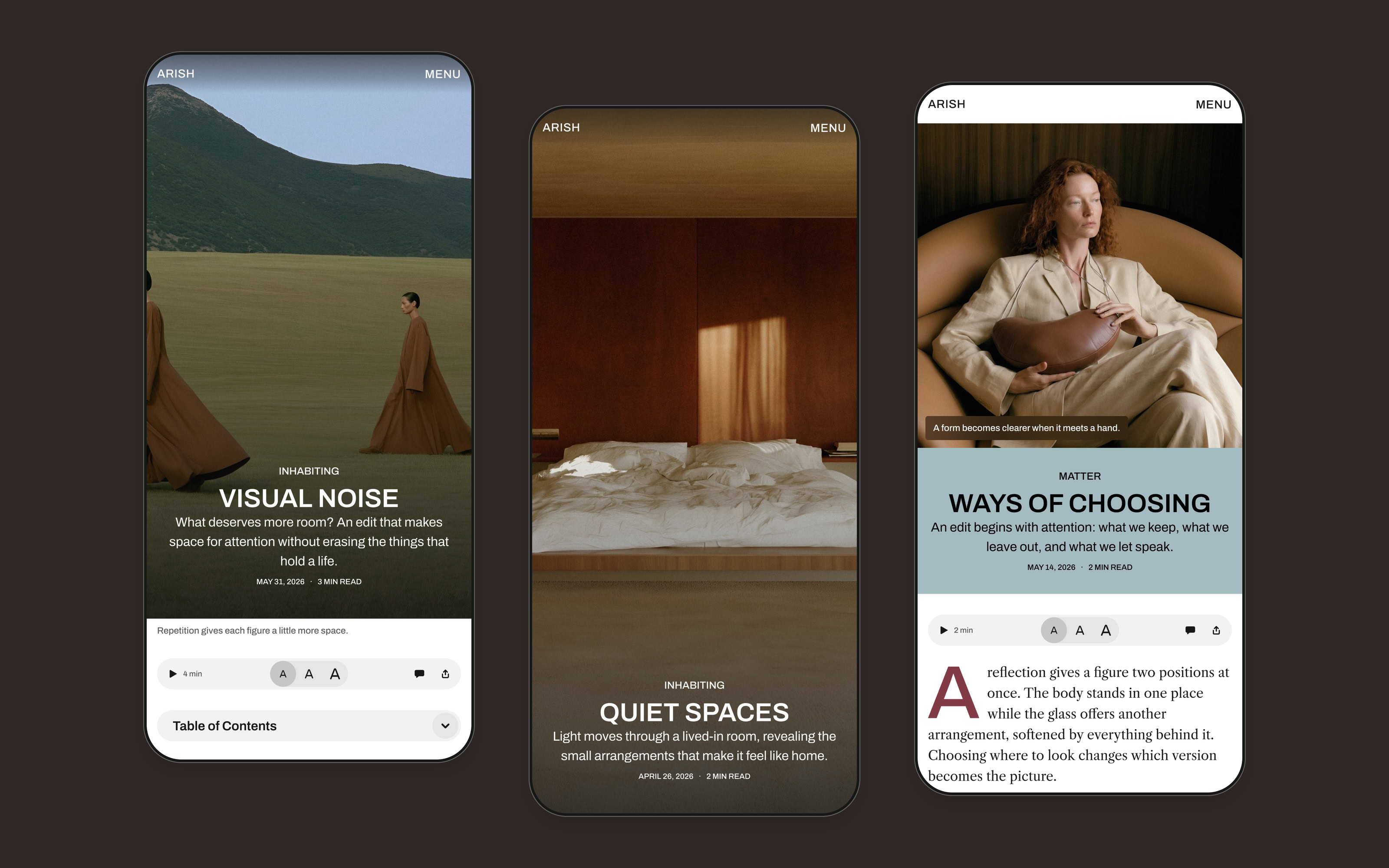
On phones, Post Hero keeps the title over the image. Post Fullscreen fills the screen with photography. Post Split places a square image above the heading.
Reading tools
Let readers choose how to experience a story. They can adjust the text size, use the table of contents, or listen using a voice available on their device. A progress bar shows how far they’ve read.

Image viewer
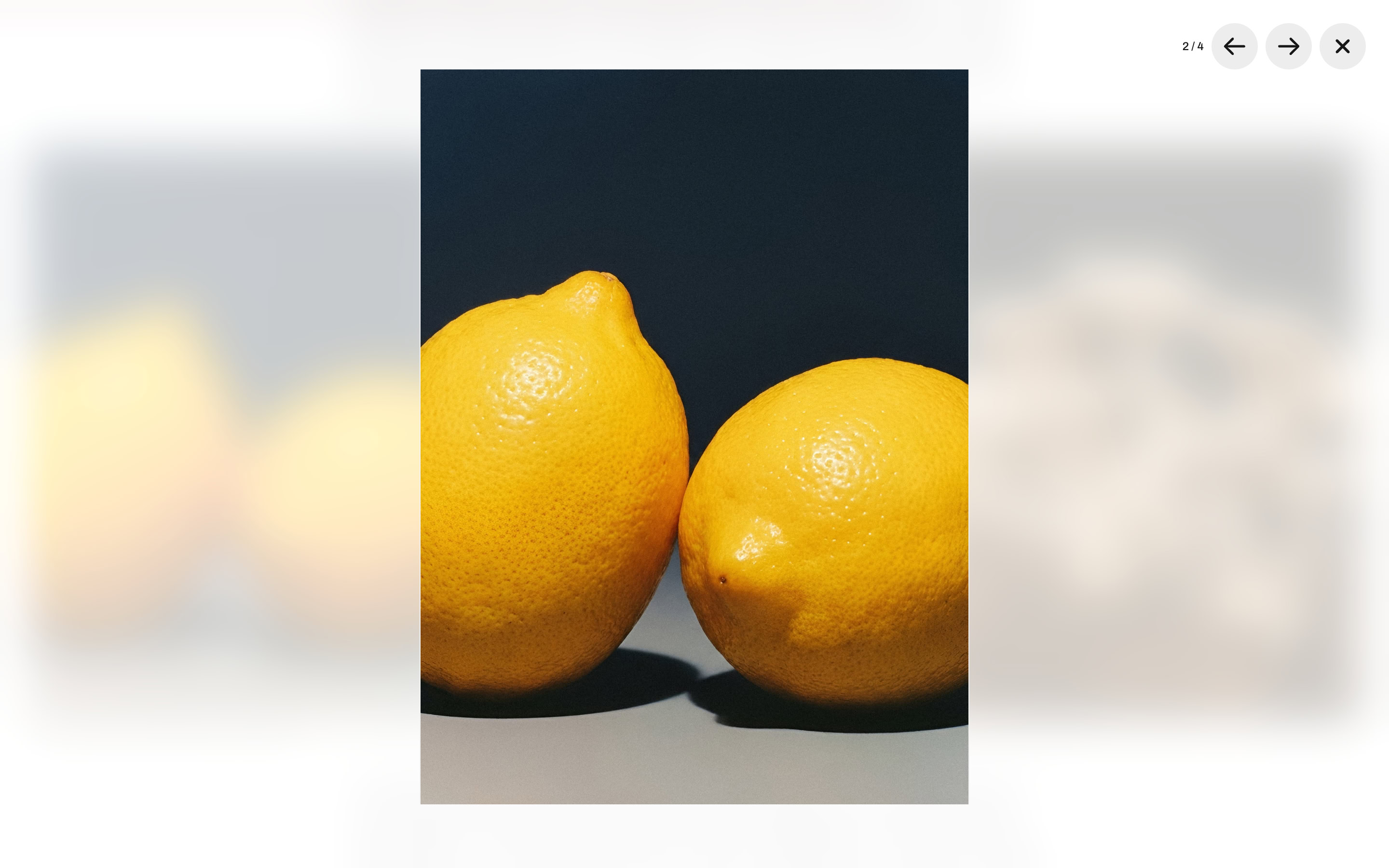
Readers can open article images and galleries in a fullscreen viewer. Move between images with the arrow controls or swipe on a phone. Linked images keep their links.
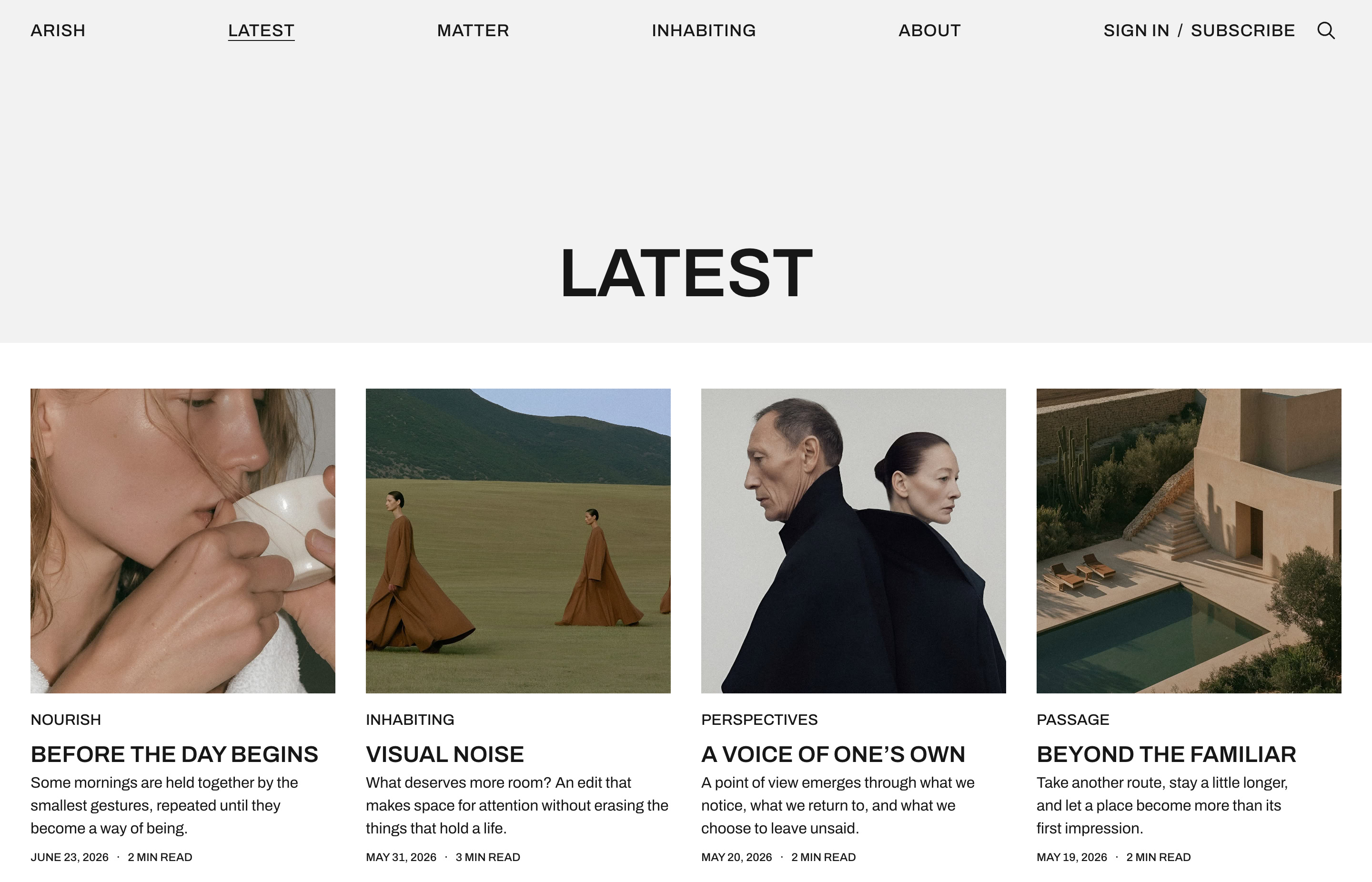
Browse the latest stories
The Latest archive brings your stories together by date. Readers can explore beyond the homepage and use Load More to see older posts.
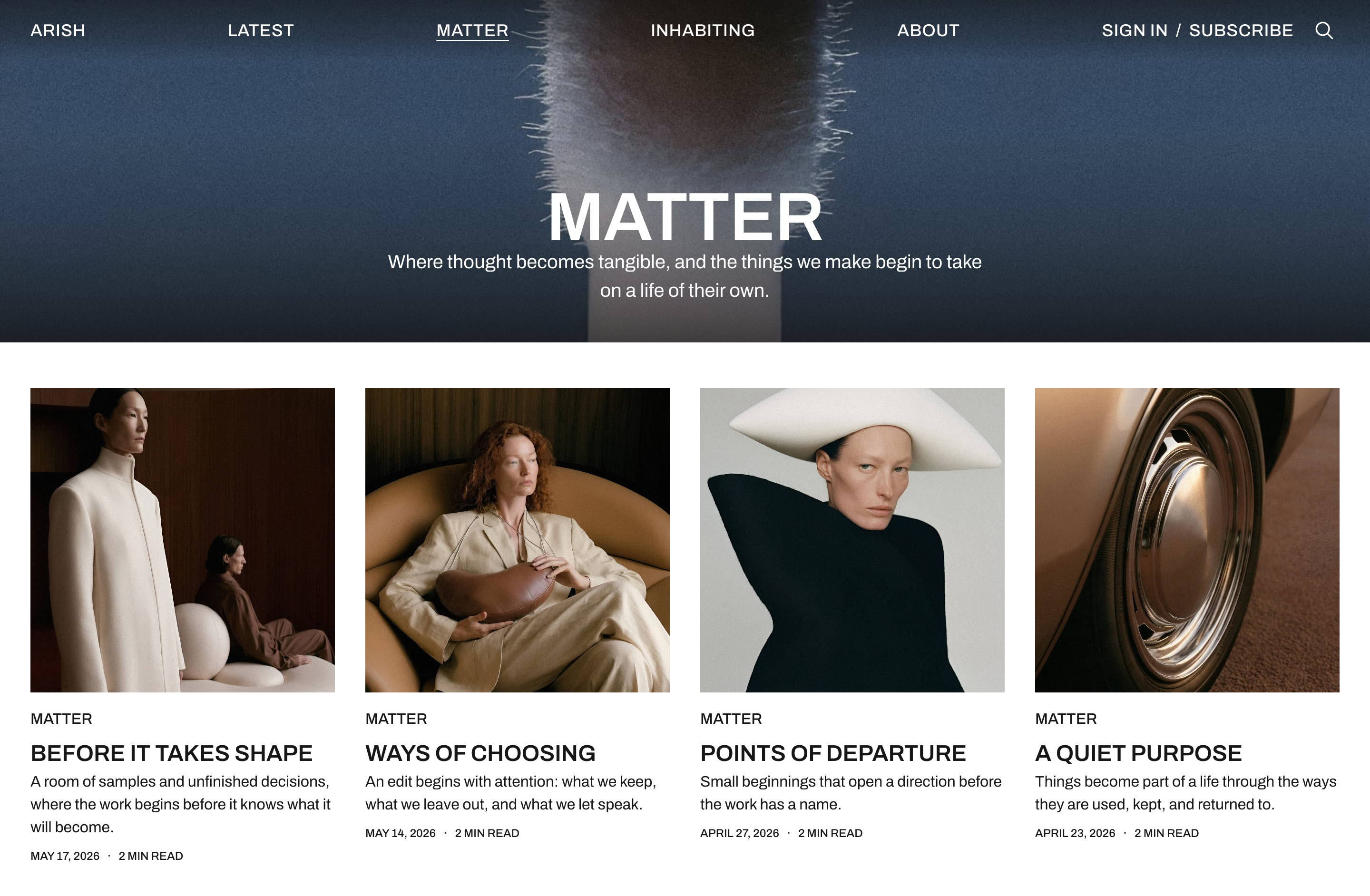
Tag pages
Each tag has a page that brings its stories together. Add an image and description above the stories to introduce the tag.
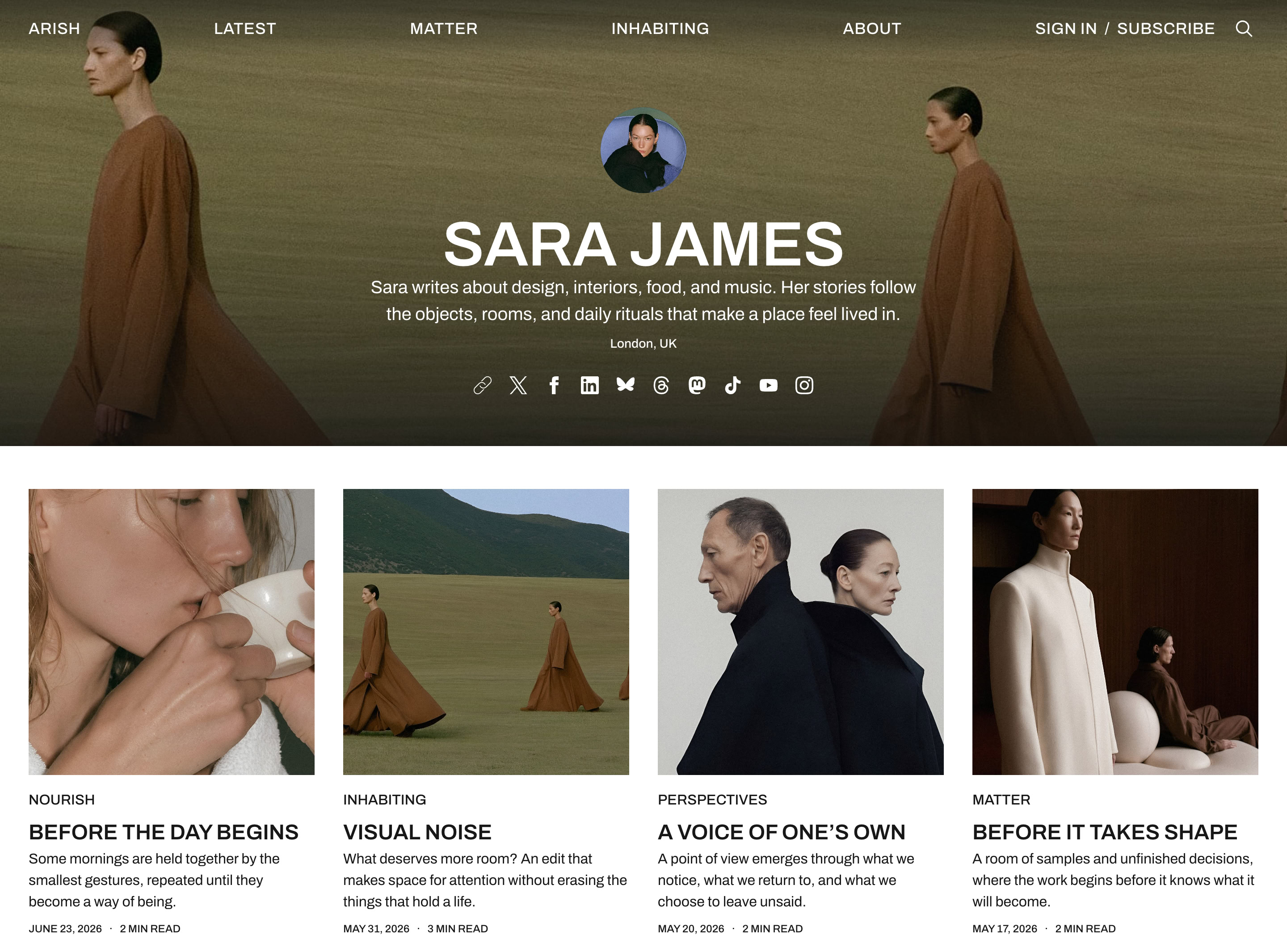
Author pages
Each author has a page for their biography and stories. Add a profile photo, cover image, and location. Readers can also follow links to the author’s website and social profiles.
Memberships and newsletters
Send newsletters to your readers through Ghost. Readers can subscribe or sign in through Ghost’s signup panel. Offer free or paid memberships. Reserve stories for members or selected paid tiers.

Make it yours
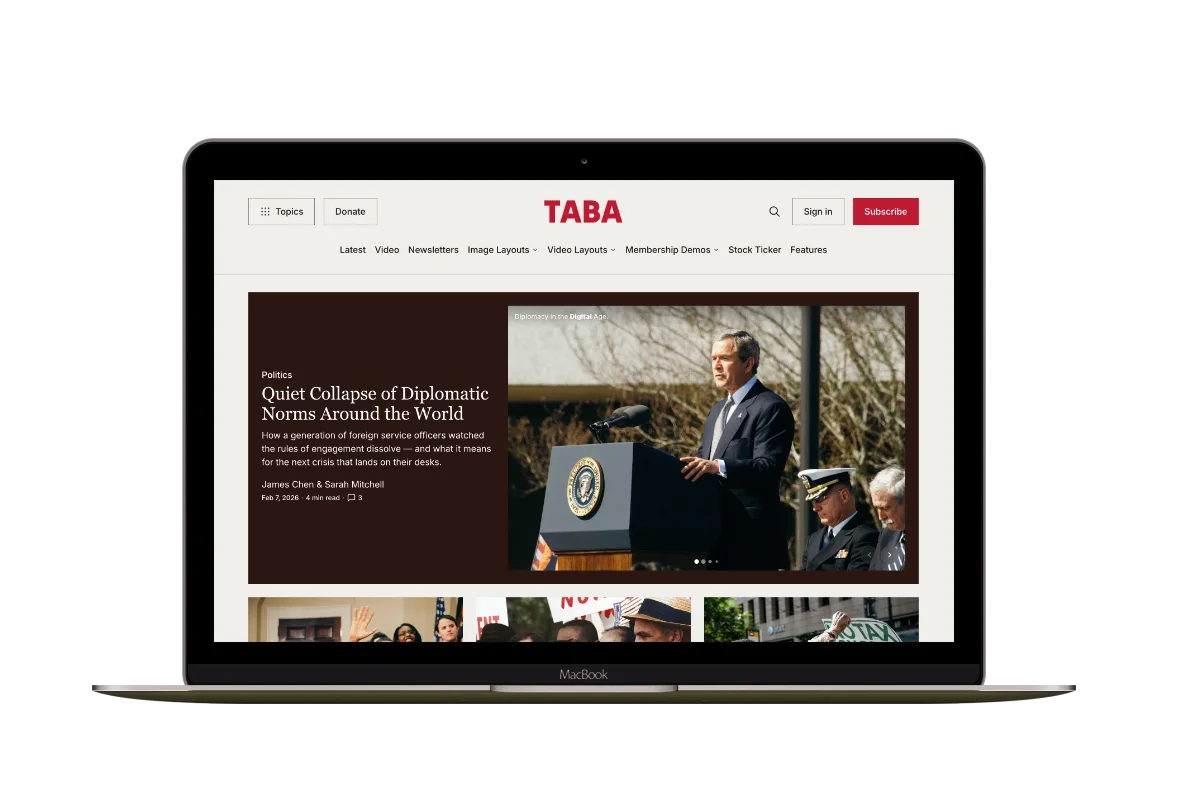
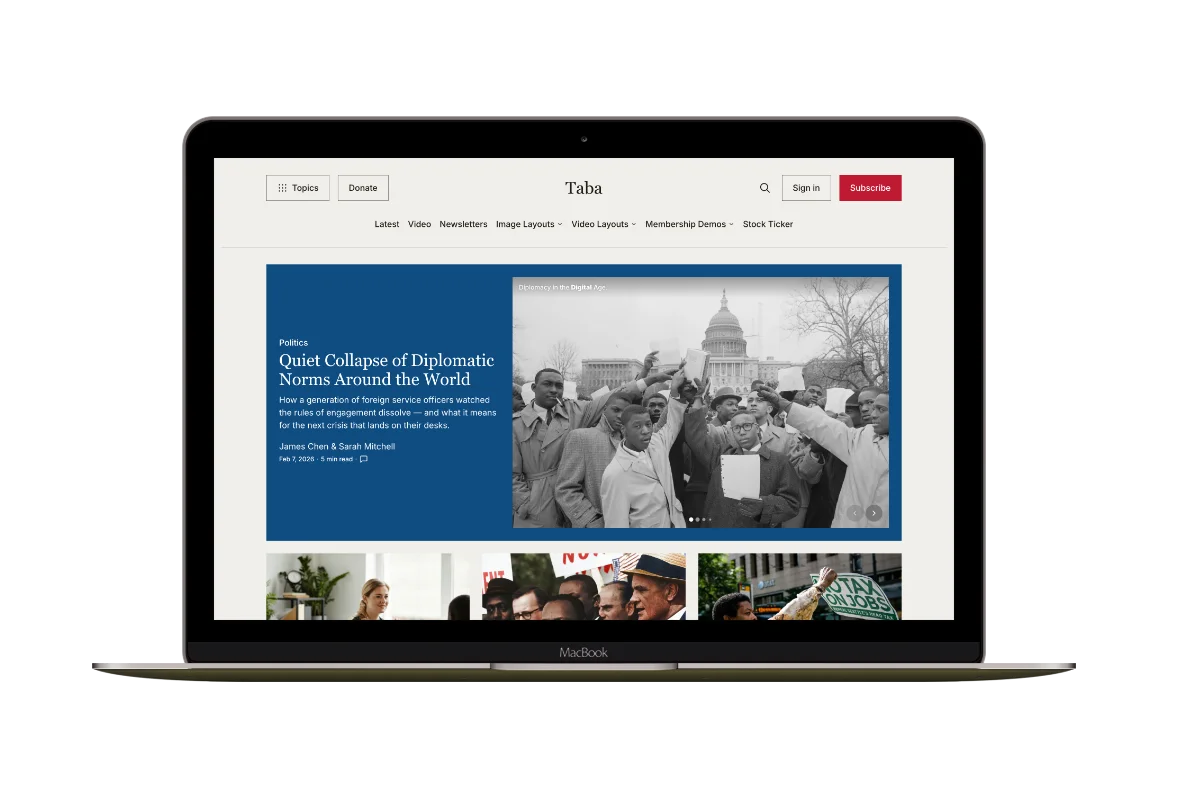
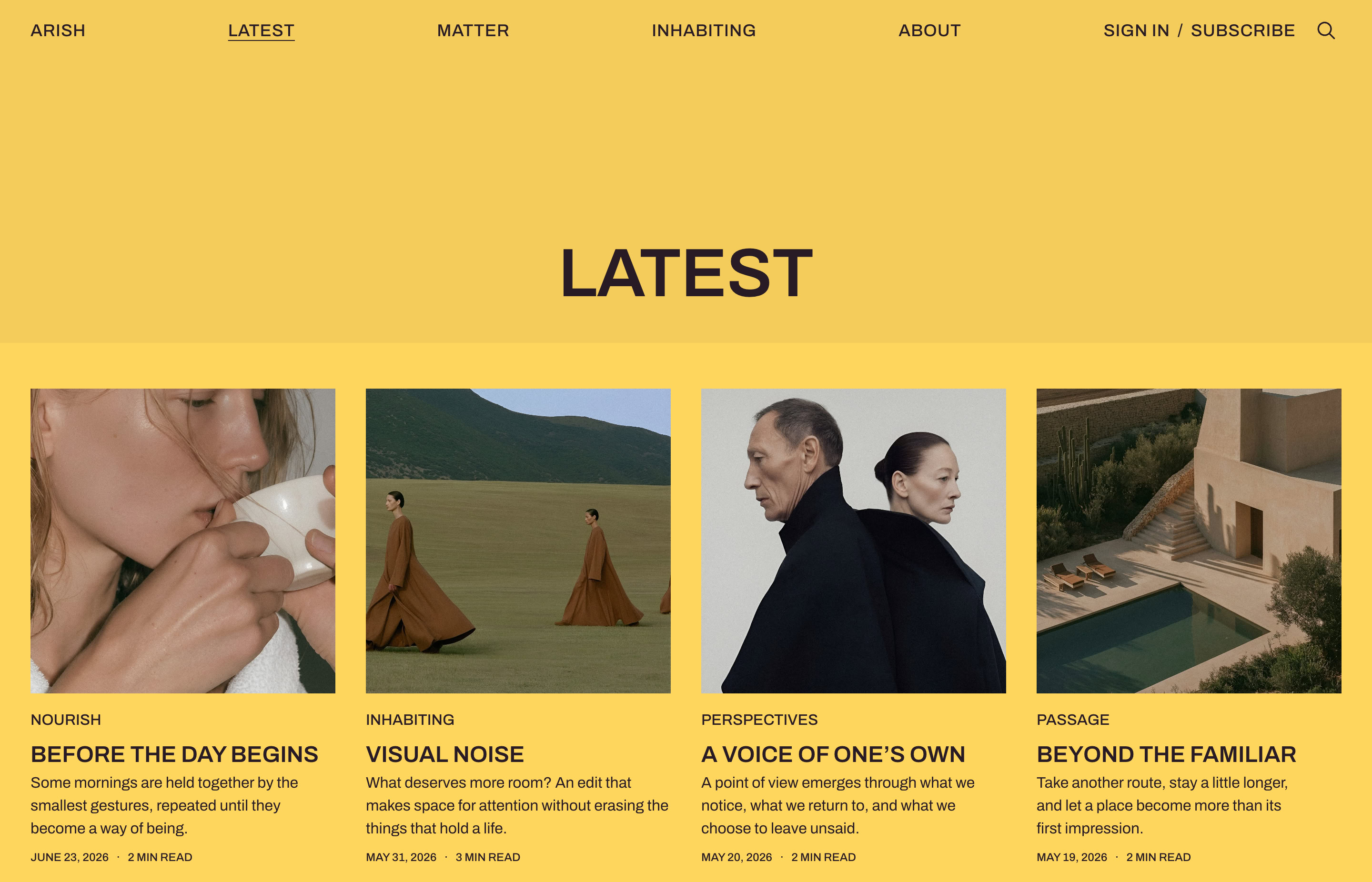
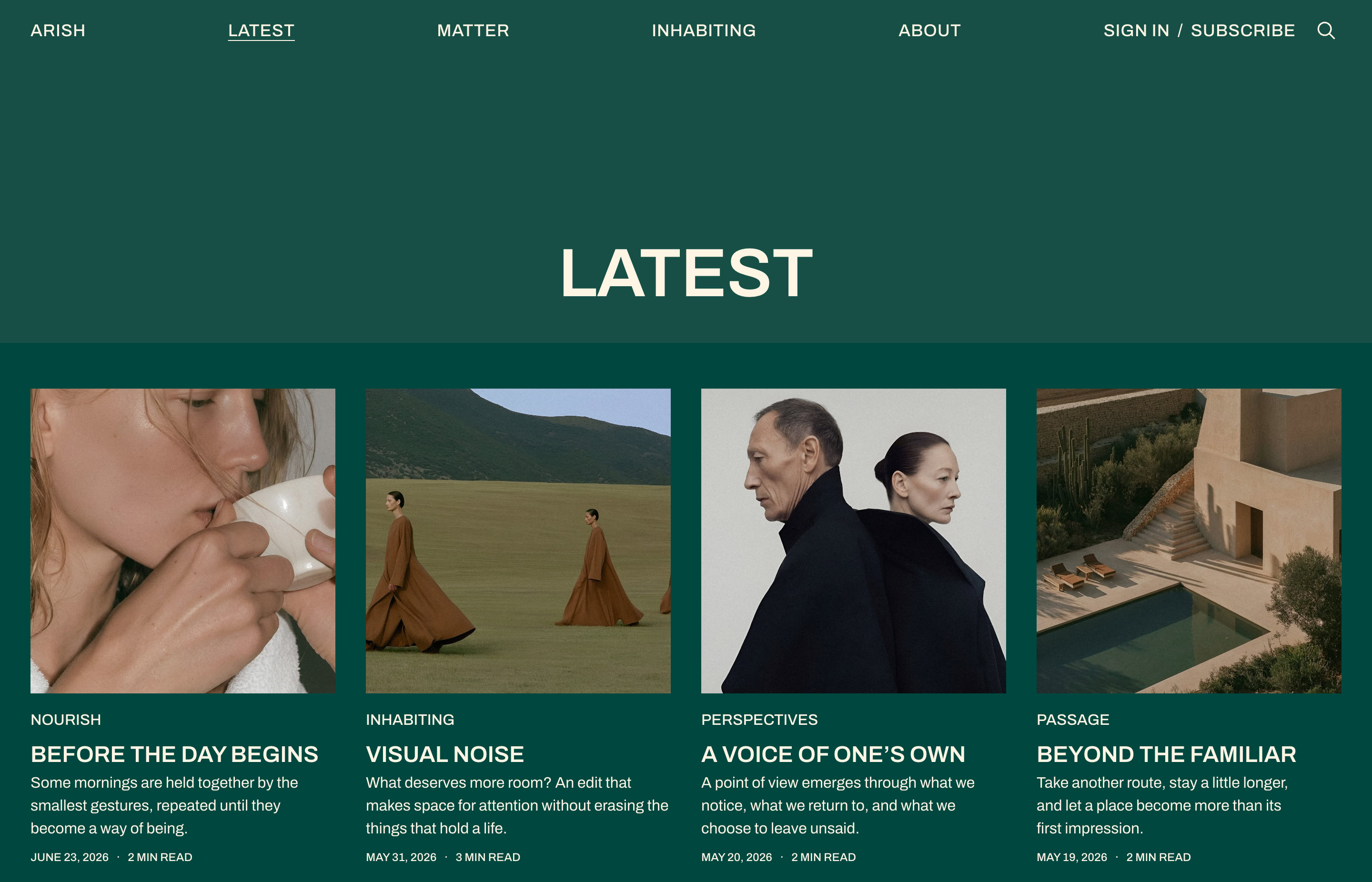
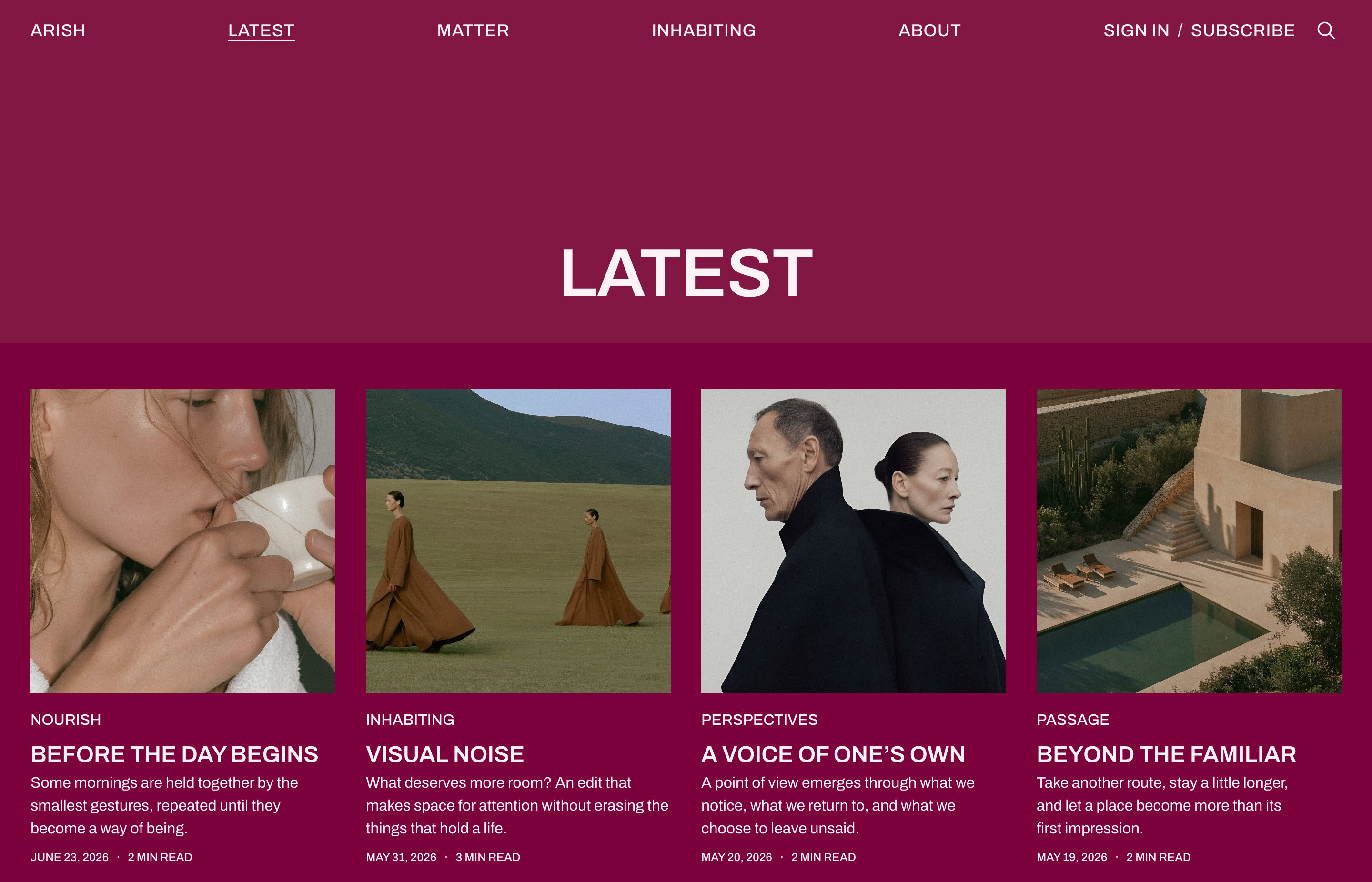
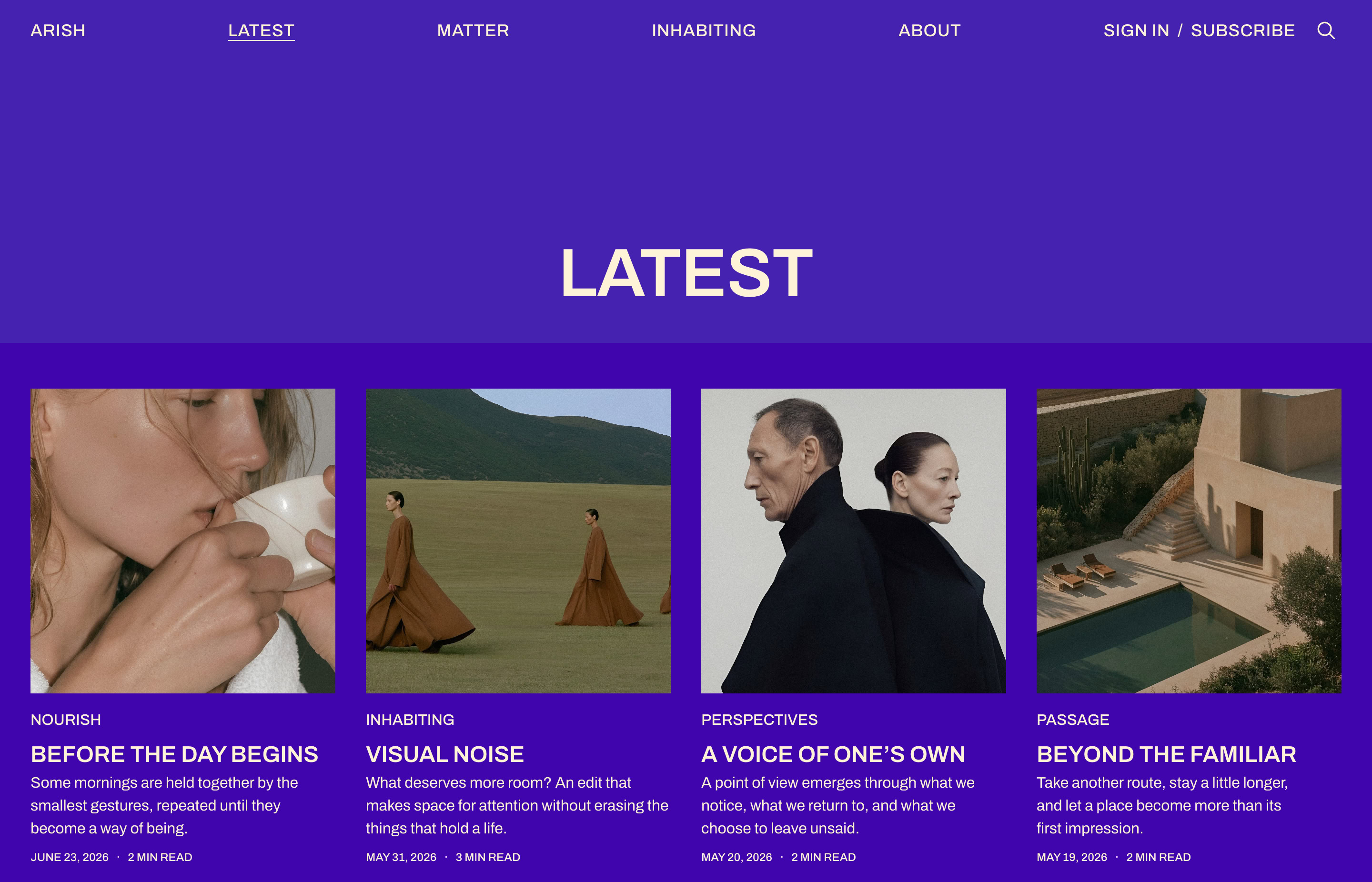
Give your magazine its own identity. Choose from six color schemes, or set your own background and text colors. Use your own logo, accent color, and fonts. Compare the same Latest page in each scheme below.
Publish from right to left
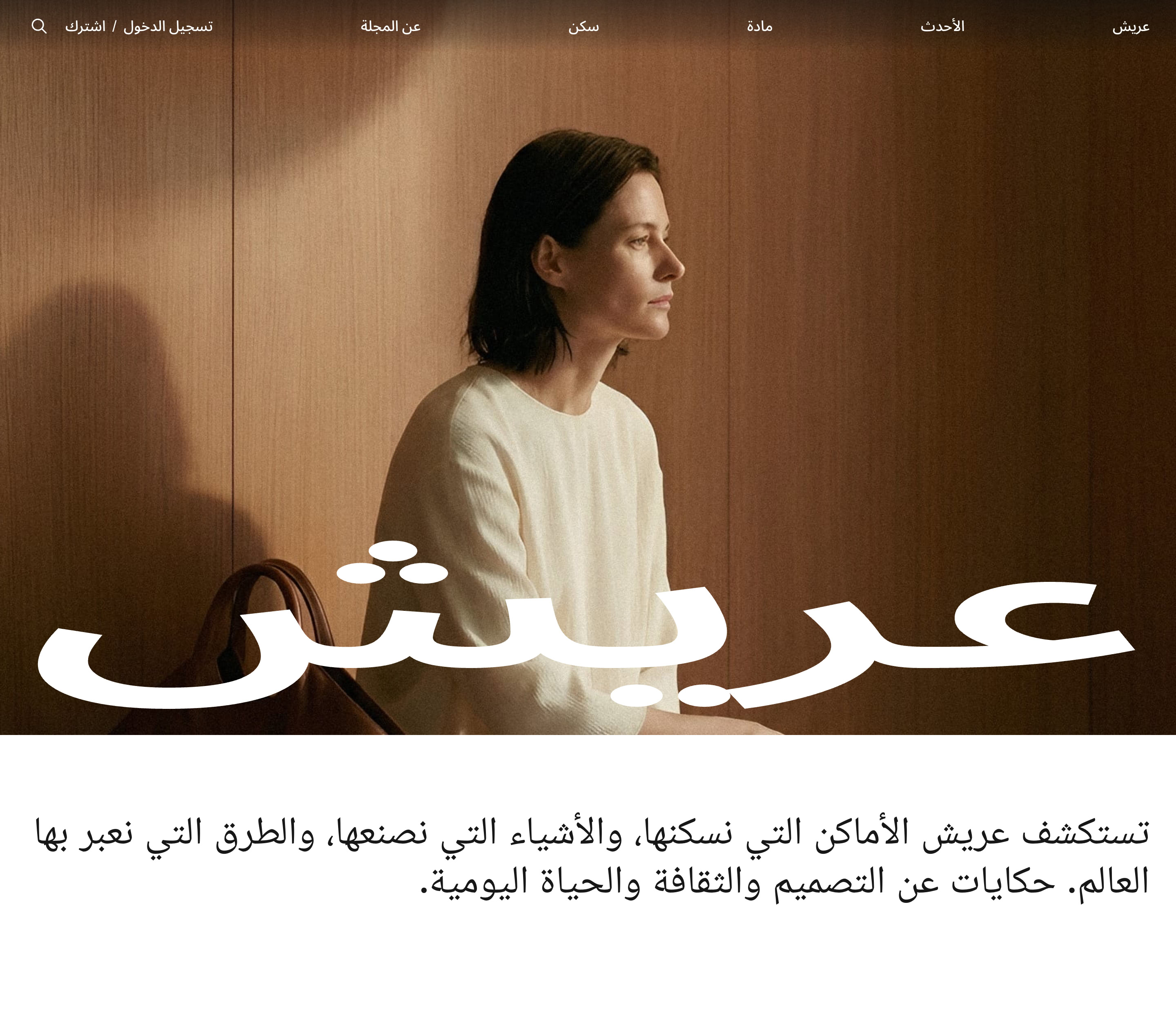
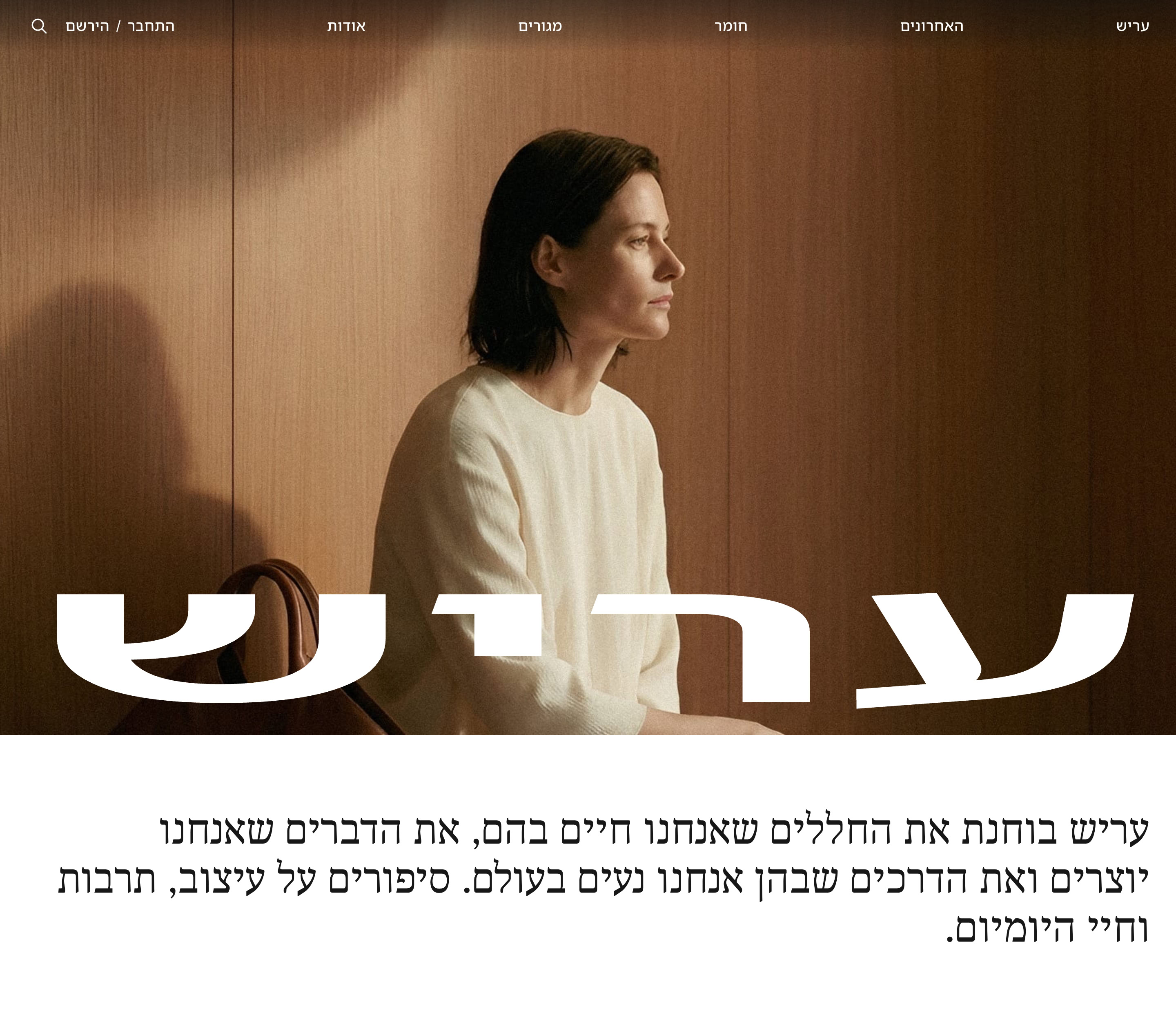
Publish in Arabic or Hebrew. Navigation, story grids, and article text follow the language’s reading direction. Explore the Arabic demo and Hebrew demo to see Arish in each language.
Also included
- Interface translations — Includes 13 language files.
- Ghost editor cards — Publish images, galleries, audio, video, and bookmarks in your articles.
- Search — Find stories with Ghost’s native search.
- Comments — Ghost comments open in a side drawer.
- Related stories — Up to four more posts from the article’s primary tag.