Why your Ghost feature image looks cropped
A photograph can look complete in Ghost Admin and lose its edges on the public website. The image area in a card or article opening may have a different shape from the uploaded photograph. In that case, the theme may fill the space by showing only part of the photograph.
The first check is whether you are seeing the wrong image or a different view of the right one. This guide uses the Red Coffee example in the Hanoi demo, which I maintain at Aspire Themes. Other themes can use different image shapes and controls.
The image and its frame
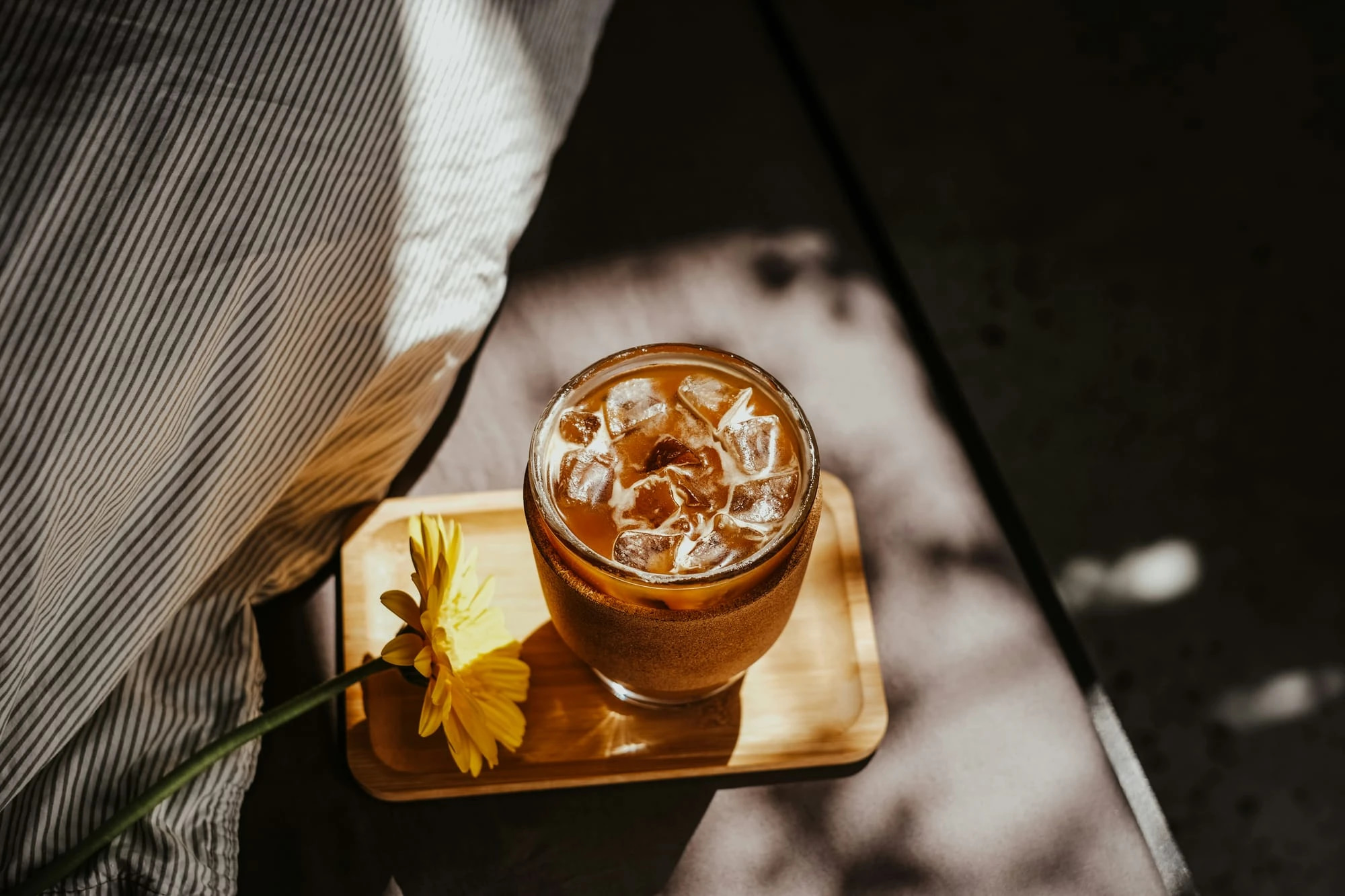
The example photograph is a landscape image, 2000 × 1333 pixels. The cup, tray and surrounding fabric all belong to that original composition.
On Hanoi’s Latest page, the same photograph appears in a portrait-shaped card. The photograph fills the card’s image area, so some of the left and right edges disappear. A larger copy with the same proportions would add pixels. It would not change that frame.
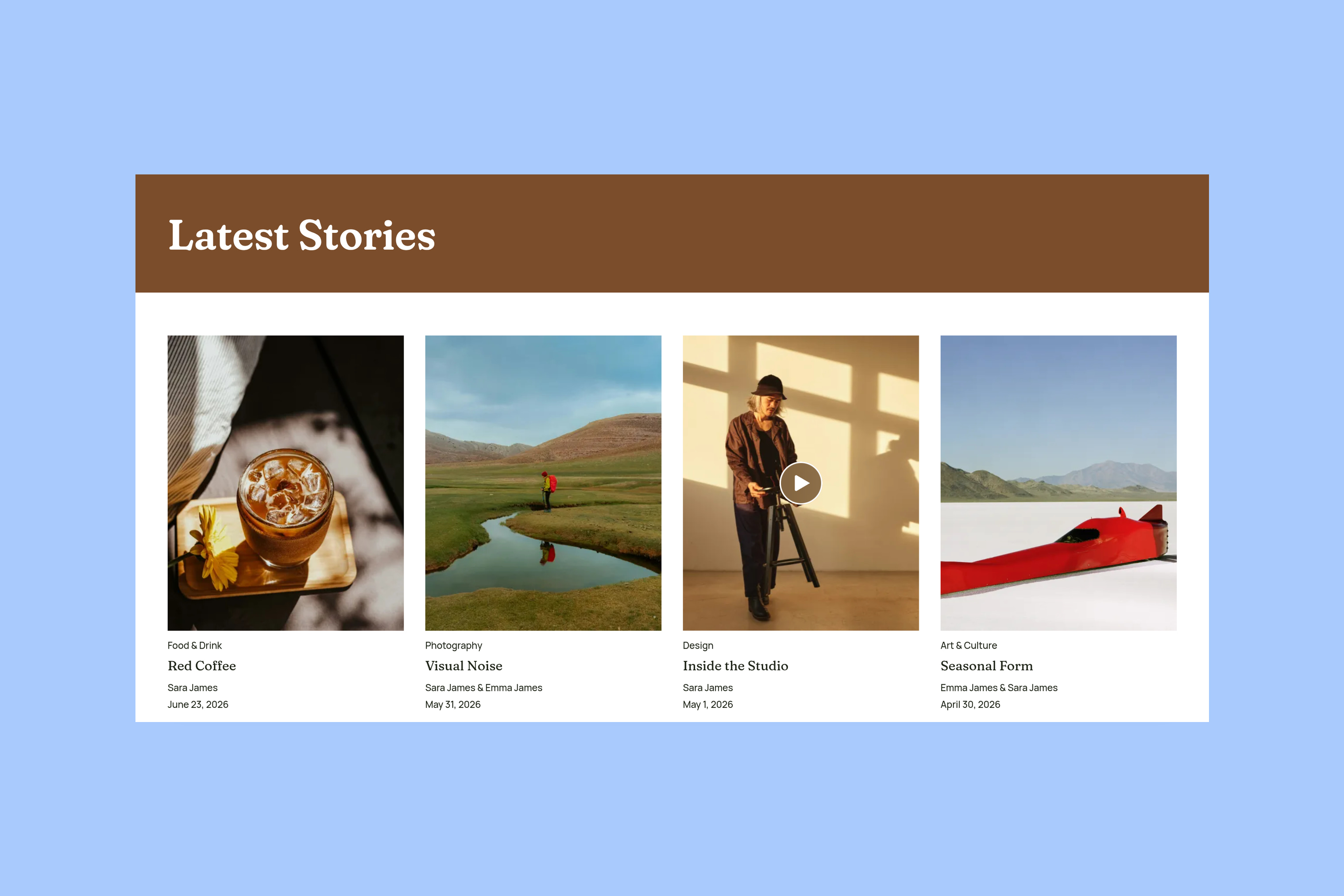
This demo revision uses a 4:5 card image area. The photograph uses object-fit: cover. Released Hanoi 1.0.0 uses a 3:2 card instead. Check your installed version rather than assuming it matches the demo. This rule controls how the theme displays the photograph. It keeps the photograph’s proportions while filling the frame. It hides the excess instead of squeezing the image. Other themes can use different frame shapes. Ghost’s image documentation describes how themes request and display feature-image sizes.
The article on a phone
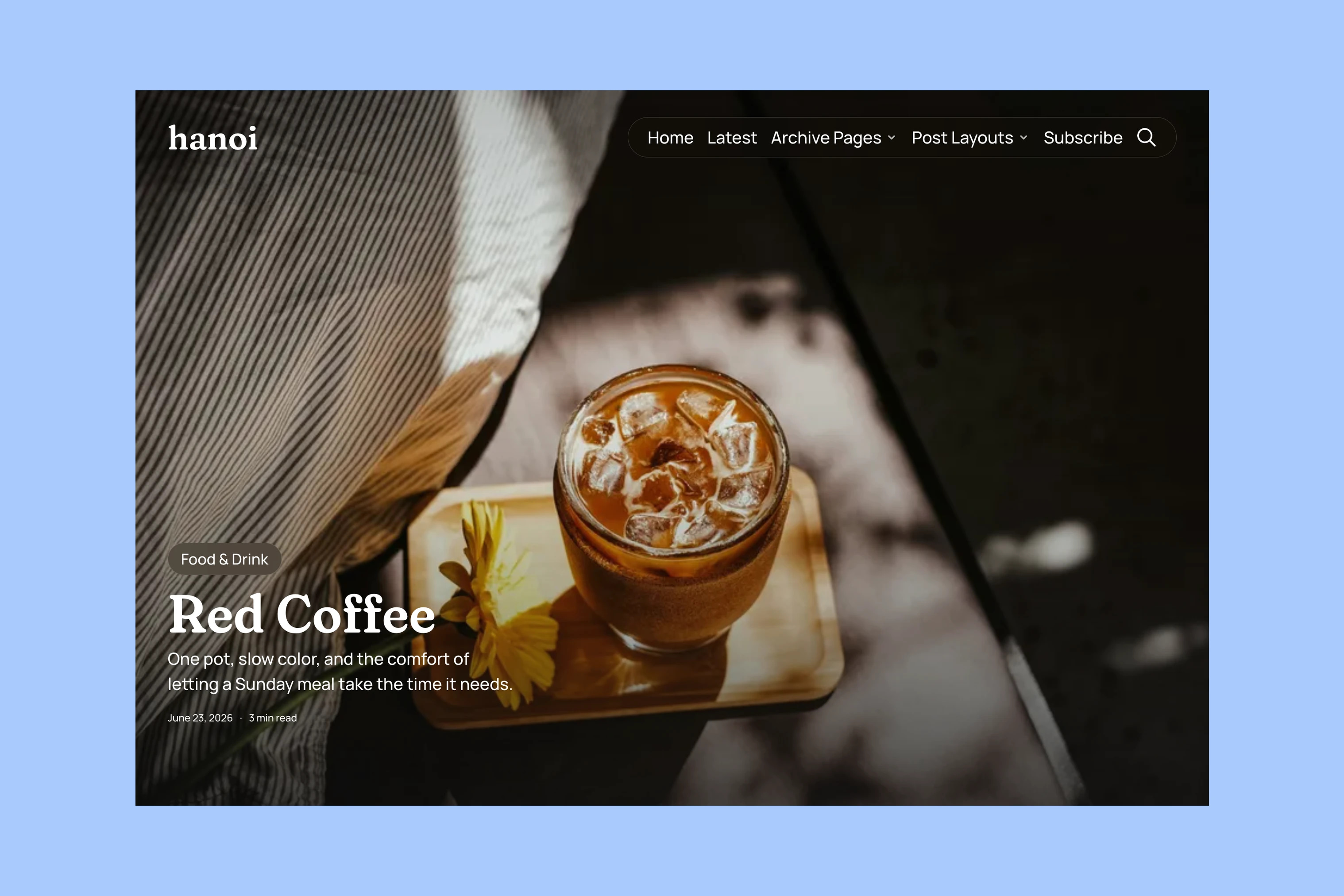
The same post uses Hanoi’s Post Fullscreen template. On a wide screen, the opening has room for a landscape view of the cup and tray.
On a phone, the opening is much taller relative to its width. Filling that space hides more of the photograph’s sides. The source image has not become a portrait photograph. The visible window onto it has changed.
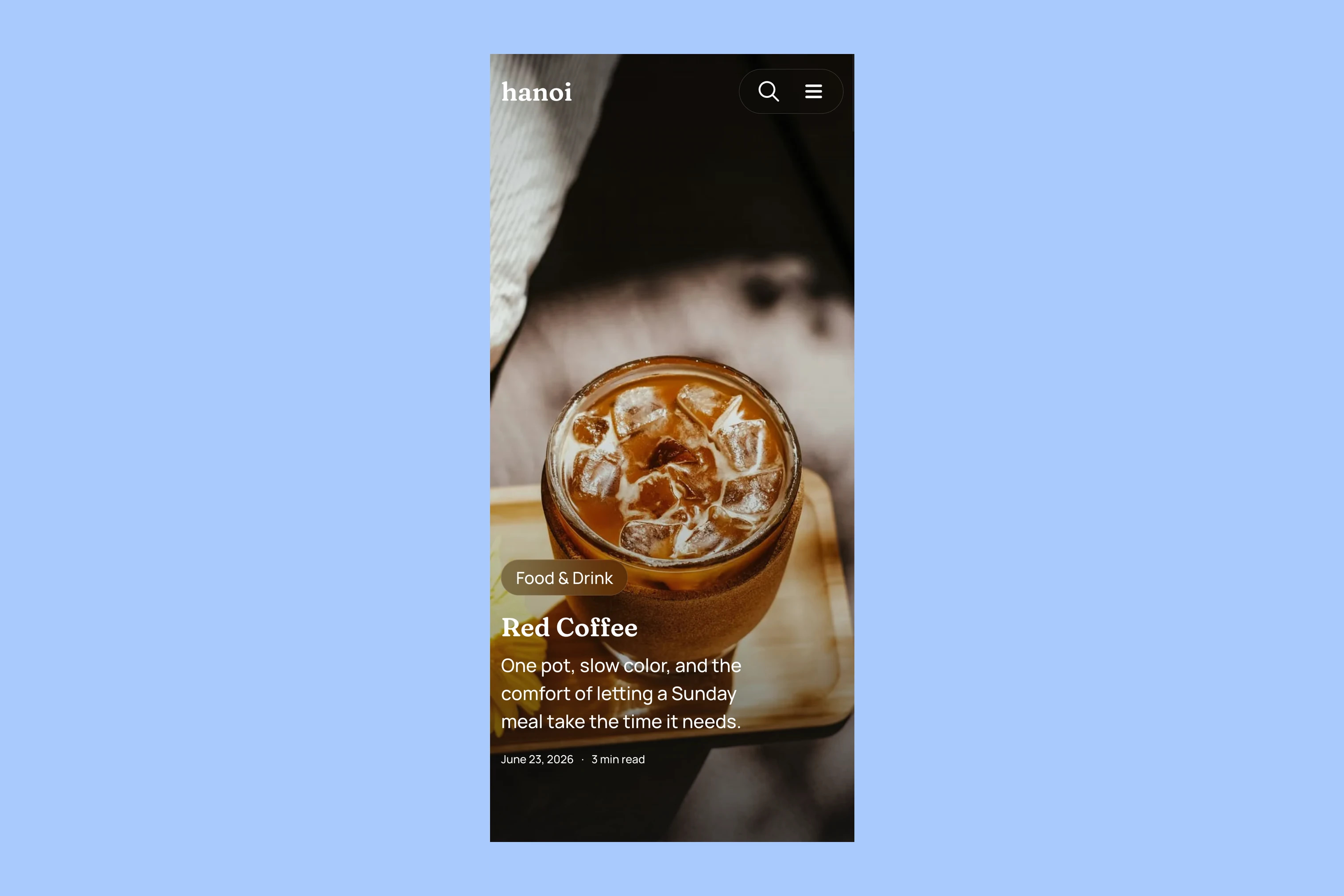
Check the affected card and the article. Compare their phone views too. Use that comparison to decide what to change. Is the missing detail outside the frame in just one of those places? Start with that layout rather than the upload’s file size.
Choosing a fix
Leave space around the main subject when a photograph must fit several frames. A narrower frame may hide a face, label or product placed against an edge. Every edge may matter in a diagram or a poster with text. That image may work better inside the article than as a cover.
An Image card in the Ghost editor is separate from the post’s feature image. It lets you put an image beside the writing that explains it. Check how large the image appears in the article and whether its fine details are readable.
For an article opening, also check the available post templates. Hanoi includes a default article and several image-led alternatives. The Hanoi post-layout guide shows their intended uses. A less immersive opening may suit an image whose entire composition matters. Changing an article template does not change the shape of its listing card.
After changing an image or template in your own post, check the card and article again on desktop and phone. For a published post, click Update to save the change. Then check the public result. If the public site still shows a different photograph, check the saved image. Then check whether another browser shows the old photograph too. Showing the wrong photograph is a different problem from cropping.
Check the result against the theme’s layout guide. If they differ, contact the theme developer. Include:
- The page URL.
- The original image.
- A screenshot of the affected card or article.
- The screen width.
- The theme version.
These details show the developer which frame and source to inspect. They can check that case before trying a global CSS change that could disrupt other images.
More from the Blog
Latest Ghost Themes
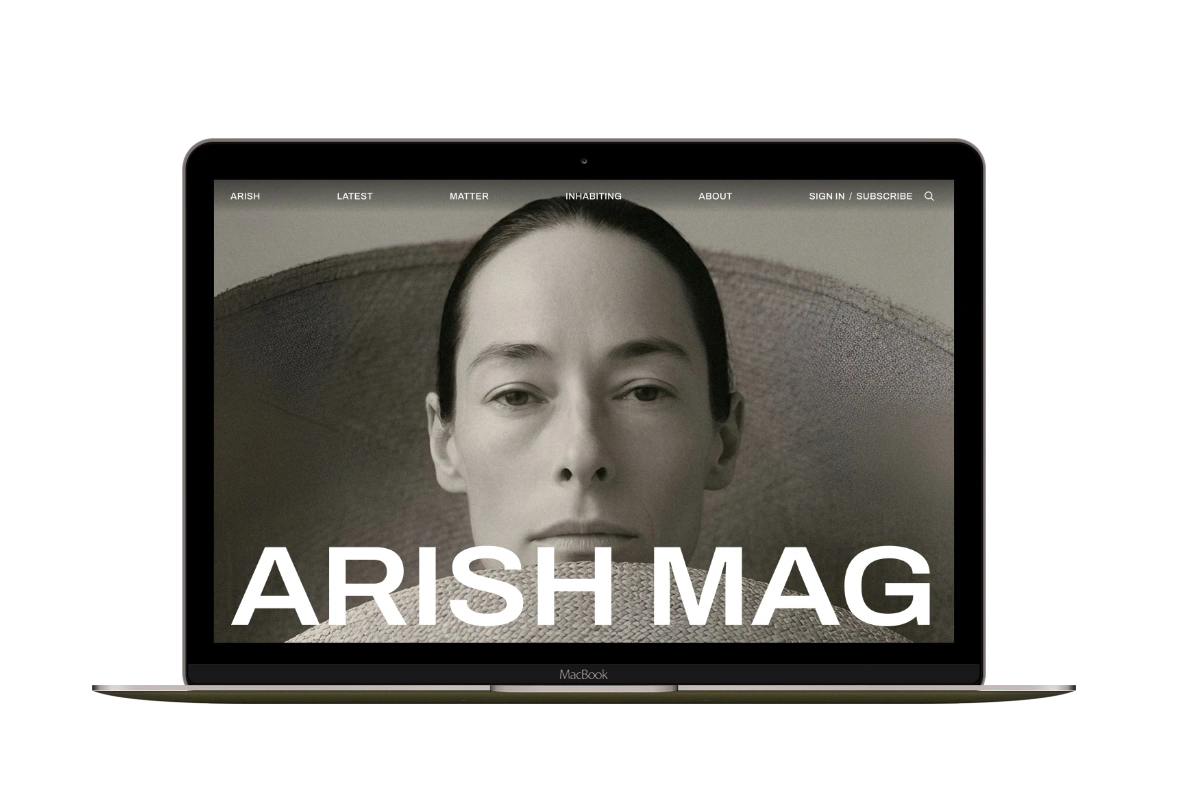
Arish
For visual magazines that lead with photography, film, and selected stories.
Siwa
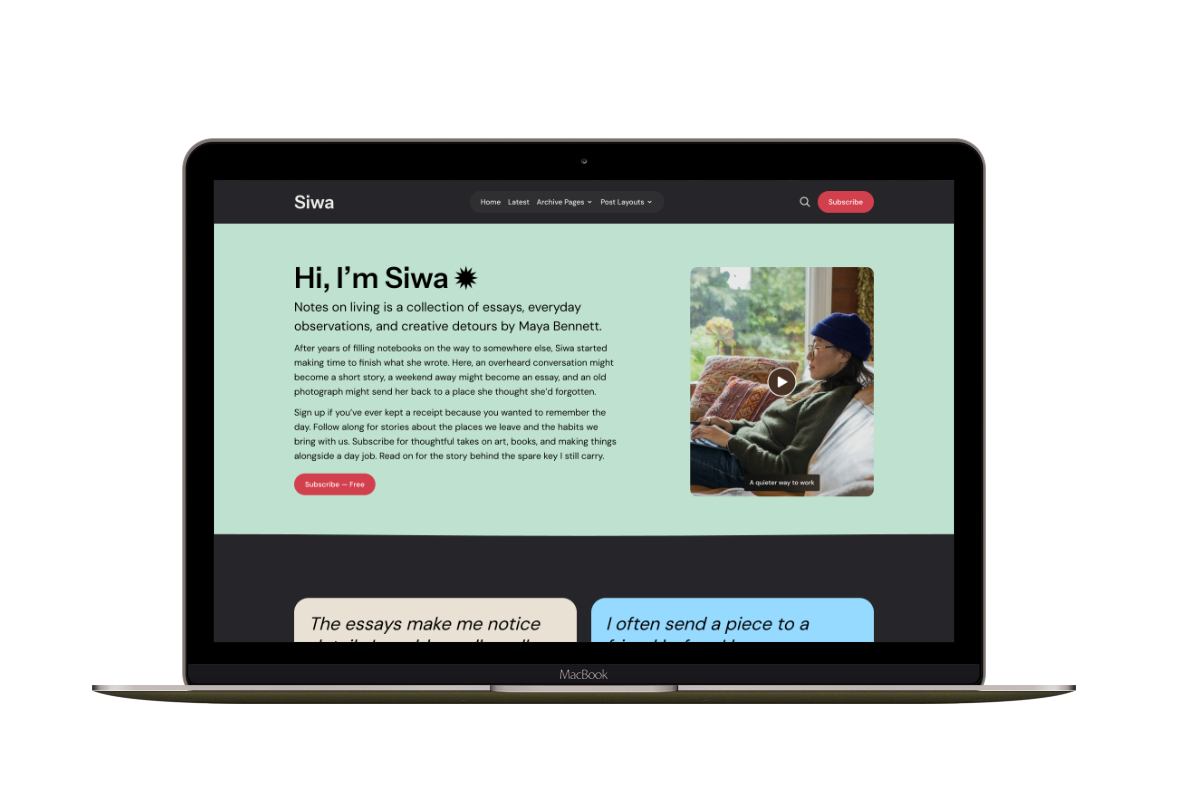
A personal publication that introduces the writer before inviting readers into the stories.
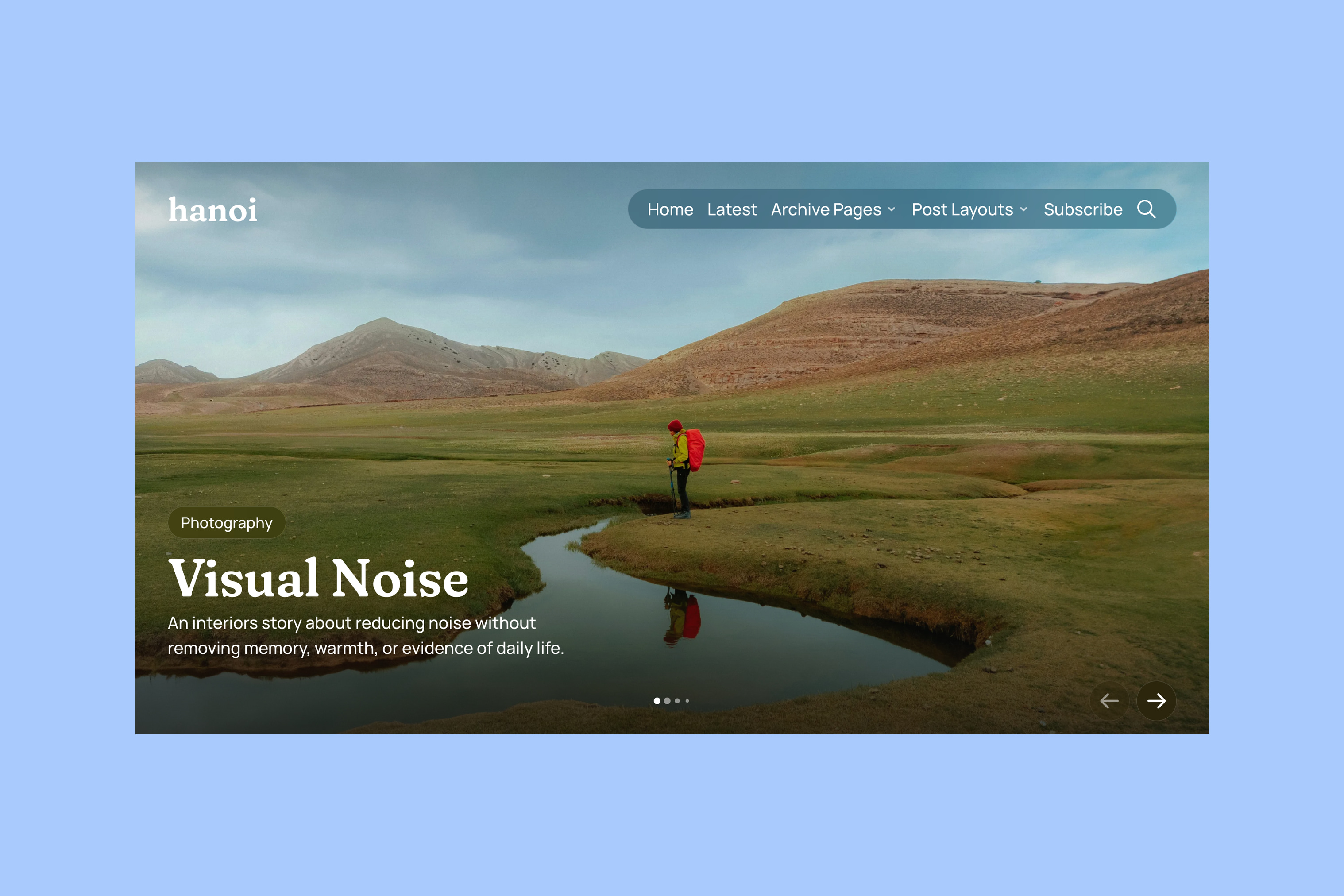
Hanoi
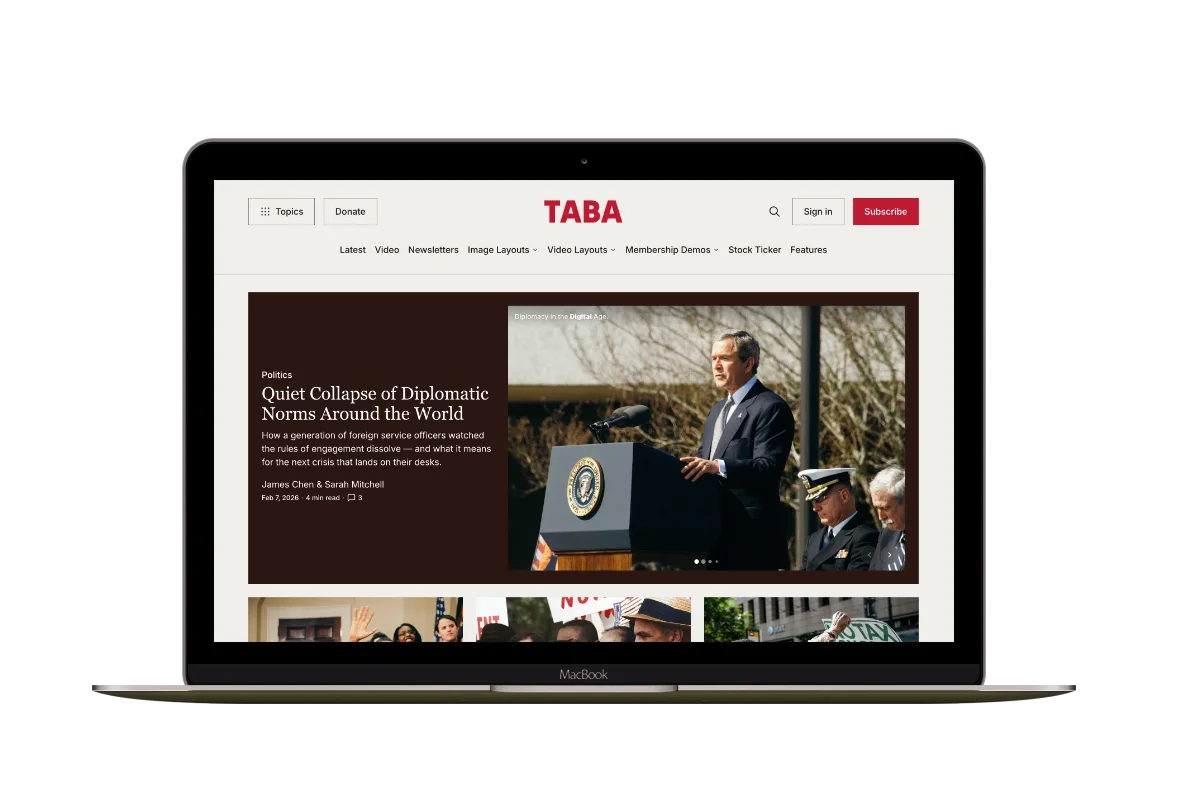
An image-led magazine for creative stories, rich navigation, and long-form reading.
Taba
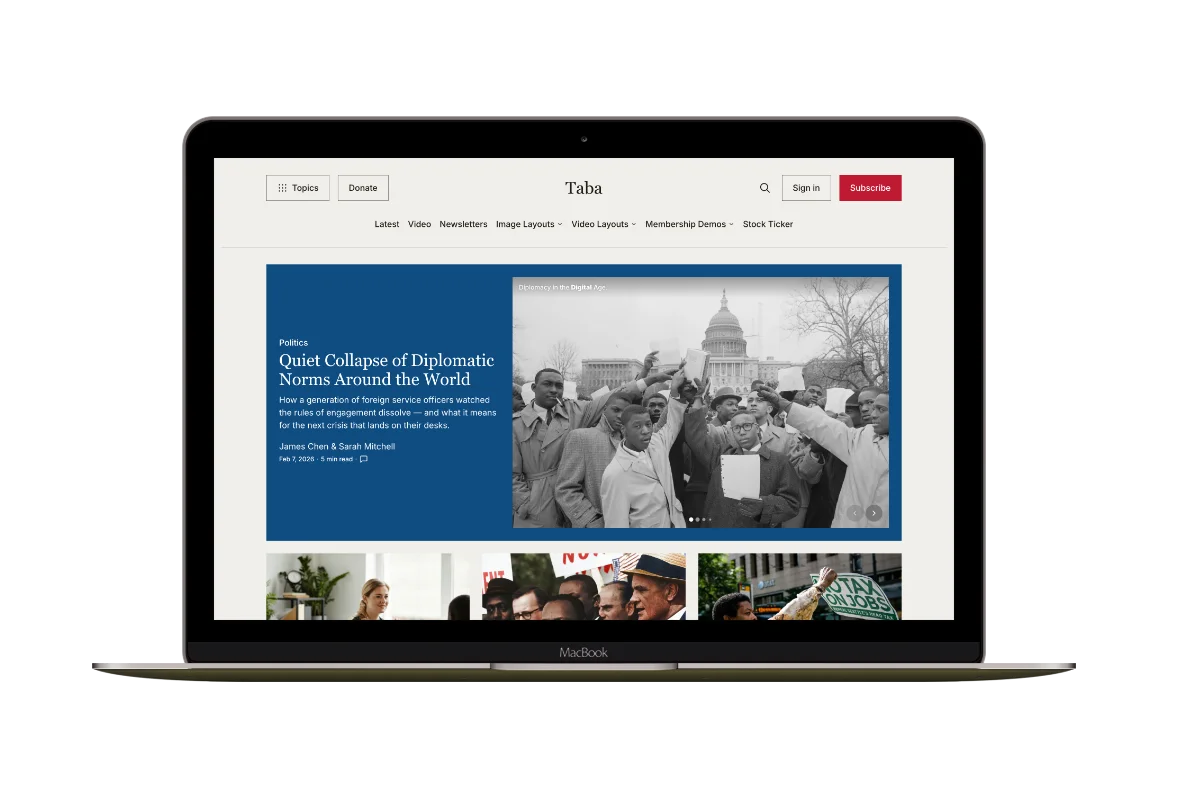
A newsroom front page for coverage across topics, video, and story formats.
Marsa
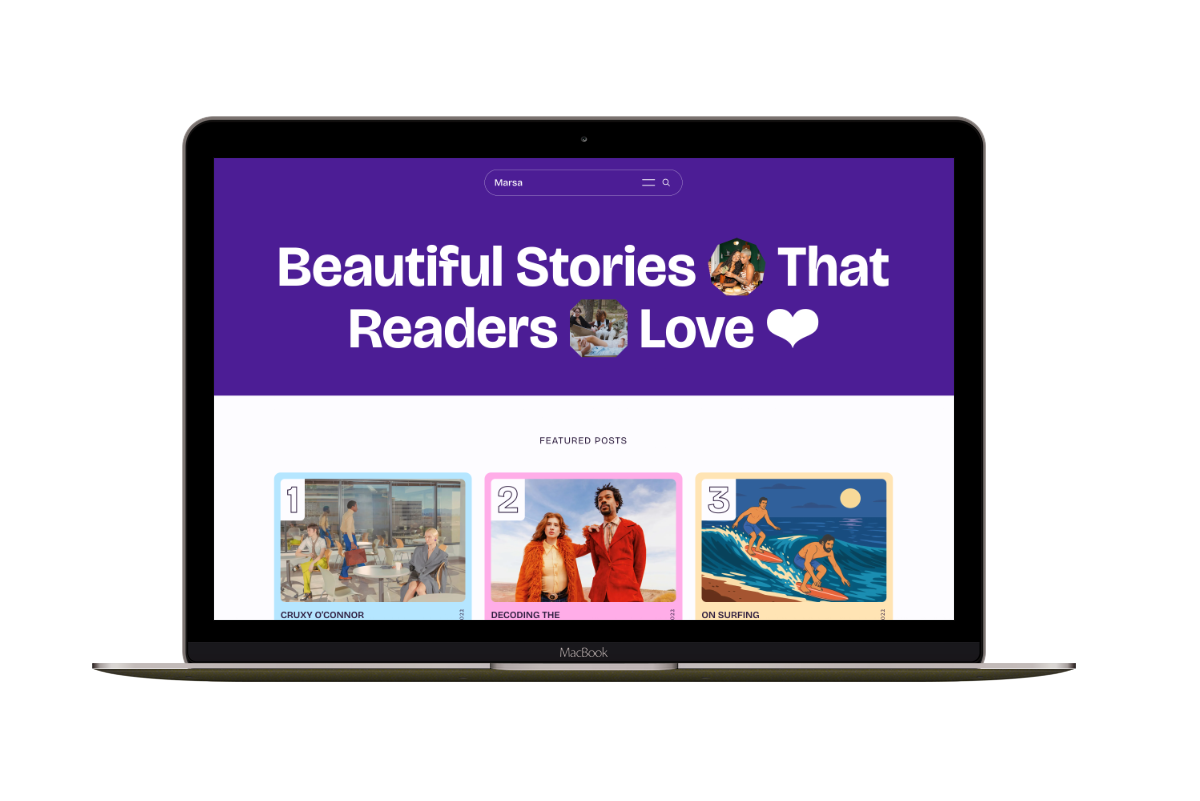
A flexible publication homepage for featured stories, topics, and newsletters.
Hakone
For writers who want readers to browse complete posts on the homepage.