Fix an old Ghost post link after a URL change
An old post link can stop working when your Ghost site’s URL structure changes. The post may still open at its new address. A redirect sends someone following that old link to the working replacement.
Start by checking both addresses. A redirect can repair a moved link. Its destination must exist and be published. This guide covers one post that moved from /old-story/ to /journal/old-story/ on the same site.
Check the current post
Open Old Story in Ghost Admin. Confirm it is published. Open its current public page in a browser. Copy the full working address. Does that page also show a 404 (page not found) error? Ask your site administrator to check whether the post is published and its route works. Fix that problem before adding a redirect.
The editor’s Settings → Post settings → Post URL field shows the post’s slug. This is the short name in its address. A custom URL structure can add a prefix such as /journal/. Use the working public page to find the complete destination.
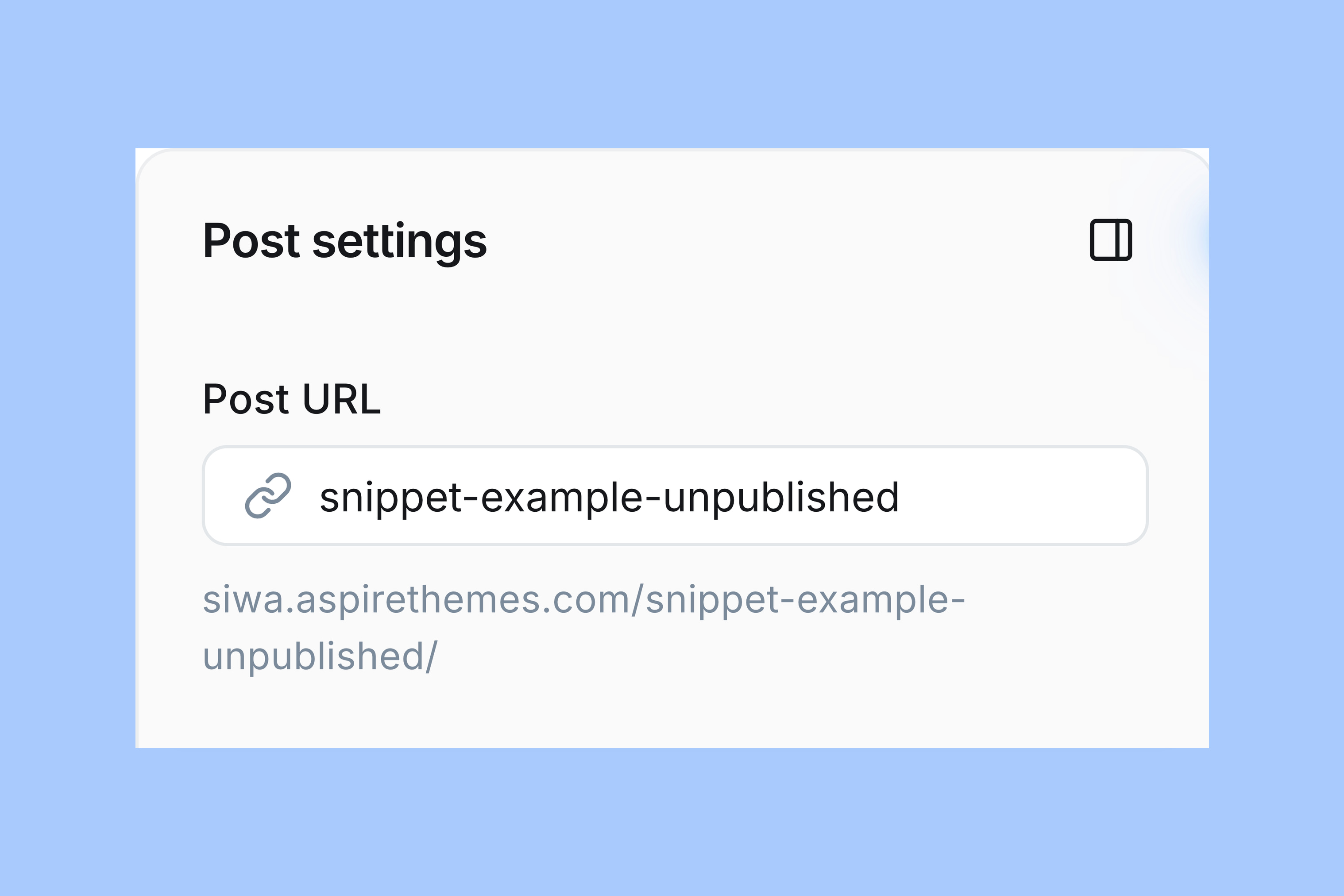
Next, open the old link from the original bookmark or referring page. If it already reaches the correct post, no new rule is needed. Does the old link return 404 while the current address works? Keep both full addresses for the mapping below.
Keep the existing redirects
You need access to Ghost’s site settings. If Labs is unavailable to your staff account, ask the site owner or administrator to make this change.
In Ghost Admin, open Settings → Advanced → Labs. Select Open. Choose Beta features. Find the Redirects row.
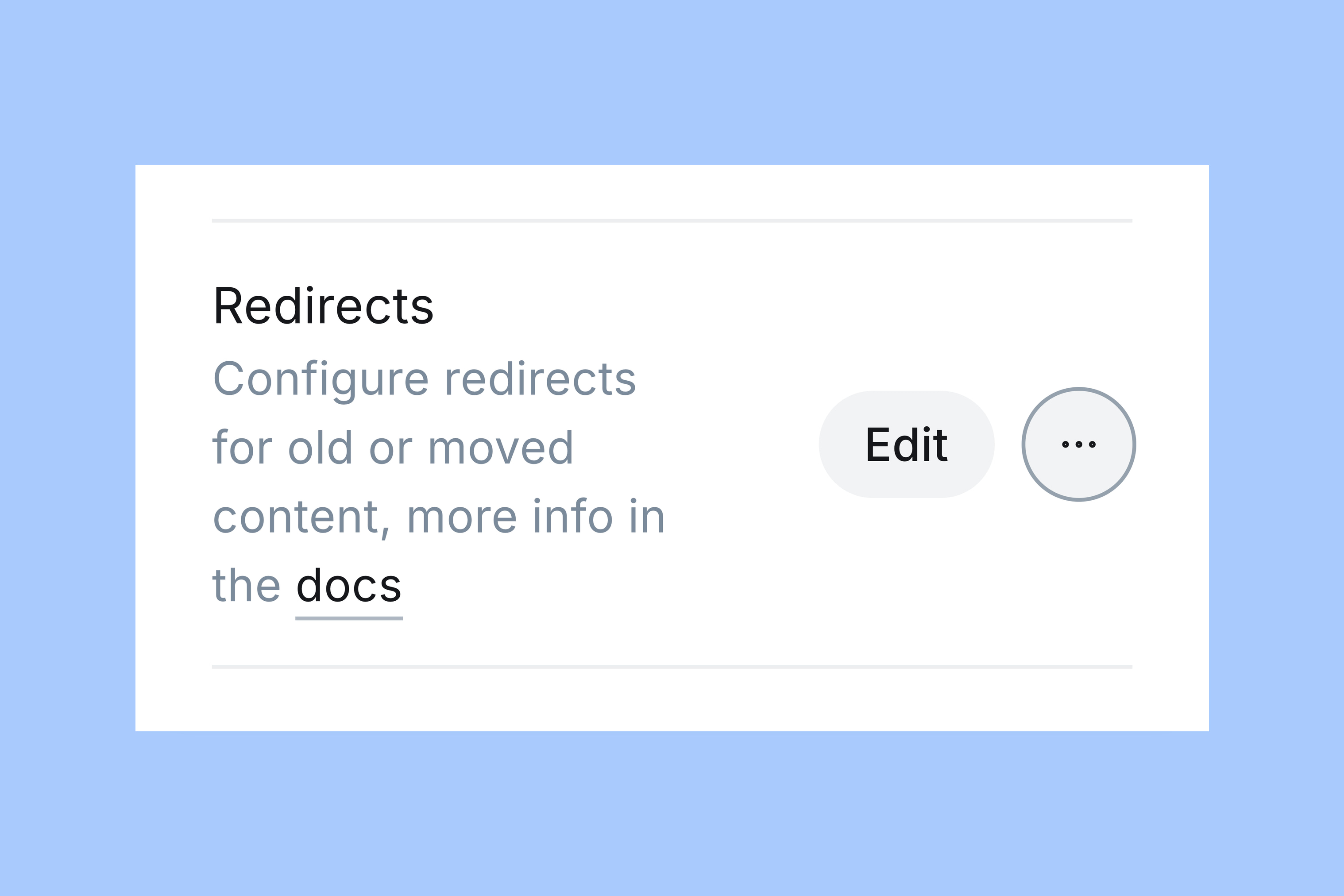
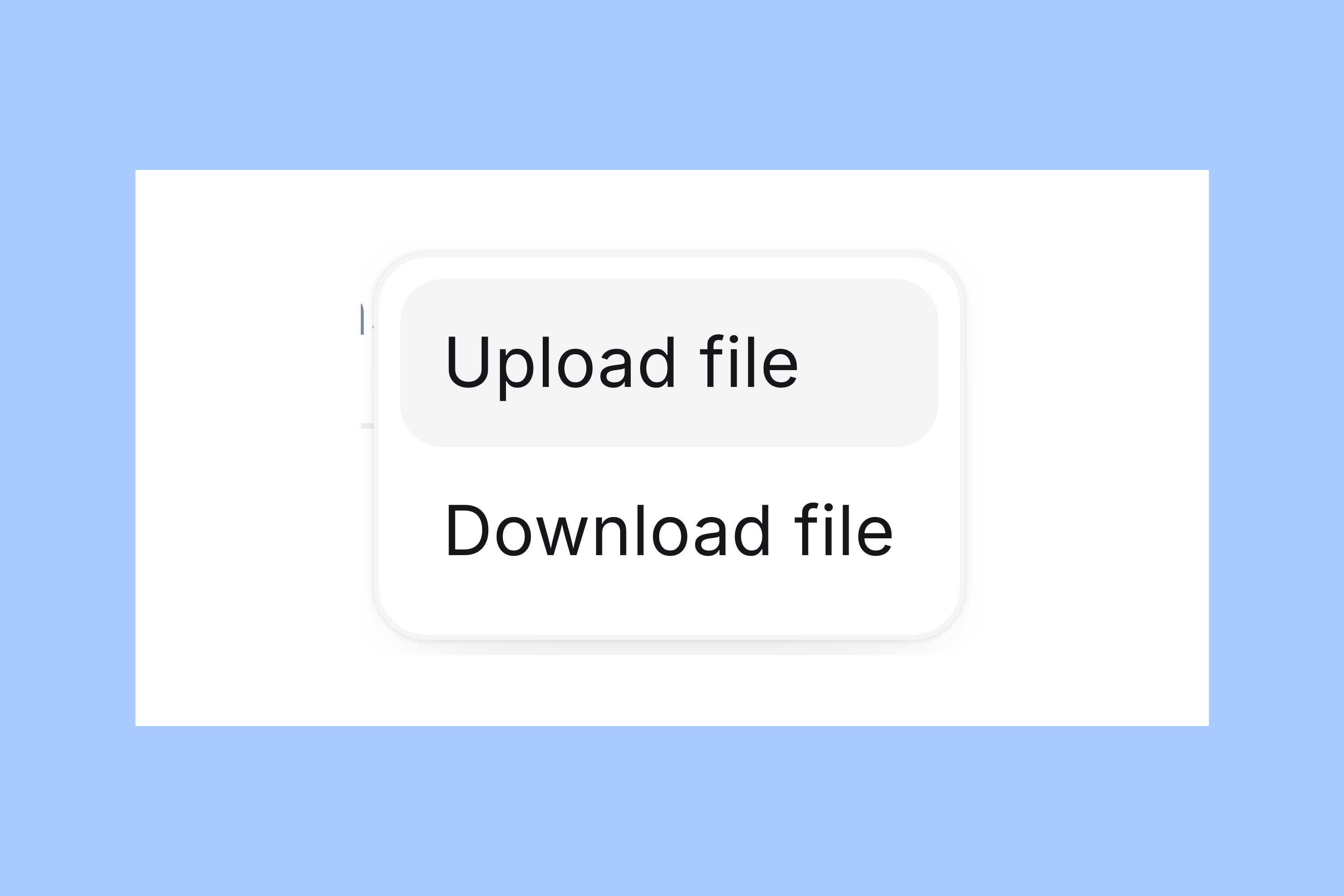
Open its three-dot menu, More redirects actions. Choose Download file. Keep the downloaded file untouched as a recovery copy. Make a second copy to edit. If the site has no redirects file, create one in a code editor. Use plain text and name it redirects.yaml. See Ghost’s redirect tutorial.
Use the Redirects controls. The neighboring Routes controls change URL routing and serve a different purpose. You do not need to upload a routes file to repair this one old link.
Map the old address
The old address is https://example.com/old-story/. The working replacement is https://example.com/journal/old-story/. Both use the same domain. The rule uses their paths:
301:
  '^/old-story/$': /journal/old-story/
301 means the move is permanent. The path on the left identifies the old address; the path on the right is the destination. The ^ and $ anchor the match to the beginning and end of the path. The new path, /journal/old-story/, contains the old path too. The anchors keep this rule from matching the new path and sending it back to itself.
Replace the two example paths with your verified paths. Keep the anchors around the old path. Use spaces for indentation, not tabs.
Check whether your file already has a 301: section. If it does, add the new mapping beneath that section, beside its existing rules. Keep those rules unchanged. Do not create a second 301: heading.
An empty section may appear as 301: {}. Change that line to 301:. Then add the indented mapping below it.
Preserve any 302: section too.
This example uses a simple path containing letters and a hyphen. Ask your Ghost host or developer to check the mapping if:
- Your old address contains characters with special meaning in a pattern, such as
.or*. - Your old address contains query parameters, such as
?page=2. - Existing rules already match your old address.
Do not extend this example by guesswork. Ghost’s redirect documentation covers the file format.
Test the old link
Save the edited file as redirects.yaml. Open More redirects actions in the same Redirects row. Choose Upload file. If Ghost reports a file error, correct that error before testing the link.
Open a fresh private browser window. Visit the old full address. In this example, the address should change from /old-story/ to /journal/old-story/. Old Story should load. Check both the final address and the article. Reaching the homepage or a different story does not complete the repair.
If the destination returns 404, revisit the current-post check. After your upload, check for too many redirects or the wrong page. If either occurs, use the recovery steps below.
- If you kept an original redirects file, upload that untouched recovery copy.
- If there was no original file, remove only the new mapping from your edited file. Upload the corrected version.
Ask your Ghost host or developer to inspect the rules. Send both full addresses and the rule you added. Include the error and explain how the URL structure changed.
More from the Blog


Latest Ghost Themes

Arish
For visual magazines that lead with photography, film, and selected stories.
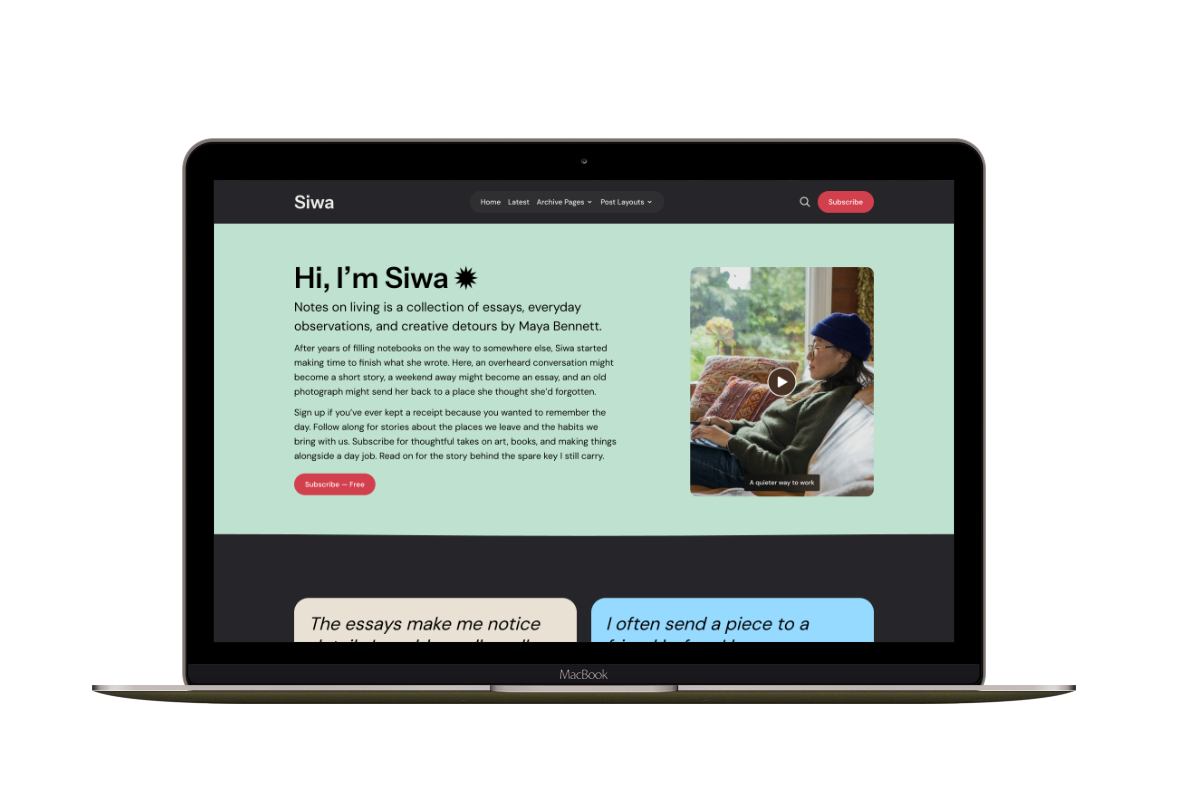
Siwa
A personal publication that introduces the writer before inviting readers into the stories.

Hanoi
An image-led magazine for creative stories, rich navigation, and long-form reading.

Taba
A newsroom front page for coverage across topics, video, and story formats.

Marsa
A flexible publication homepage for featured stories, topics, and newsletters.
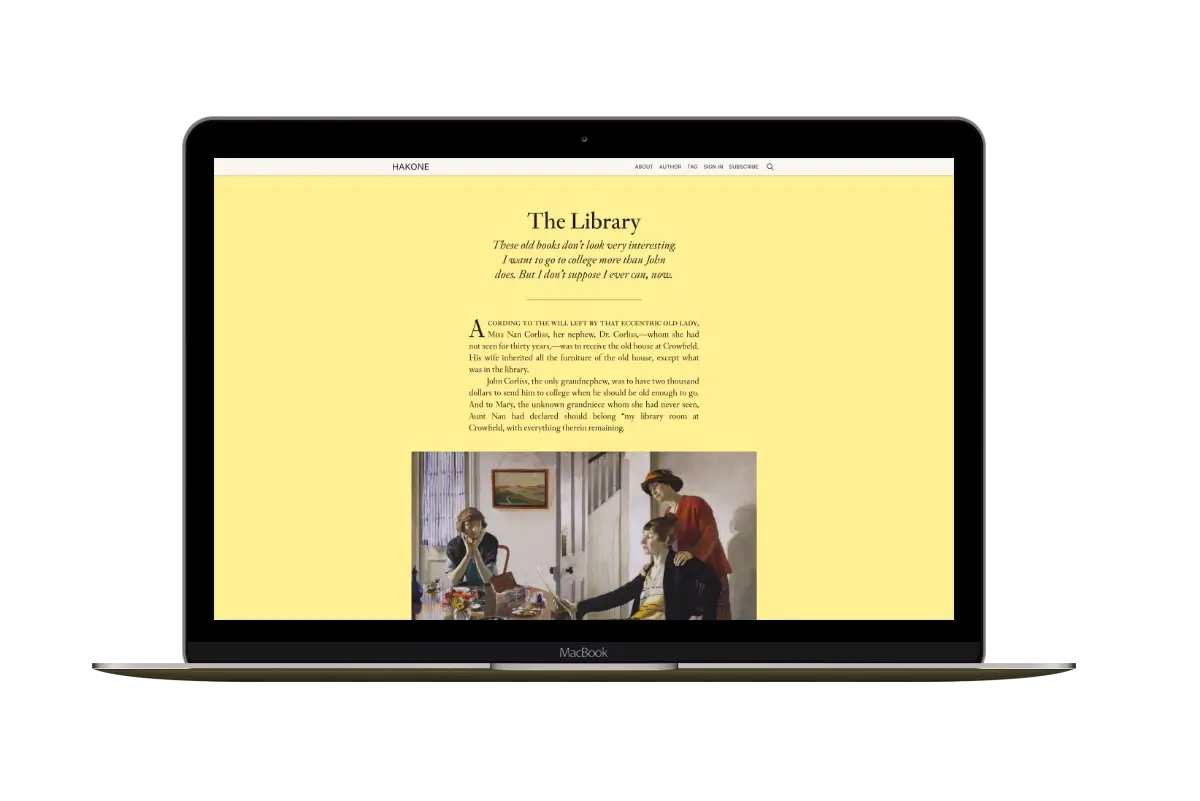
Hakone
For writers who want readers to browse complete posts on the homepage.