Hanoi vs Beirut: Choosing a Ghost Theme for Photography
A photography website might publish a new photo essay each week, or present a selected set of projects to prospective clients. Both need room for photographs, but visitors arrive with different questions: what can I read next, or is this the photographer I want to hire?
Hanoi suits a visual journal or magazine, with featured stories, topics and a feed of recent posts. Beirut suits a portfolio, with an introduction, projects and a separate writing section. I make both themes at Aspire Themes. This comparison uses their public demos, which contain sample content.
The First Visit
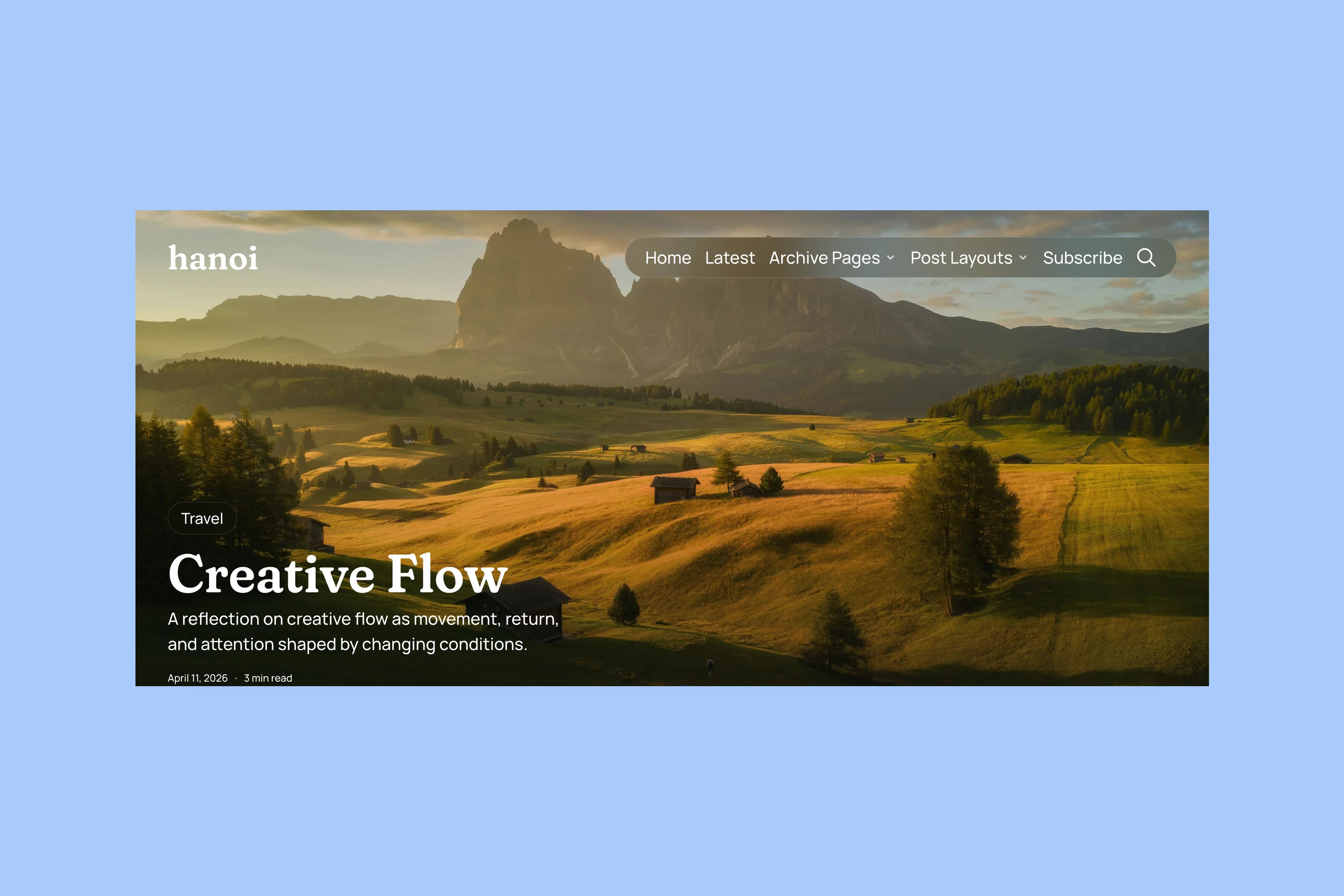
Hanoi opens with a featured story. Its photograph fills the lead section, with the title and excerpt over the image. That gives a new photo essay, interview or travel report a prominent place before the reader browses the rest of the publication.
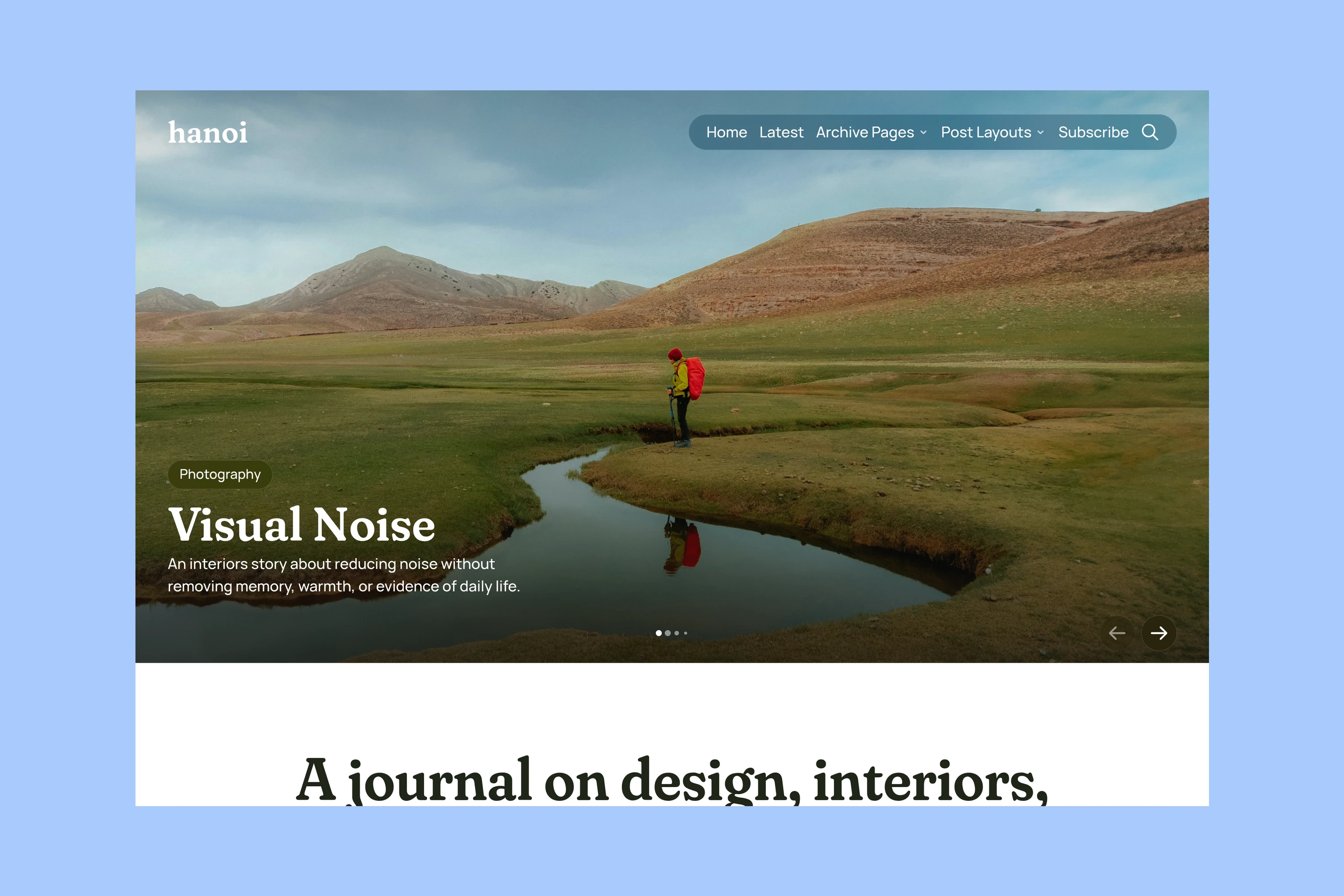
The lead can hold up to five featured posts. It works best when you have stories you want to select and promote. The photograph needs to tolerate a wide crop and leave the title readable; a tightly framed portrait may work better inside the story than behind its opening text.
Beirut begins with an introduction to the person, followed by their work. For a photographer taking commissions, that opening can explain the kind of work they do and give visitors a contact link before the projects begin.
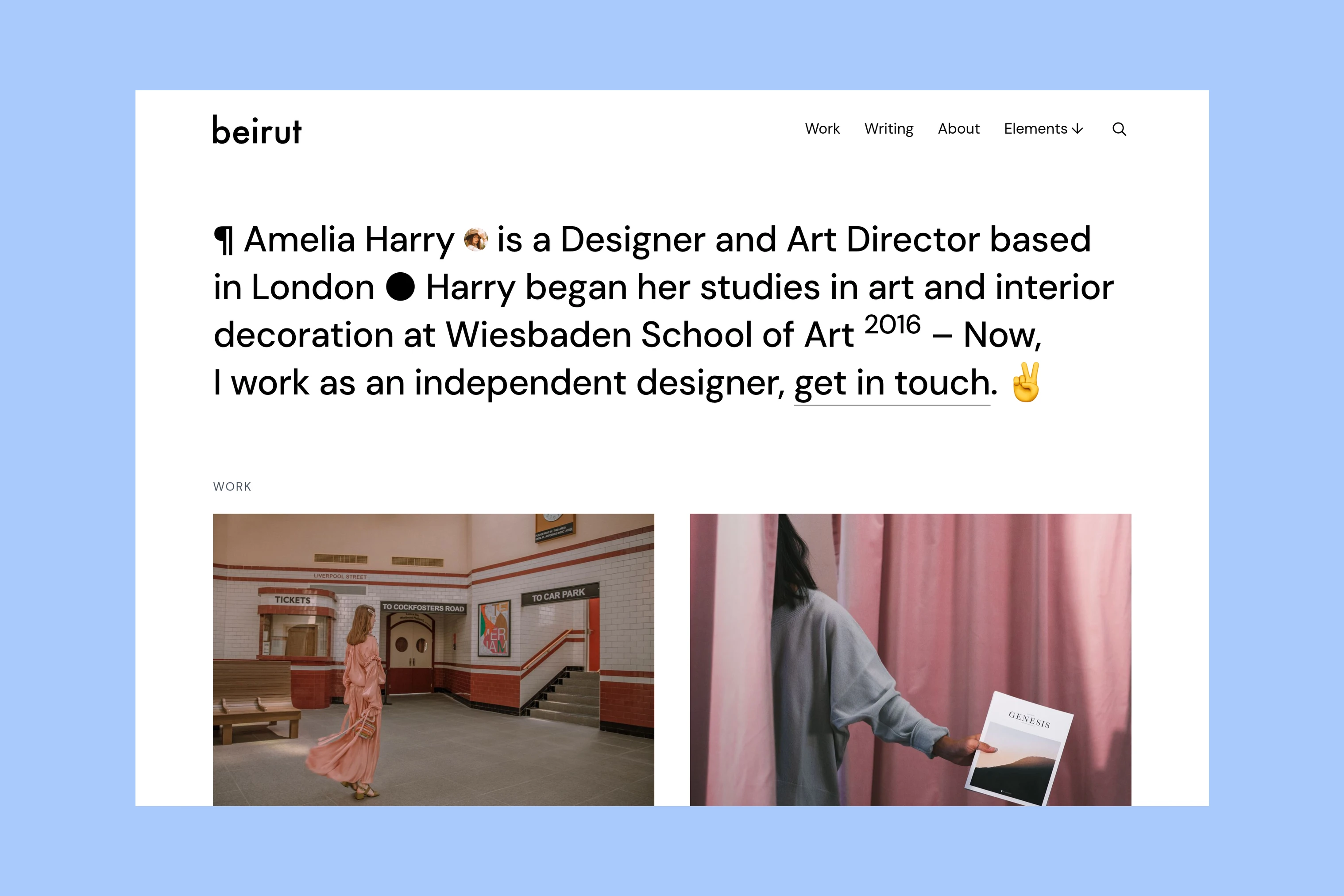
Beirut’s demo also includes services, client logos and testimonials. Those sections help a prospective client assess the person behind the projects, while Hanoi’s homepage gives more space to finding stories.
Browsing More Work
Once someone finishes the opening story, Hanoi offers subjects to explore. Tags can represent portraiture, architecture or travel, with an image for each subject. Its Latest page collects recent stories, while the Archive offers a date-led route through older posts.
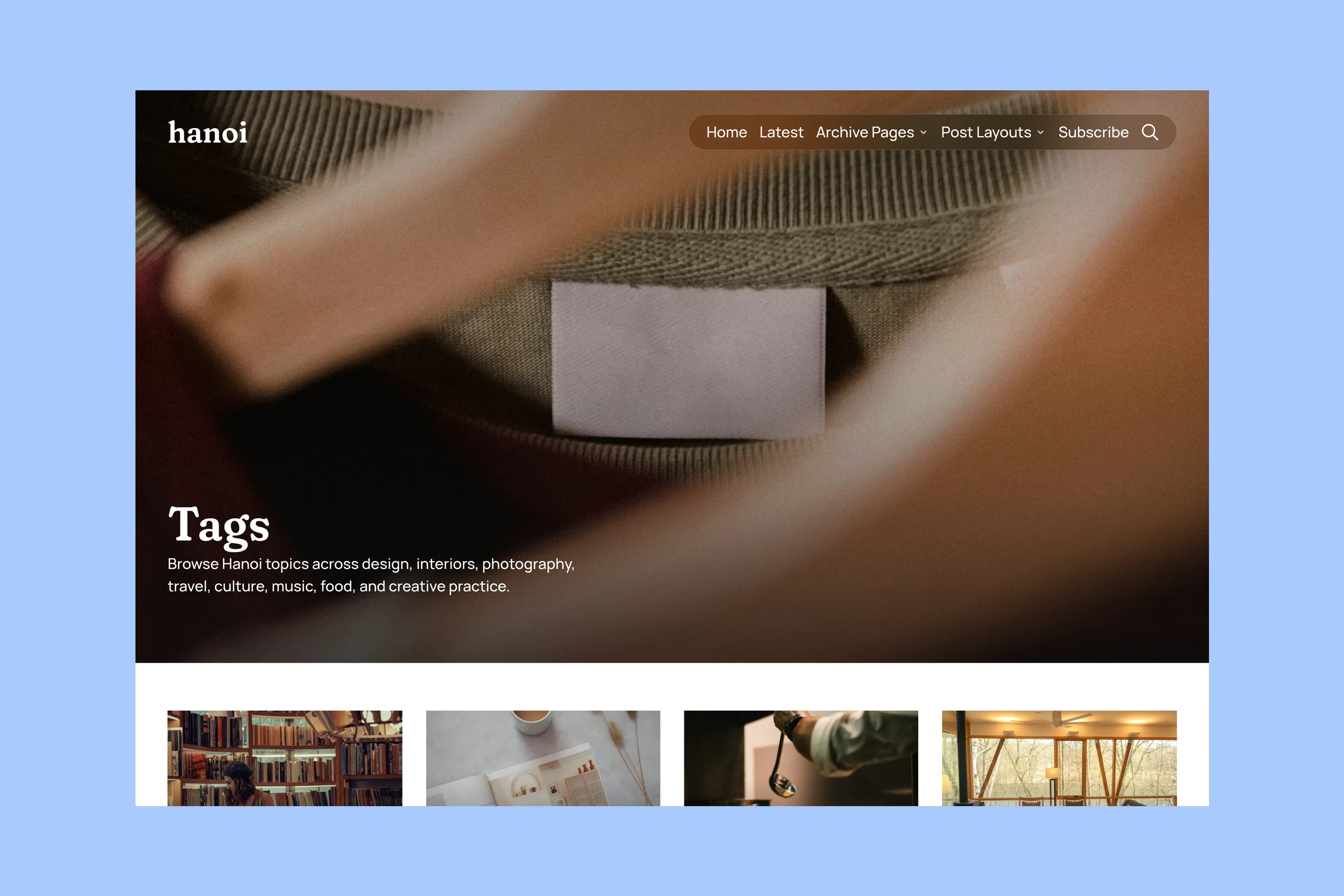
That structure is useful when photographs belong to an ongoing publication: readers can move between series by subject, rather than only following the newest posts.
Beirut separates Work from Writing. A project goes into Work; an essay or studio update goes into Writing. The Work page gives prospective clients a direct route through the portfolio without mixing in every recent article.
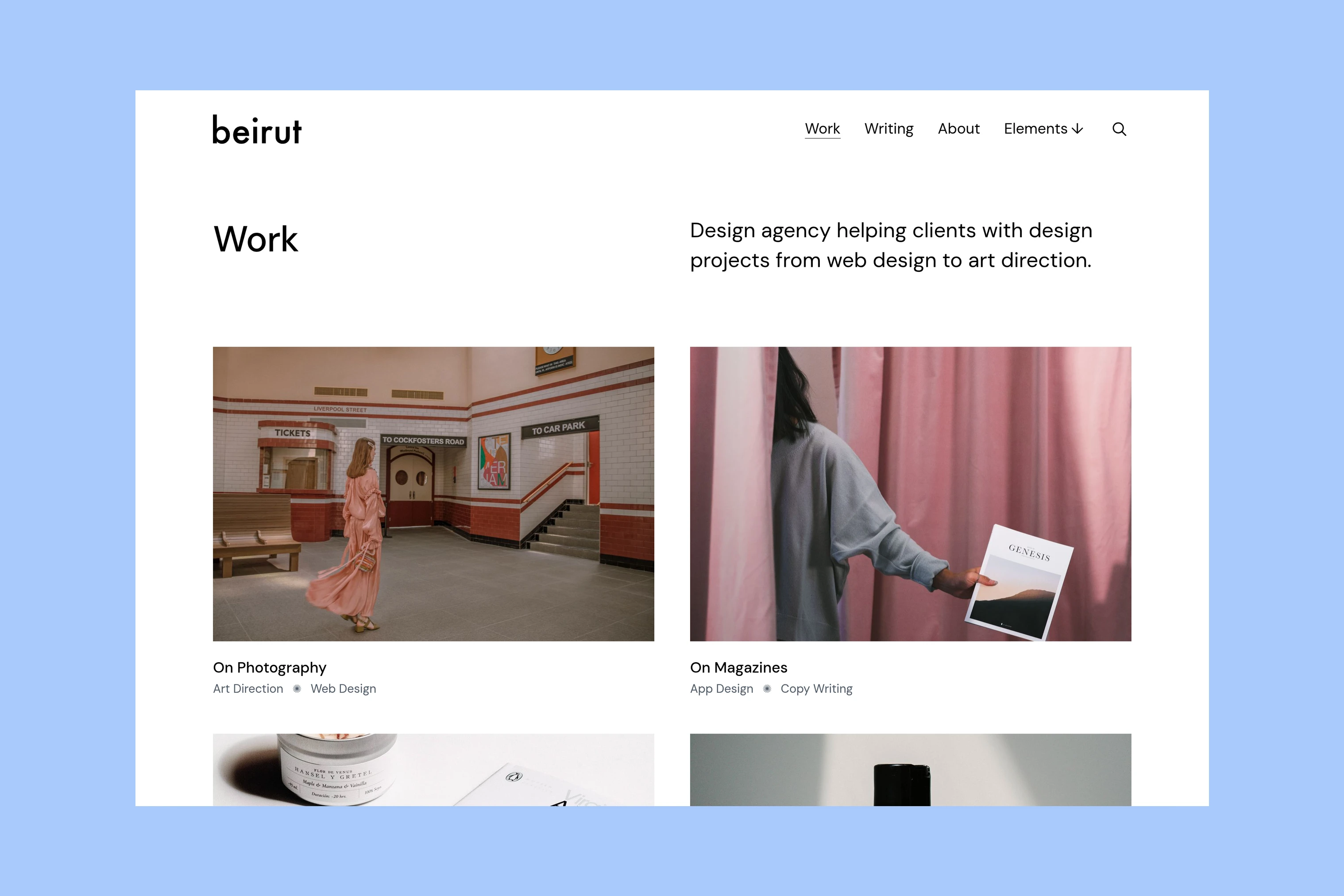
Beirut is better suited to a considered selection of projects than a large portfolio requiring several filterable categories. A photographer who publishes frequent reports across many subjects may find Hanoi’s topic browsing more useful than the Work/Writing split.
Inside a Story or Project
Both themes use Ghost’s editor for photographs and text. You can place individual image cards between paragraphs or group pictures in a Gallery card. Those editing tools come from Ghost. Both themes also include an image lightbox so visitors can open a photograph for a closer look.
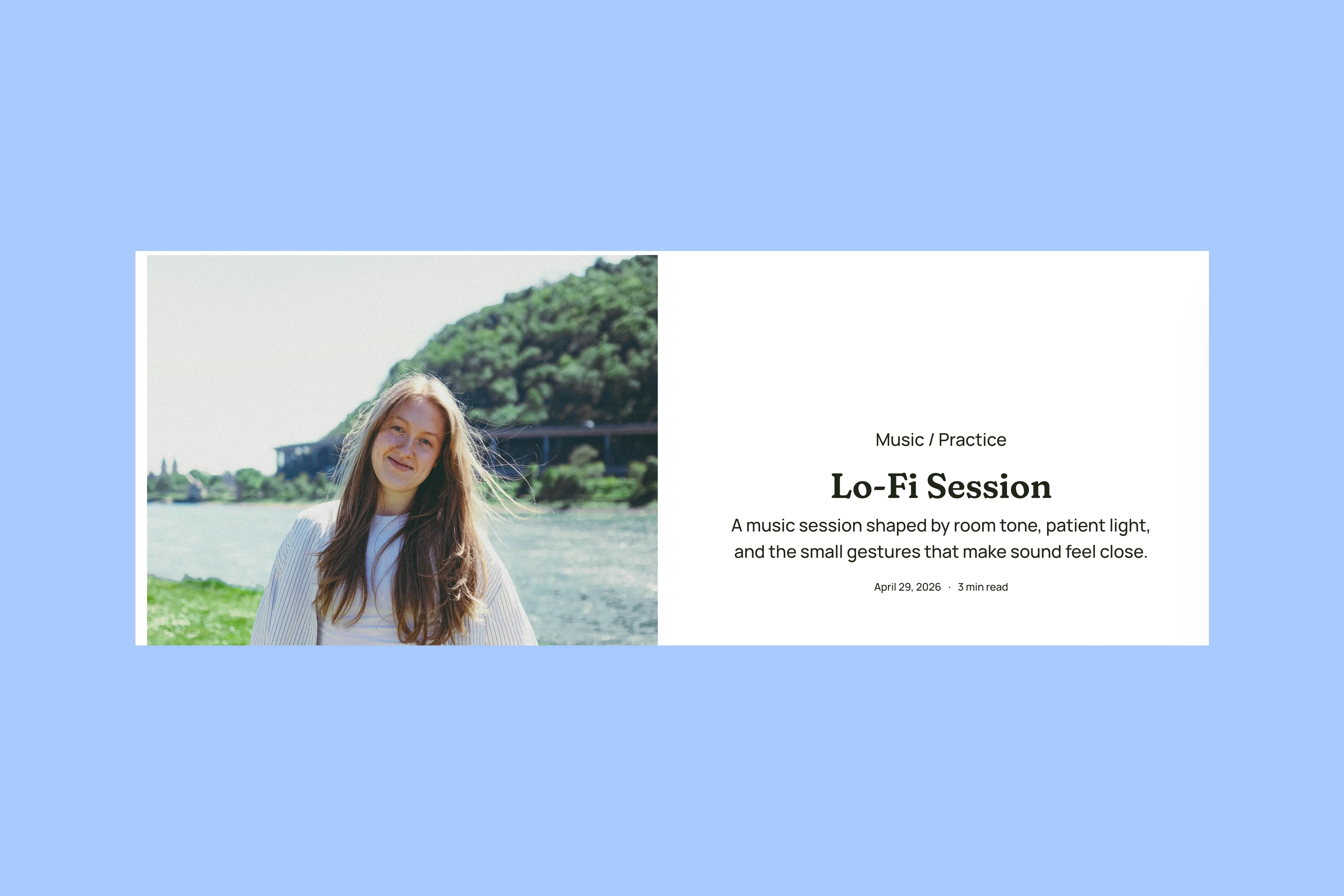
Hanoi adds a choice of story openings: the default layout, Hero, Fullscreen, Split and Video. For a photo essay, the choice is mainly how the first photograph meets the title. A split opening keeps them beside one another; a fullscreen opening gives the image the first screen. You choose a template for each post rather than changing the whole website.
Beirut’s project page starts with the title and a short description, followed by the project content. This lets a photographer explain the assignment or series before showing the pictures.
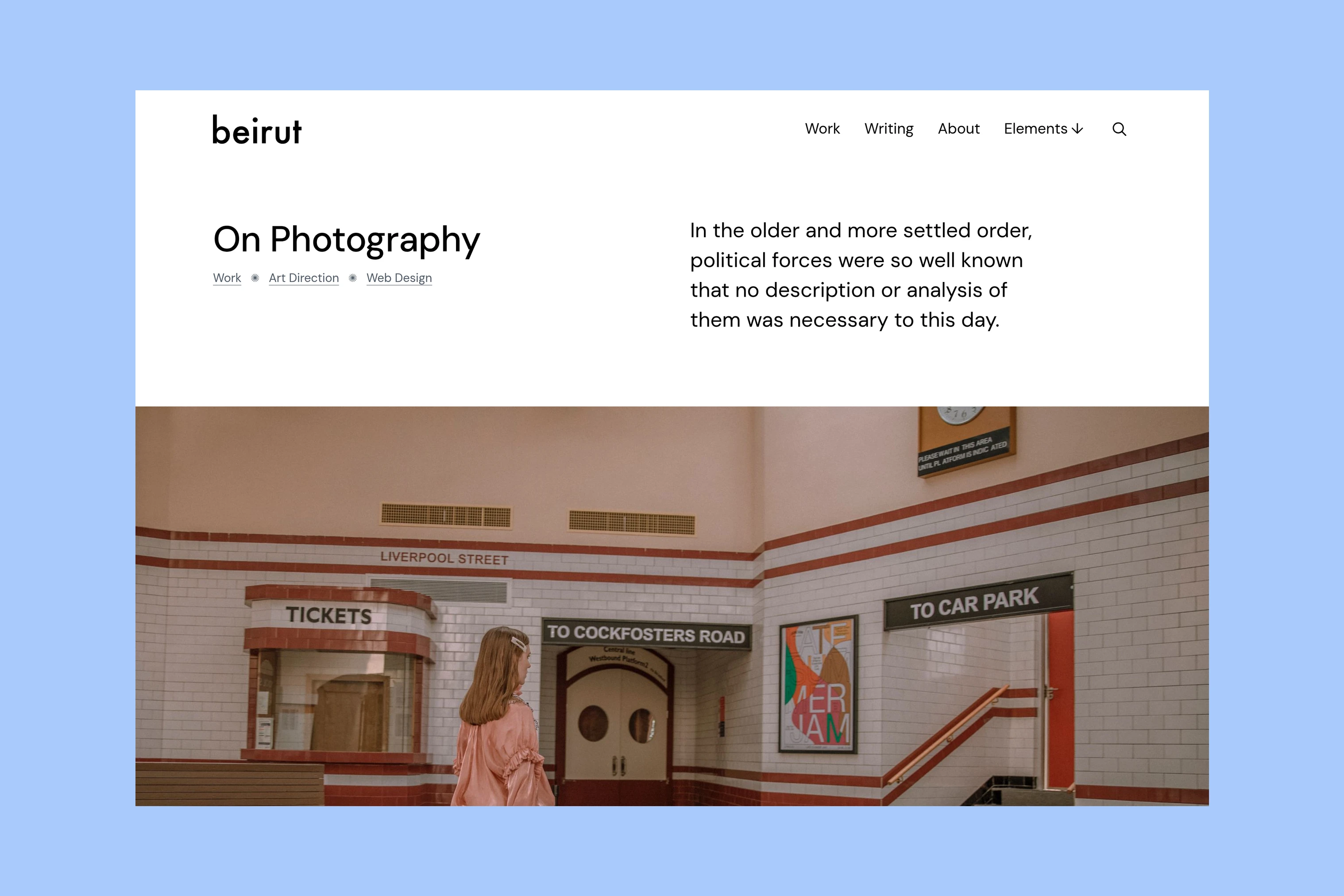
Beirut’s listing photograph and project opening are separate: the picture used on a project card does not automatically appear at the top of that project. Hanoi’s image-led templates carry the story’s cover photograph into the opening. This gives Beirut room for a text-first introduction, while Hanoi can lead directly with the image.
Price and Fit
Hanoi and Beirut each have a base price of $149 as a one-time purchase. A single-theme license covers one Ghost website. Each purchase includes six months of theme support and available updates under the published terms; support does not include custom design work or Ghost hosting setup.
With the same base price, compare the route through each demo. In Hanoi, follow the lead story, then browse the Photography topic. In Beirut, browse the Work page, then open the photography project. One route helps readers discover a publication; the other helps visitors assess a body of work.
More from the Blog
Latest Ghost Themes
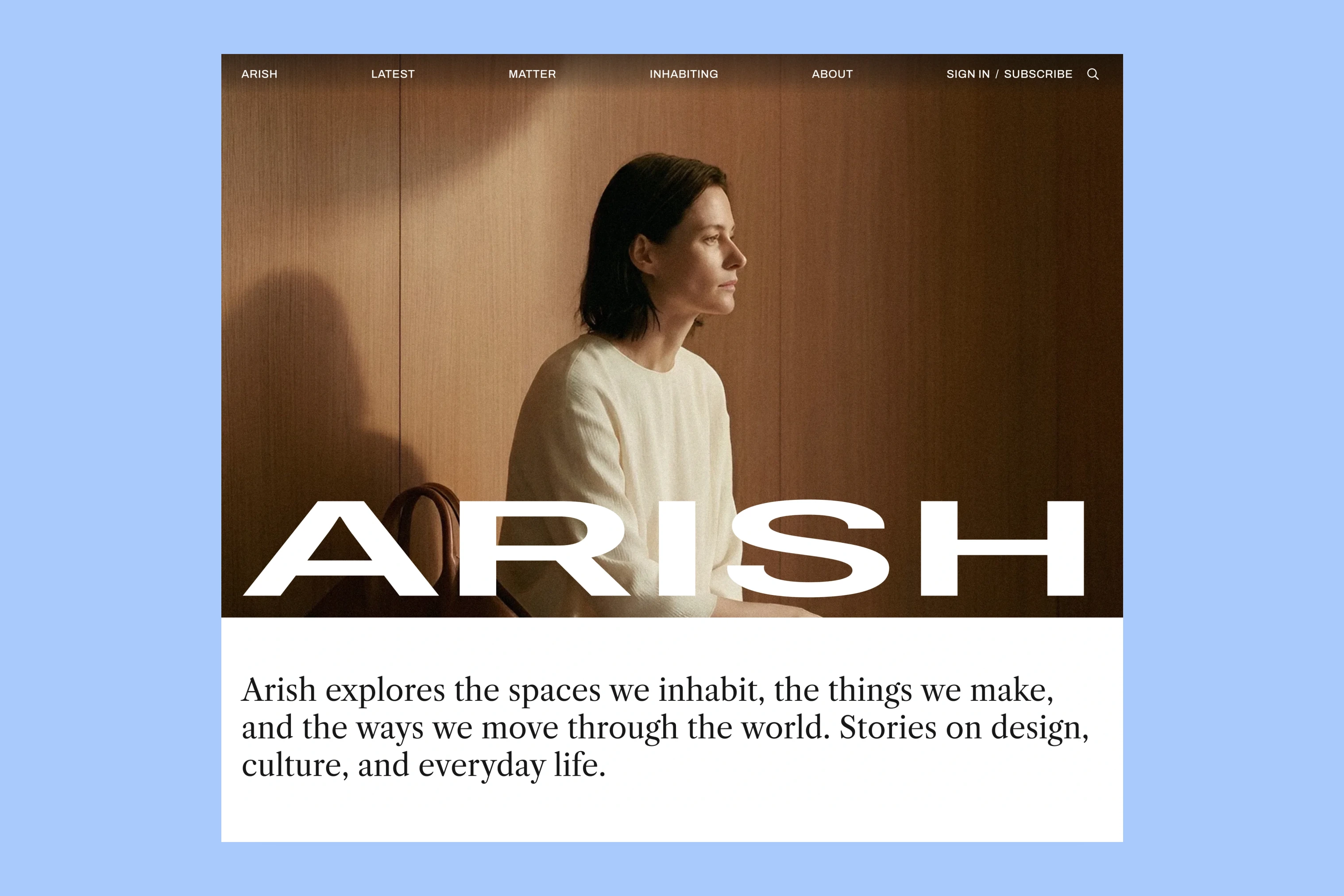
Arish
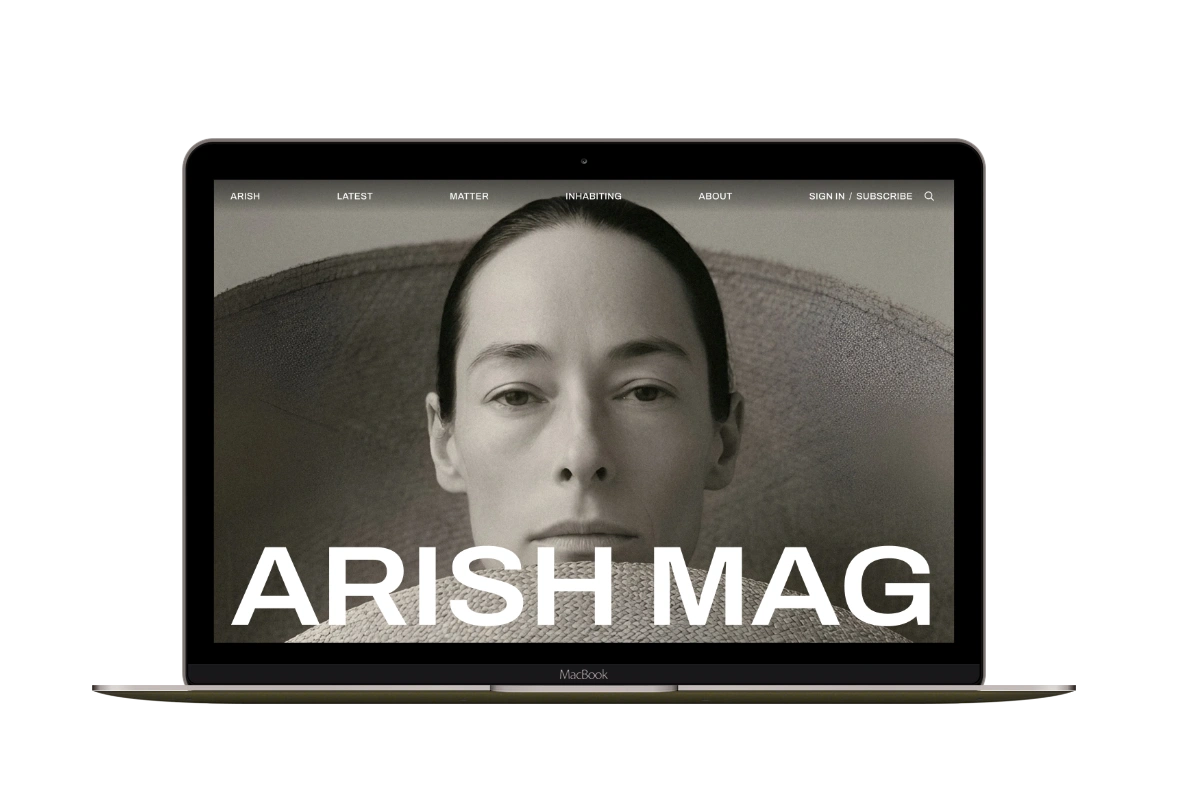
For visual magazines that lead with photography, film, and selected stories.
Siwa
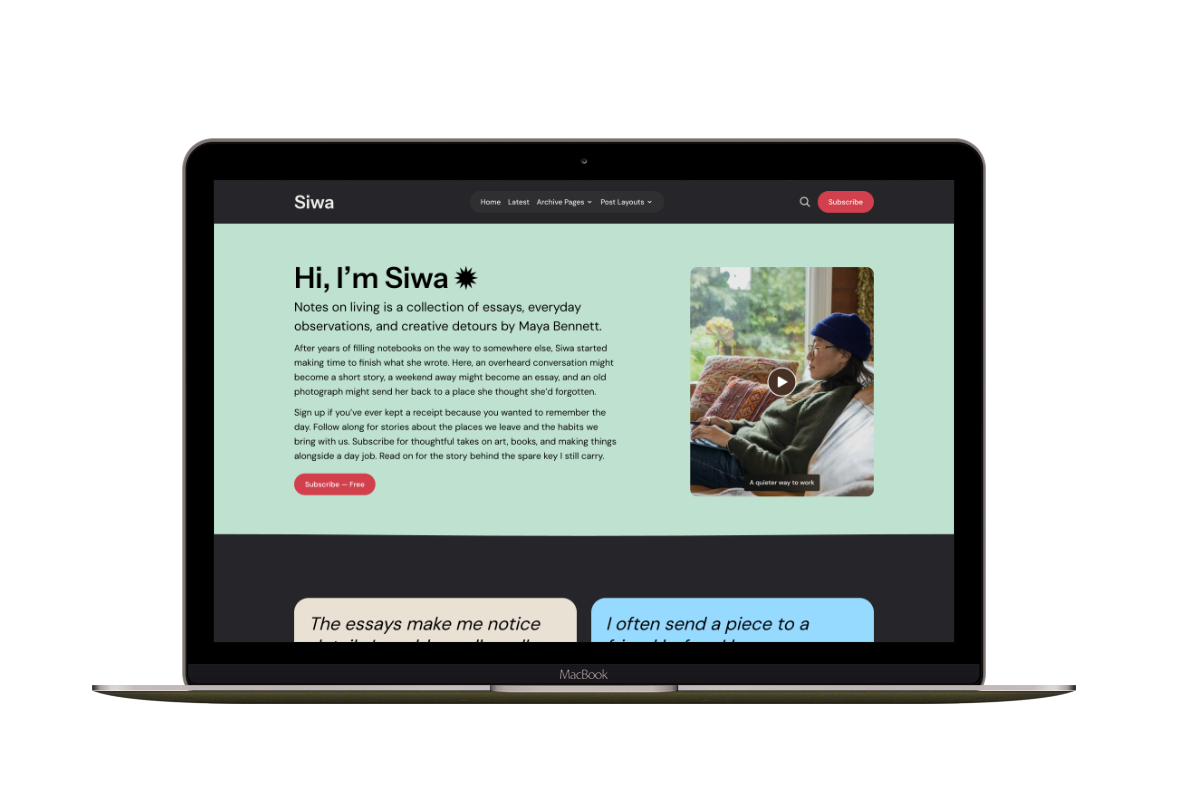
A personal publication that introduces the writer before inviting readers into the stories.
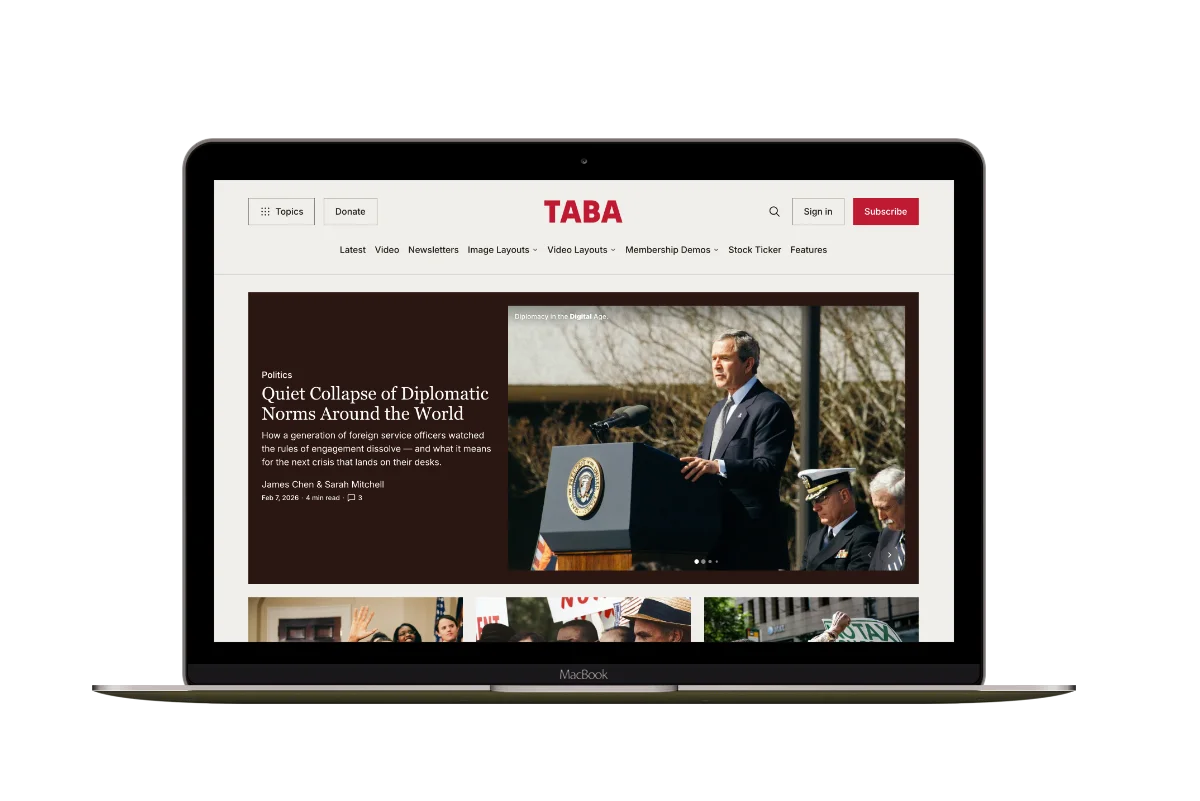
Hanoi
An image-led magazine for creative stories, rich navigation, and long-form reading.
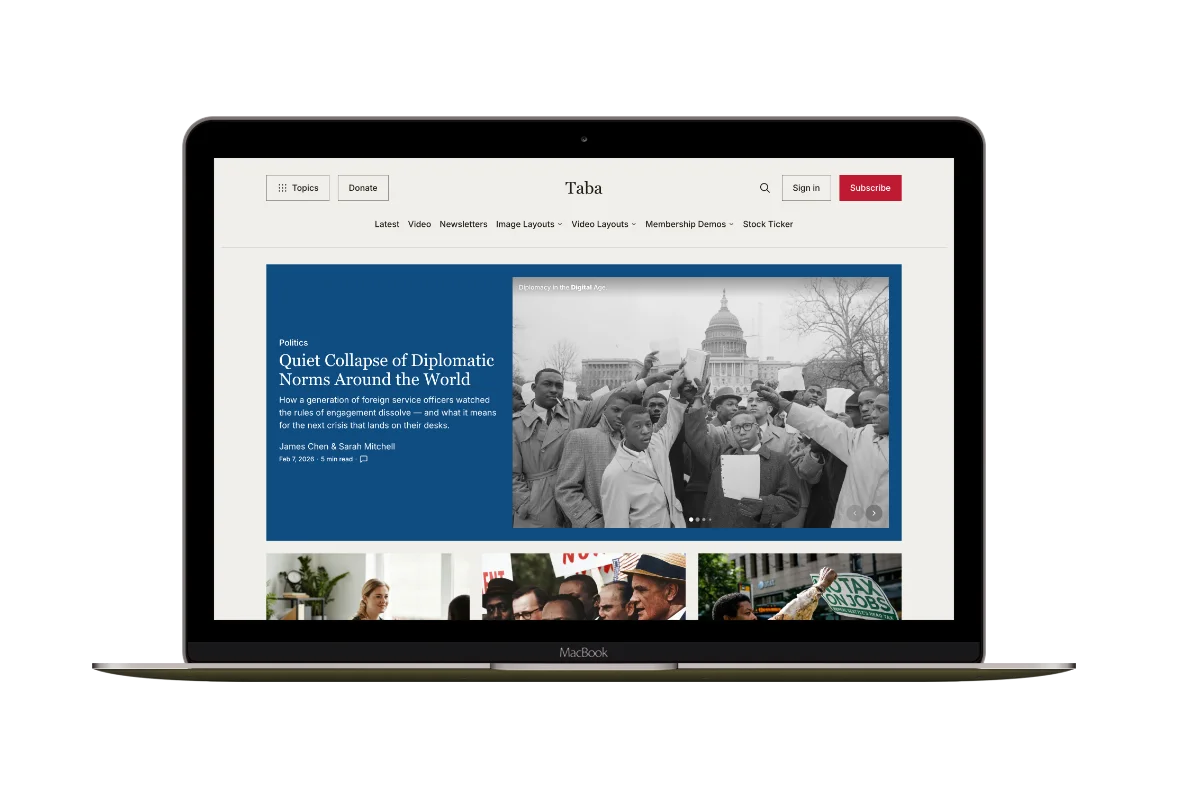
Taba
A newsroom front page for coverage across topics, video, and story formats.

Marsa
A flexible publication homepage for featured stories, topics, and newsletters.
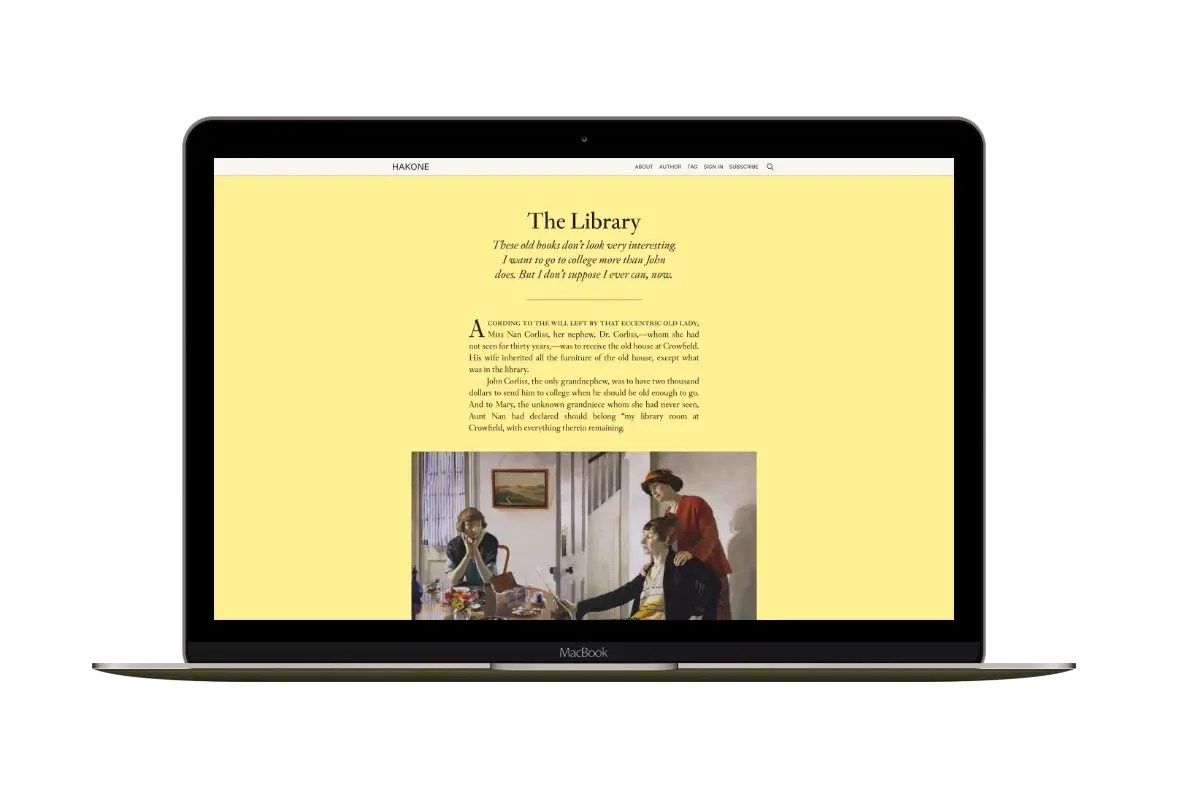
Hakone
For writers who want readers to browse complete posts on the homepage.