Ghost Voice Reader: A Free Post Listen Button
I made Ghost Voice Reader, a free and open-source script that lets readers listen to Ghost posts.
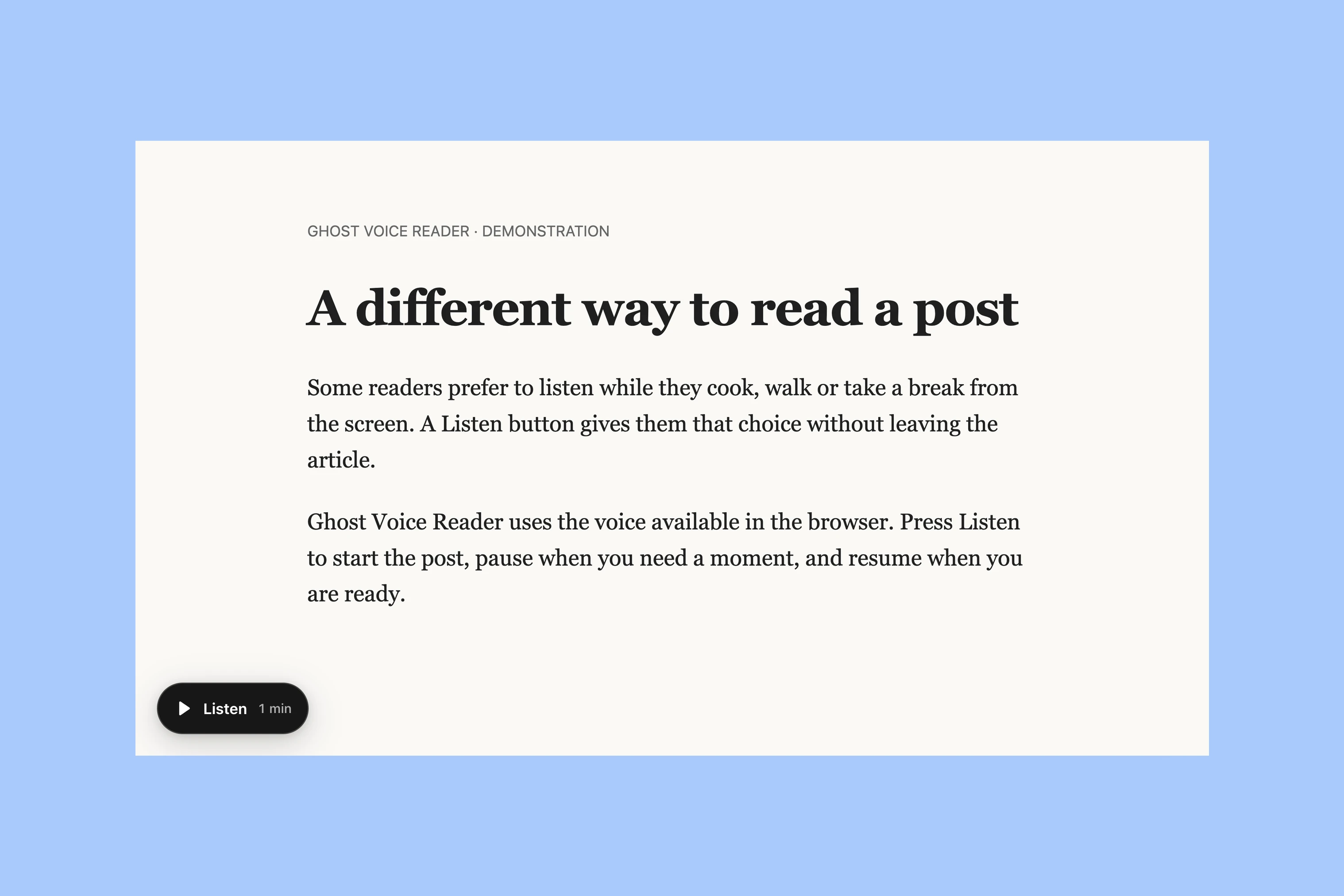
The script adds a floating Listen button to the lower-left corner of supported posts with at least 40 words of readable text. Readers can play, pause, and resume the post. The script uses the browser’s built-in voice, so you do not need an account, an API key, or an external speech service.
Add It to Ghost
- Open Ghost Admin → Settings → Advanced → Code Injection.
-
Paste this code into Site Footer:
<script src="https://cdn.jsdelivr.net/gh/aspirethemes/ghost-voice-reader@v1.0.0/dist/ghost-voice-reader.min.js" defer ></script> - Select Save.
- Open a post with at least 40 words of readable text.
- Confirm that the floating Listen button appears in the lower-left corner.
The reader finds common Ghost post layouts automatically and stays separate from your theme styles. It needs the browser’s speech support; the available voice depends on the browser and device.
If the Button Is Missing
Check that you saved the snippet in Site Footer and opened a post rather than a regular page. Try a longer post: the button stays hidden when it finds fewer than 40 readable words. It also stays hidden if browser speech is unavailable.
If it still does not appear, contact me with your theme name, browser and post address. Some themes need a different way to locate the article text.
Remove the Reader
Delete the Voice Reader snippet from Site Footer and save. Preserve any other code in that field; your posts do not need editing.
Themes with a Built-in Voice Reader
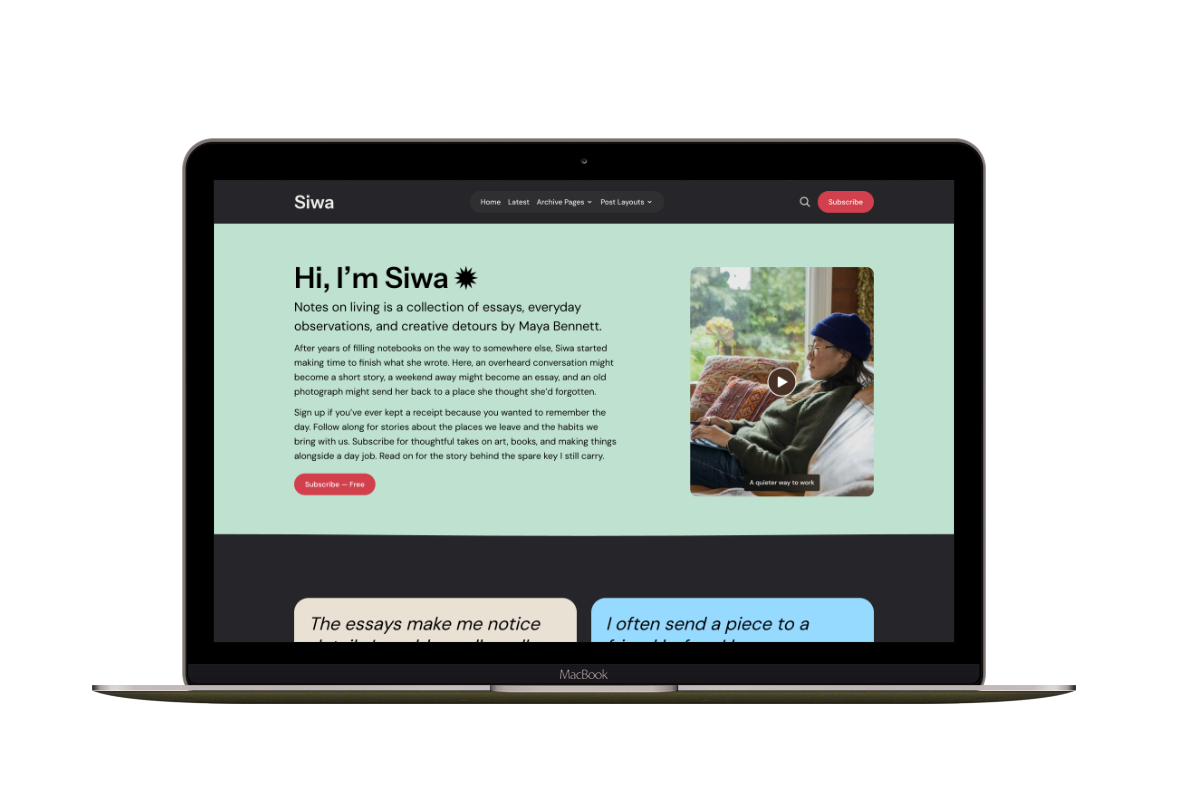
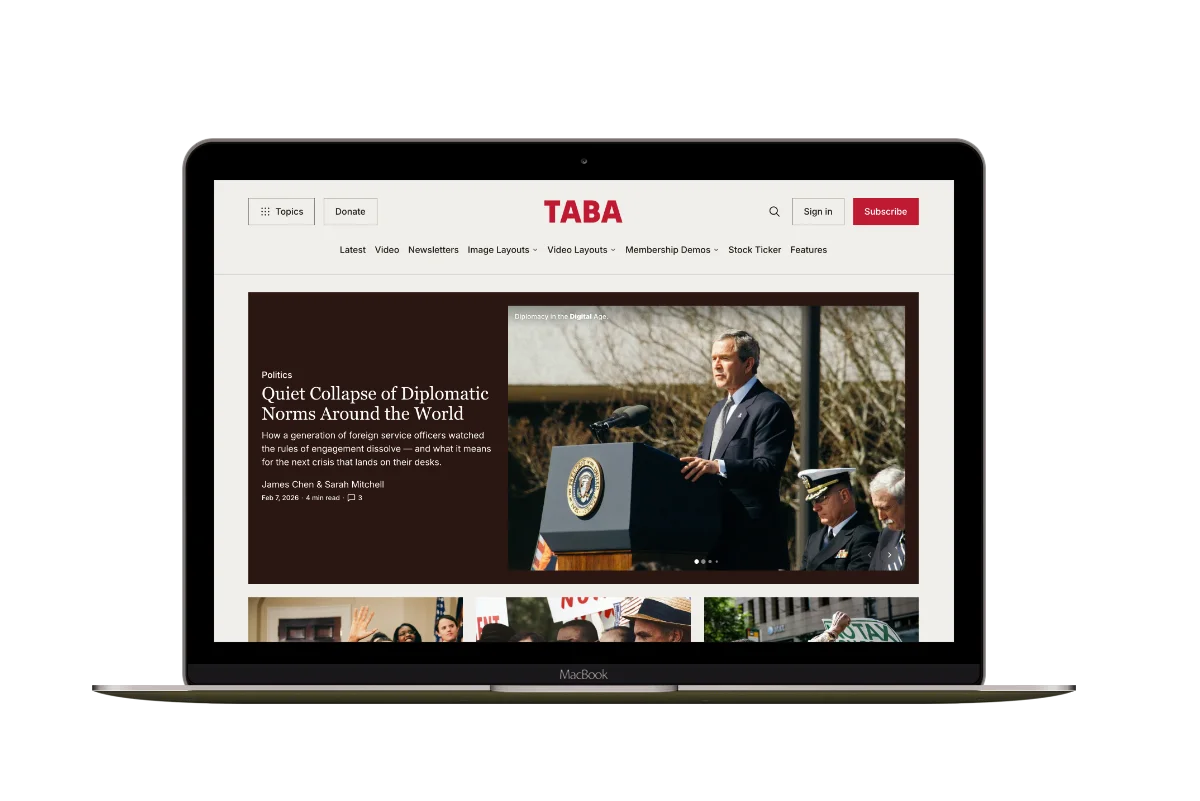
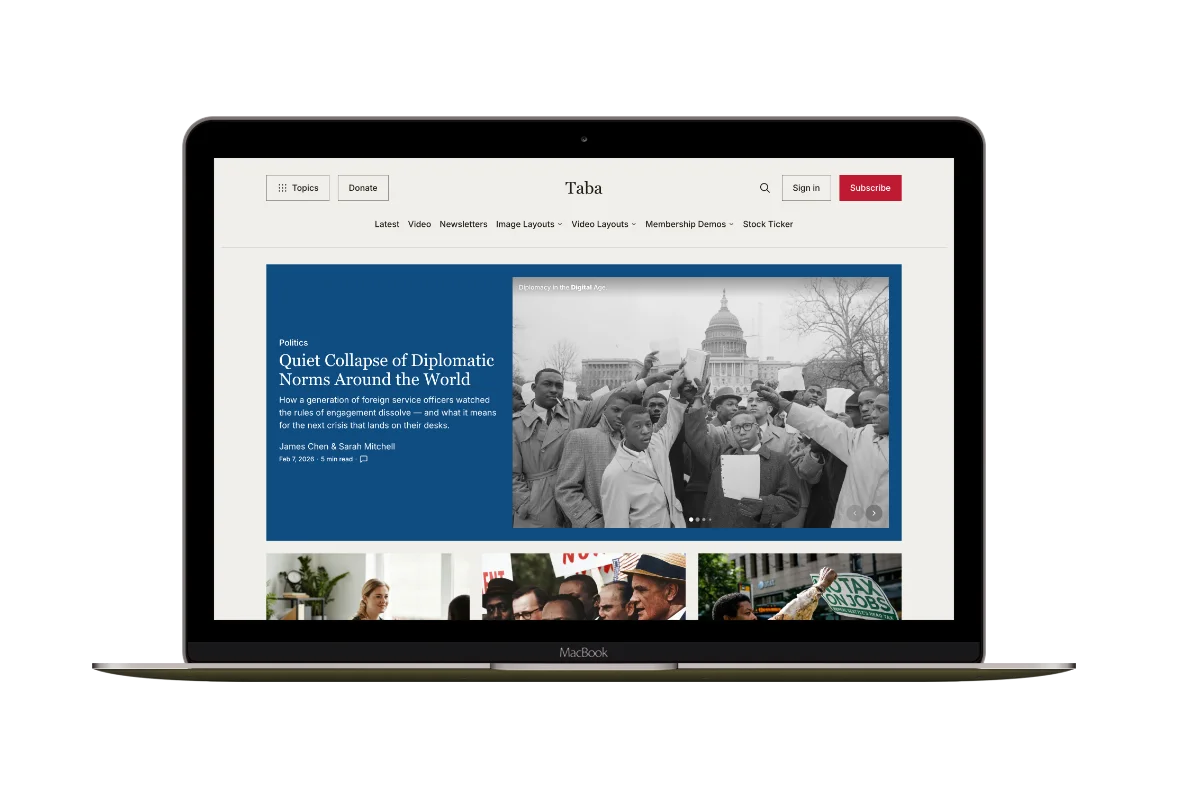
For a voice reader inside the post toolbar, see Siwa for personal publications, Hanoi for visual magazines and Taba for news and magazine publishers.
More from the Blog
Latest Ghost Themes

Arish
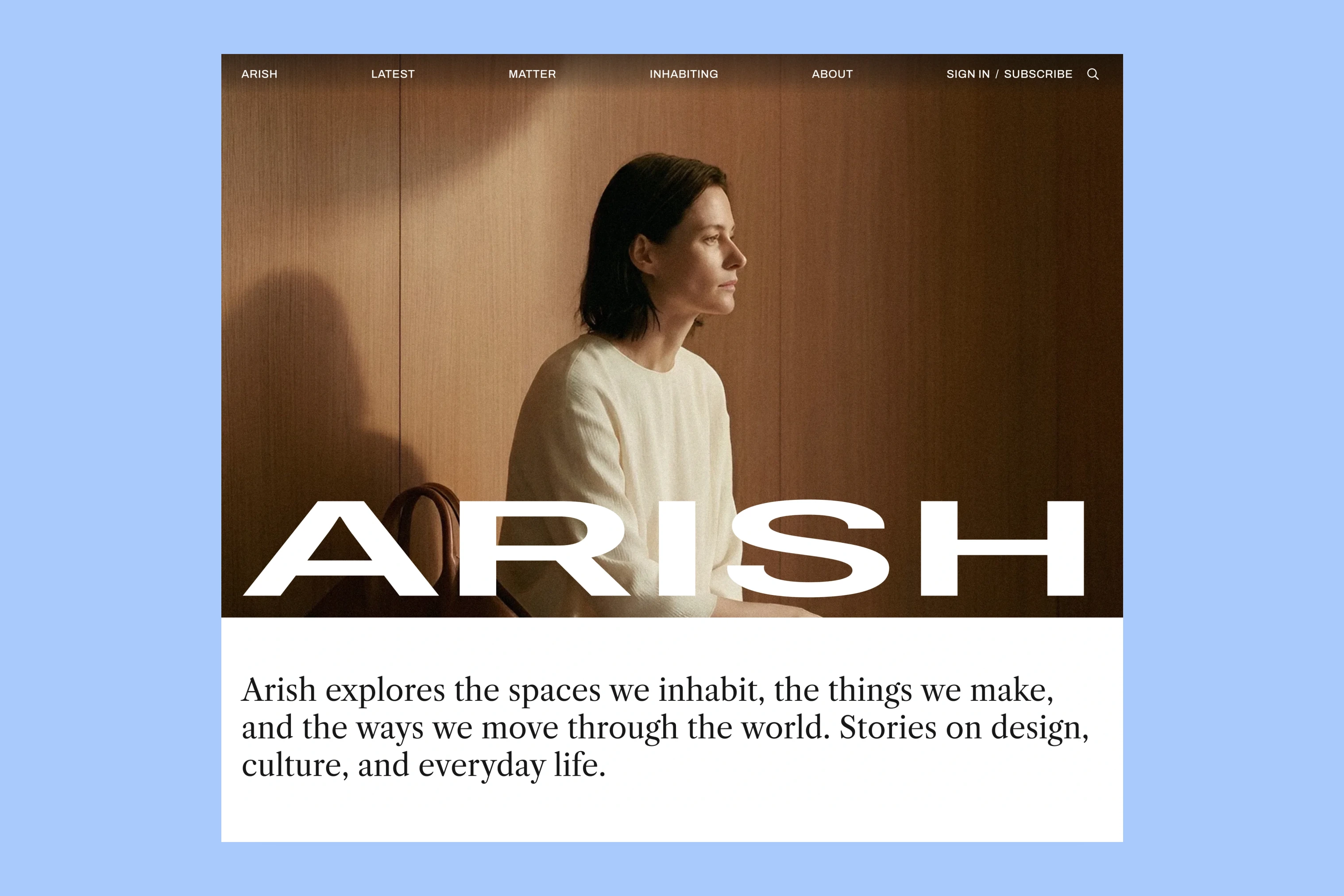
For visual magazines that lead with photography, film, and selected stories.
Siwa
A personal publication that introduces the writer before inviting readers into the stories.
Hanoi
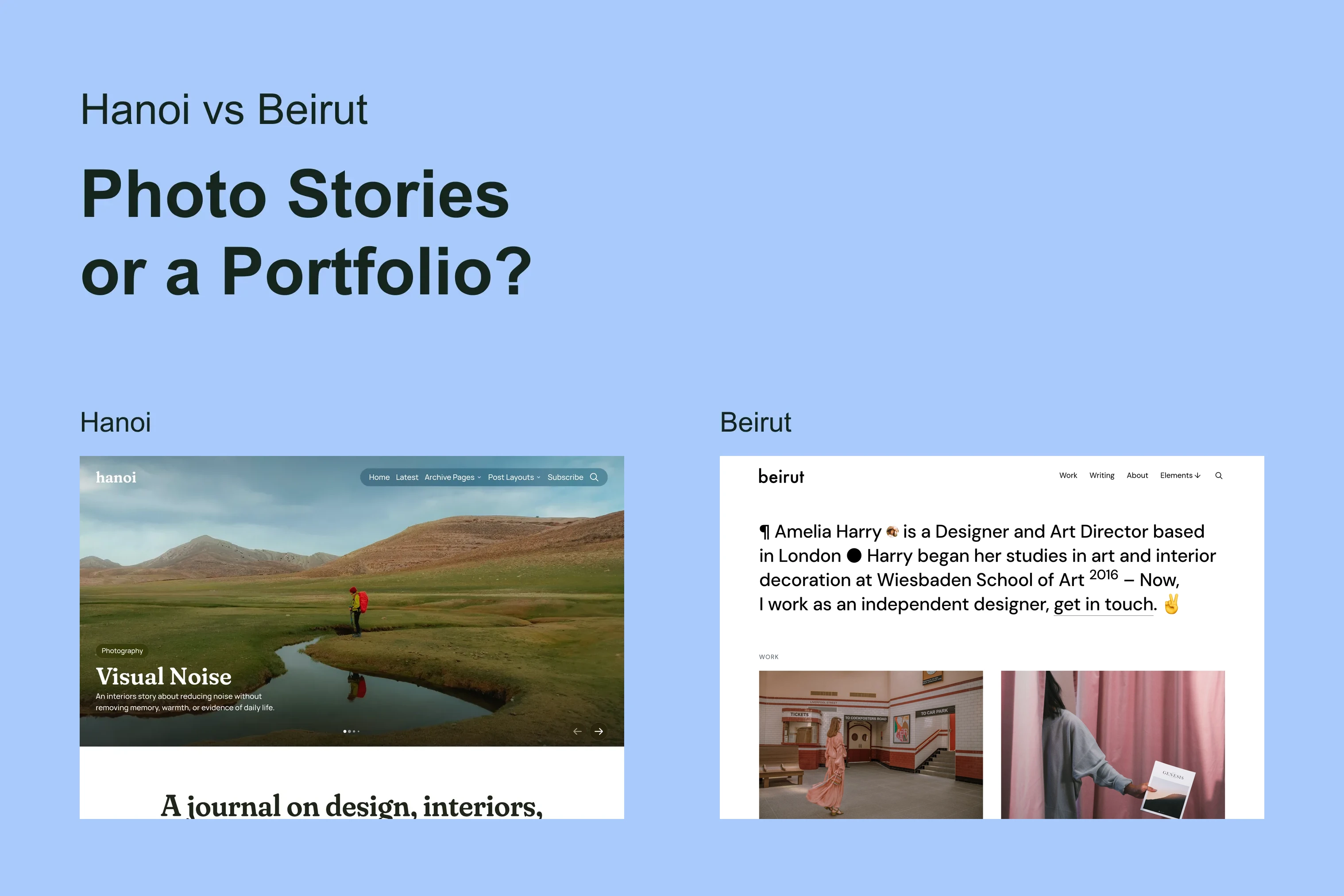
An image-led magazine for creative stories, rich navigation, and long-form reading.
Taba
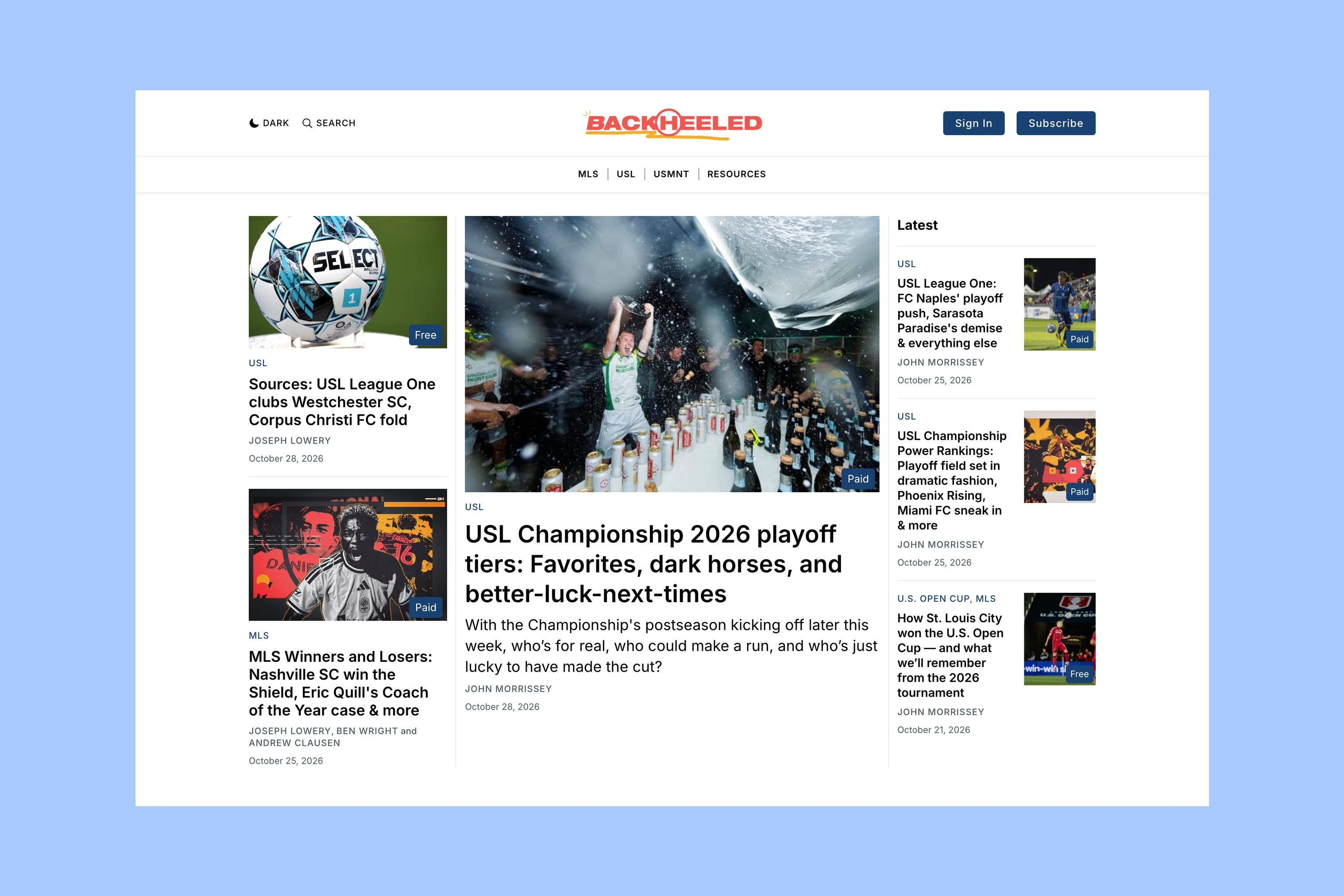
A newsroom front page for coverage across topics, video, and story formats.
Marsa
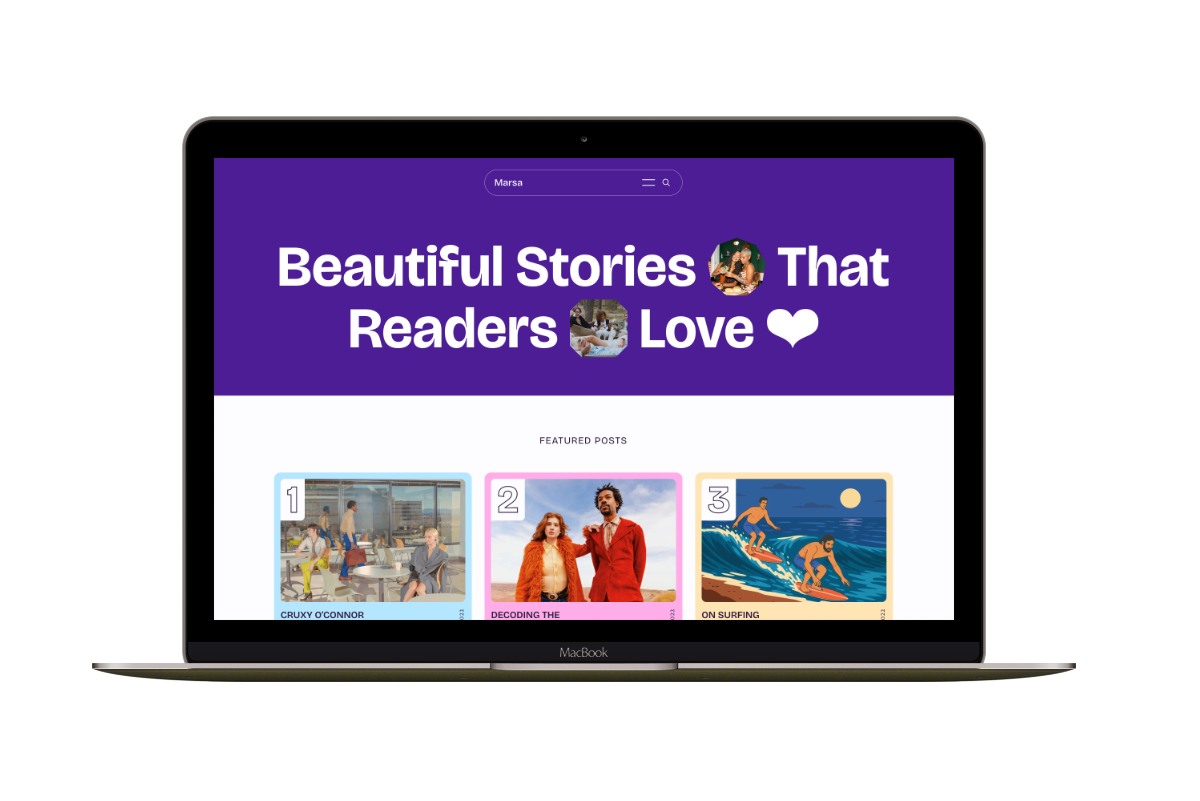
A flexible publication homepage for featured stories, topics, and newsletters.
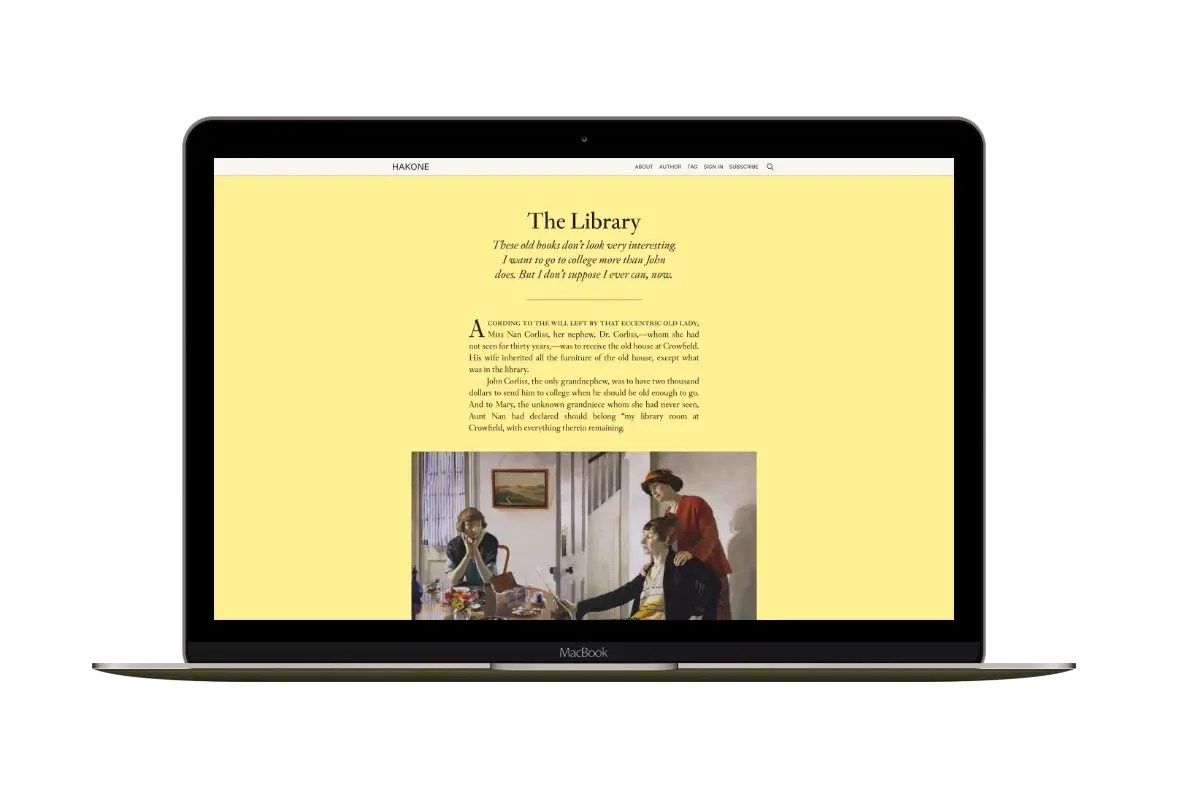
Hakone
For writers who want readers to browse complete posts on the homepage.