Designing Hakone: Letting the Reader Stay With the Writing
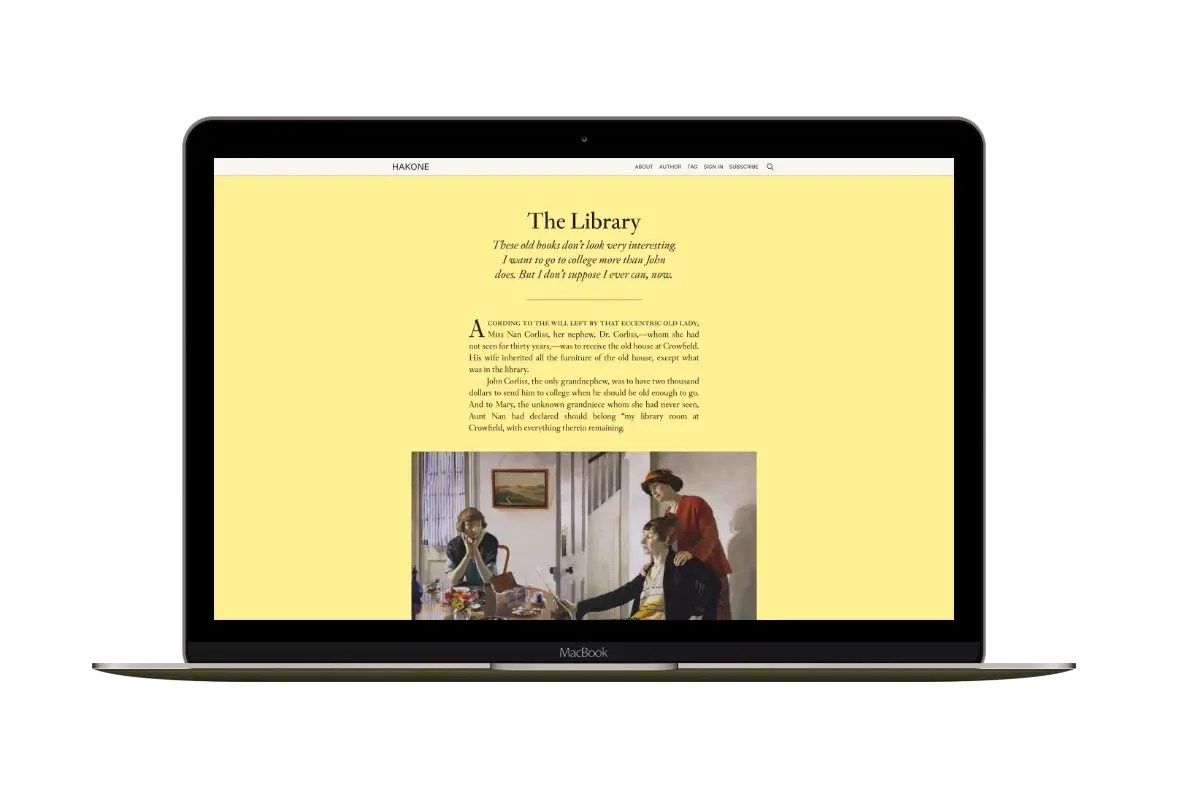
On the Hakone demo, you can start reading The Library as soon as the homepage opens. The text is there beneath the title, followed by artwork and the rest of the story. You don’t have to open a preview first.
Hakone is a Ghost theme I make at Aspire Themes. Its homepage brings complete posts together, including their colors, quotations and images. The screenshots below use the demo’s sample content.
Full Posts on the Homepage
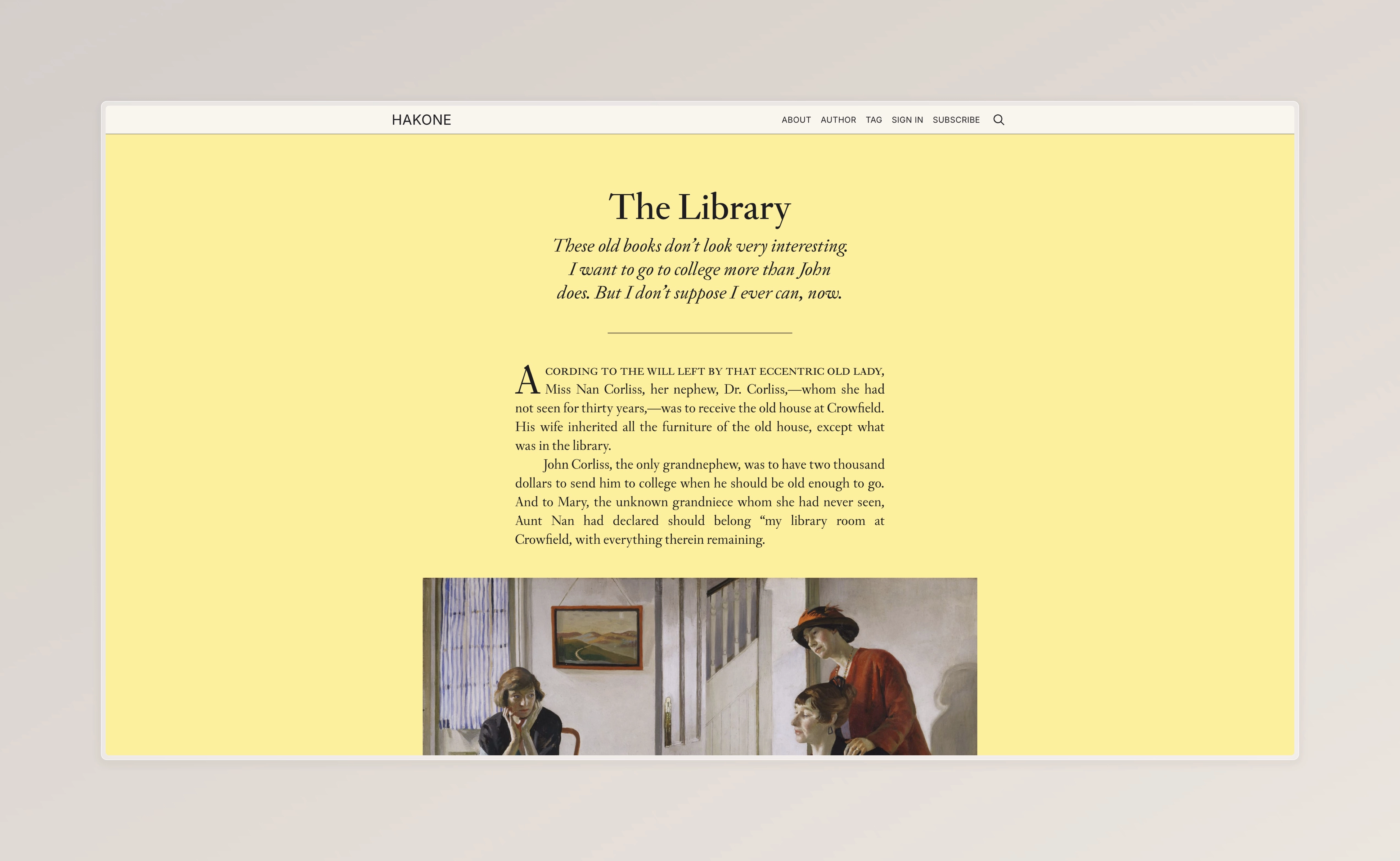
The Library opens with a title and an italic introduction, then a narrow column of text. Further down, images and a quotation break up the paragraphs. These are the contents of the post itself, displayed on the homepage.
The title links to a separate post page for sharing and comments. Readers can also stay on the homepage, continue into the next entry and use Load More to see older posts.
Ghost’s membership rules still apply. A restricted post shows the content available to that visitor and a membership prompt. The full-post layout does not give public visitors access to members-only writing.
Post Colors
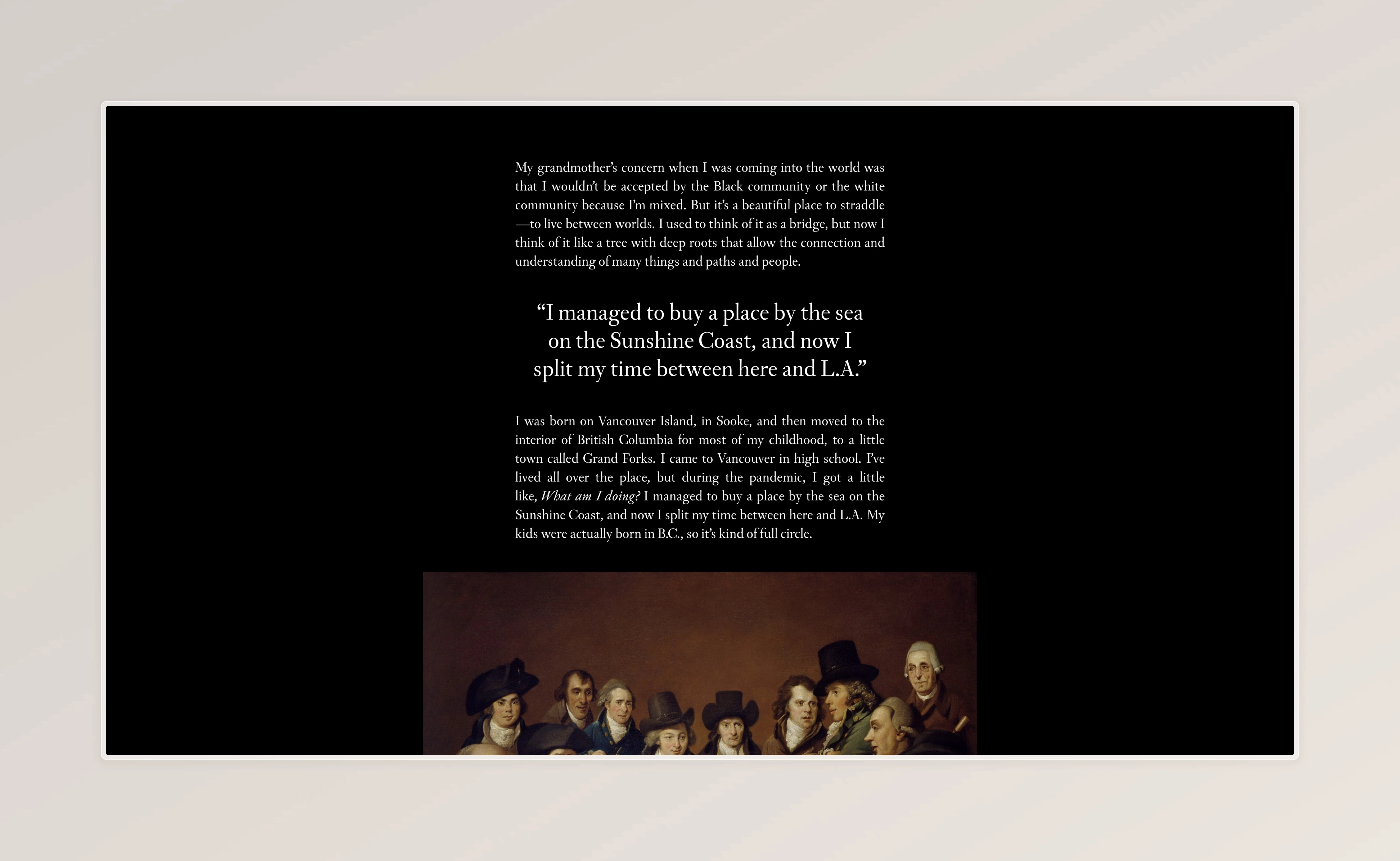
Hakone lets publishers choose background and text colors for individual posts. The demo uses yellow for The Library and black with light text for the entry above. Each background extends across the post, so the change is visible as readers move between entries.
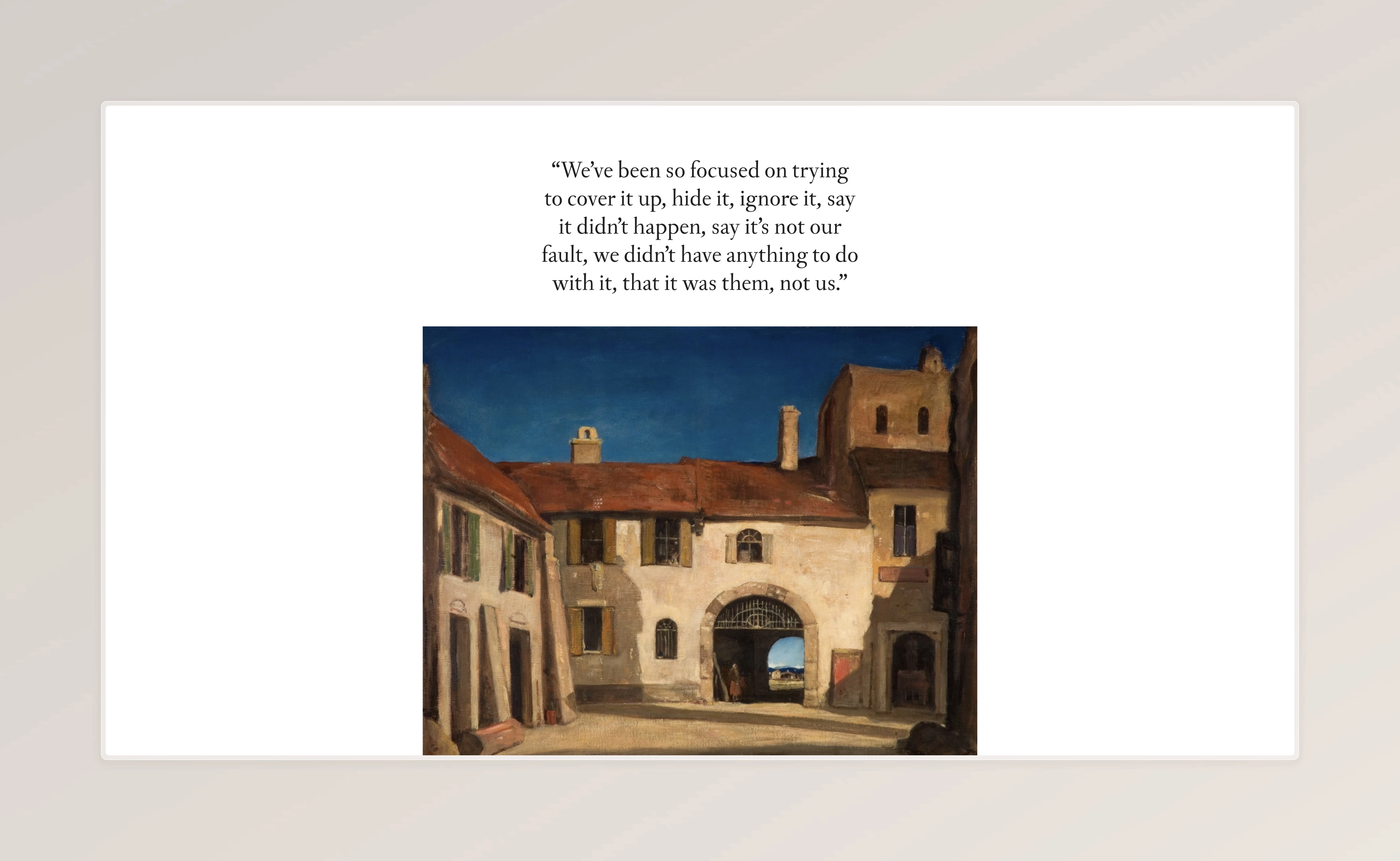
The white-background example uses a narrow quotation above a wider artwork. Both appear directly in the feed. A post can contain a brief quotation, an image collection or an essay; it does not need a conventional title-and-thumbnail presentation to appear on the homepage.
Image Backgrounds
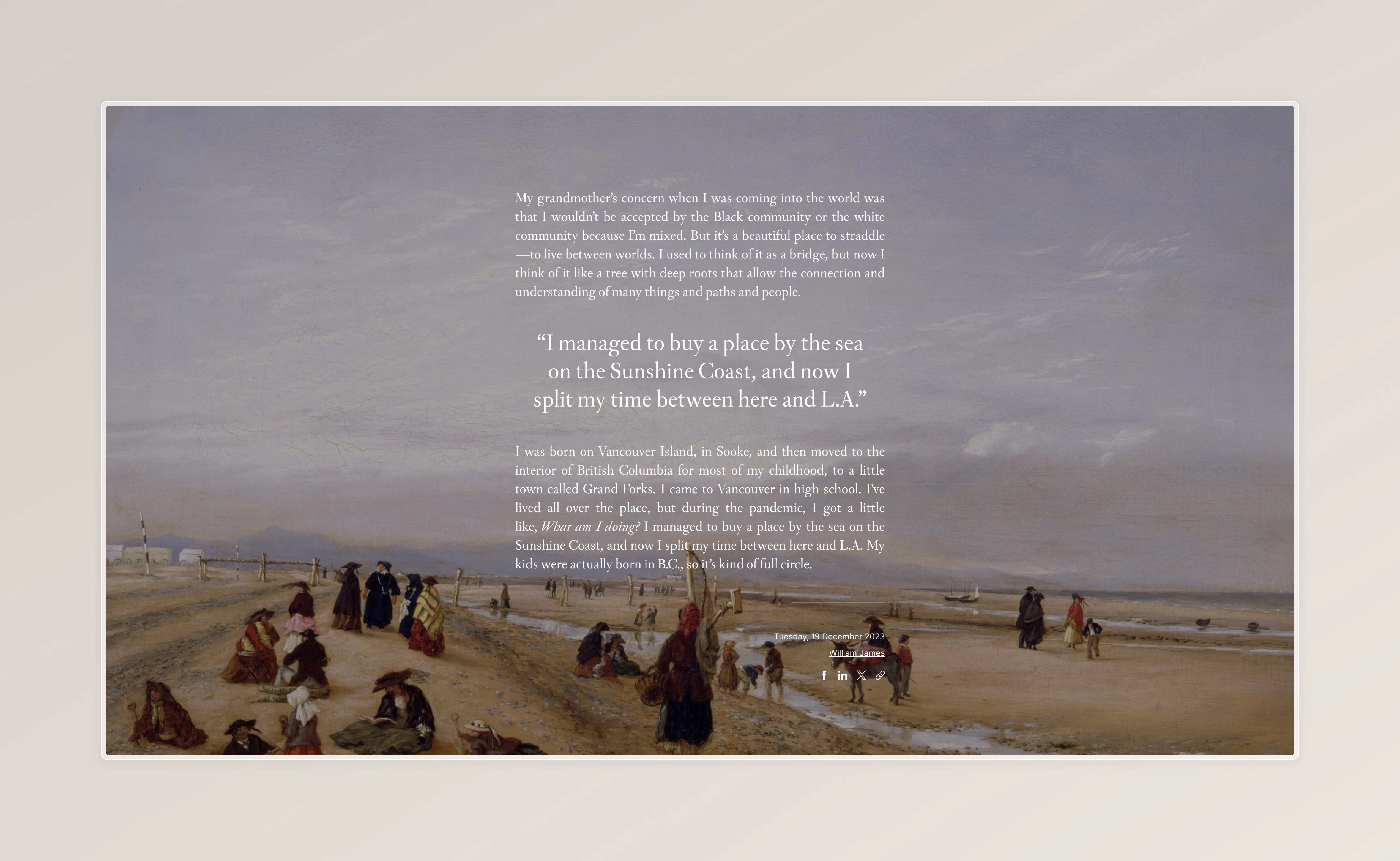
A feature image can fill the post’s background, with the writing placed over it. In this example, the painting extends behind the quotation and paragraphs instead of sitting above them.
The image needs to leave the text readable. A photograph with busy detail or sharp changes in brightness may work better as an image inside the post. Background images are an option for individual entries, so a publisher can reserve them for pieces that suit the treatment.
Image Lightbox
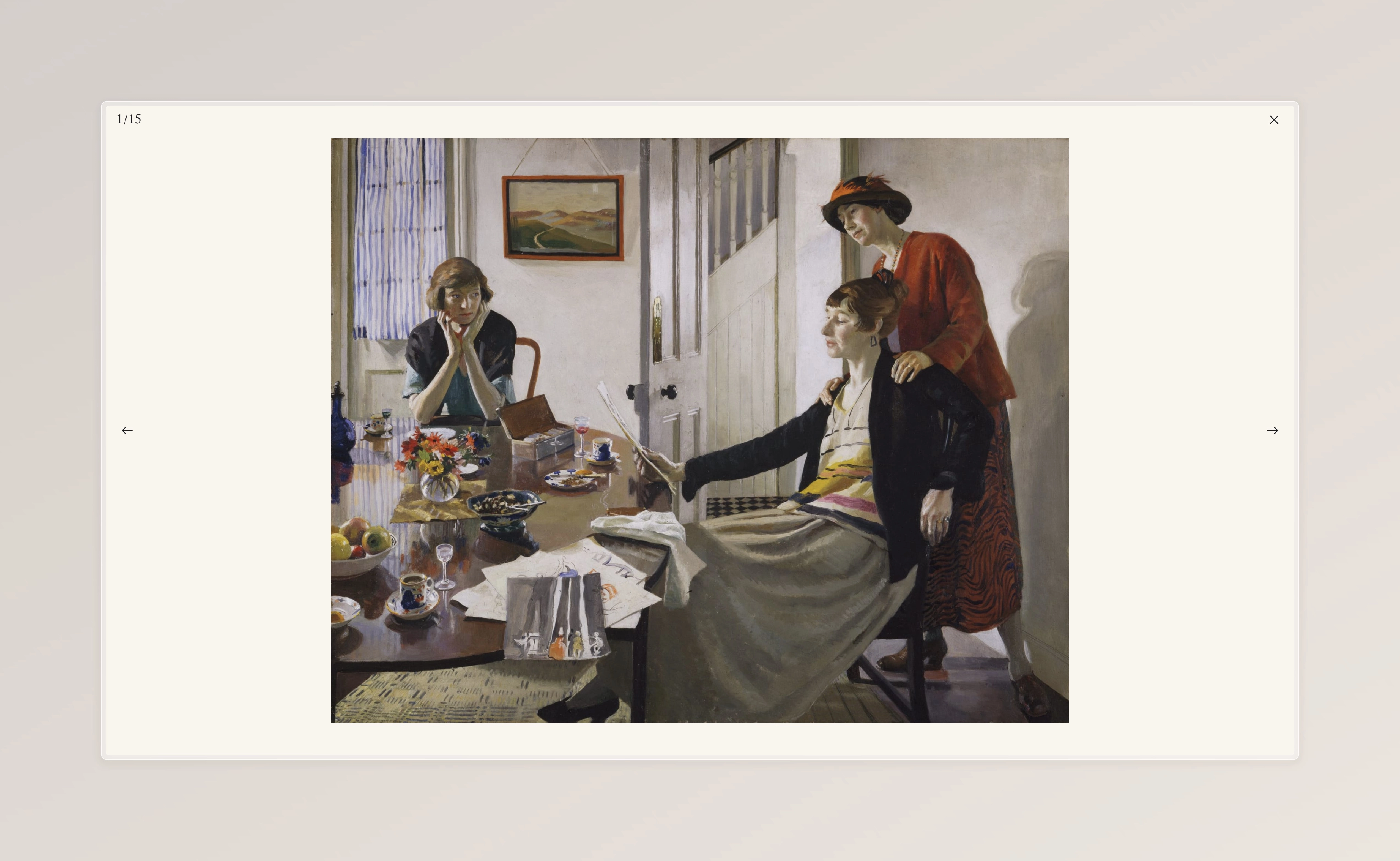
Readers can open content images in an optional lightbox, a larger viewer over the page, and move through them with the arrows. In the example above, the painting fills the viewing area, with a counter showing its place in the image sequence.
This gives a photo essay or artwork collection a larger view while keeping its images within the post’s text when the lightbox is closed.
The Archive
Reading complete entries is less convenient when someone is looking for a particular older post. Hakone’s archive page provides a compact list of titles grouped by month. It lists up to 100 posts; it is not a complete index for a larger collection.
That gives readers two ways to use the site: read the posts on the homepage or go straight to a title in the archive. For a closer look at how this differs from a preview-based blog, see the Sinai and Hakone comparison.
More from the Blog
Latest Ghost Themes
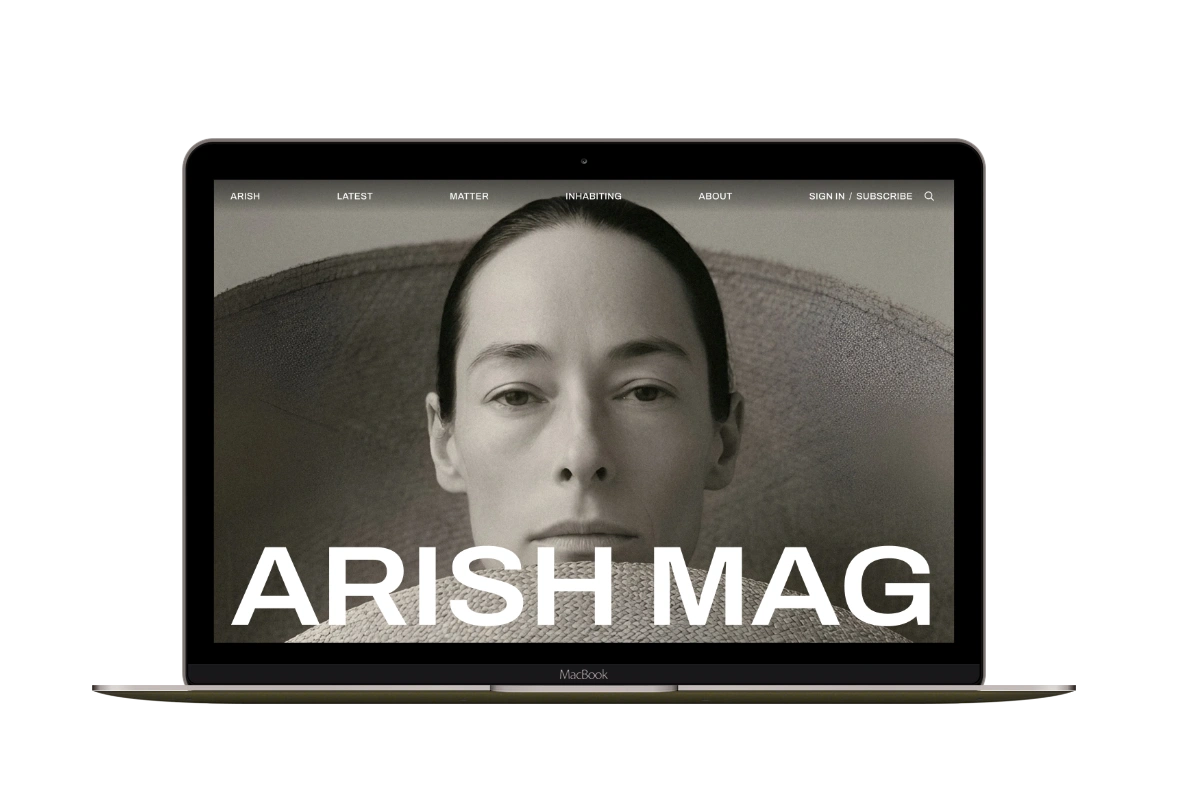
Arish
For visual magazines that lead with photography, film, and selected stories.
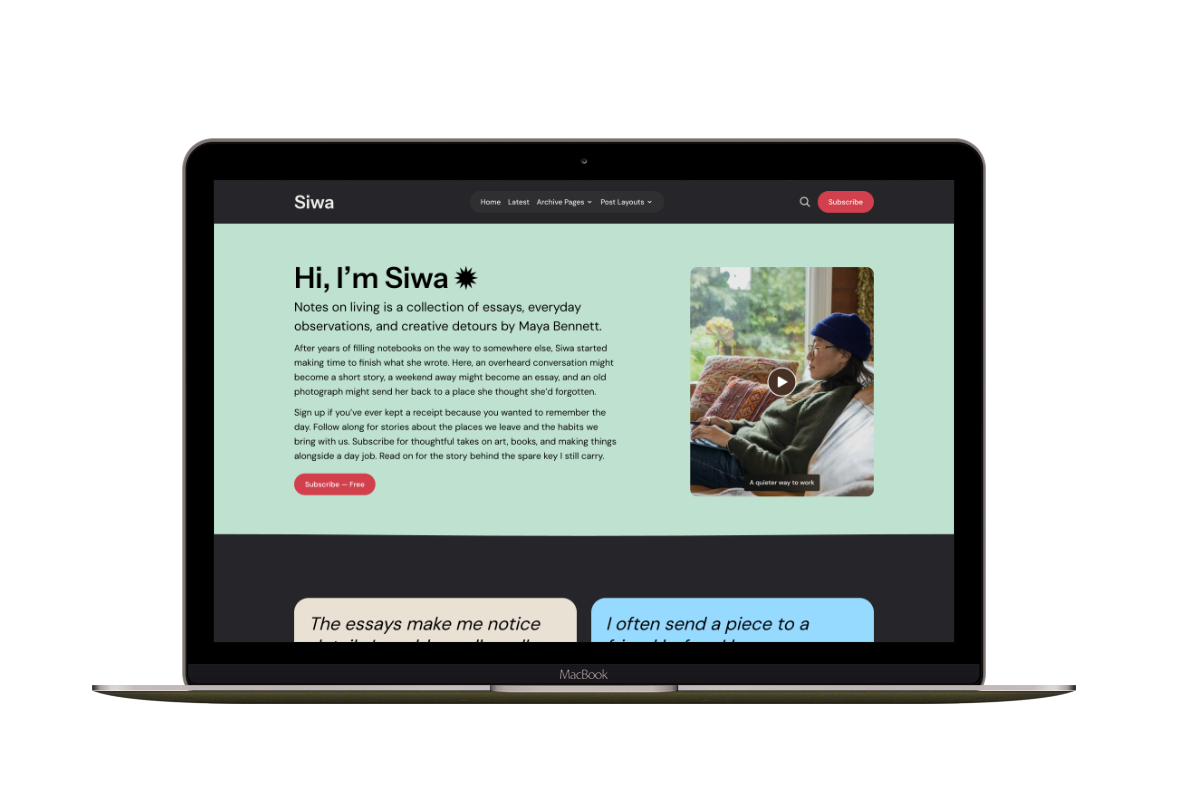
Siwa
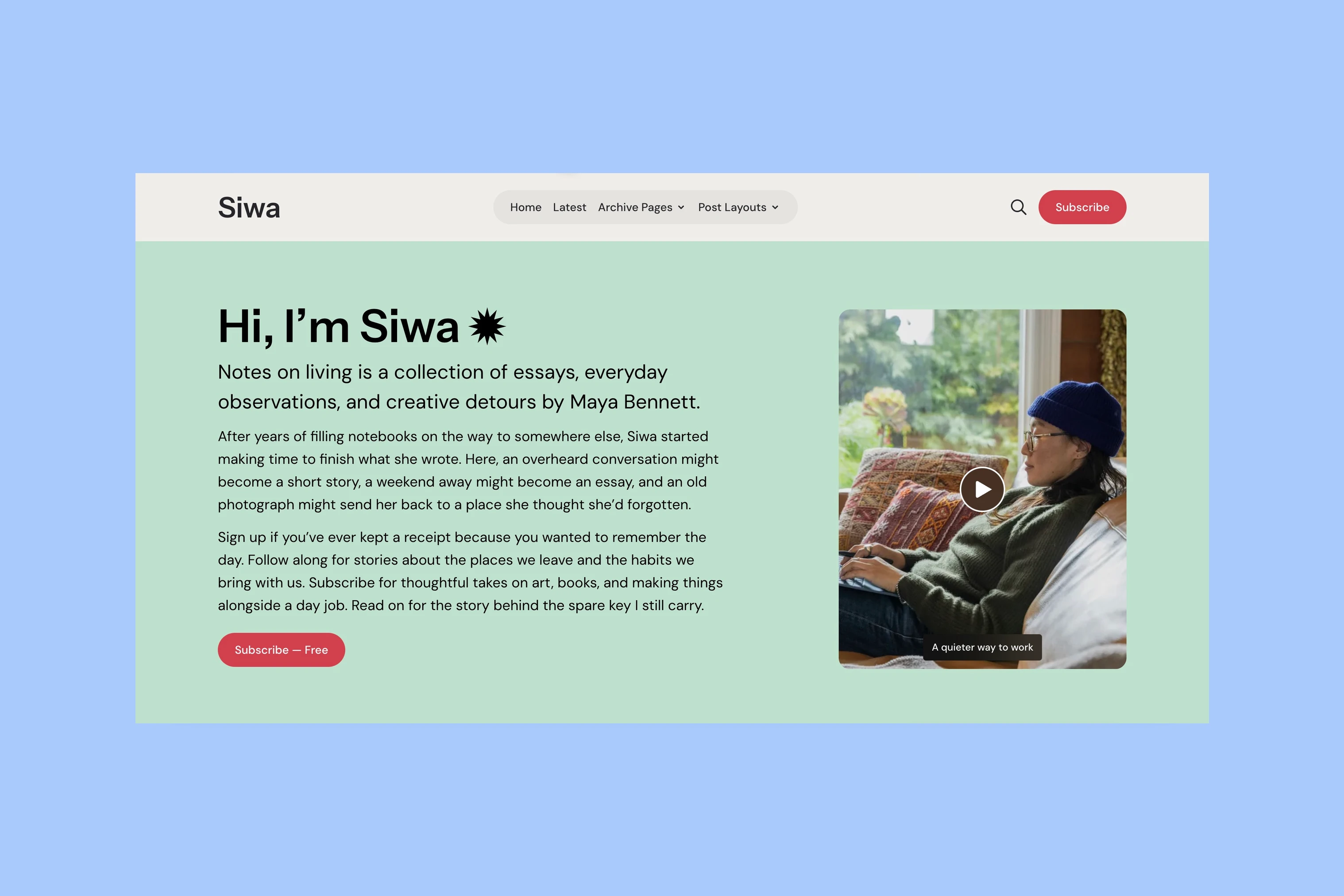
A personal publication that introduces the writer before inviting readers into the stories.
Hanoi
An image-led magazine for creative stories, rich navigation, and long-form reading.
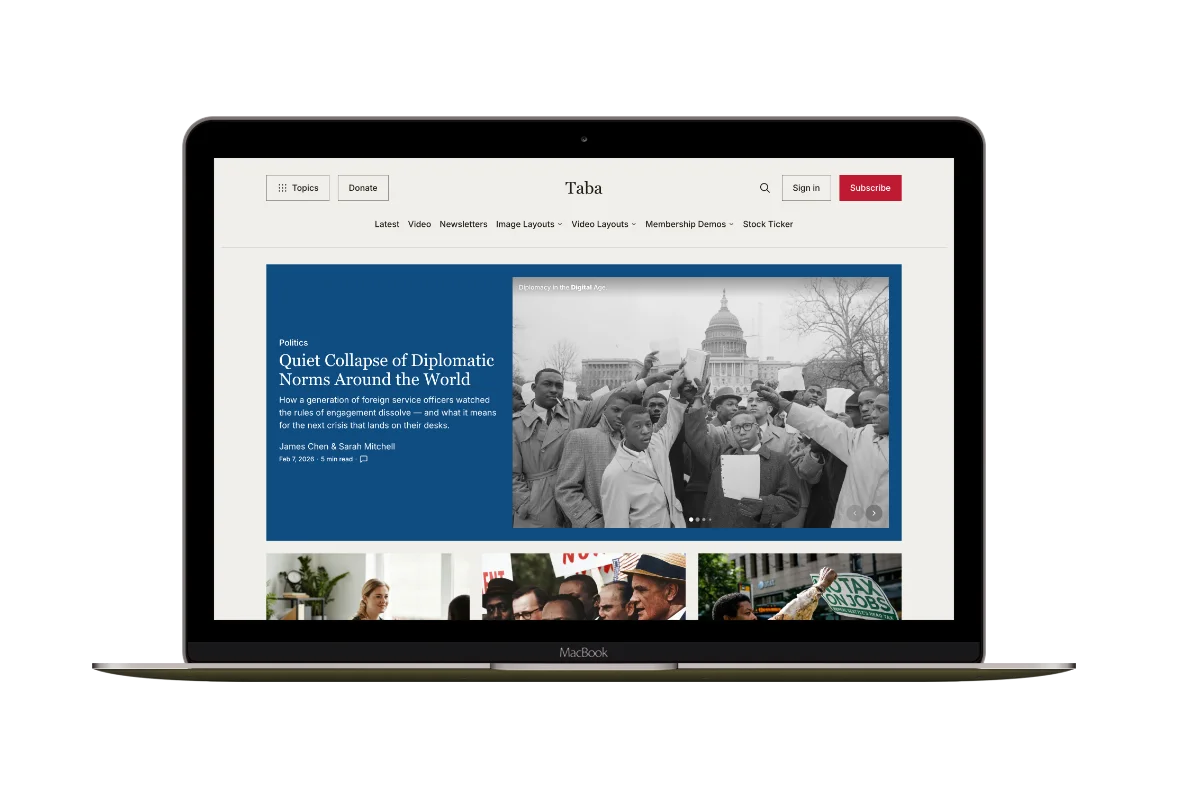
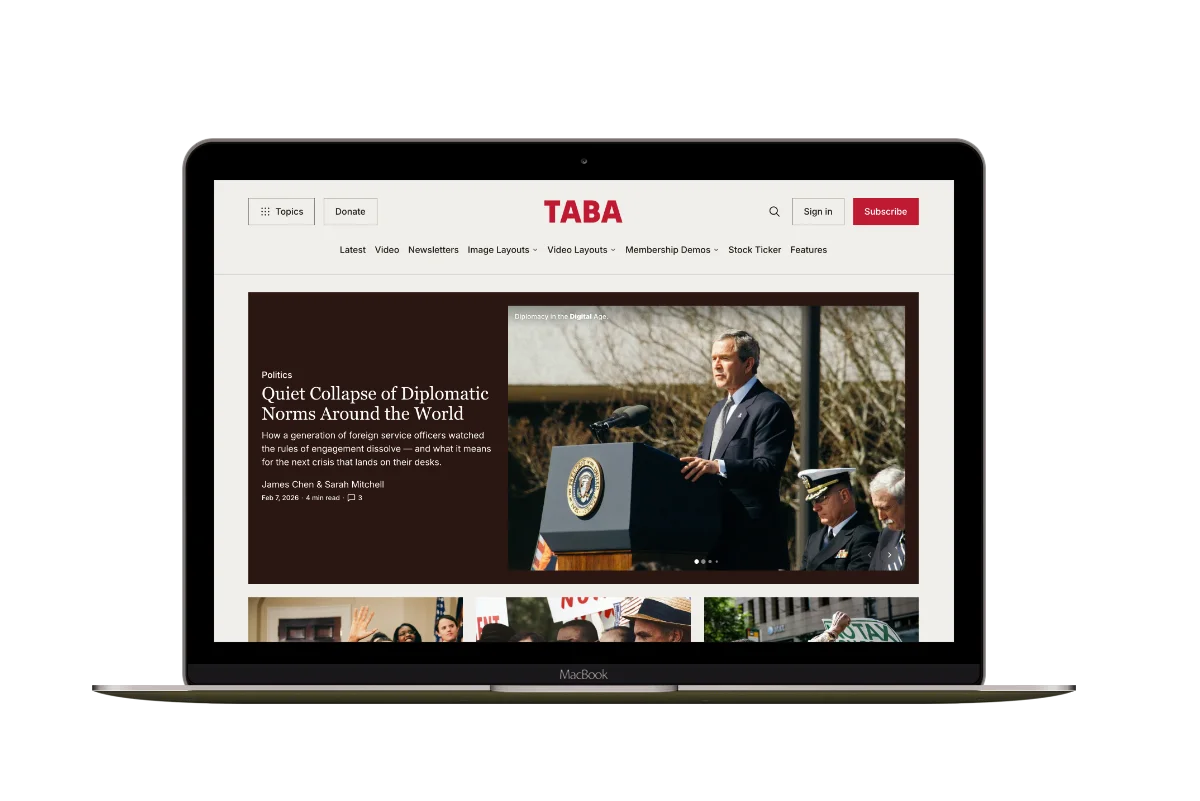
Taba
A newsroom front page for coverage across topics, video, and story formats.
Marsa
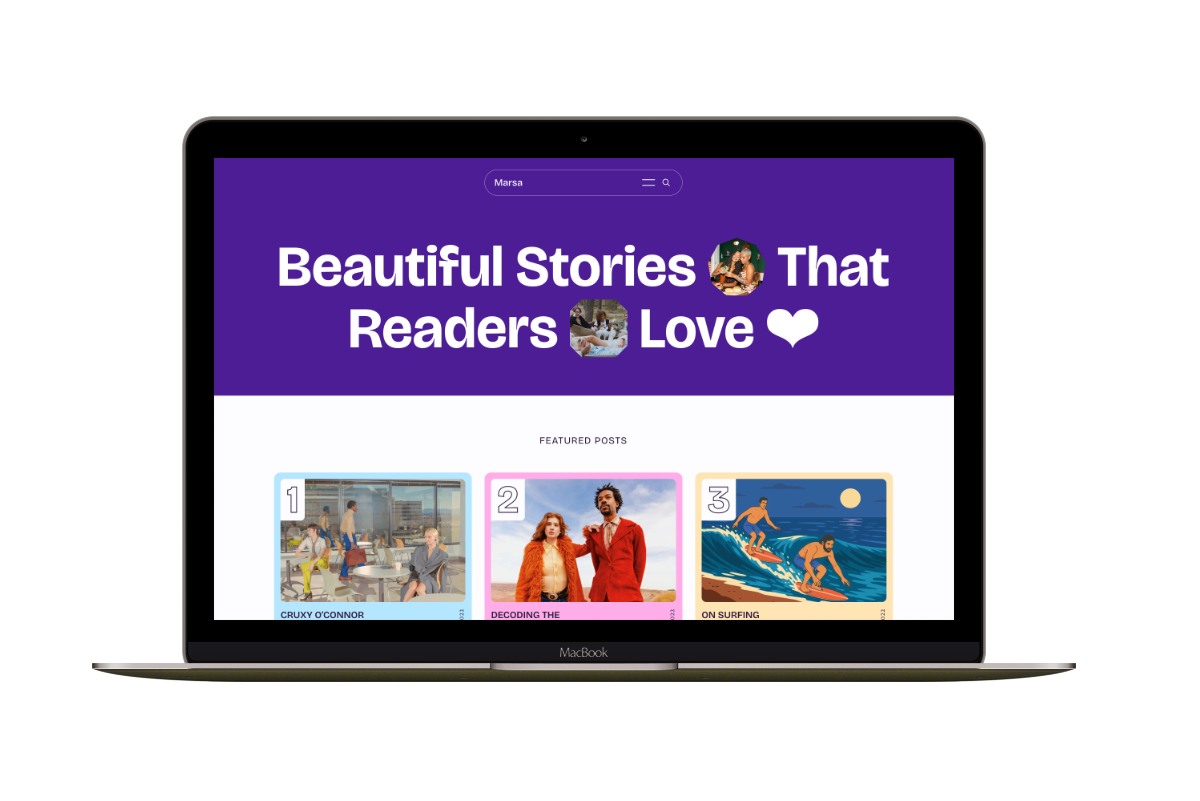
A flexible publication homepage for featured stories, topics, and newsletters.
Hakone
For writers who want readers to browse complete posts on the homepage.