Designing Tripoli: Bringing Order to a Magazine Homepage
The Tripoli demo opens with three featured stories and a list of recent posts. Below them, topics such as Politics and Technology have their own sections. A reader can start with the editor’s lead, catch up on new work or browse a subject.
Tripoli is a Ghost theme I make at Aspire Themes. Its magazine layout separates these choices instead of putting every story into one chronological list. The screenshots below use the demo’s sample content.
Featured and Latest
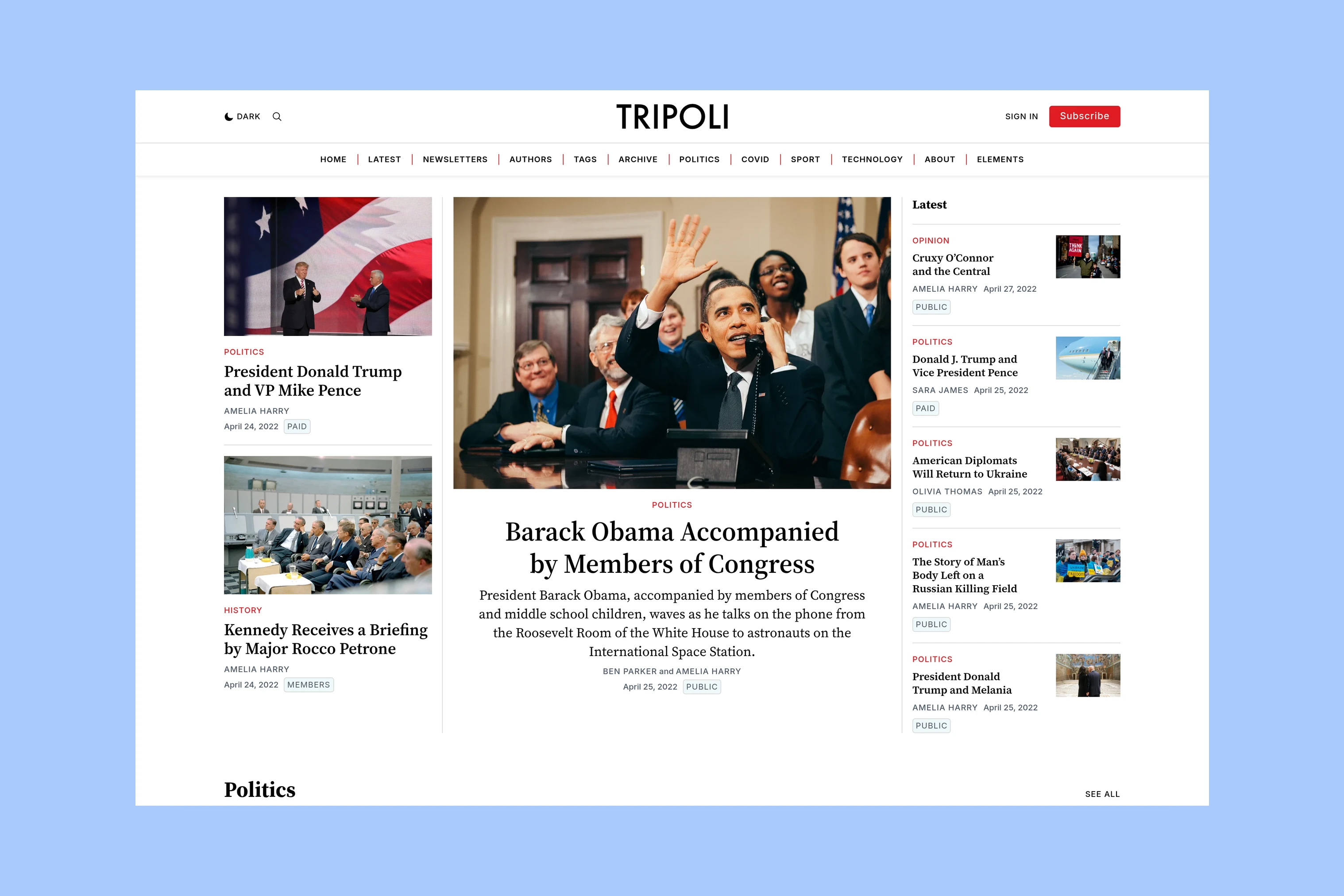
On desktop, the lead story sits in the center, between two smaller featured stories and the Latest column. Its larger image, title and excerpt give it more space than the supporting cards.
Latest uses compact entries with small thumbnails. The three featured stories are excluded from that list, so readers see more of the publication’s work in the opening view.
The editor can keep a feature in the lead position while newer reports appear beside it. An important story does not have to disappear from the opening selection simply because something else has been published.
Topic Sections
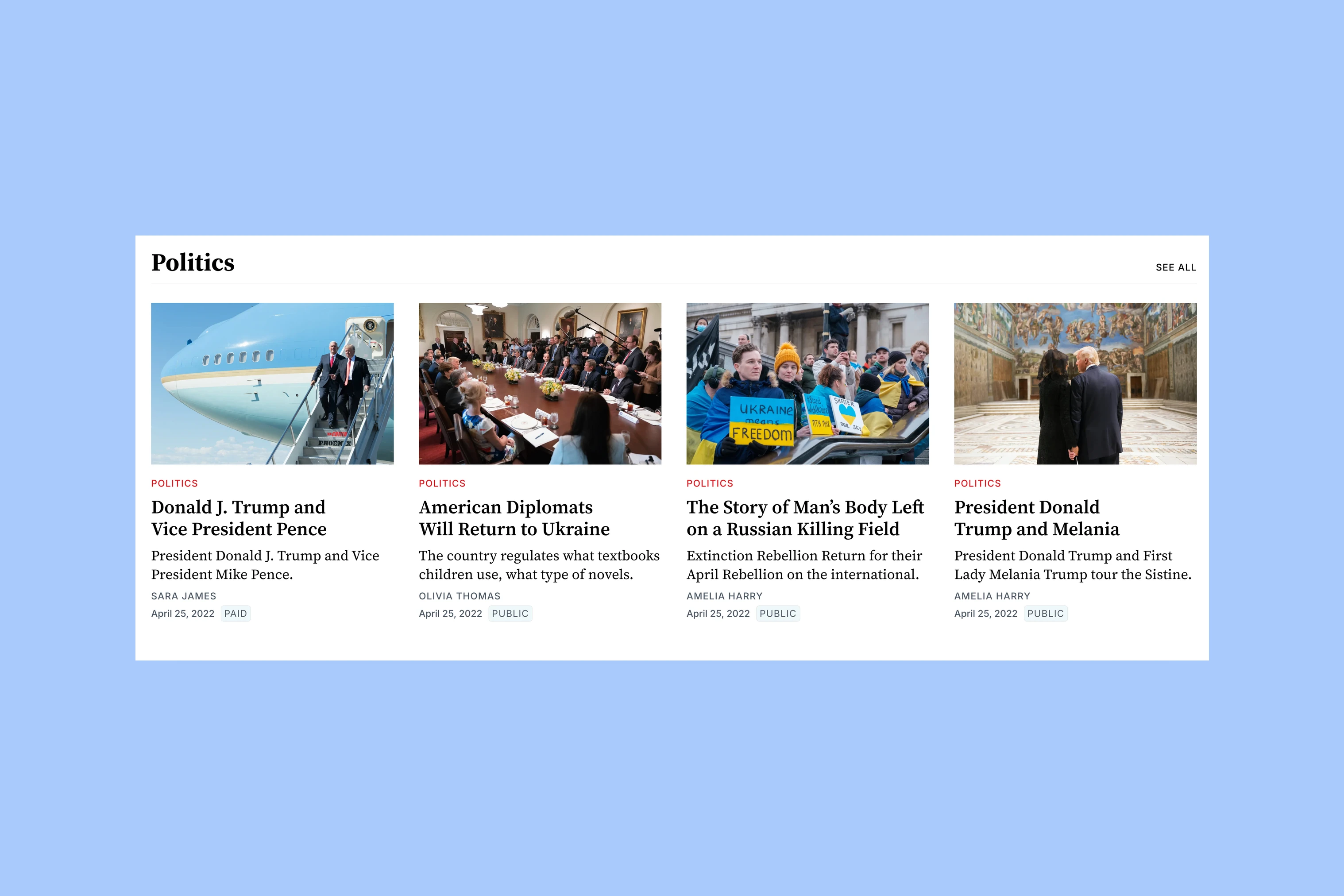
Below the featured stories, each selected topic has a heading and a row of story cards. The Politics row shows four stories from that subject. Images, titles and excerpts give readers a selection from each subject.
These sections let a reader follow one area of coverage without sorting through unrelated posts. The topic heading links to its archive. A See All link appears when there are more posts than the homepage section displays.
The homepage can show a few stories from an active subject while its archive holds the rest. The Tripoli and Taba comparison looks more closely at the different ways the two themes arrange topic coverage.
Editors’ Picks
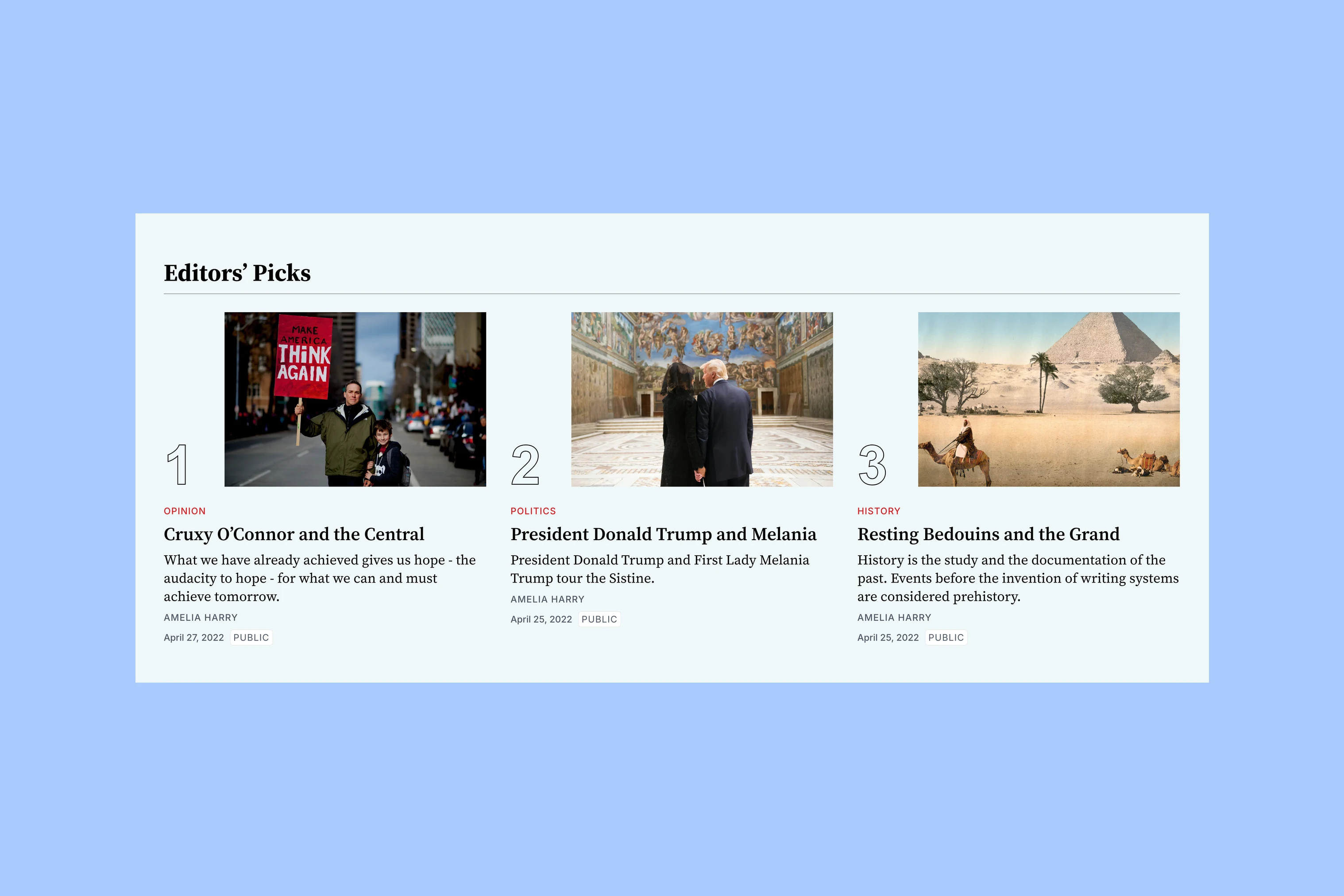
Editors’ Picks appears near the bottom of the homepage as a numbered group of stories. Unlike the topic rows, it can bring selections from different subjects together.
This gives the editor a place to recommend older work alongside recent coverage. A featured story can also appear here; the selections do not automatically exclude stories used elsewhere on the homepage.
Inside the Article
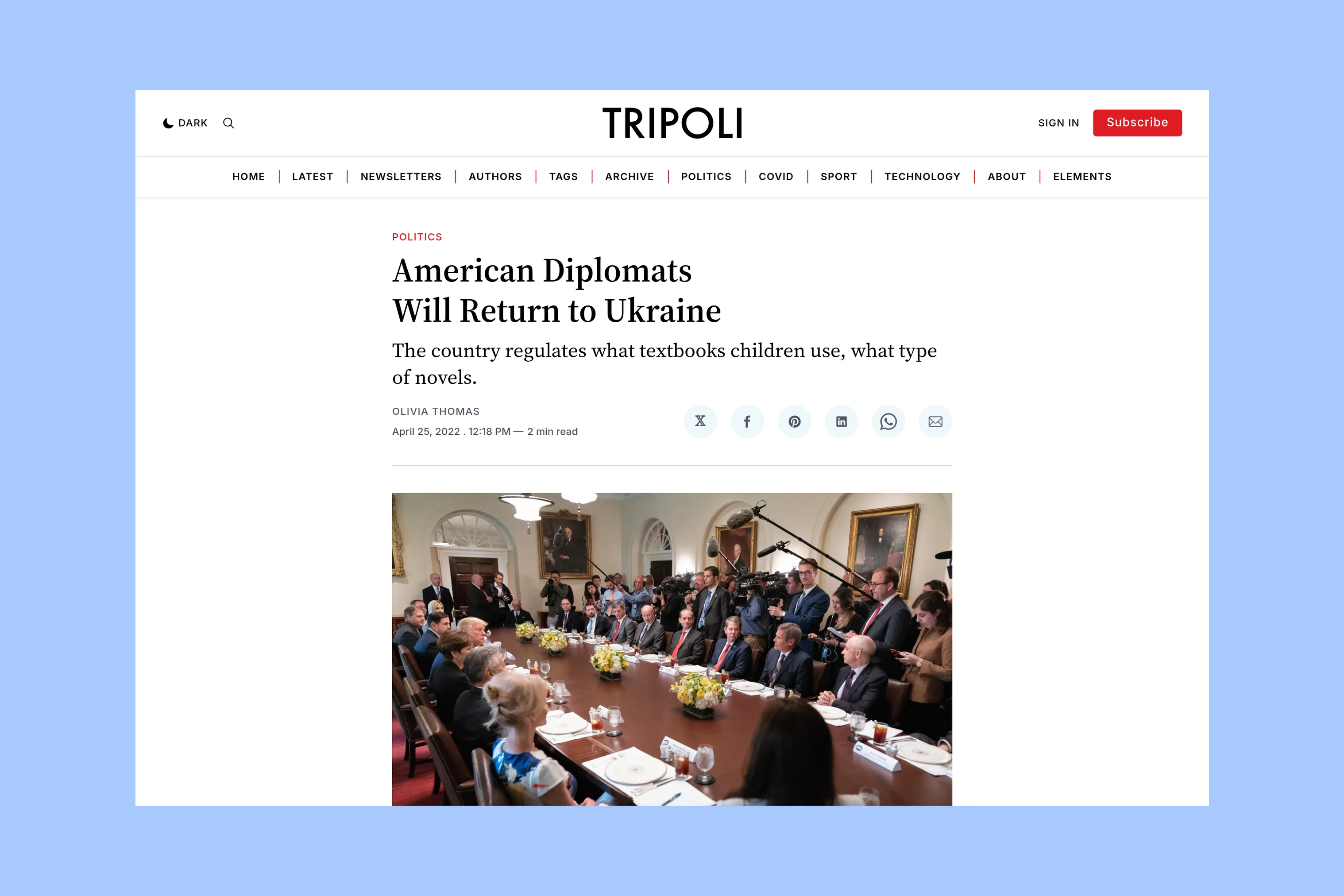
After choosing from the homepage’s story groups, the reader reaches a narrower article column. The title, introduction and author details establish the selected story before the feature image and writing.
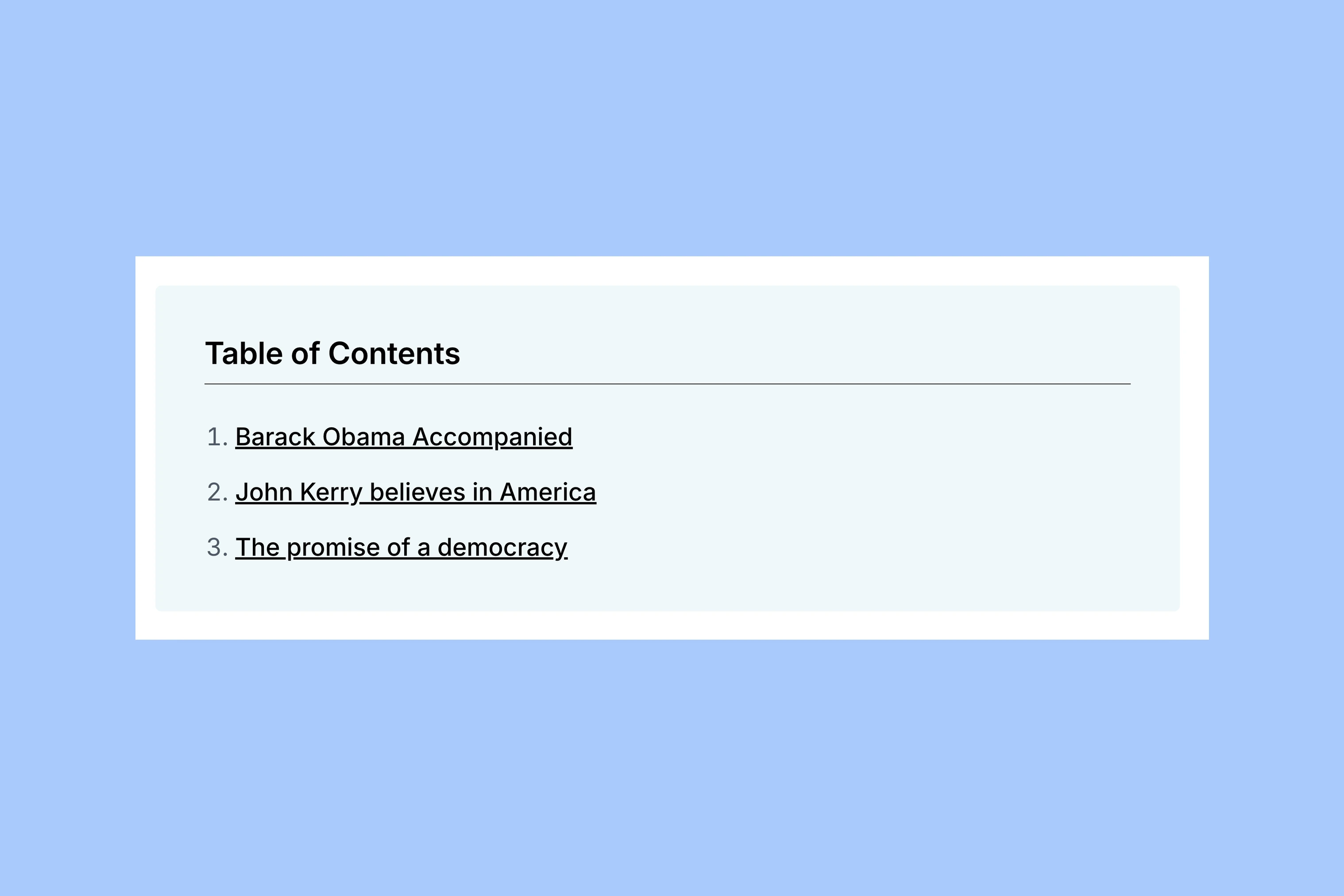
For a longer article, the table of contents above the opening paragraph lets readers go directly to a section or return to one later.
Authors and Topics
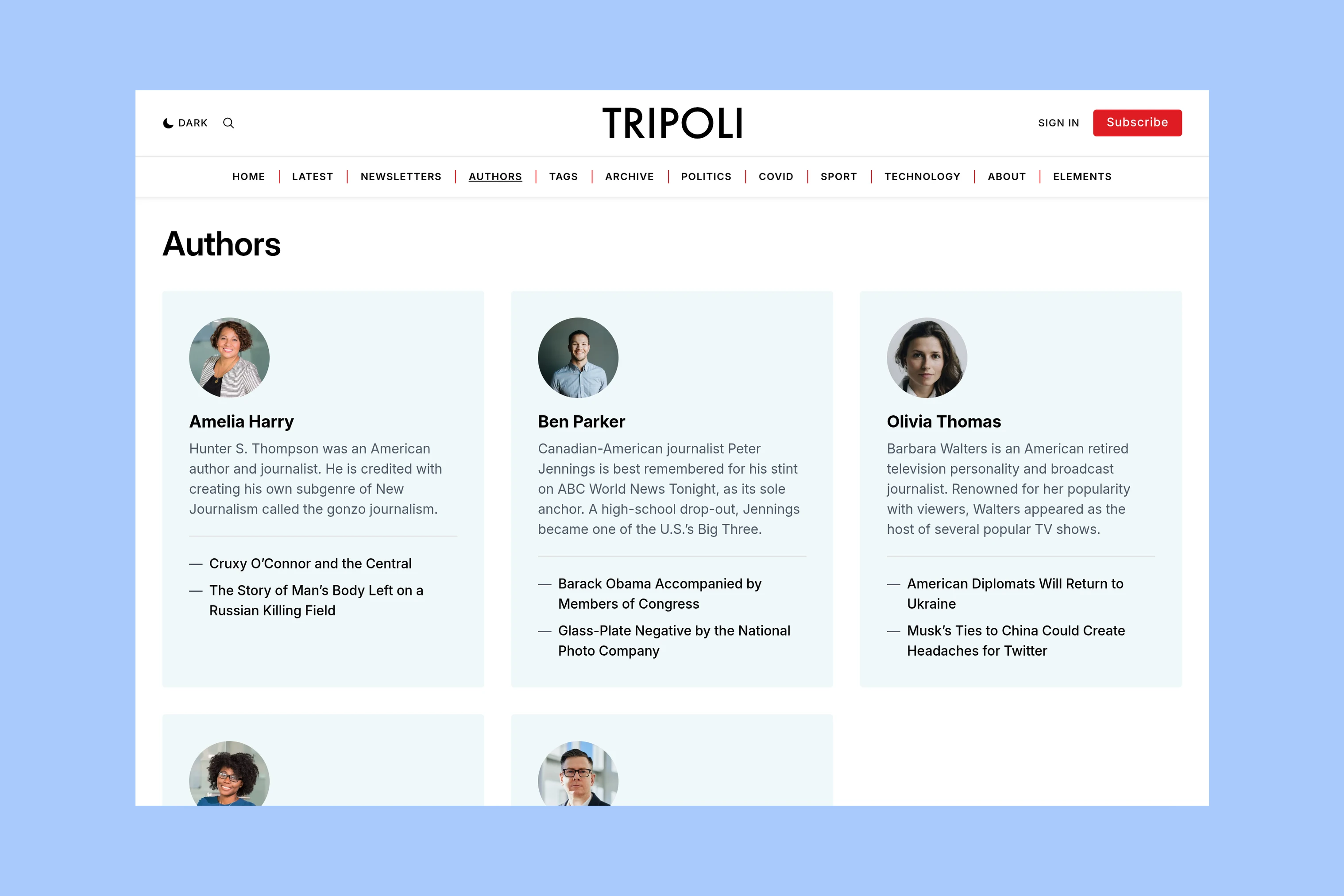
The authors directory pairs contributor portraits and biographies with links to their stories. A reader who recognizes a writer can find their work without searching through the homepage’s topic sections.
The topics directory offers another way into the publication, organized by subject. These pages keep writers and subjects accessible beyond whichever stories the editor has selected for the front page.
More from the Blog
Latest Ghost Themes

Arish
For visual magazines that lead with photography, film, and selected stories.
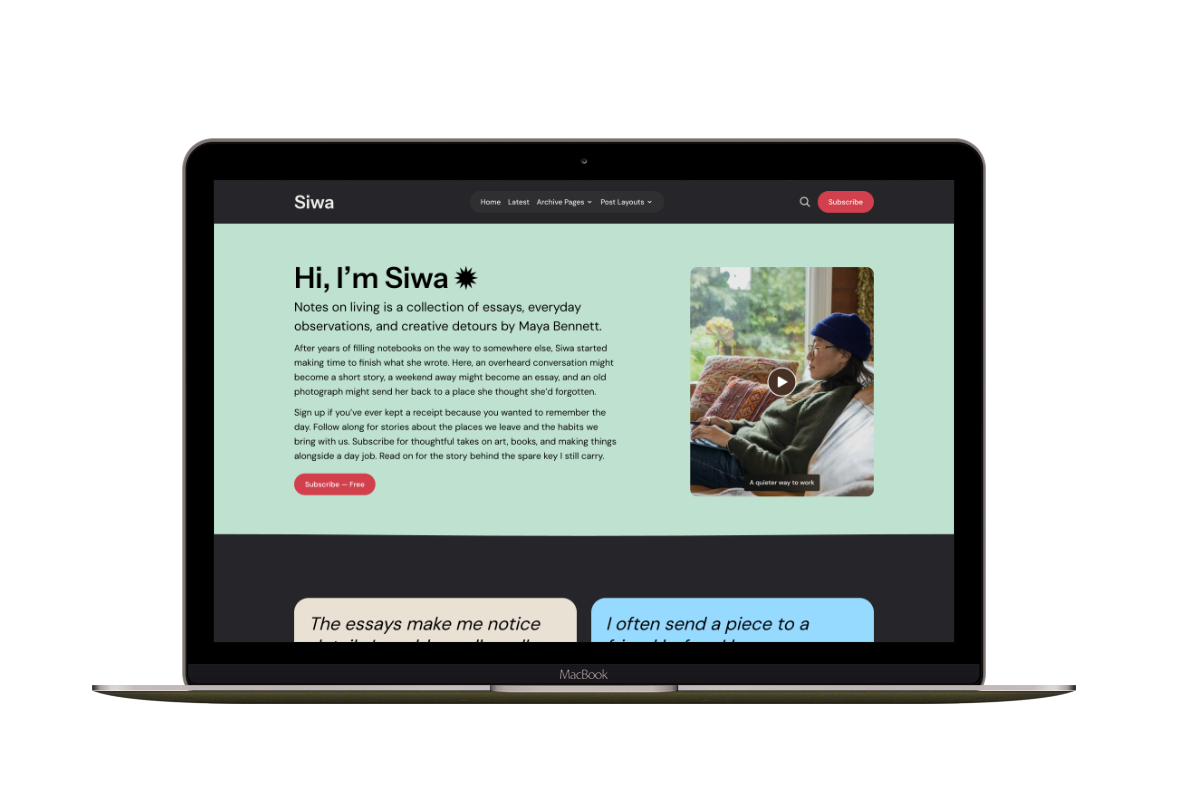
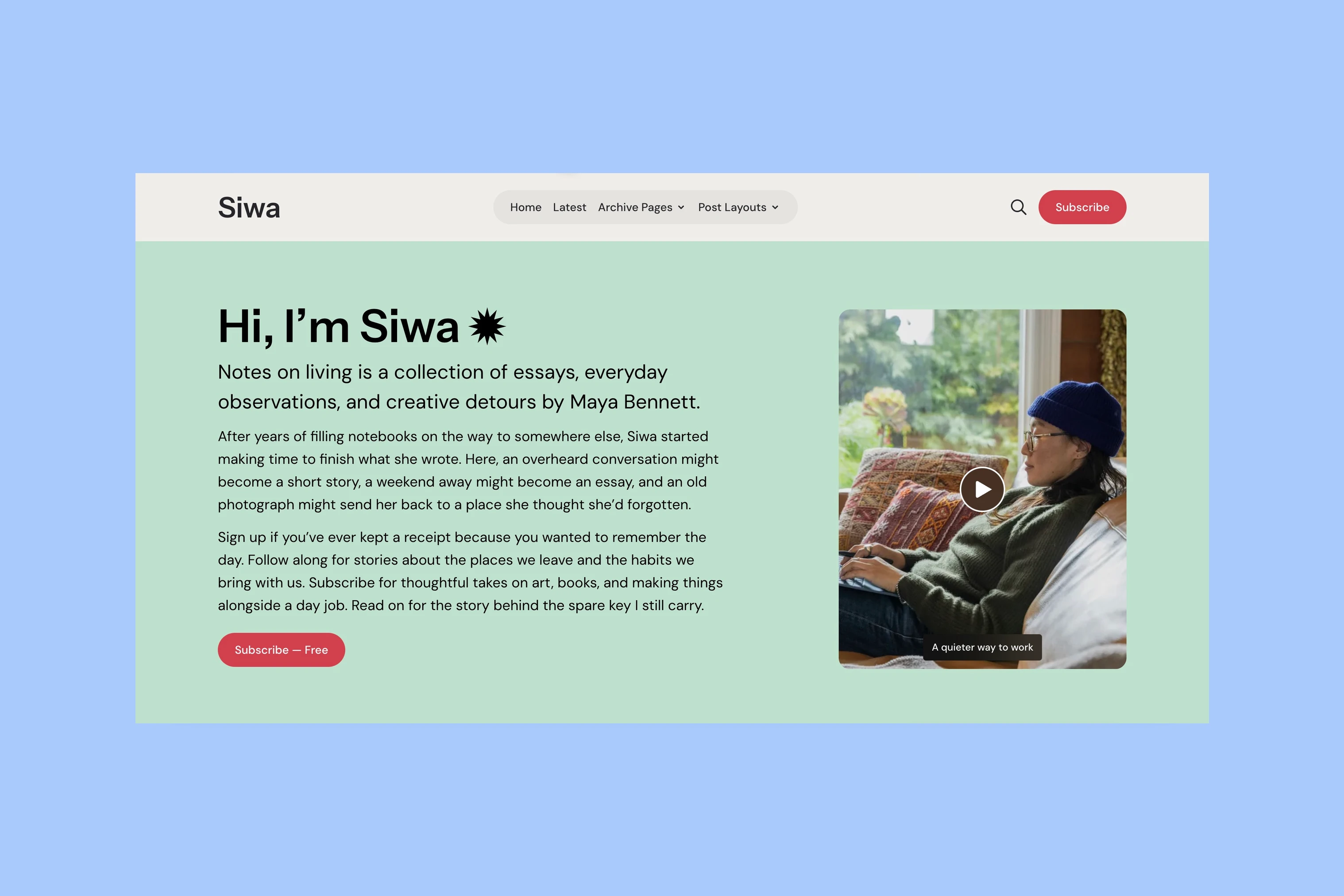
Siwa
A personal publication that introduces the writer before inviting readers into the stories.
Hanoi
An image-led magazine for creative stories, rich navigation, and long-form reading.
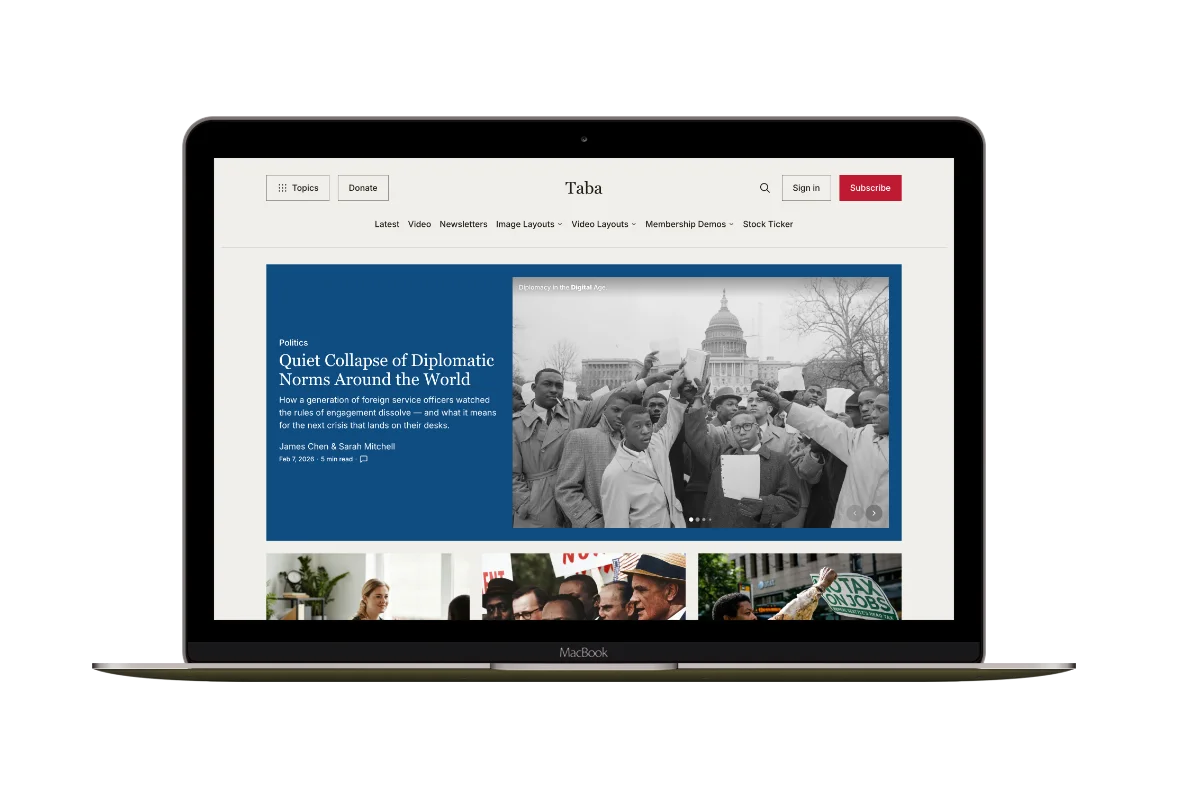
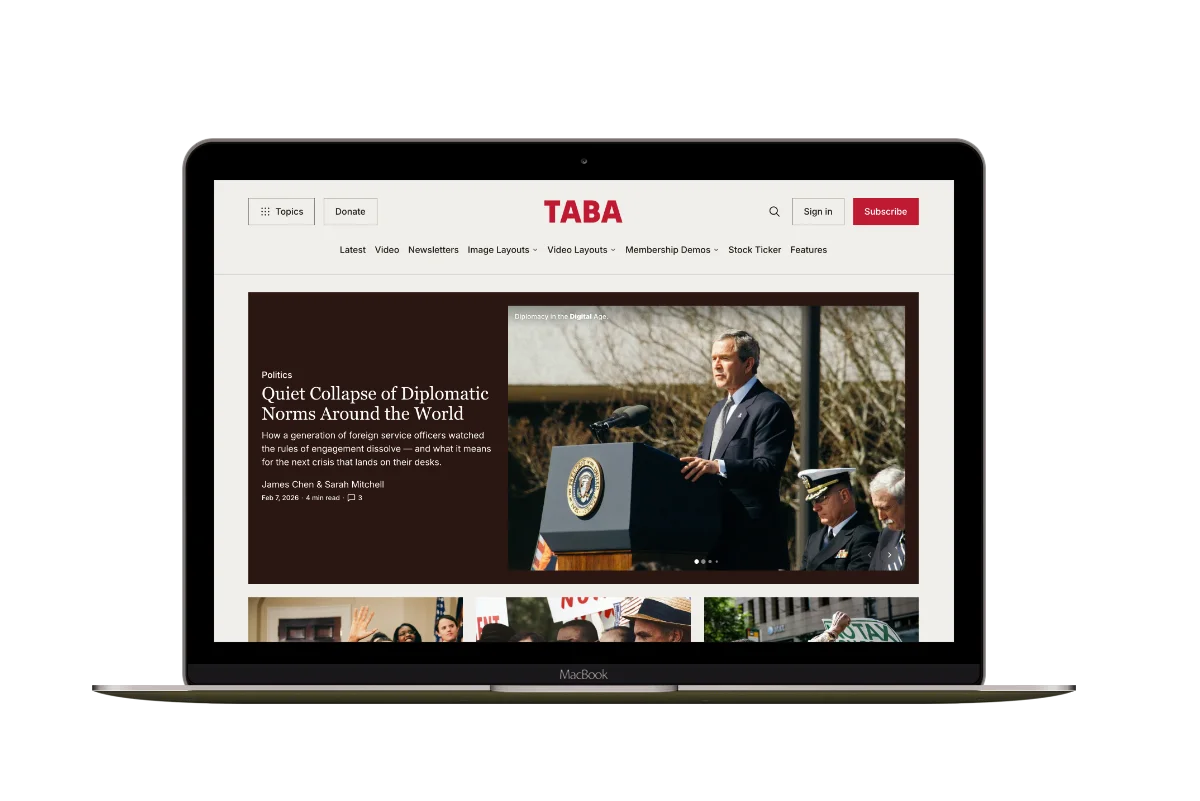
Taba
A newsroom front page for coverage across topics, video, and story formats.

Marsa
A flexible publication homepage for featured stories, topics, and newsletters.
Hakone
For writers who want readers to browse complete posts on the homepage.