Sinai vs Hakone: Cards or Complete Posts?
A minimal Ghost theme can give readers two very different experiences. It can show several stories and let them choose, or put the writing directly in front of them. Sinai takes the first approach with a post grid. Hakone takes the second with complete posts on the homepage.
The screenshots use sample content from Aspire Themes’ demos. Compare posts similar to your own writing before choosing from colors or photographs.
Sinai’s Post Grid
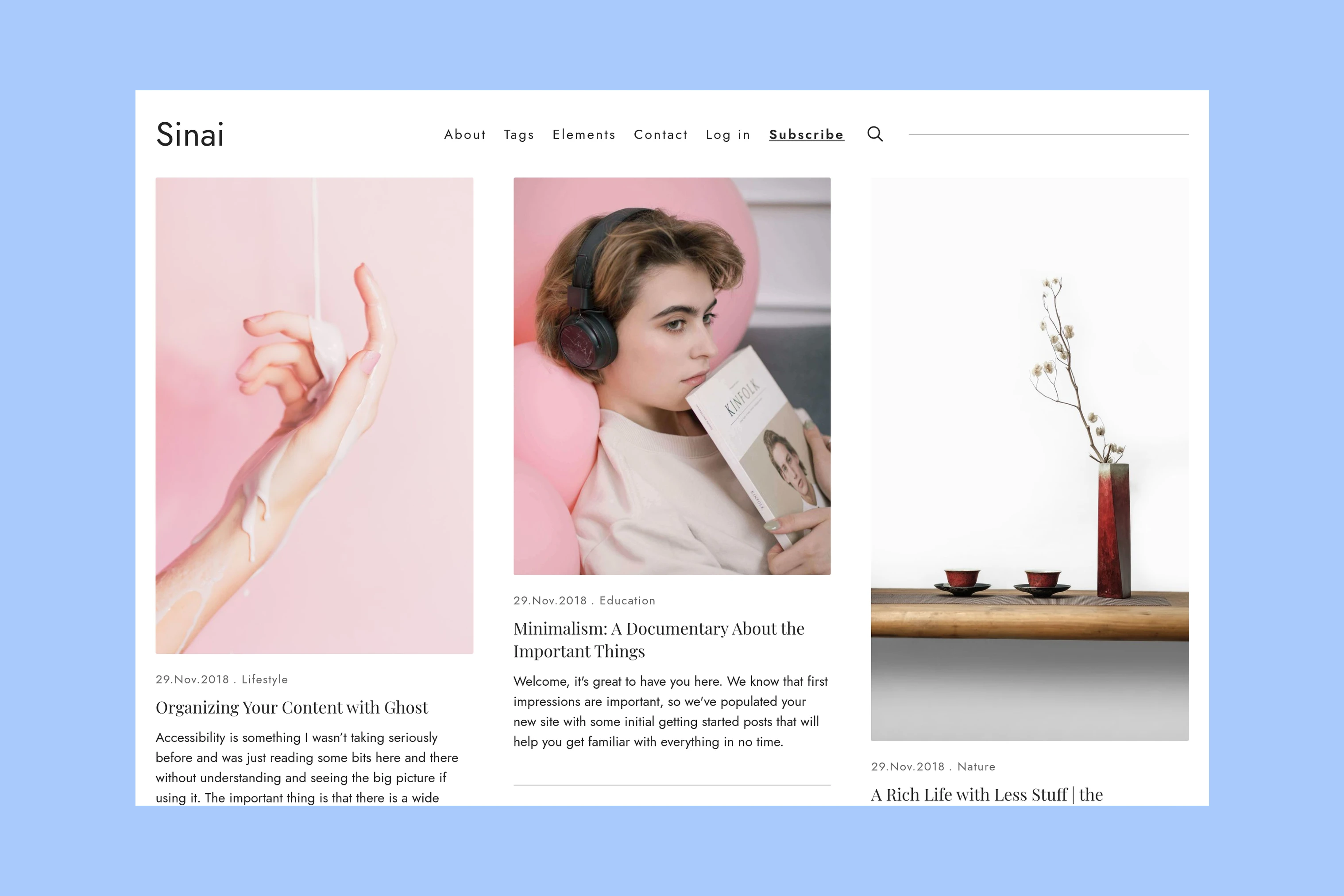
Sinai gives each post a card. A reader can scan the title, topic and excerpt before opening the article. The grid makes several choices visible together, which is useful when visitors arrive looking for a particular subject or want to browse a writing archive.
That arrangement asks the excerpt to do useful work. A title that needs context should have an excerpt explaining the question or story behind it. The reader then opens a separate article page for the complete text.
Hakone’s Complete Posts
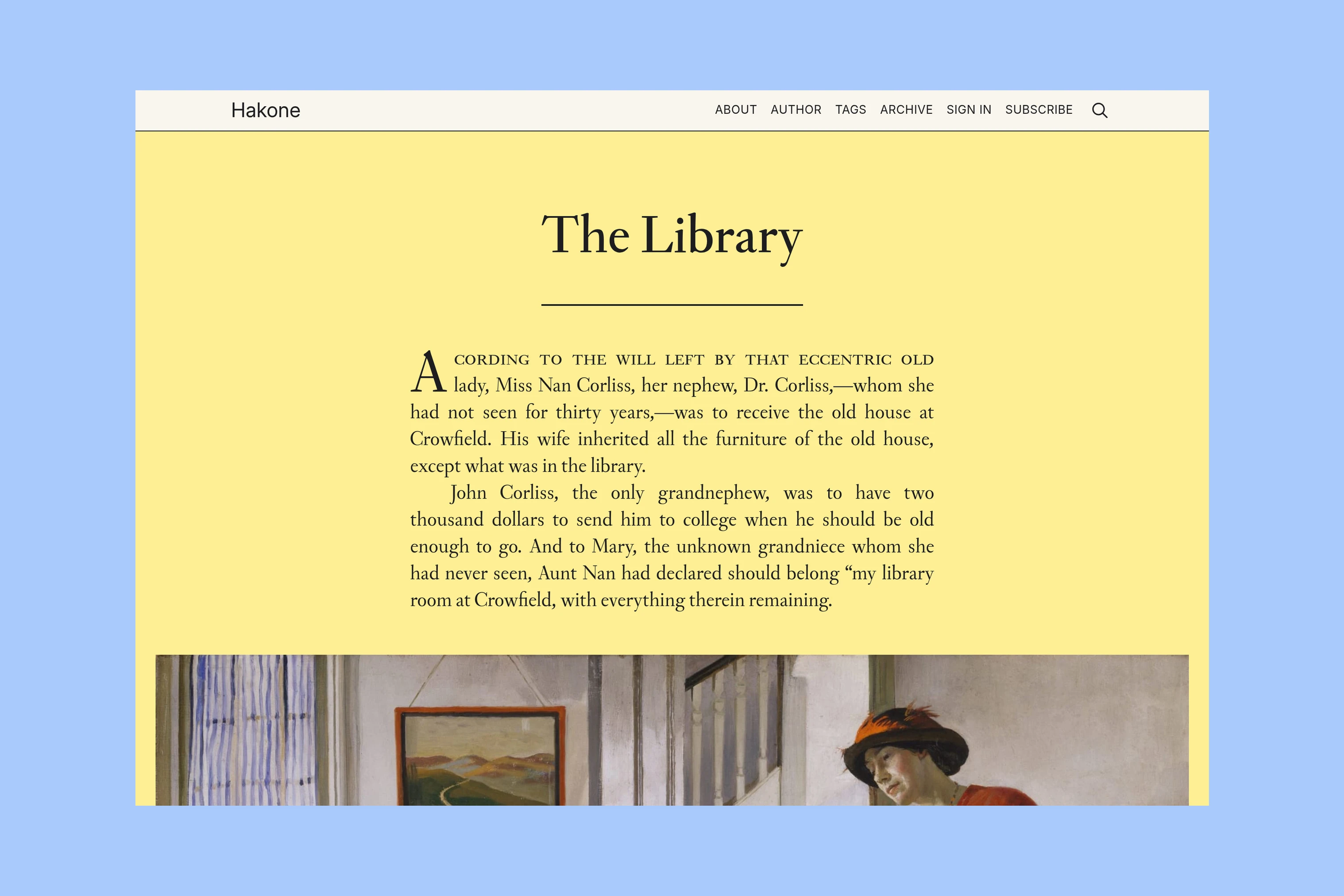
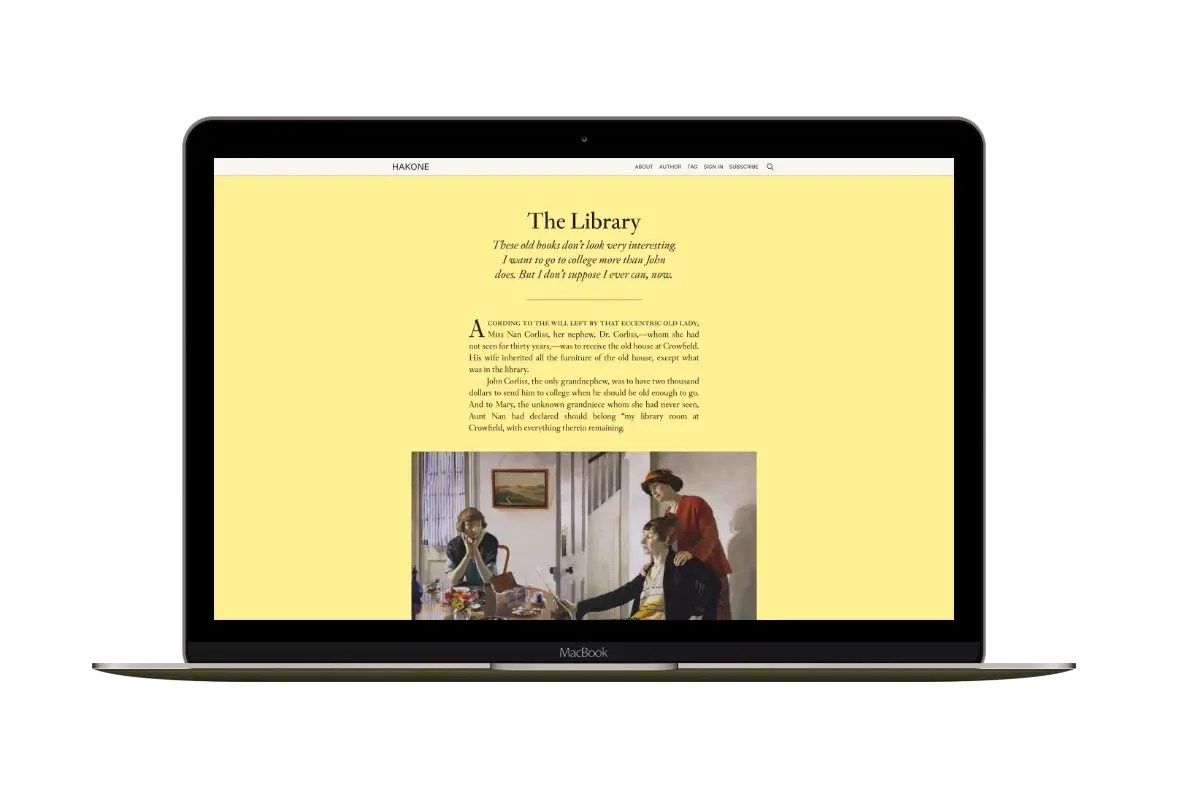
Hakone renders post content in the homepage feed. In the demo, the reader begins The Library immediately, then reaches its images and the following entries by scrolling. Individual post URLs still exist; the homepage provides an additional place to read.
This suits a journal or a stream of short observations, where the entry itself is the reason to visit.
Post Length and Images
Look for a short note, a long essay and an image-heavy post in the demos. Comparing these formats shows how each homepage handles different kinds of writing.
If long essays dominate your publication, compare how a visitor finds a second story after arriving at the homepage. Sinai lets the visitor choose another card; Hakone needs a useful archive or topic link for someone who wants to skip that entry.
Photographs can play either role. Sinai uses feature images to help readers choose a story. Hakone displays images inside the post content, so a photographic sequence can be part of the homepage itself. Compare whether visitors should select a series or begin viewing it immediately.
The demo’s imagery is sample content, not part of the theme download. Judge the layout using posts similar in length and format to your own.
Older Posts
Sinai supports a tag directory and optional homepage sections for selected tags. Those sections give recurring subjects a place below the main grid. The Sinai documentation explains the setup; they do not appear merely because a topic has been mentioned in a post.
Hakone’s demo links to Tags and Archive from its header. Use those destinations when the visitor needs a topic or date rather than the newest entry. Its Archive lists up to 100 posts, so it is not a complete index for a larger publication. The Hakone documentation covers the available pages.
Which Theme Fits?
Choose Sinai when readers should compare several stories, browse recurring subjects and open the piece they want. Choose Hakone when the homepage should be a place to read the posts themselves, and you are comfortable with the scrolling that their length creates.
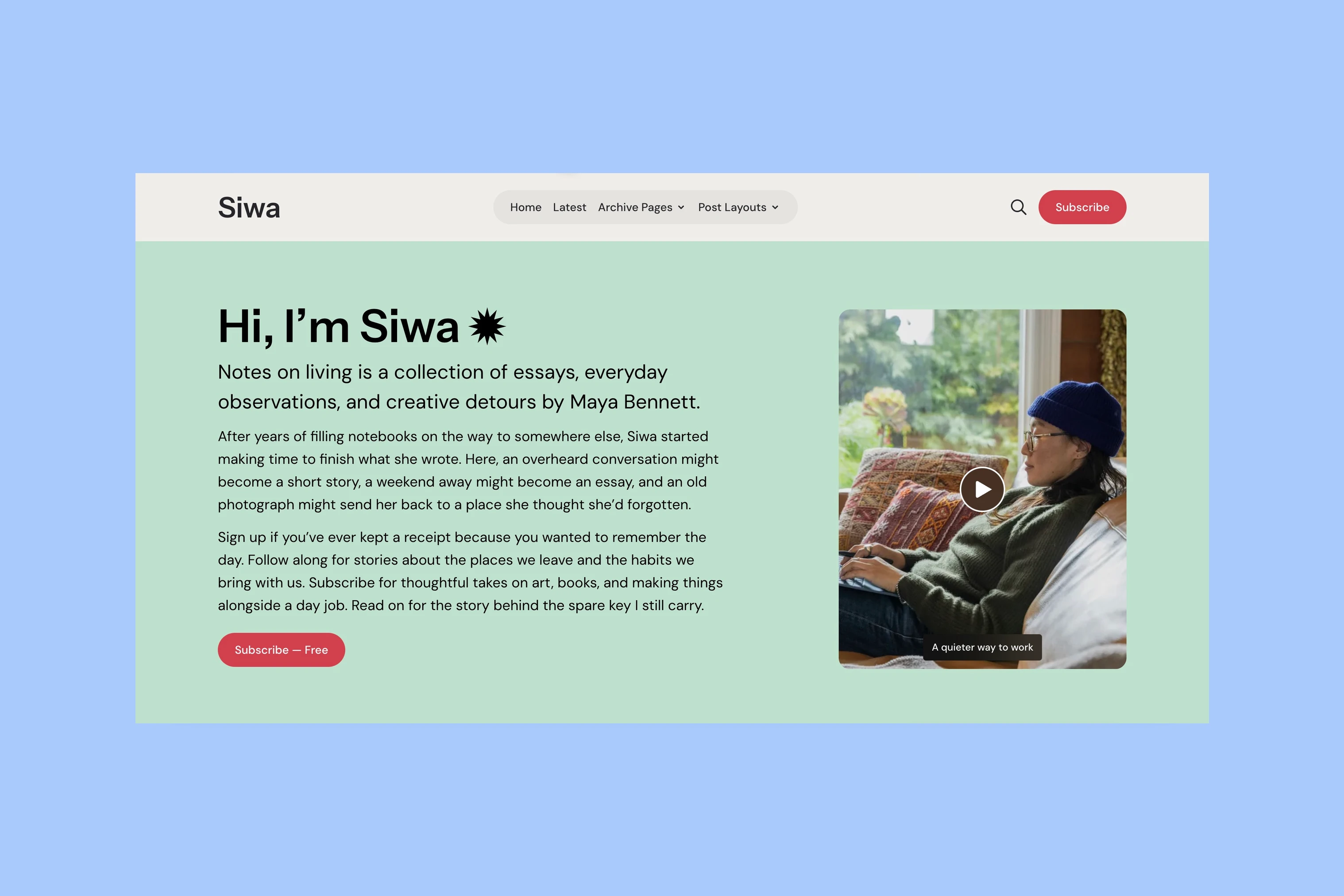
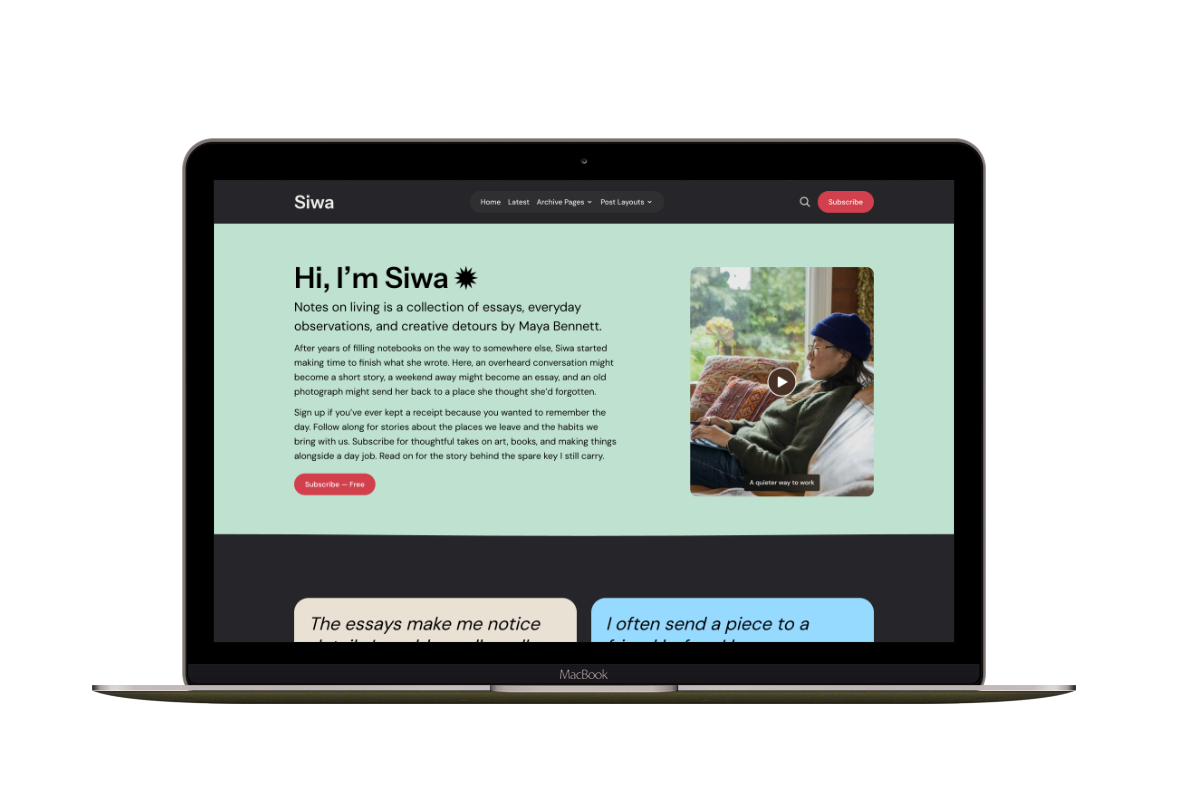
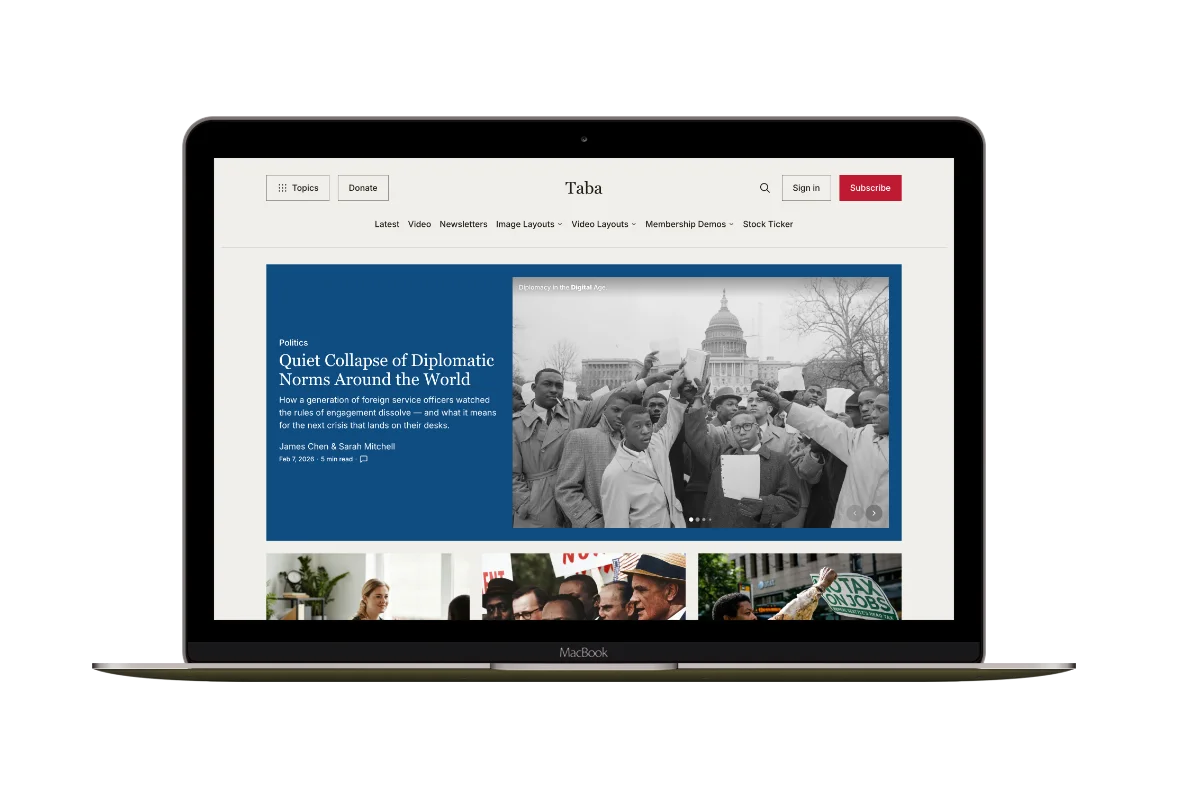
Read existing posts in the Sinai demo and Hakone demo, looking for examples similar in length and format to your own writing. The public demos let you browse sample content; they do not let you upload your own posts. If you need a large introduction before the writing, compare Siwa and Ubud. If the publication needs several distinct magazine sections and a stronger lead-story hierarchy, compare Tripoli and Taba.
More from the Blog
Latest Ghost Themes

Arish
For visual magazines that lead with photography, film, and selected stories.
Siwa
A personal publication that introduces the writer before inviting readers into the stories.
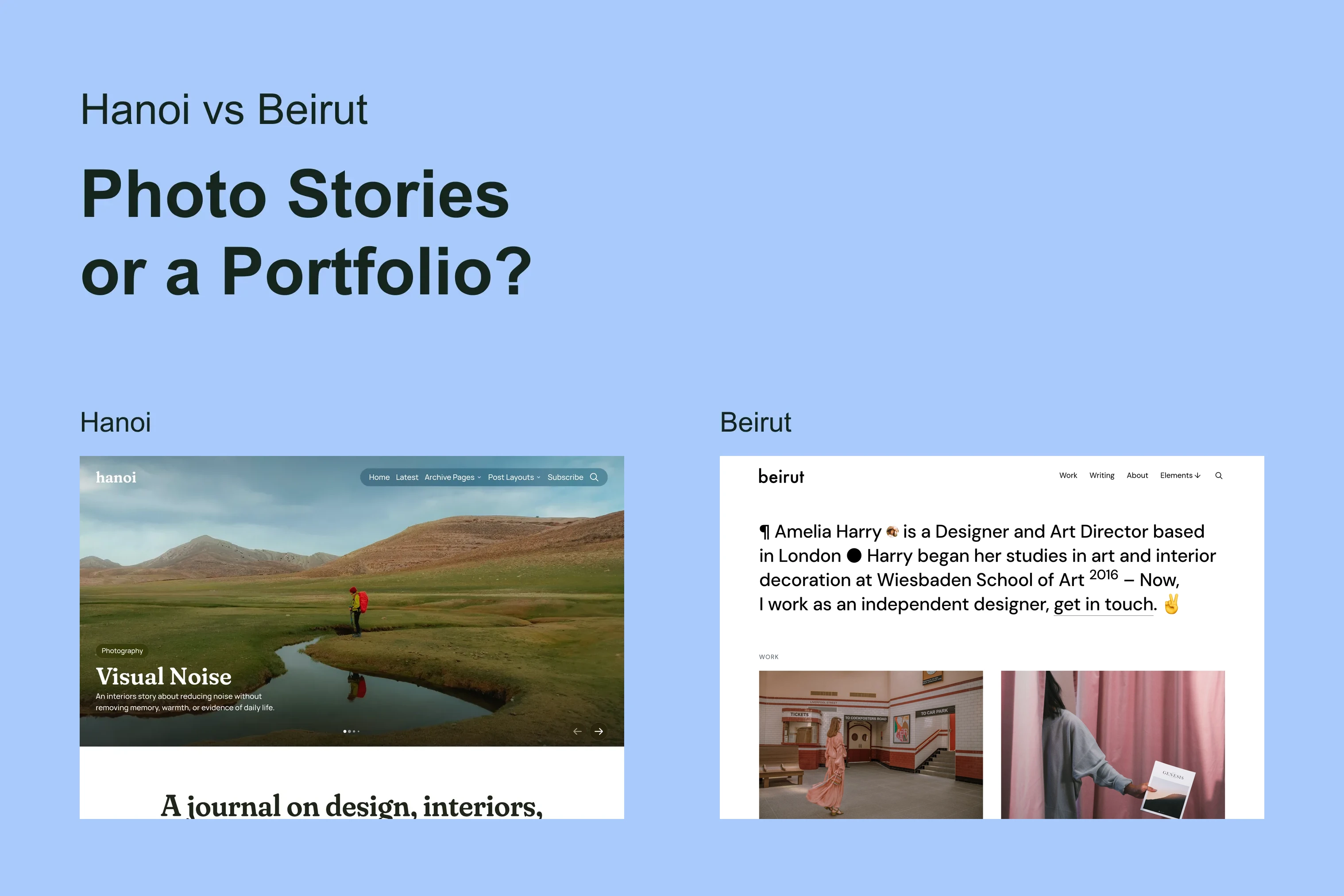
Hanoi
An image-led magazine for creative stories, rich navigation, and long-form reading.
Taba
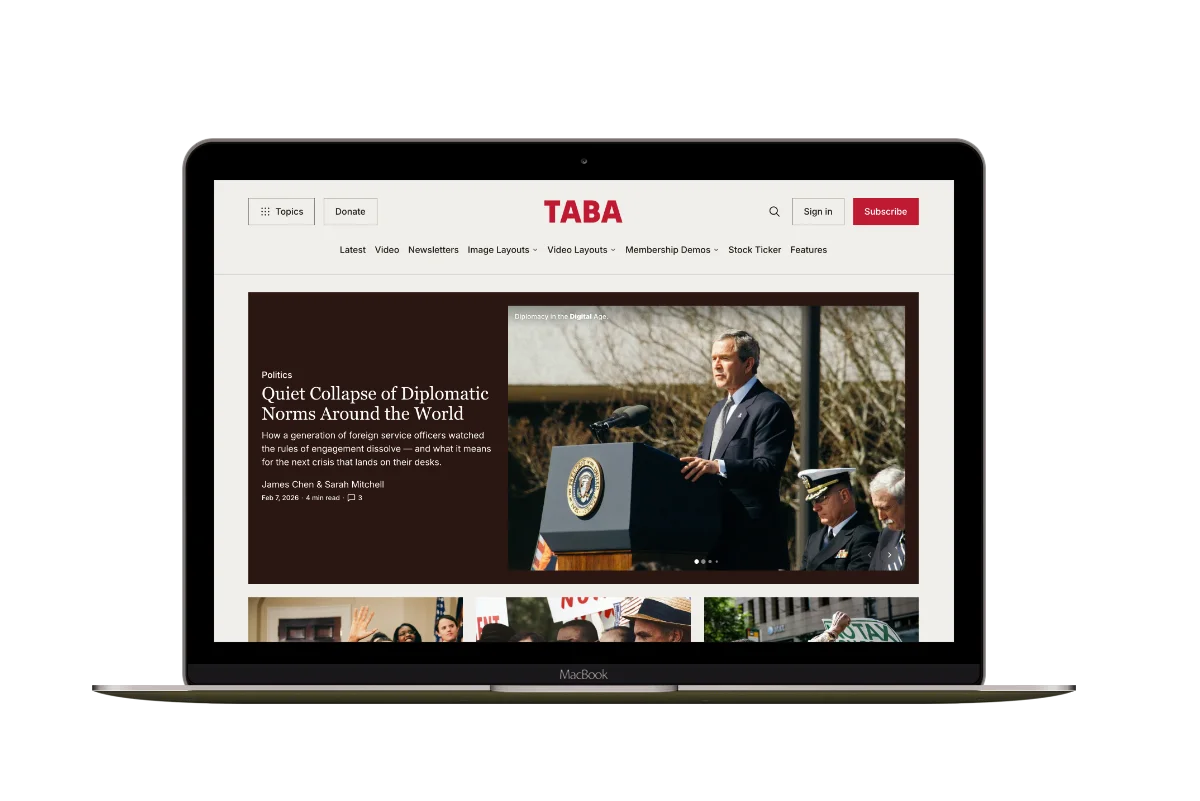
A newsroom front page for coverage across topics, video, and story formats.
Marsa
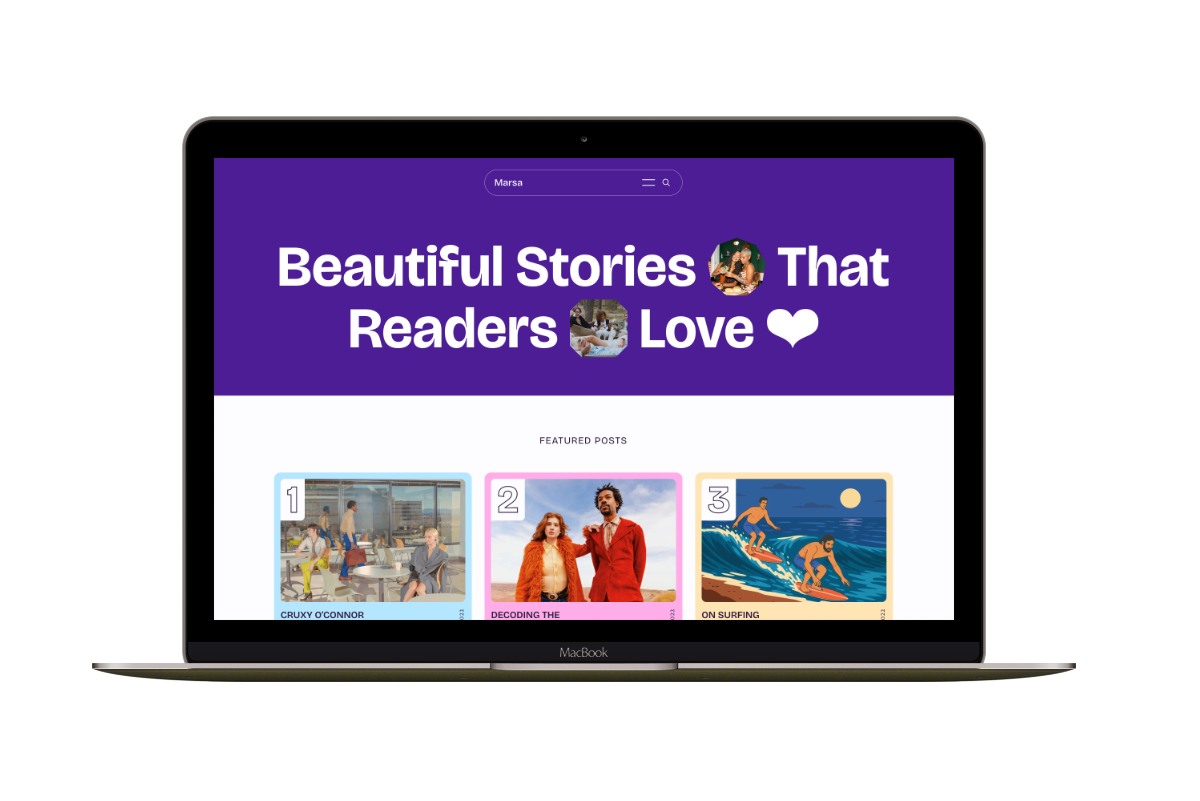
A flexible publication homepage for featured stories, topics, and newsletters.
Hakone
For writers who want readers to browse complete posts on the homepage.