Tripoli vs Taba: Choosing a Ghost Theme for a Magazine
Tripoli and Taba both give a Ghost magazine room for featured stories, recurring topics, and several writers. The choice is how you want readers to move through that coverage: from the front page, into a subject or writer’s archive, and finally into an article.
I make both themes at Aspire Themes. This comparison focuses on multi-topic magazines and news publications, where editors select lead stories and readers follow different beats. For an image-led journal with a different front-page structure, also consider Hanoi.
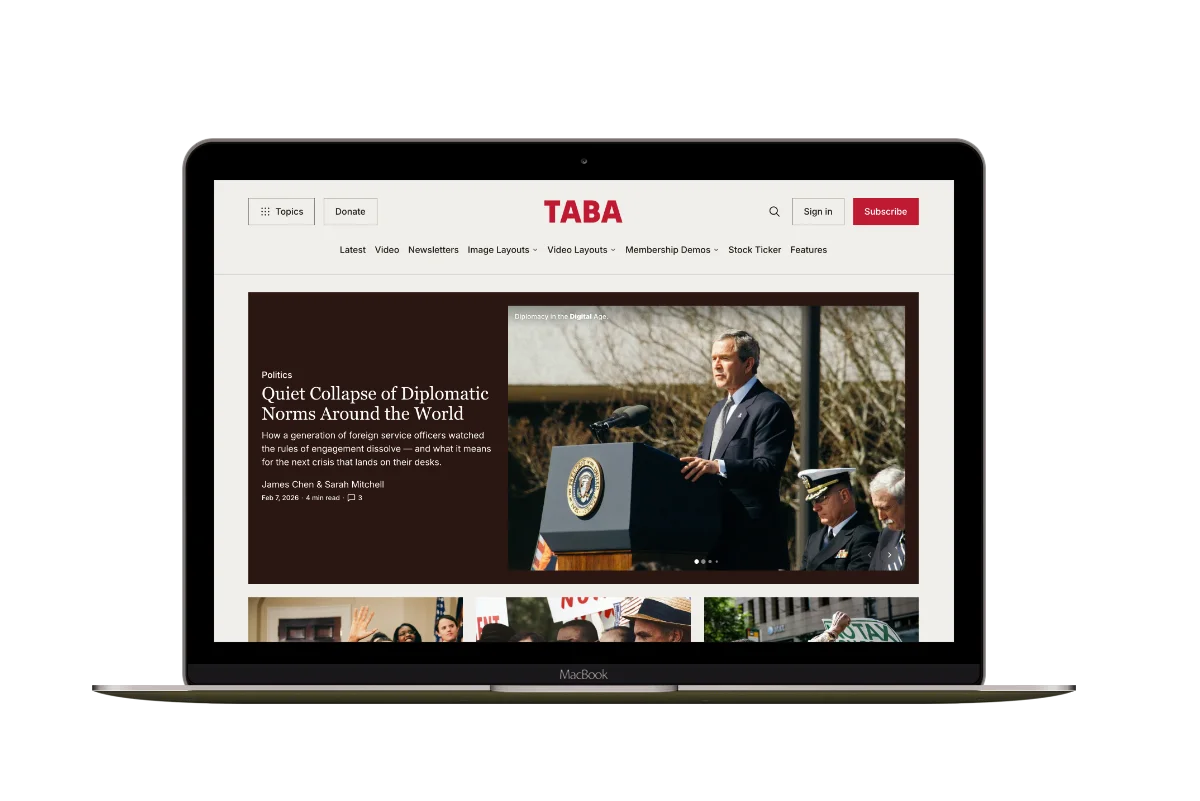
Tripoli brings selected stories and recent coverage together in its opening layout. Taba gives the lead story more space, then separates the coverage below into additional sections and columns. It also offers more ways to present individual stories. The following examples show when those differences are useful.
The Main Differences
Before looking at the differences, establish what both themes provide. Both support Ghost’s editor cards, individual topic and author pages, posts with several authors, memberships, and restricted content. Choosing Tripoli does not mean giving up video inside an article or the ability to publish paid stories. Taba’s additional layouts and tools change how those stories are presented.
| Publishing Need | Tripoli | Taba |
|---|---|---|
| Homepage Opening | Featured stories and a latest-post column visible together. | A large featured-story opening, followed by latest stories. |
| Recurring Coverage | Topic sections and an Editors' Picks section. | Separate topic sections and topic columns, an Editors' Pick, and a video section. |
| Browsing Topics and Writers | Individual topic and author pages, plus tag and author directories. | Individual topic and author pages, plus a header Topics menu. |
| Story Openings | A consistent article opening with the headline and byline above the feature image. | A standard article opening plus custom gallery, image, and video layouts. |
| Reading Tools | A table of contents for long articles, reading time, and sharing links. | Text-size controls, voice playback, reading progress, and sharing controls. |
Scroll sideways to see all columns.
Homepage Coverage
Consider your recent articles. Which one would lead the page, and which subjects deserve space below it? Publishing frequency alone does not decide the theme: a weekly magazine may have a deep archive, while a daily publication may concentrate on one beat. Compare how each layout presents your coverage.
Tripoli’s Featured and Latest
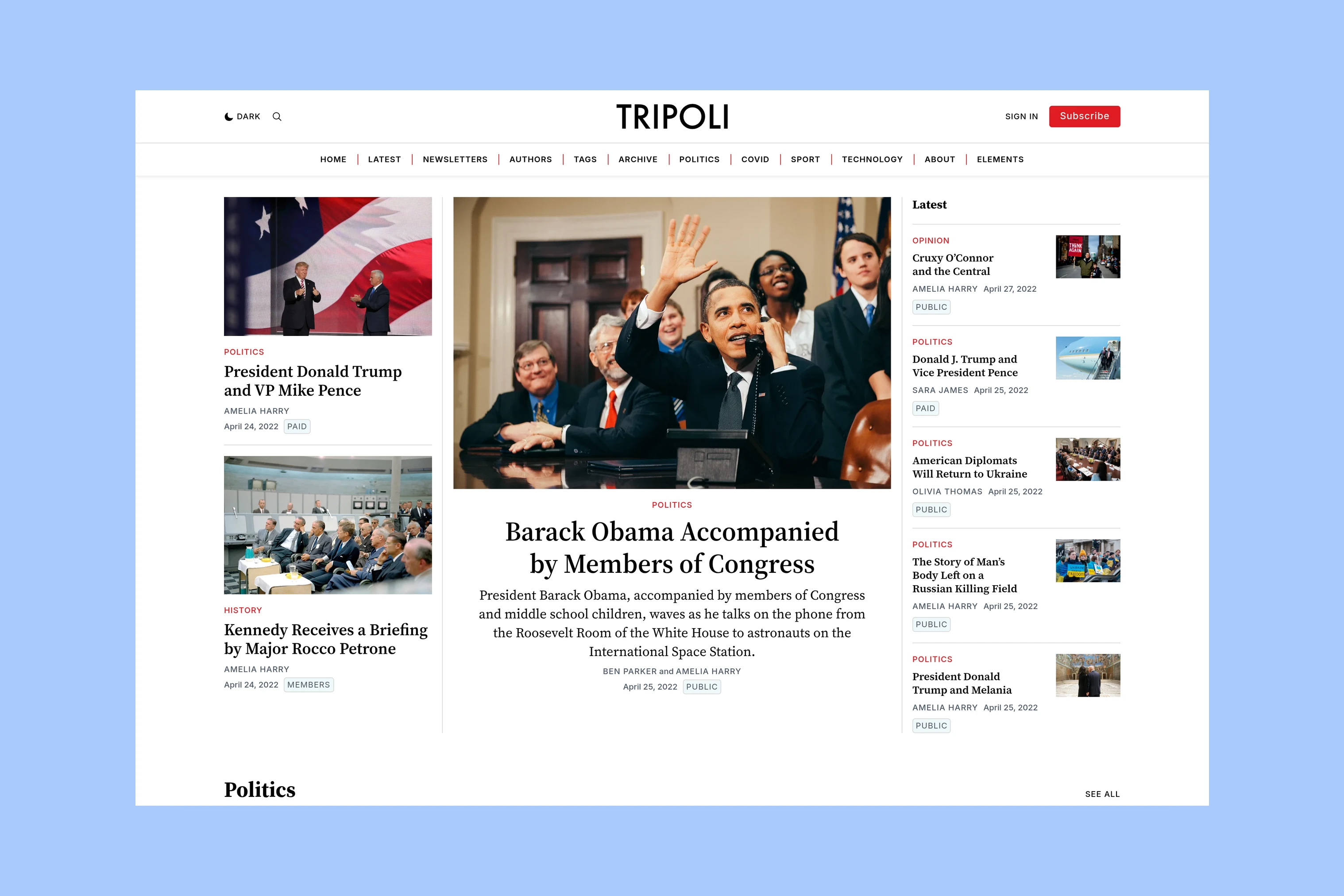
Tripoli keeps selected stories and recent coverage visible together. An editor can leave a lead article prominent while readers catch up on newer posts beside it.
Below that opening, topic sections organize recurring coverage, while Editors’ Picks highlight work worth returning to.
The editorial choices are which stories to feature, which topics to show, and what to select as a pick. See the Tripoli homepage guide for configuration.
Taba’s Lead and Topic Areas
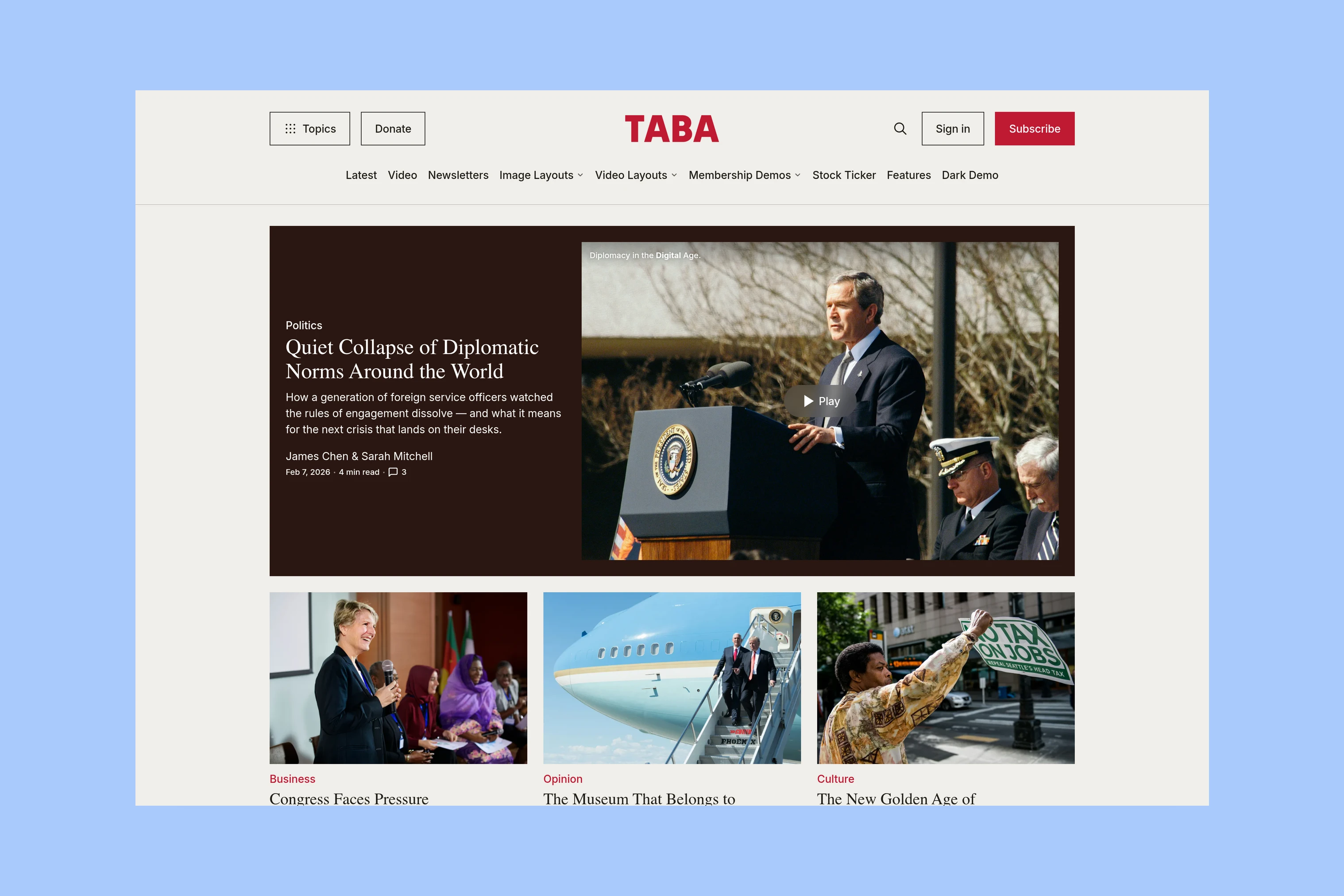
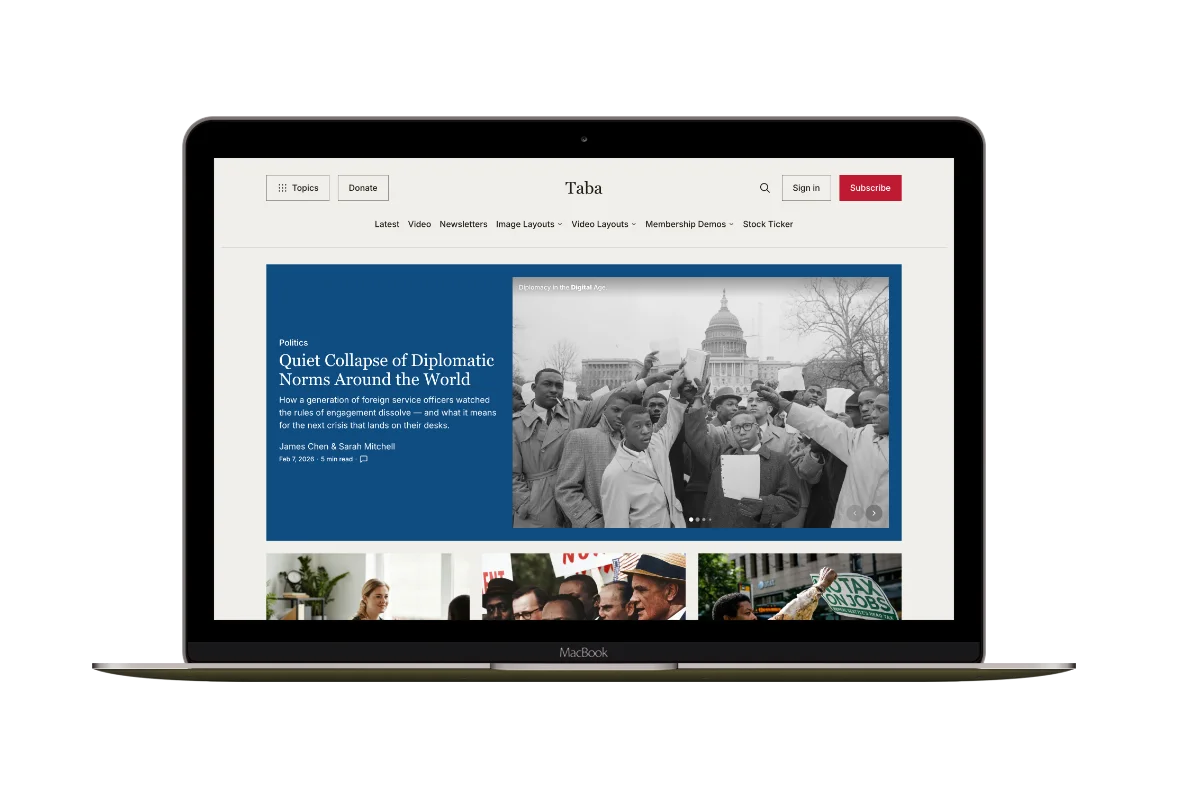
Taba gives the lead story a larger opening. Latest stories follow, then topic sections, an Editors’ Pick, video coverage, and topic columns.
Sections and columns can cover different subjects—for example, politics and culture in sections, business and sports in columns. Regular video coverage also has its own section.
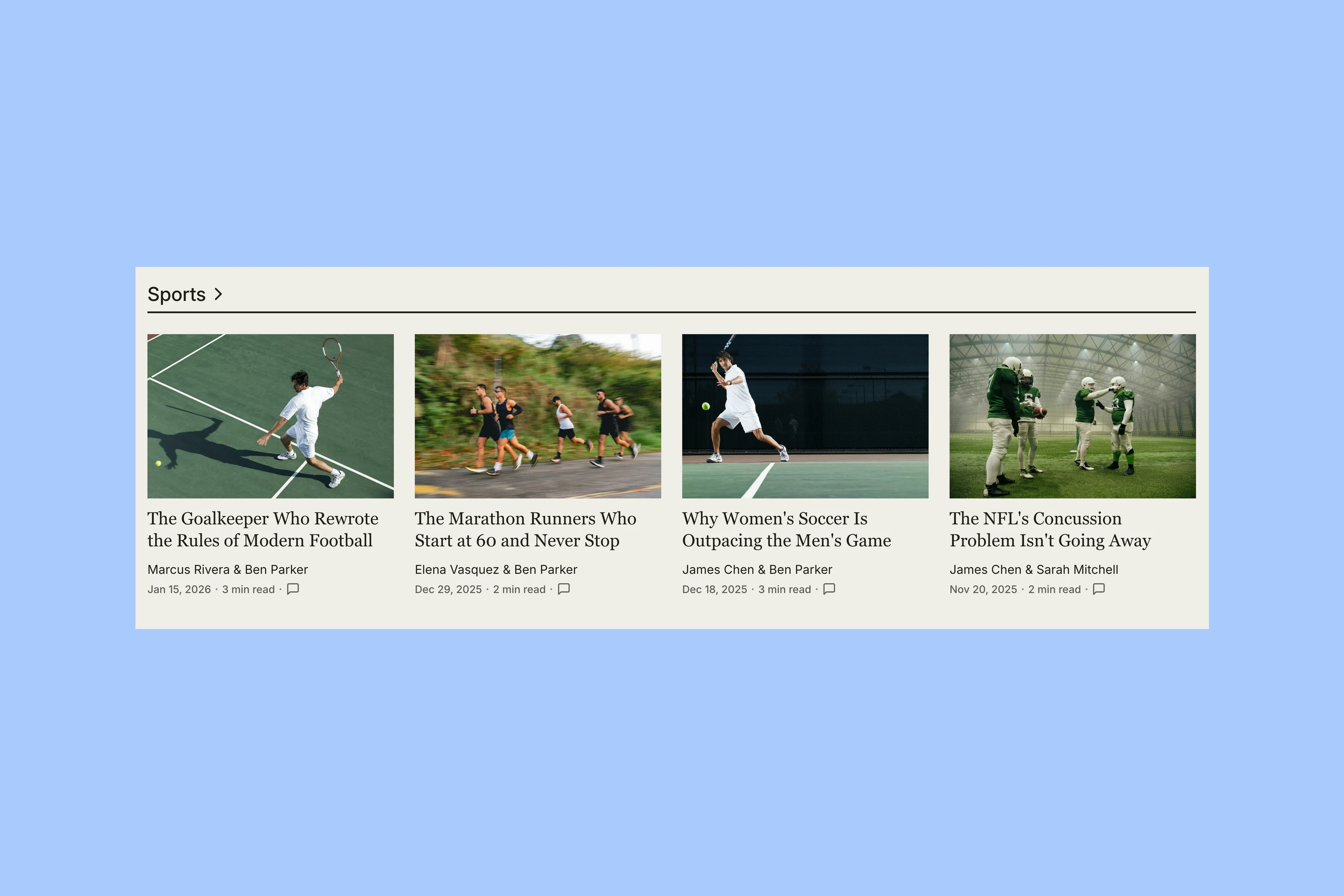
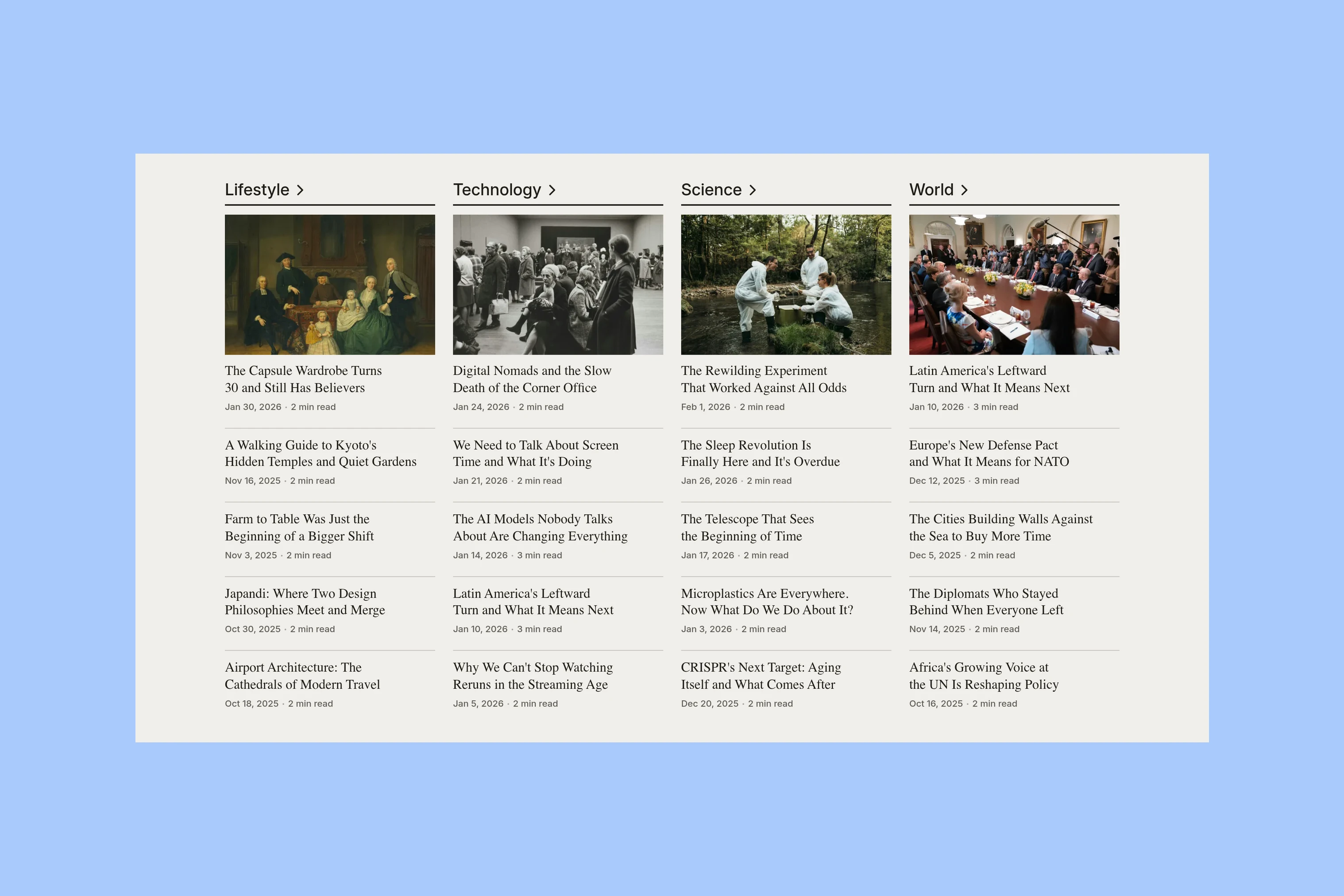
Topic lists are configurable, and the video section appears when there are tagged video stories. Choose these areas because they serve your coverage; the demo does not require you to fill them all. See the Taba guide for setup.
All screenshots in this comparison use prepared demo content. They show selected layouts and settings; installing a theme does not copy those stories or contributors into your publication.
Topics and Writers
After the lead stories, readers need a way to continue into the archive. Both themes provide individual topic and author pages. The useful comparison is how readers reach those pages and what they find there.
Tripoli’s Directories
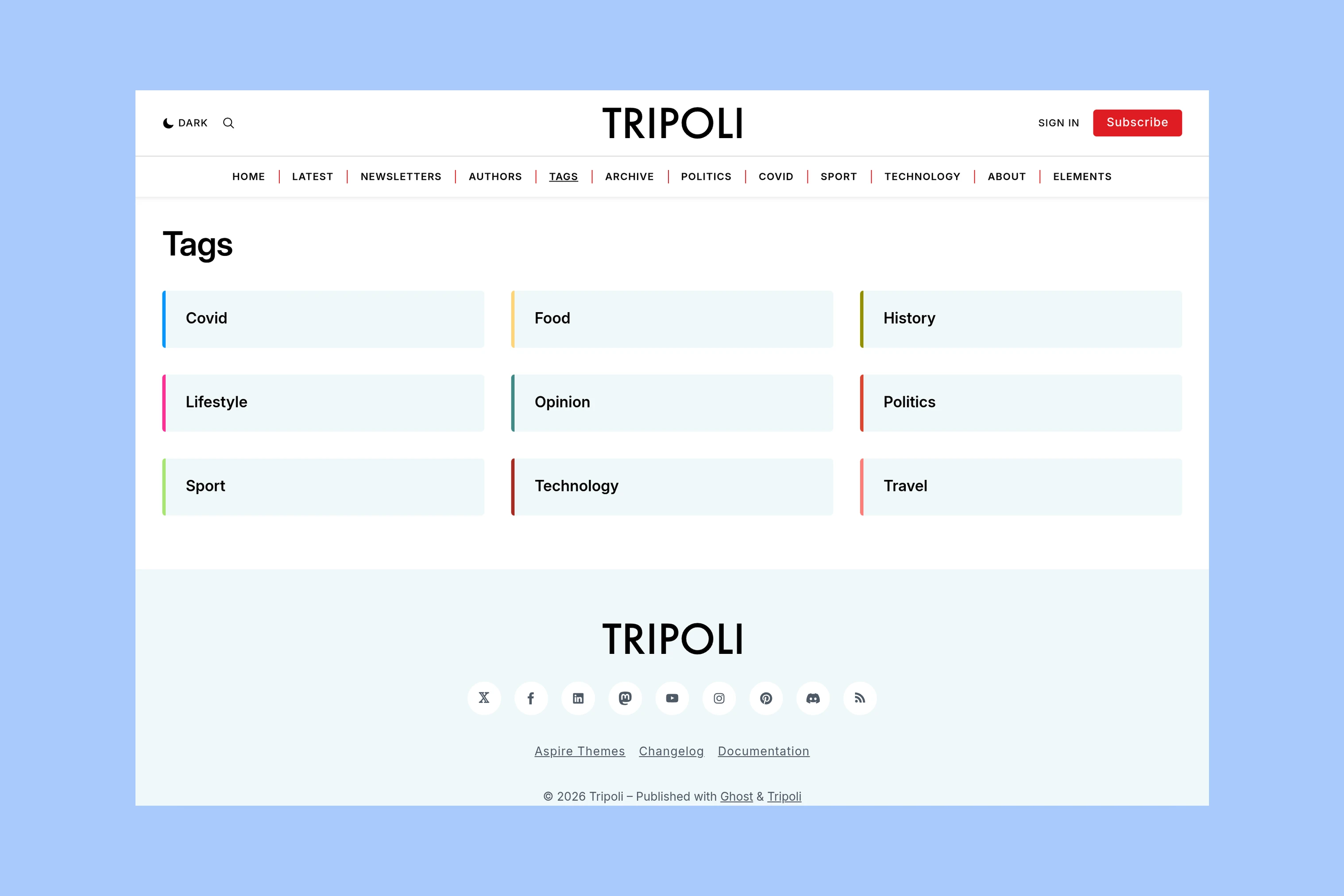
Tripoli’s tag directory shows the available subjects together. A reader can choose a beat before opening its stories, rather than relying on the topics linked in the main navigation.
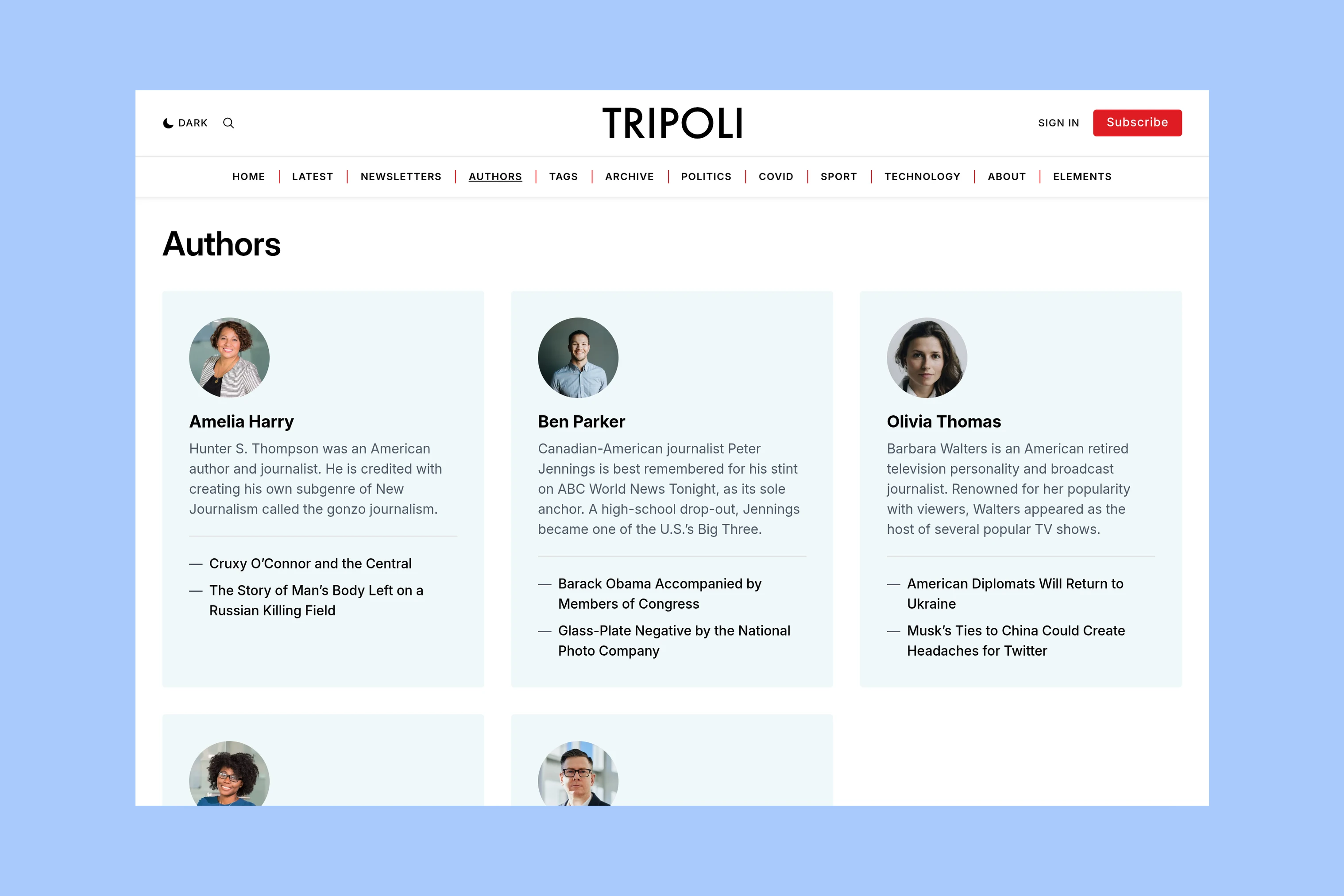
Its author directory helps readers discover contributors or find a familiar columnist. Both themes support several authors on a post; the directory adds a separate way to browse them.
Taba’s Menu and Archives
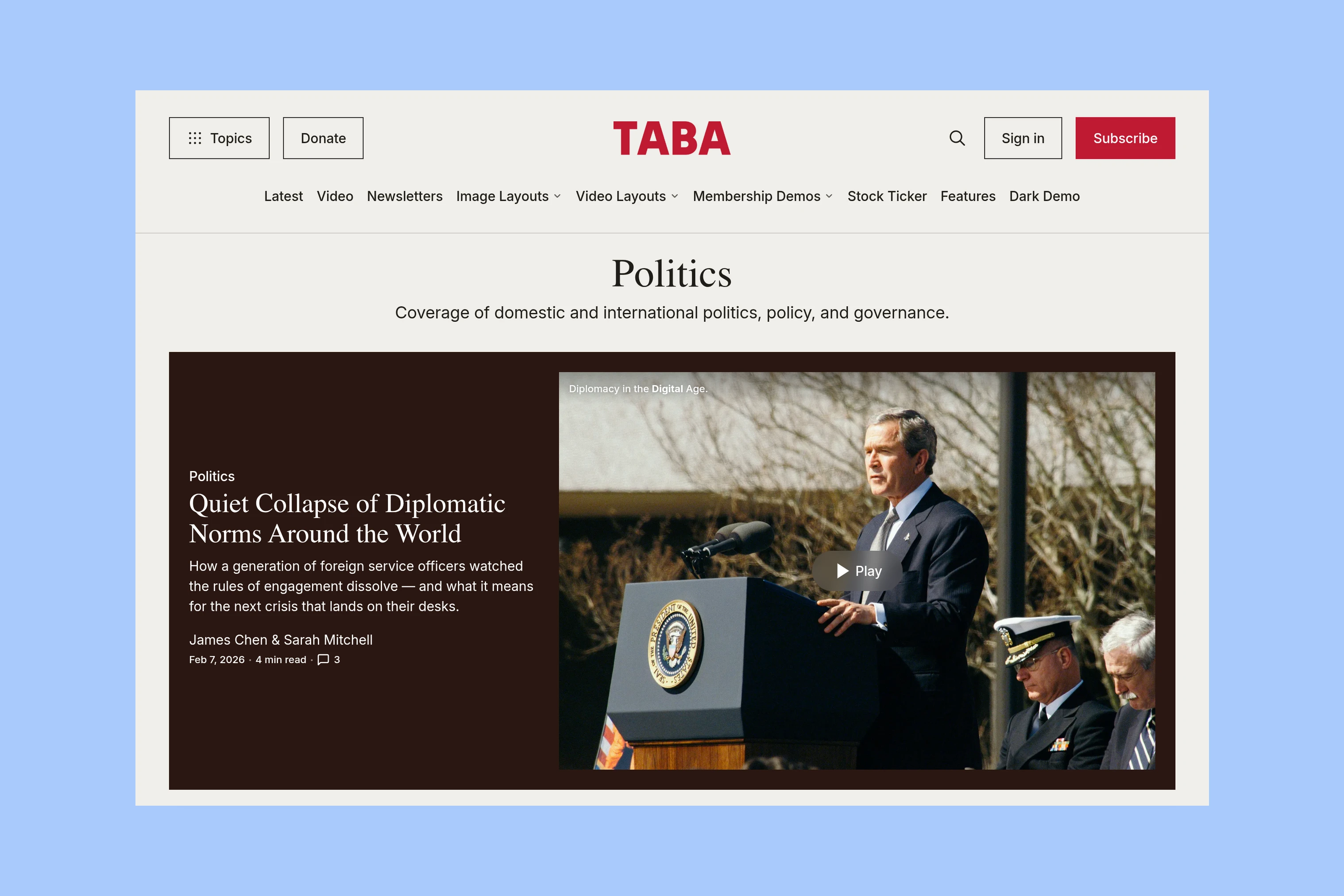
Taba’s header Topics menu can show all topics or a selected set. This gives readers access to subjects from the header while the main navigation can carry other destinations. Its Politics topic page illustrates the next step: a subject description and a prominent story before the rest of that coverage.
An author page offers a different route through the same publication. The writer’s profile sits above their articles, bringing work from different subjects together under one name.
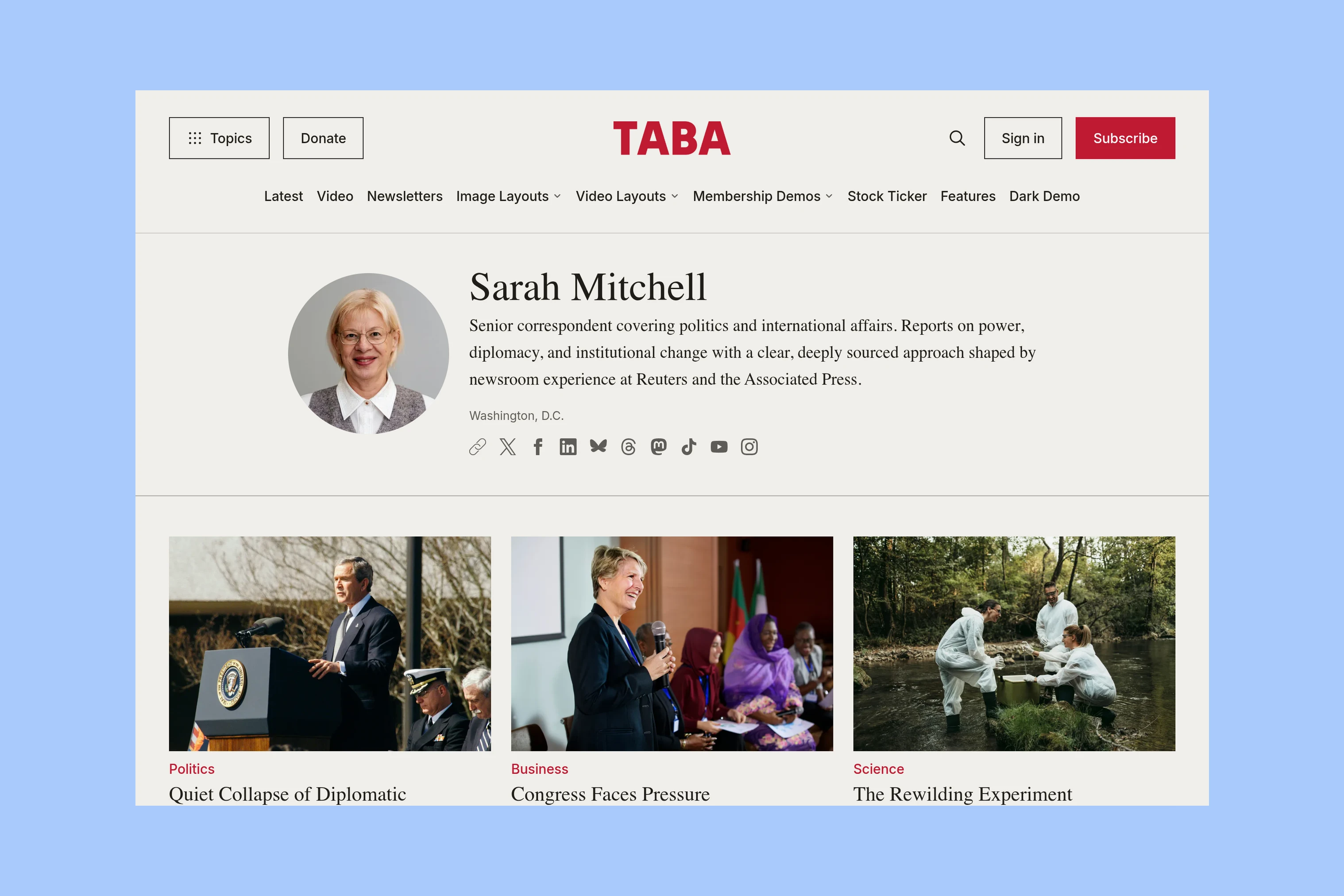
A reader following a beat needs a subject archive; someone returning for a columnist needs that writer’s page. A solo publication may have little use for an author directory.
Article Formats
Compare standard written articles first, then Taba’s additional media layouts.
Written Articles
Tripoli places the title, excerpt, and byline above the feature image. Its article opening provides a consistent order for reported stories, interviews, and essays.
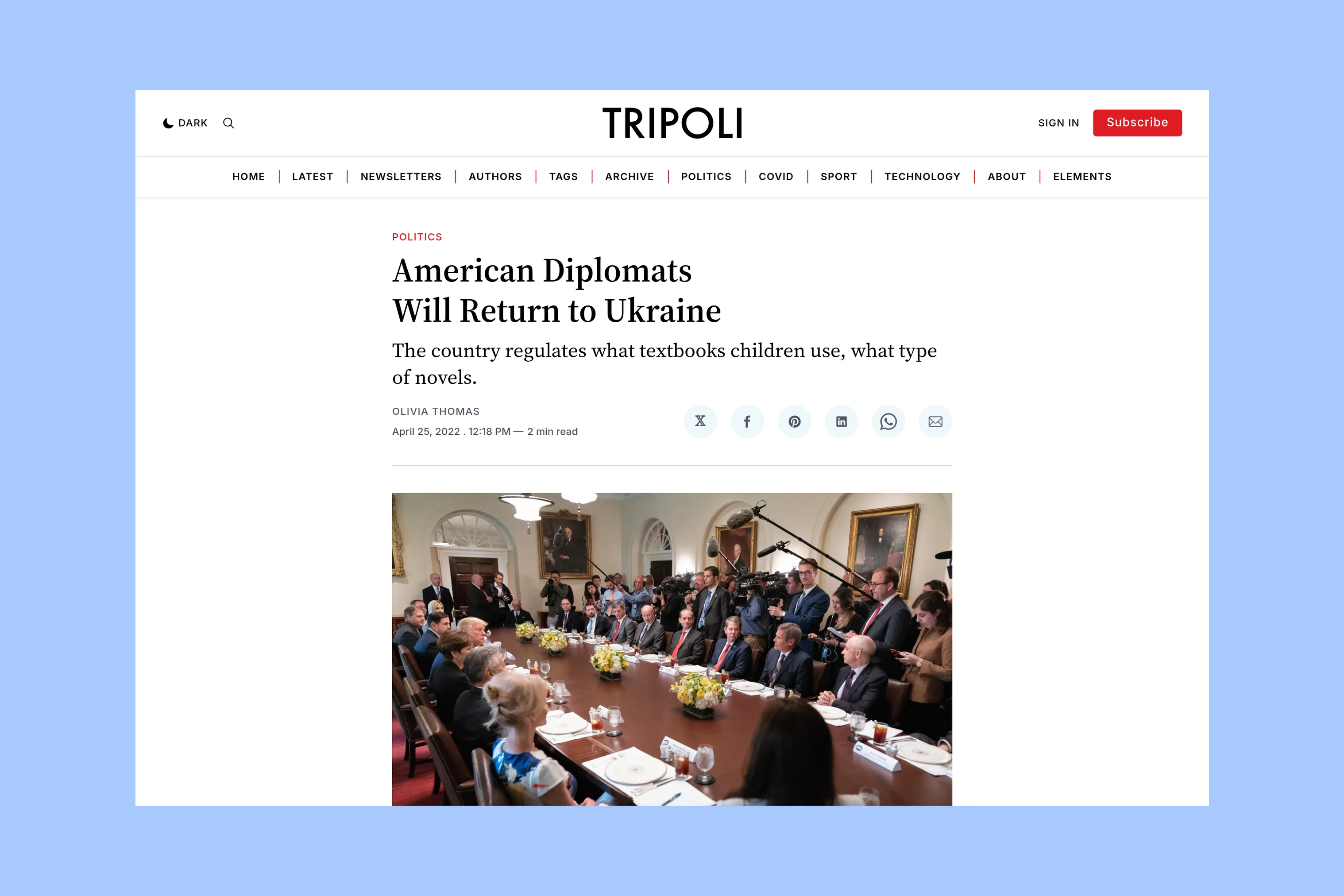
Taba’s standard written article also puts the headline and author details before the image. Compare it with Tripoli’s opening before considering the custom layouts below.
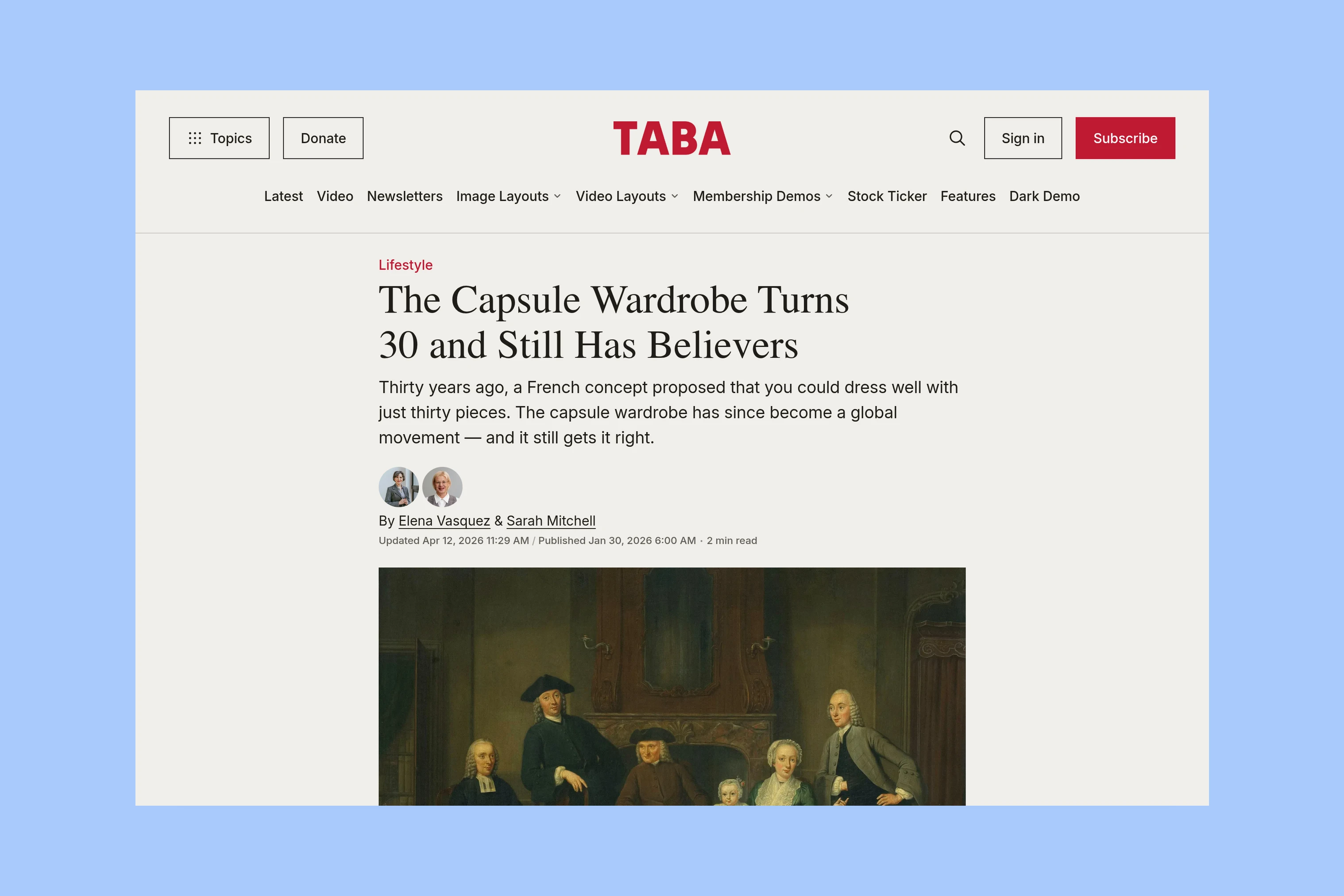
Compare a standard article in each demo on your phone, including its text and captions below the opening. This gives you a shared reference before judging Taba’s additional layouts.
Images and Video
Both themes can display media through Ghost’s editor cards. Taba adds custom story templates that change the opening itself, including the image and video treatments shown below. Its layout examples also cover galleries and the other options.
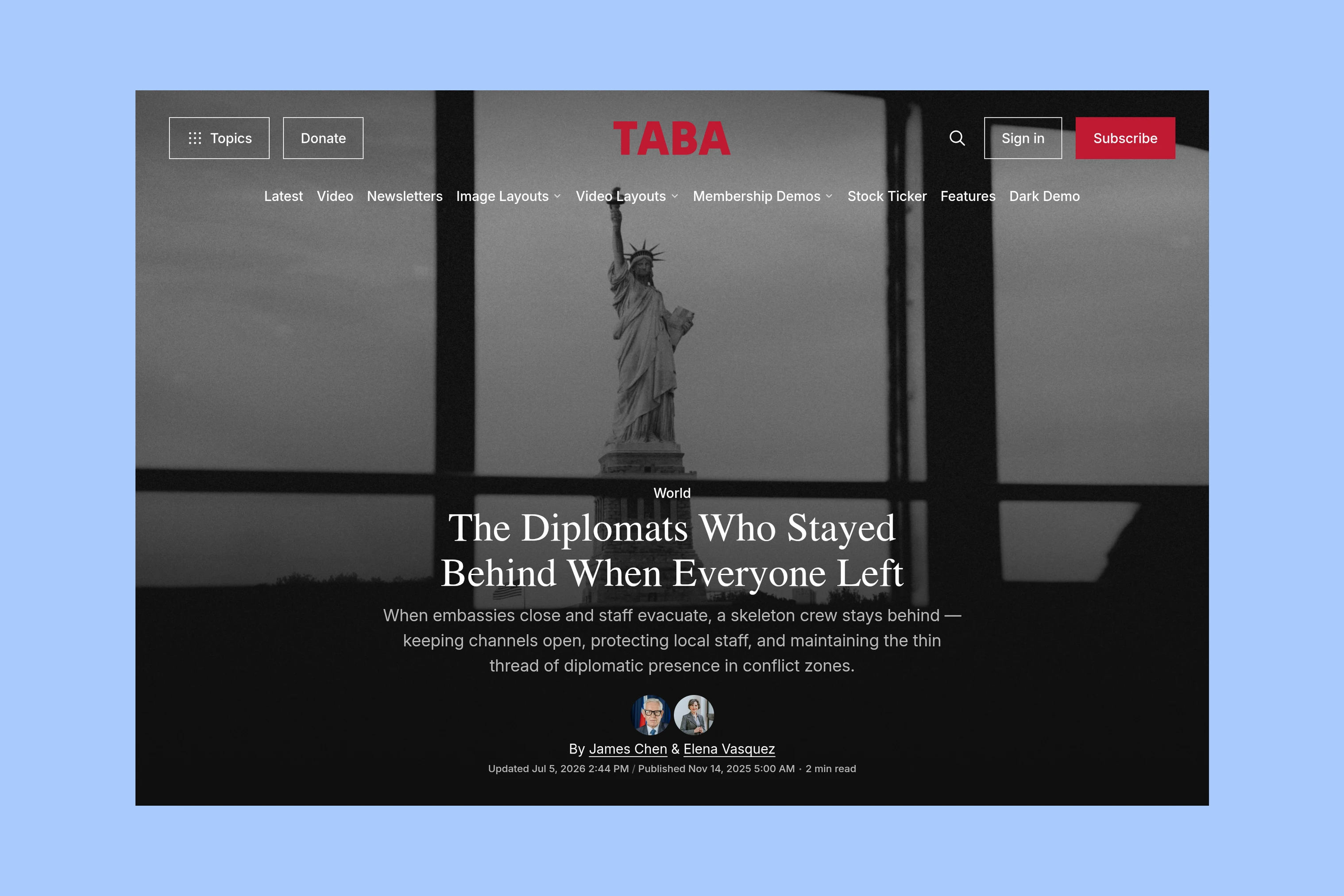
Use an image-led opening when the photograph is part of the story’s appeal.
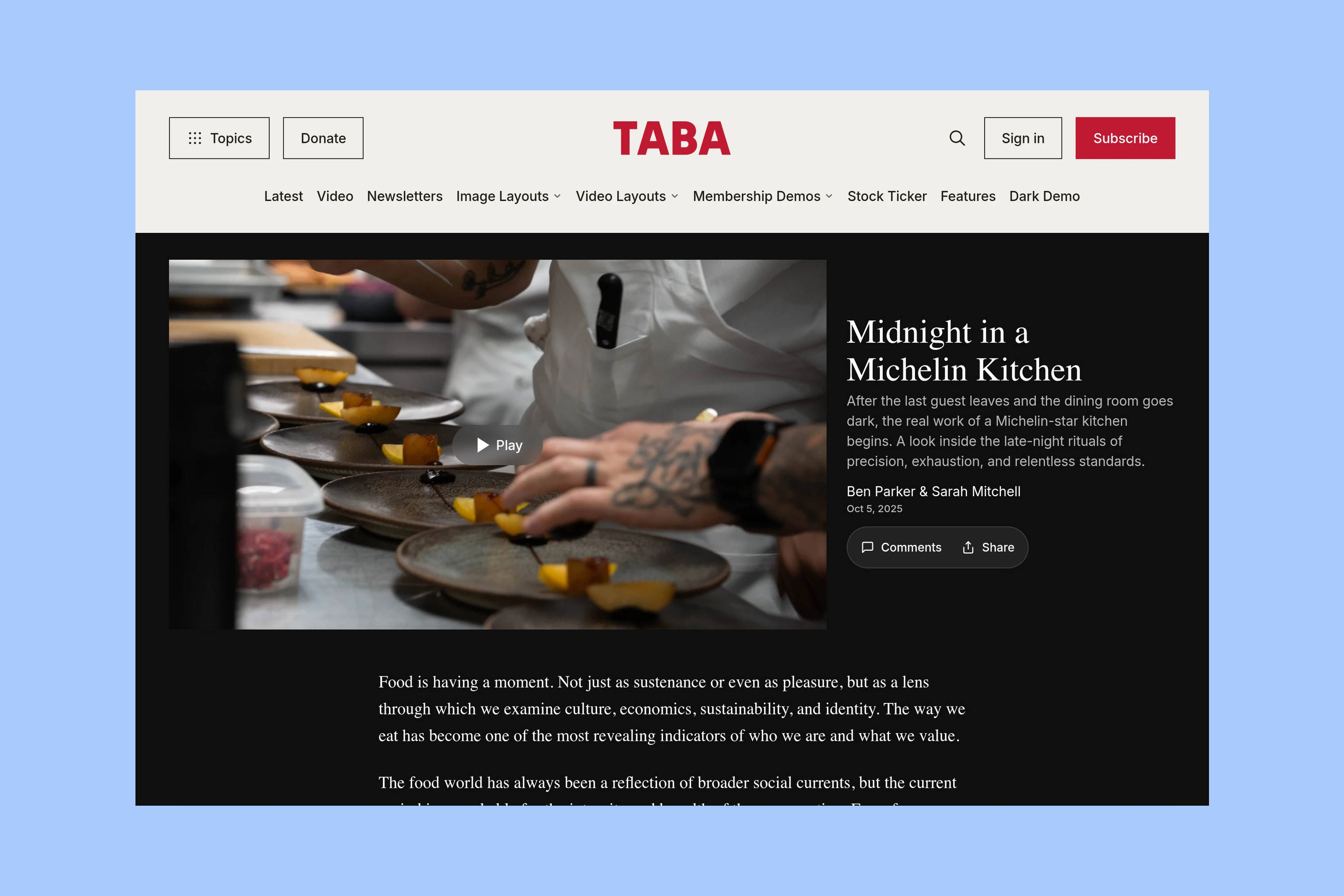
The video opening suits an interview or filmed report where watching is the main reason to open the article.
For occasional video within written reporting, editor cards may be enough. For a recurring series, compare Taba’s dedicated openings and video archive.
Reading Tools and Membership
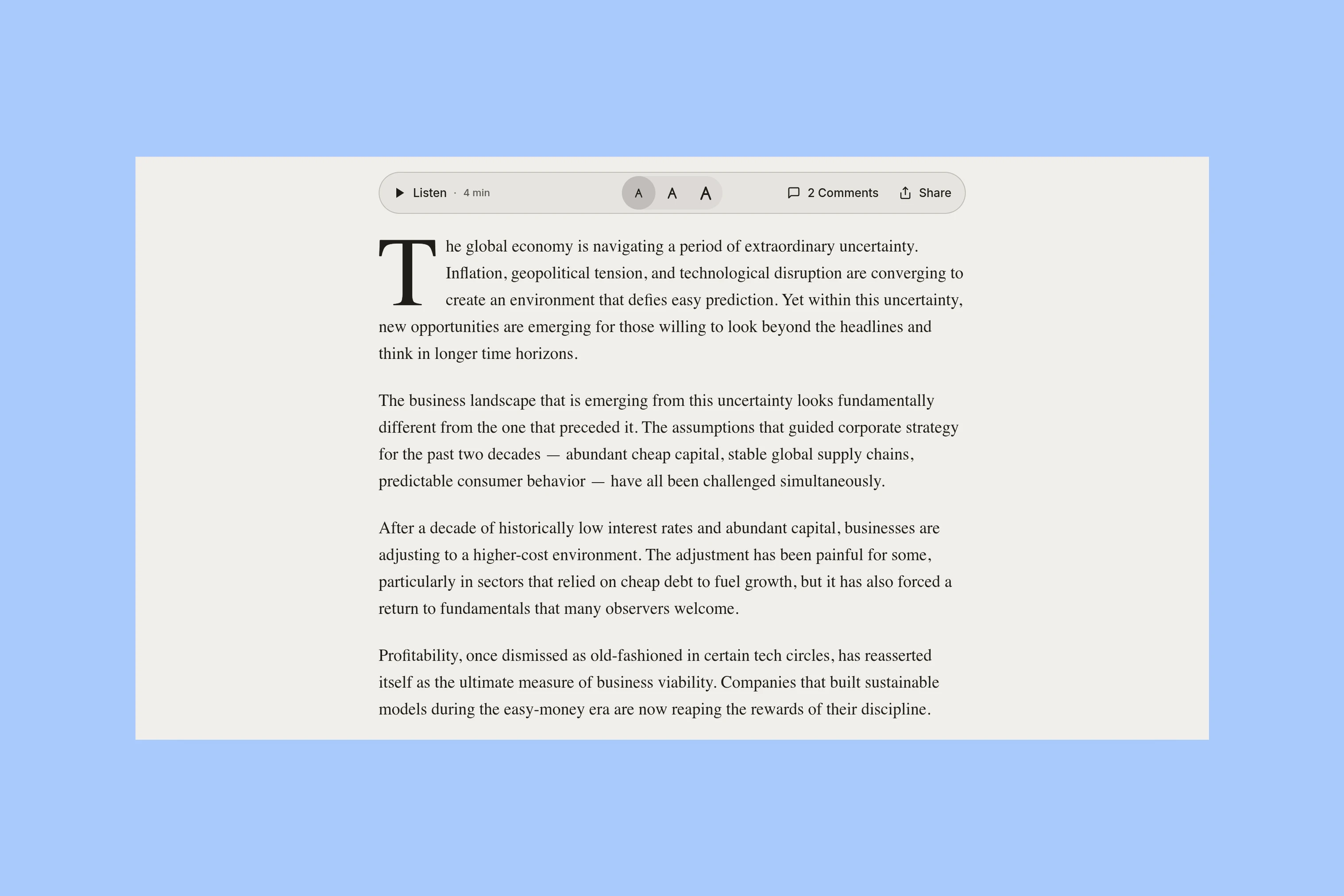
Tripoli includes a table of contents for long articles. Taba adds text resizing, listening, and reading progress. Try those controls with your audience in mind; voice playback depends on the browser and voice setup.
For a paid publication, open a restricted story while signed out in both demos. Both themes support Ghost memberships; compare the presentation of the signup or upgrade prompt and any public preview. Access levels and paid offers are configured in Ghost, as explained in Ghost’s protected-content guide, rather than determined by choosing one of these themes.
Which Theme Fits?
Tripoli is the stronger fit when your magazine needs selected stories beside recent coverage, recurring topic sections, and directories for subjects and contributors. A publication built mainly around written reporting can use that structure consistently without choosing a different opening for every story.
Taba is the stronger fit when separate topic sections and columns reflect your coverage, or when video, galleries, and varied story openings are regular editorial choices. Its additional reader tools are another reason to compare it for a publication with substantial long-form work. You can still use its standard article layout; selecting a custom treatment is an option, not a task for every post.