Ghost Inline Stocks: Add Stock Quotes to Ghost Posts
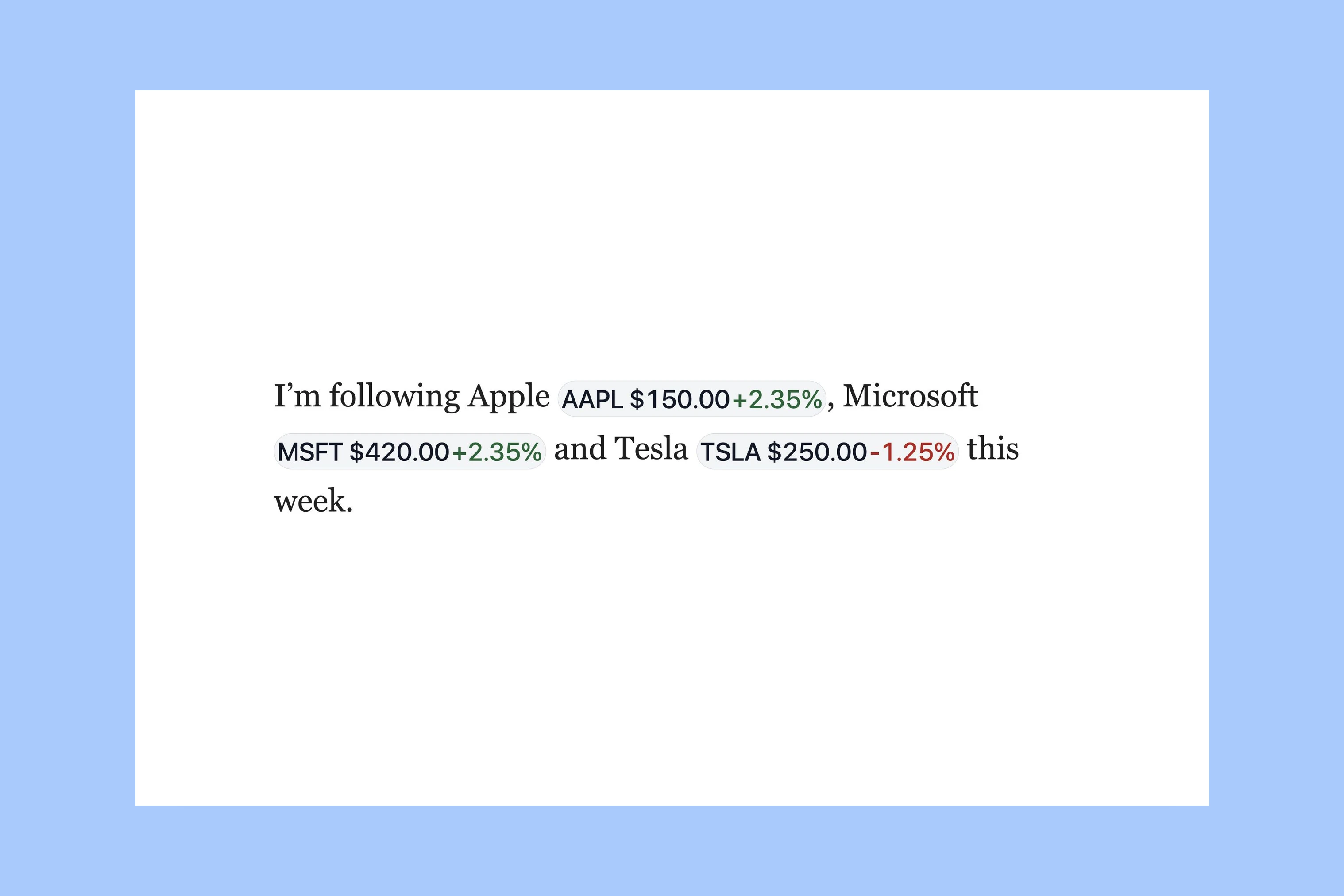
When an article mentions Apple’s stock symbol, $AAPL, a reader may want to see its price beside it. Ghost Inline Stocks turns that symbol into a small quote with a price in US dollars and a percentage change, directly inside the paragraph.
I made this free script so you can add the feature to your Ghost theme without editing theme files.
The feature is already included in Siwa and Taba, two Ghost themes I make. If you use either theme, follow the setup guide for your theme: Siwa or Taba.
Get a Finnhub Key
The script is free; the quotes come from Finnhub. You need a Finnhub account and an API key: a code that lets the script request quotes.
- Create or log in to your Finnhub account.
- Open the Finnhub dashboard.
- Copy your API key.
Check Finnhub’s current plans and limits, including which stocks you can access and permission to publish quotes. Then choose one of the two setup options below.
Choose a Setup
Complete one of the two options below, then continue to Add the Script.
Direct Setup
This is the quickest option. Anyone who views your site’s code will be able to see your Finnhub key.
- In Ghost, open Settings → Advanced → Code Injection.
- Paste this snippet into Site Header.
- Replace
YOUR_FINNHUB_KEYwith your key. - Select Save.
<script>
  window.finnhubApiKey = 'YOUR_FINNHUB_KEY';
</script>
Cloudflare Setup (Recommended)
This option keeps your Finnhub key in your Cloudflare account instead of your site’s code. You need a Cloudflare account and your Finnhub API key. You do not need to move your website to Cloudflare.
- Open the stock ticker setup.
- Connect your Cloudflare account.
- Enter your website address and Finnhub API key.
- Copy the snippet provided by the setup.
- In Ghost, paste it into Settings → Advanced → Code Injection → Site Header.
- Select Save.
If you switch from direct setup, remove the direct-key snippet. To add another site or update your key, run the setup again using the same Cloudflare account.
Add the Script
After completing either setup option, paste this into Site Footer and select Save:
<script
  src="https://cdn.jsdelivr.net/gh/aspirethemes/ghost-inline-stocks@main/dist/inline-stocks.min.js"
  defer
></script>
The script works on Ghost posts. It leaves the homepage, tag pages, author pages, and regular pages unchanged.
Check a Post
Write this in a normal paragraph, then open the post preview or its web page:
Following $AAPL and $MSFT this week.
Each supported symbol should show a price in US dollars and its percentage change from the previous closing price. Quotes load when the post opens; they do not update continuously.
Use uppercase US stock symbols of one to five letters, with a dollar sign before them. Symbols with extra parts, such as $BRK.B or $VOD.L, stay as plain text.
Symbols inside headings, links, and code blocks stay unchanged. The script enhances the web page; it does not add quotes to Ghost newsletter emails.
If a symbol stays unchanged:
- Check that you saved the setup snippet in Site Header and the script in Site Footer.
- Check that the symbol is uppercase and appears in a normal paragraph.
- For direct setup, check that you replaced
YOUR_FINNHUB_KEYwith your key. For Cloudflare setup, check that you entered the same website address readers visit. - Wait a minute and reload in case the account has reached its quote-request limit. Try
$AAPLas well: if it loads but another symbol does not, contact Finnhub support to check whether your plan covers that symbol.
If quotes still do not appear, contact me with your theme name, the post’s address, and the stock symbol. Do not include your API key in the message. The original symbol stays readable when a quote cannot load.
Remove the Feature
To disable the feature, delete the Inline Stocks script from Site Footer and save. To remove its configuration too, delete the setup snippet from Site Header if no other stock feature uses it. Preserve any unrelated code in both fields. Your posts still contain the original symbols; no post content needs to be rewritten.
More from the Blog
Latest Ghost Themes

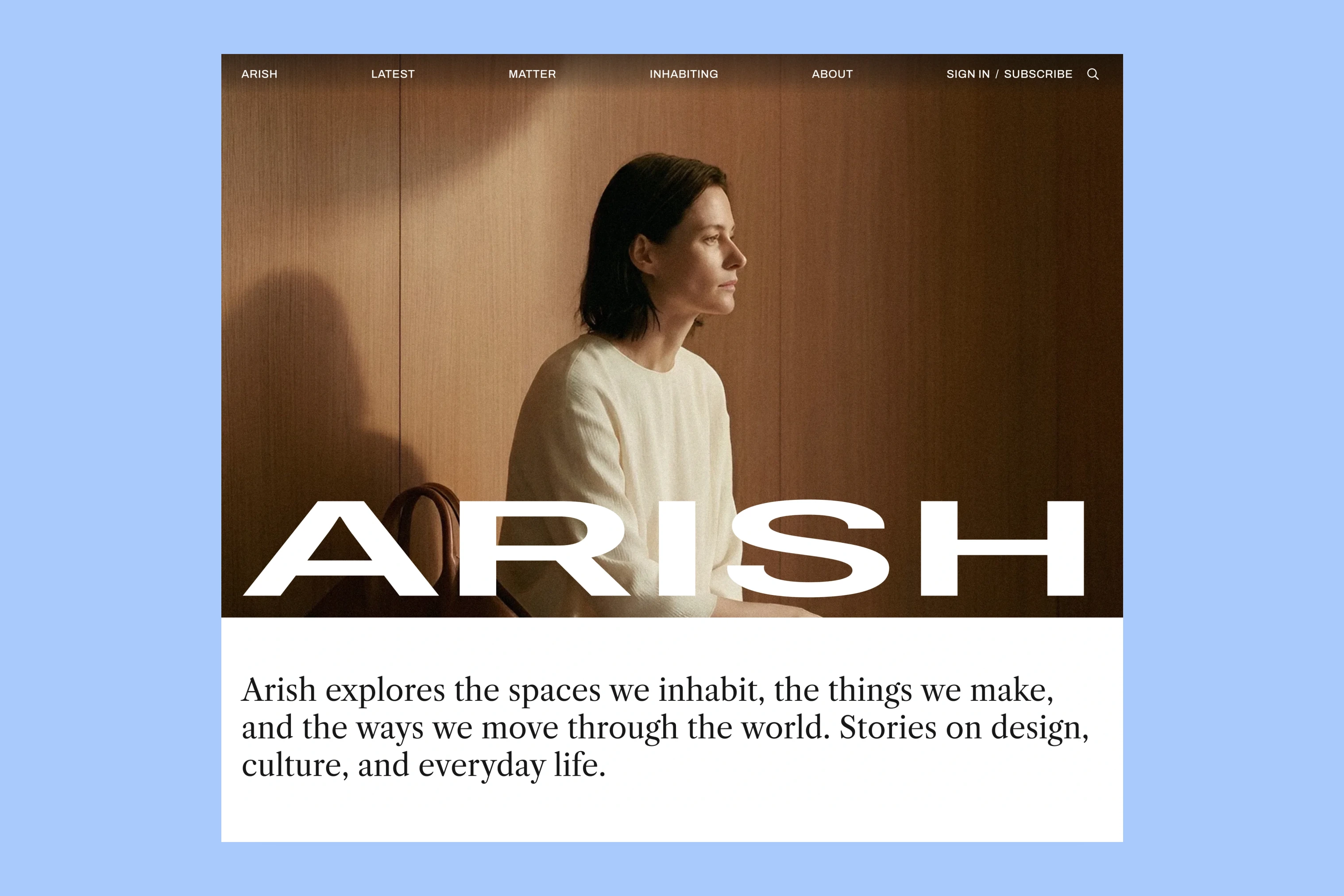
Arish
For visual magazines that lead with photography, film, and selected stories.
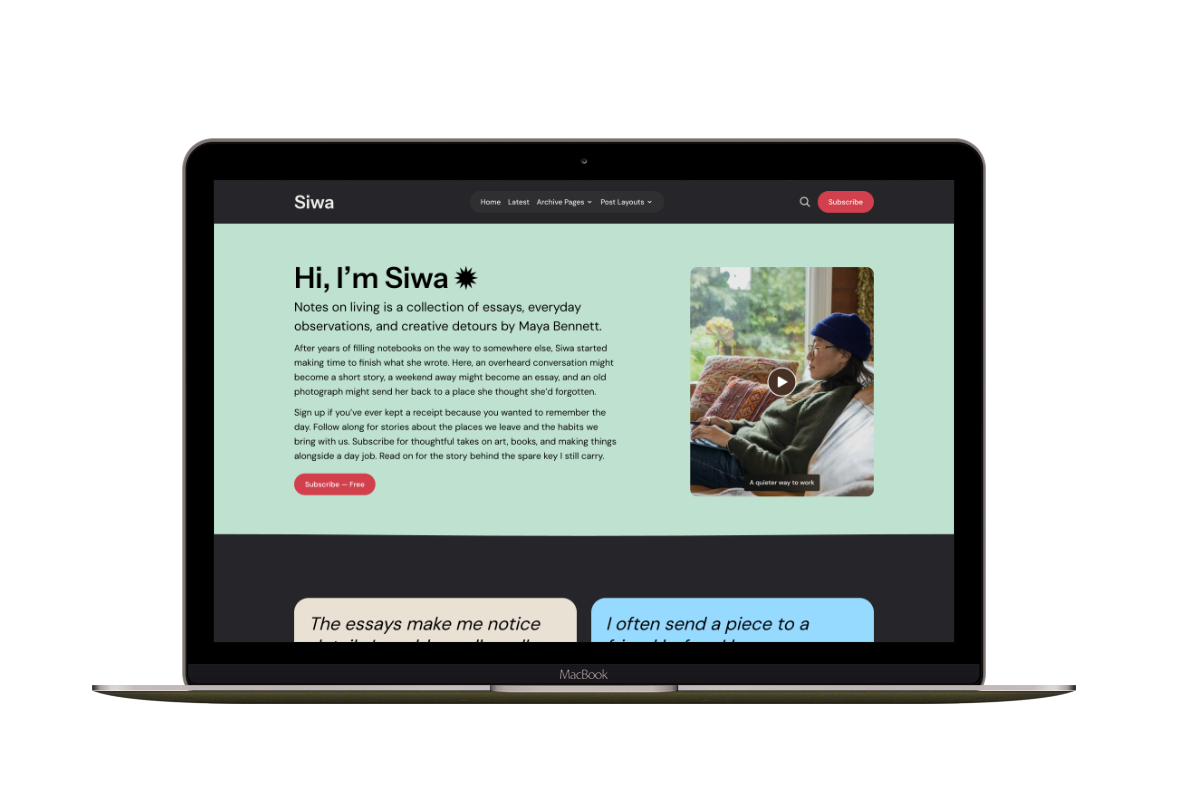
Siwa
A personal publication that introduces the writer before inviting readers into the stories.
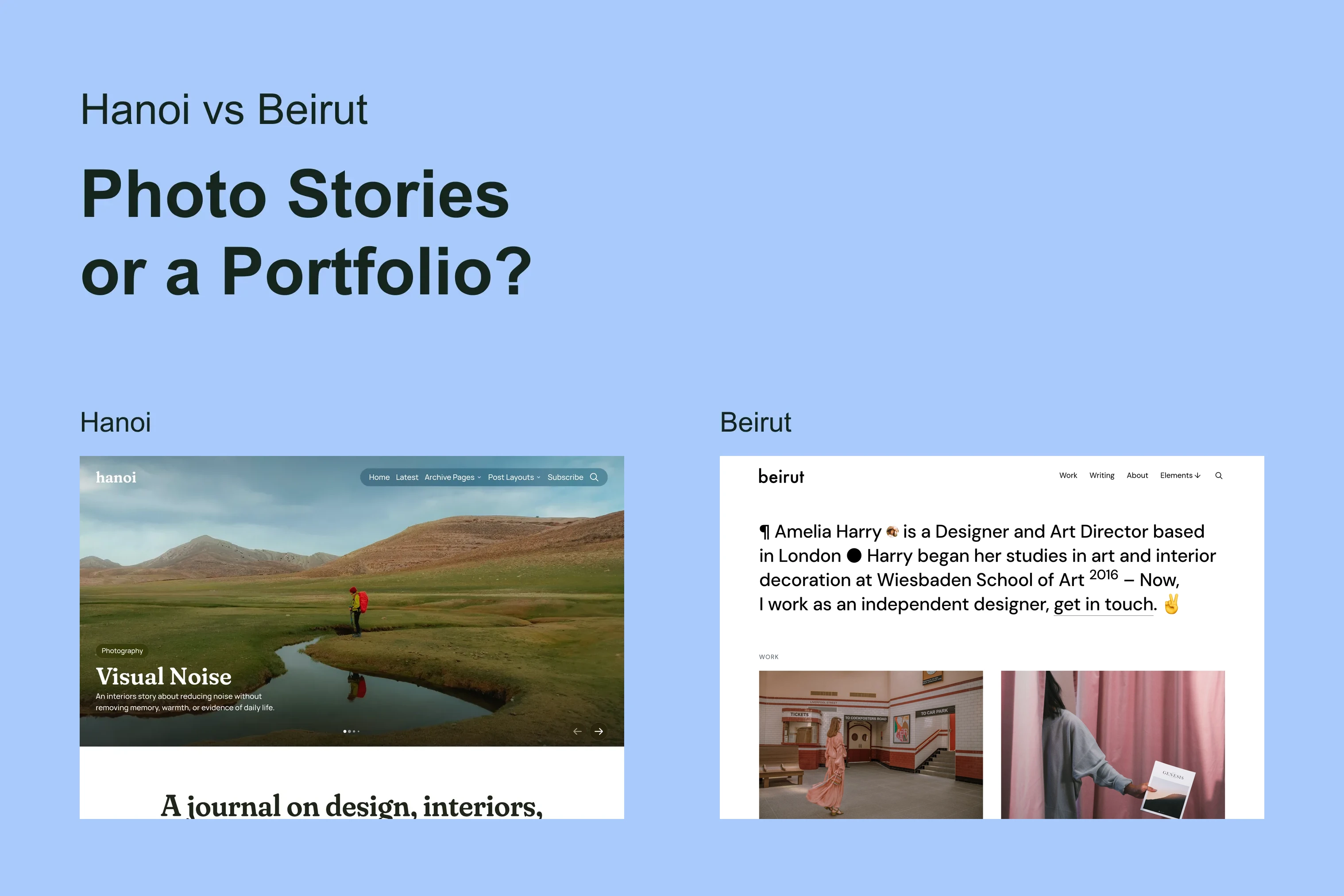
Hanoi
An image-led magazine for creative stories, rich navigation, and long-form reading.
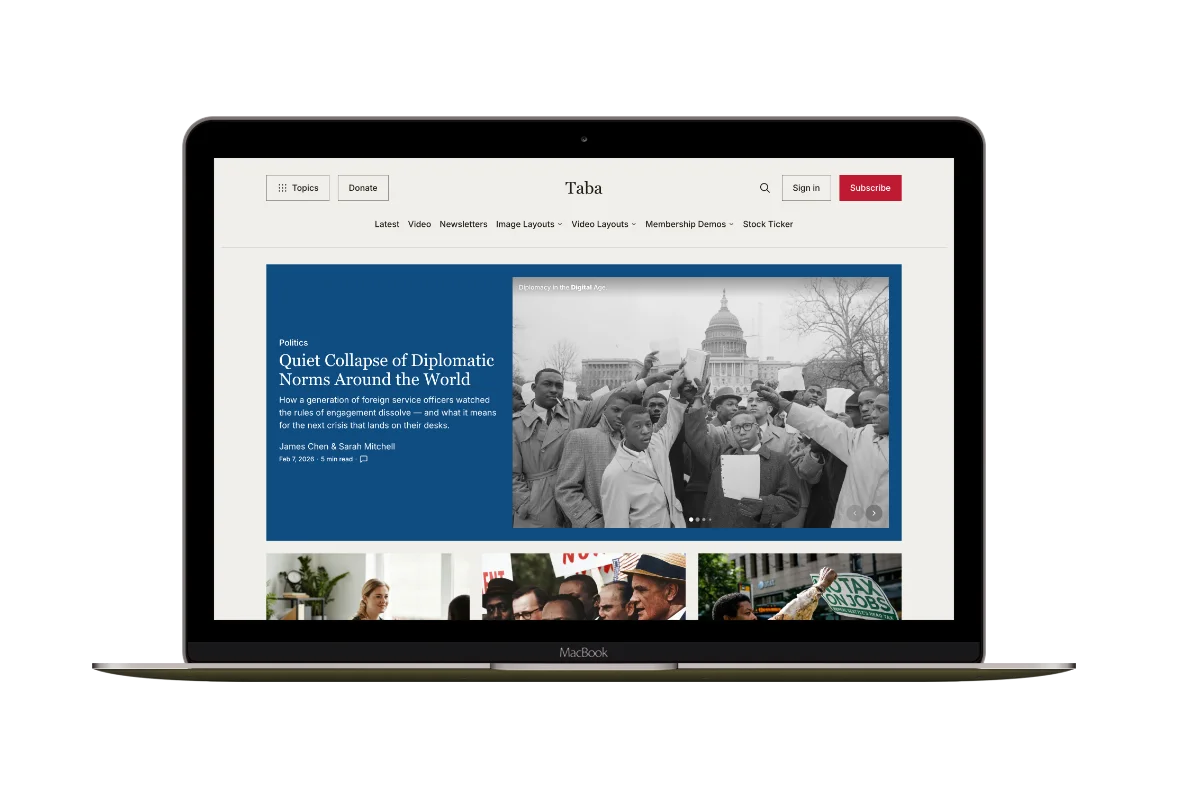
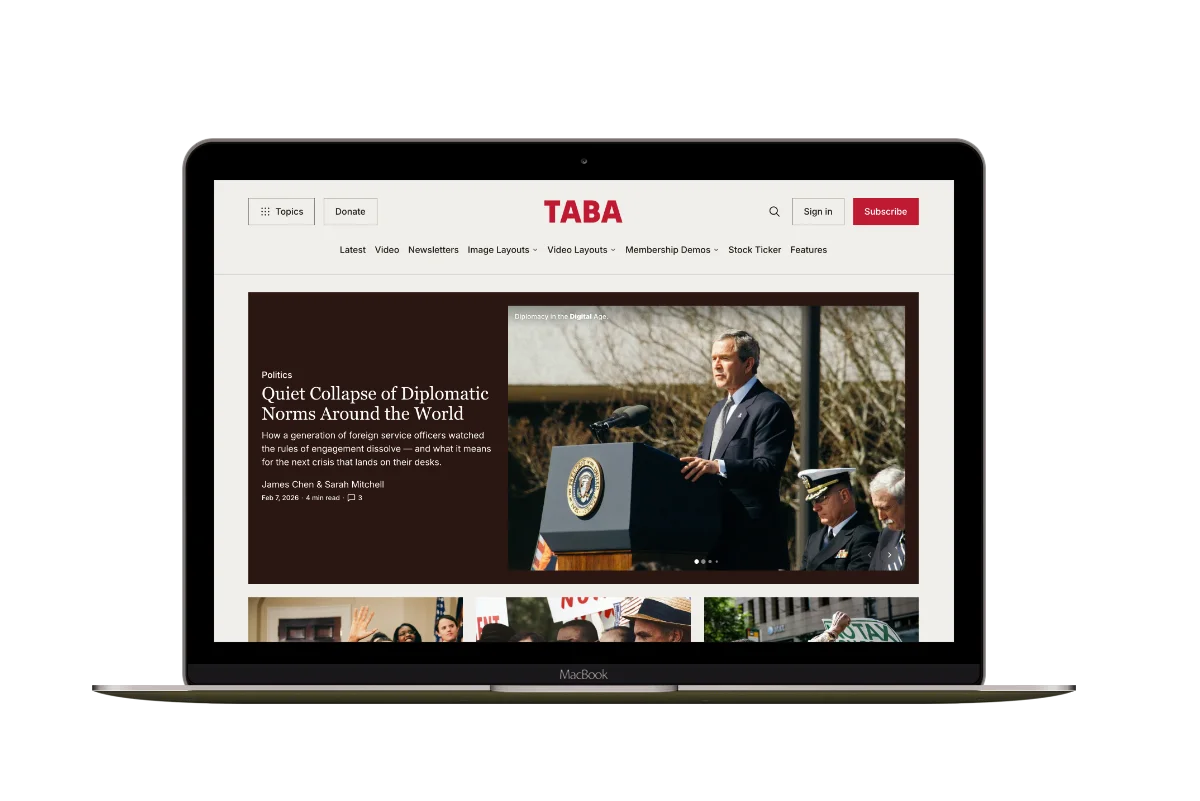
Taba
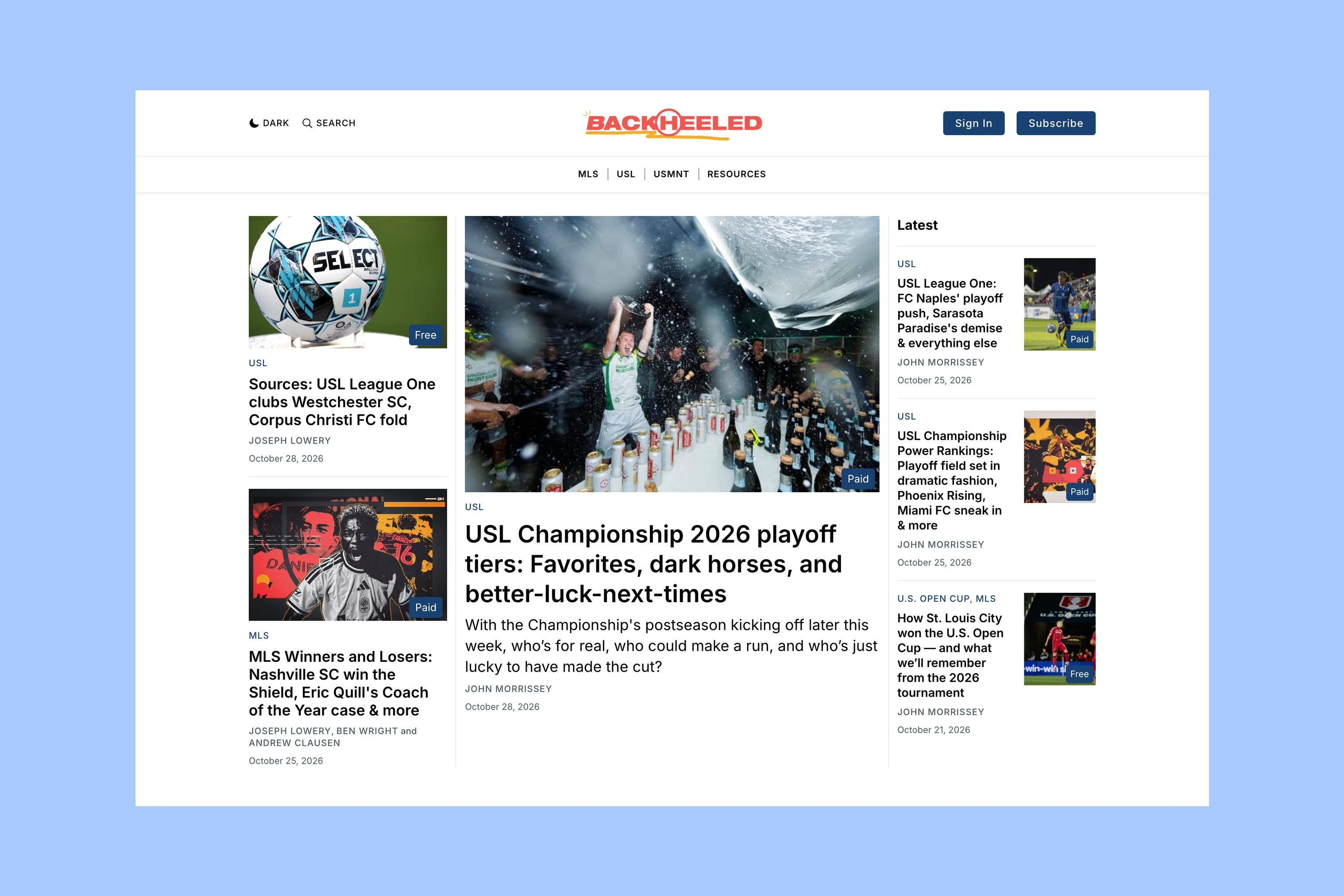
A newsroom front page for coverage across topics, video, and story formats.

Marsa
A flexible publication homepage for featured stories, topics, and newsletters.
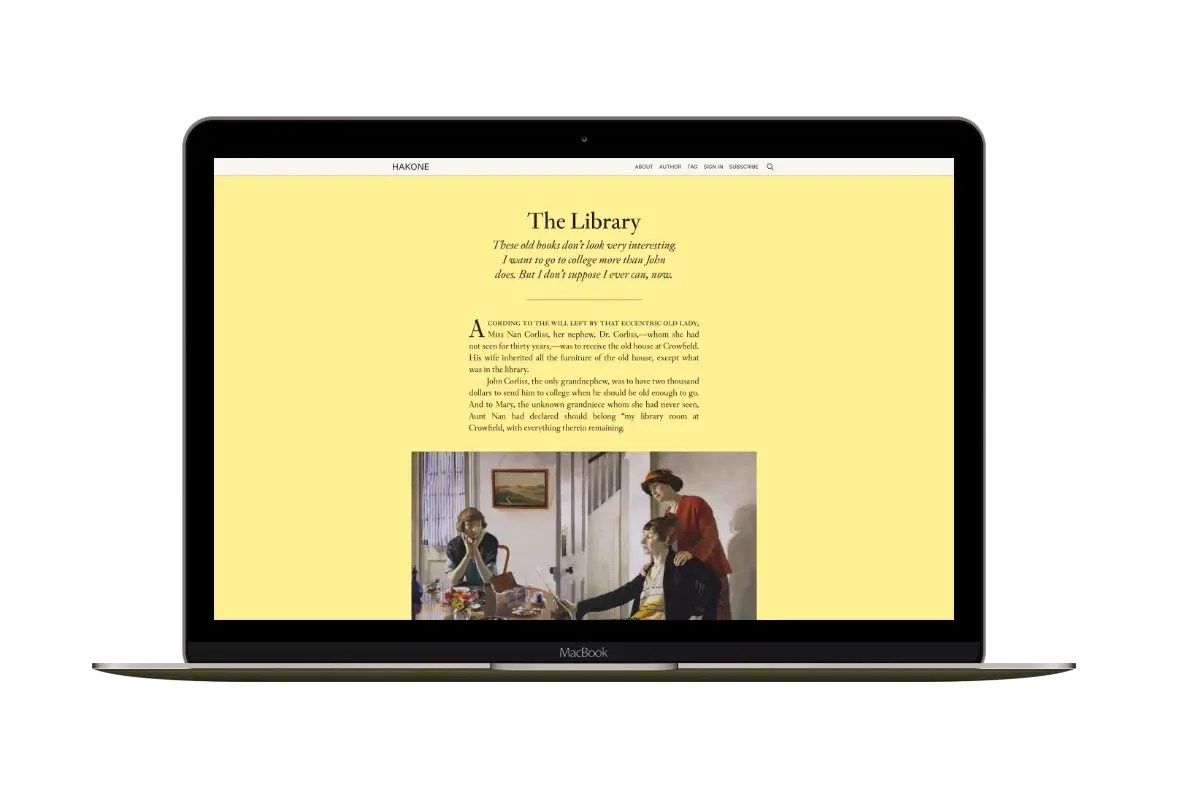
Hakone
For writers who want readers to browse complete posts on the homepage.