What to Check Before Buying a Ghost Theme
Before buying a Ghost theme, answer three questions: can you install it, does it fit your content, and what work will you need to set it up and maintain it? The examples below use Aspire Themes’ Siwa demo.
Can You Install It?
On Ghost(Pro), you need a hosting plan that permits custom themes. Starter does not; check the current plan comparison before buying a third-party theme.
If you host Ghost yourself, check that the theme supports your installed Ghost version. Ask the developer if the product page does not specify this.
Ask whether the current release passes Ghost’s GScan checker, which checks theme files for errors and compatibility issues. It does not assess the design or loading speed.
Does It Fit Your Content?
Homepage Layout
Open the live demo and check how visitors reach the writing. A complete-post homepage lets them begin reading immediately; story cards let them choose an article first. An introduction gives them context about the writer before either step.
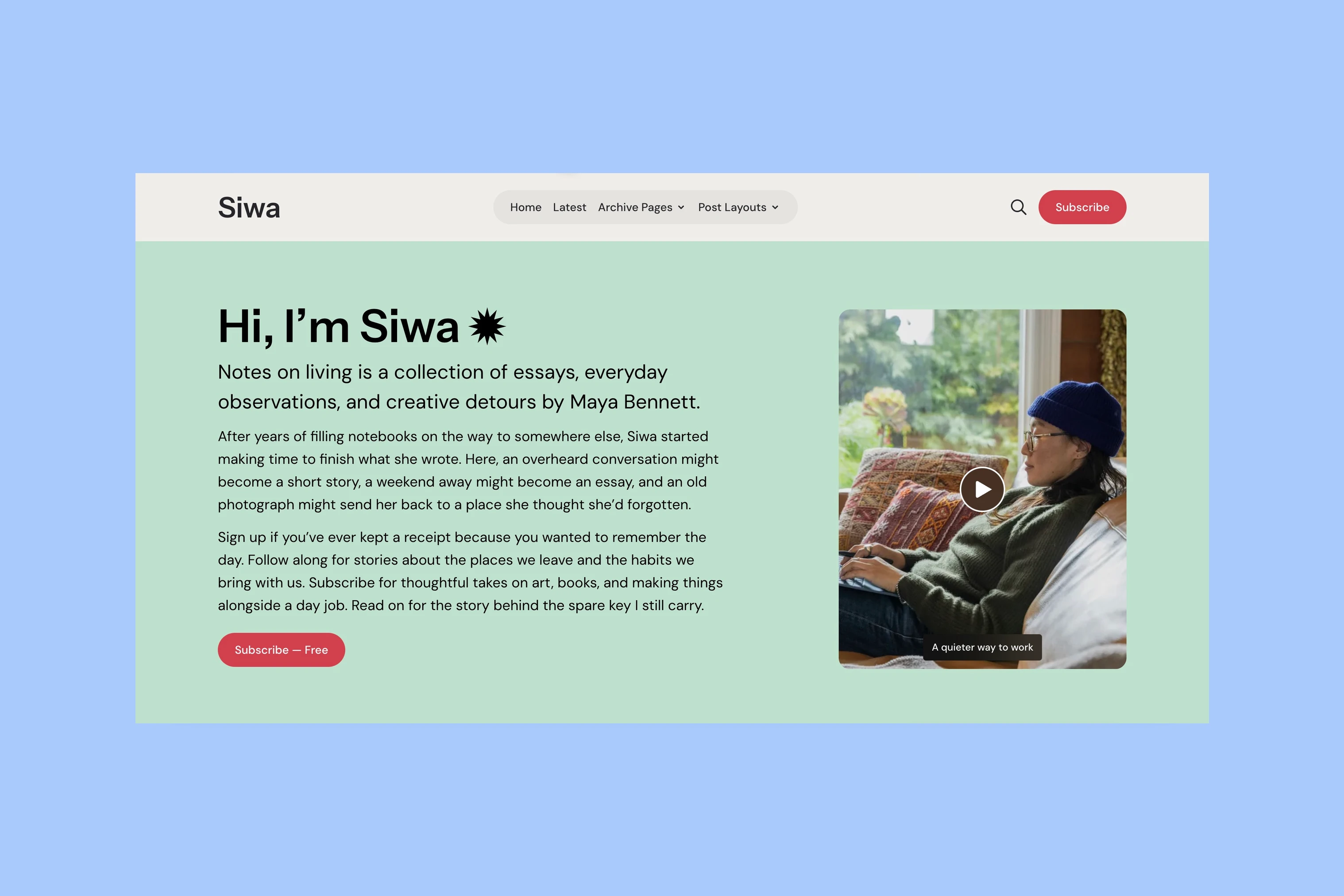
Look for demo posts similar to yours, including long titles or posts without images. If an important format is missing, ask the developer to show an example. For a new site with few posts, ask which homepage sections you can leave out.
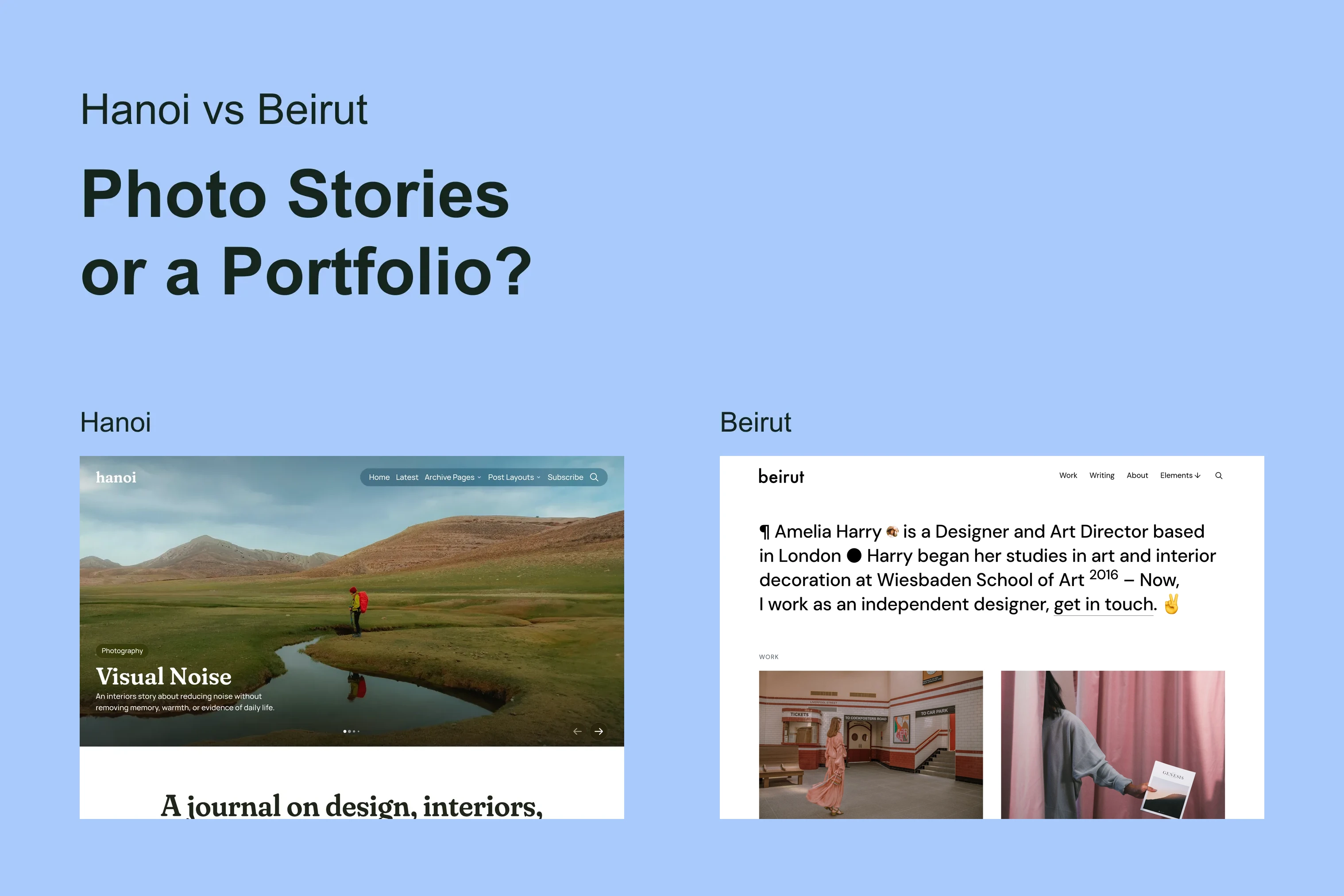
The Sinai and Hakone comparison shows the difference between story cards and a complete-post reading feed.
Article Pages
Read a full demo article on your phone and desktop. Check text size, long headings, image crops and captions. If you publish video or audio, find a post that includes it and try the player.
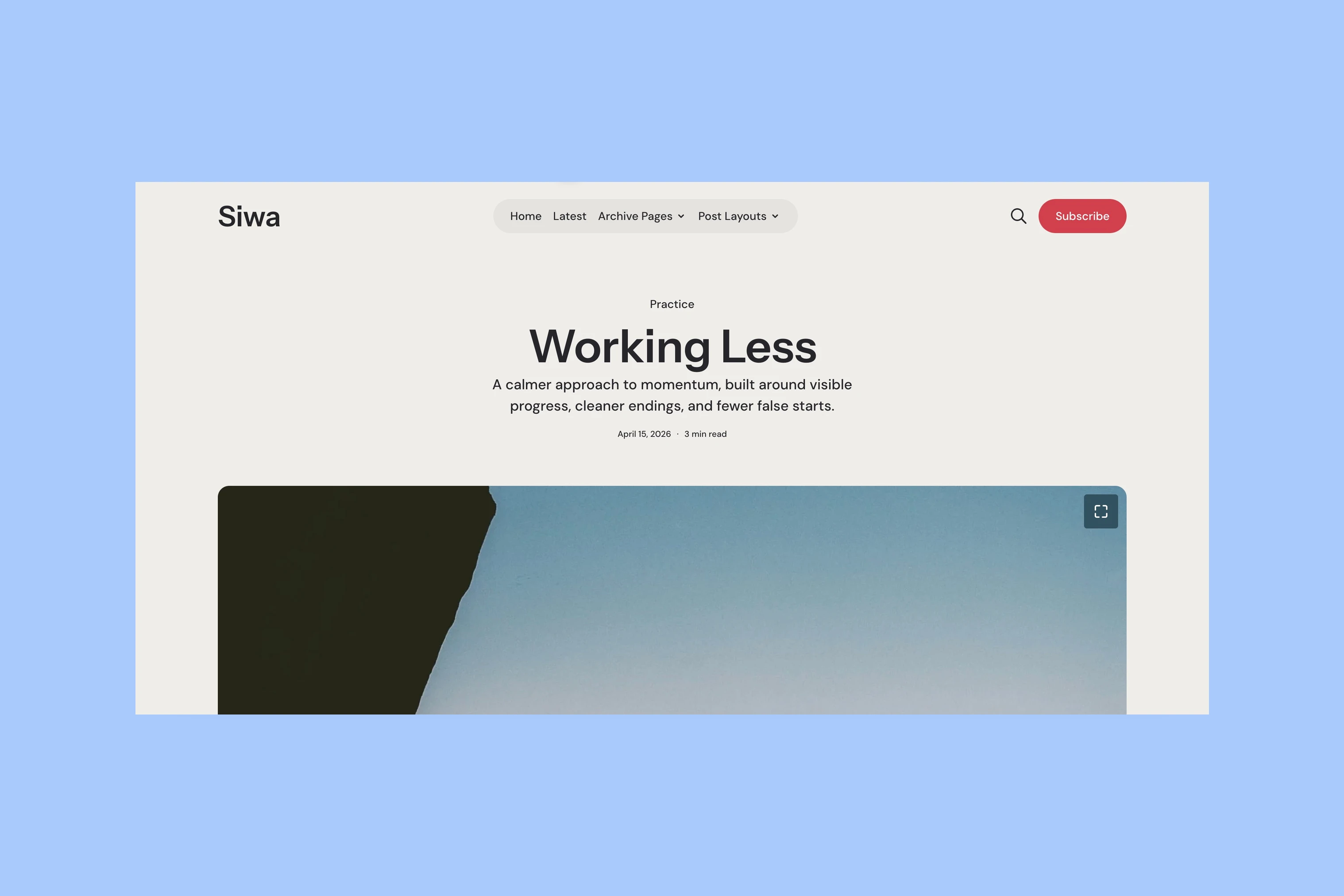
Try search and subscription links if you plan to use them. Check that search returns matching posts and that the subscription link reaches the intended signup form.
What Work Will You Need?
Setup
Read the setup documentation before buying. Check which sections need pages, tags or selected posts, and which changes need code. Ask about a specific change you want to make, such as moving the signup form or changing the homepage order.
The Siwa setup guide explains how to create its homepage and newsletter section. Check whether sample writing and images are included or whether you must supply your own.
Ghost controls newsletter email templates separately from the website theme. The website and email guide explains where each design is configured.
Support, Updates and the License
Check how many sites the license covers, how updates are delivered and which work support includes. Read the changelog to see recent fixes and compatibility updates.
Aspire Themes’ single-theme license covers one Ghost website and permits a separate test installation. Six months of support covers theme functionality, configuration and bugs in the original theme. Customization, manual update installation and Ghost server setup are excluded. Available theme updates continue after support expires. See the terms and FAQ for the full conditions.
Before paying, resolve any unanswered question with the developer. Name the change or content format you need and ask whether the theme supports it, what setup it requires, and whether that work is included in support.
More from the Blog
Latest Ghost Themes

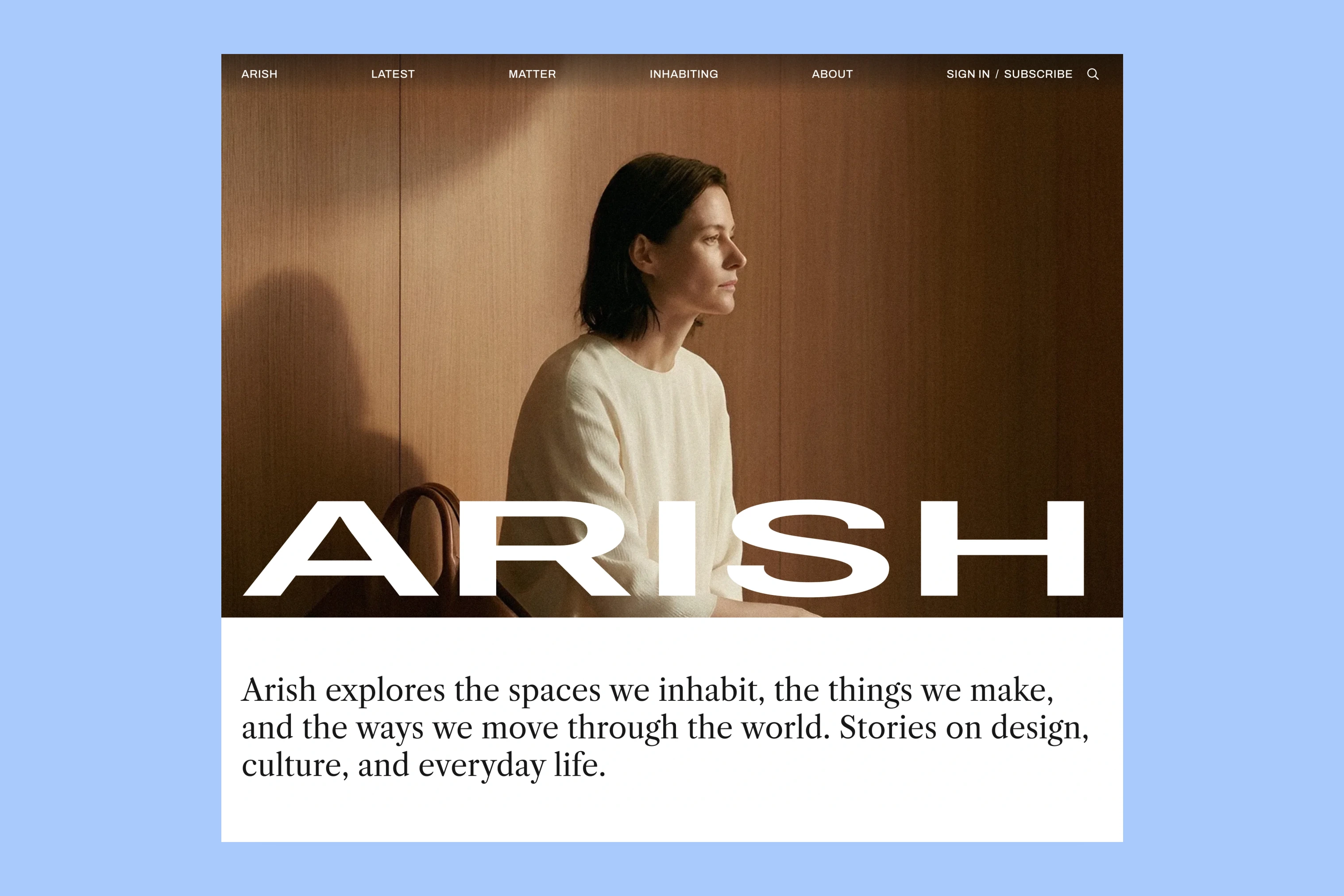
Arish
For visual magazines that lead with photography, film, and selected stories.
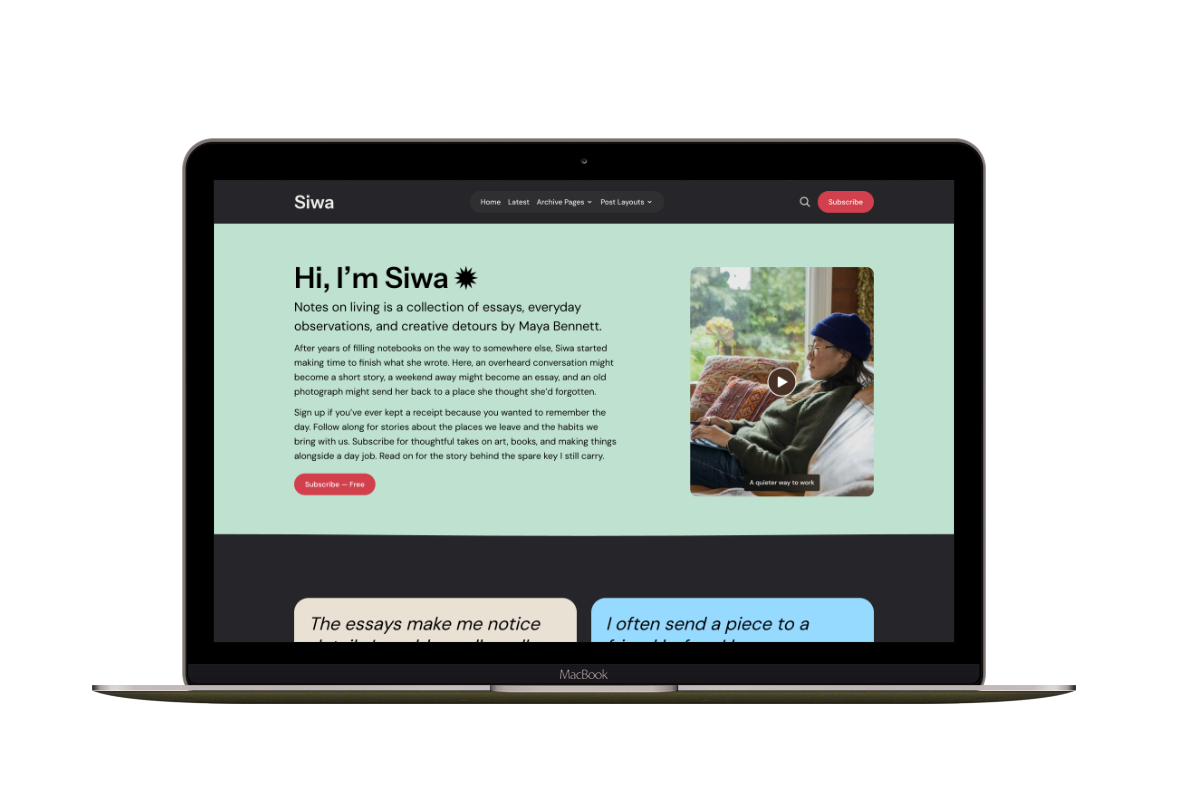
Siwa
A personal publication that introduces the writer before inviting readers into the stories.
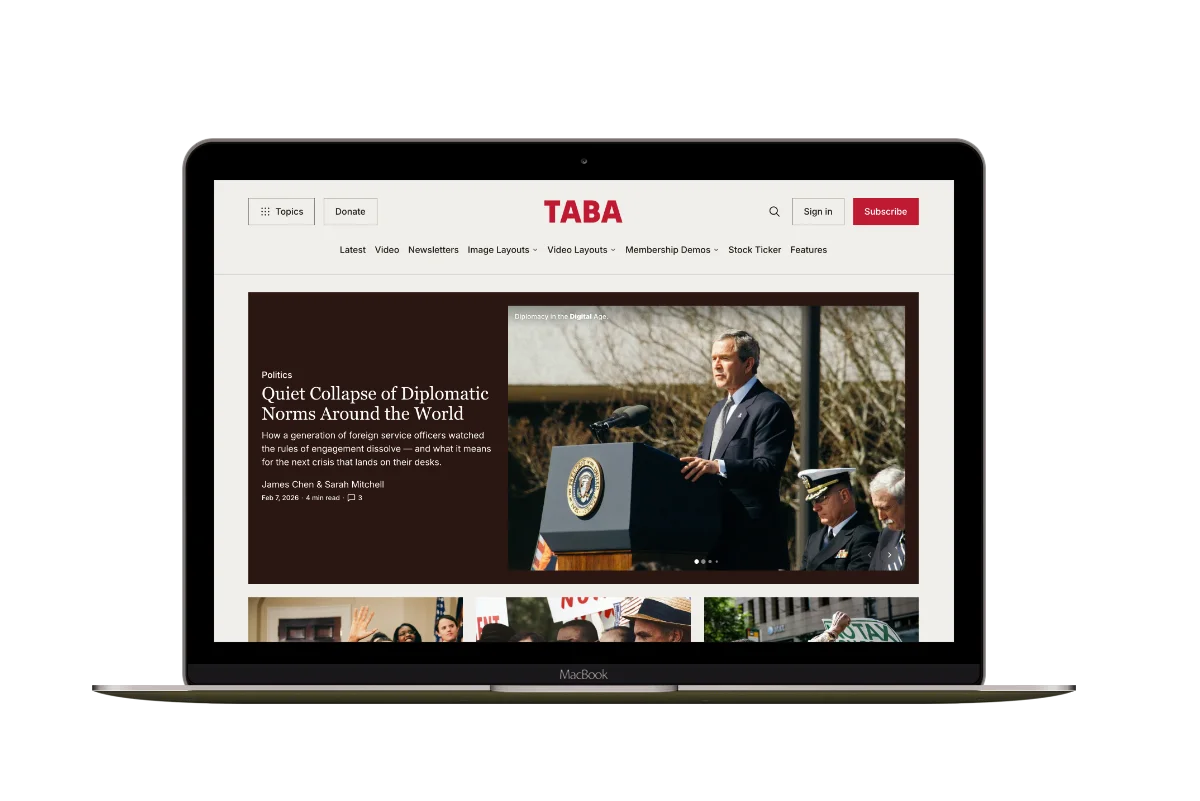
Hanoi
An image-led magazine for creative stories, rich navigation, and long-form reading.
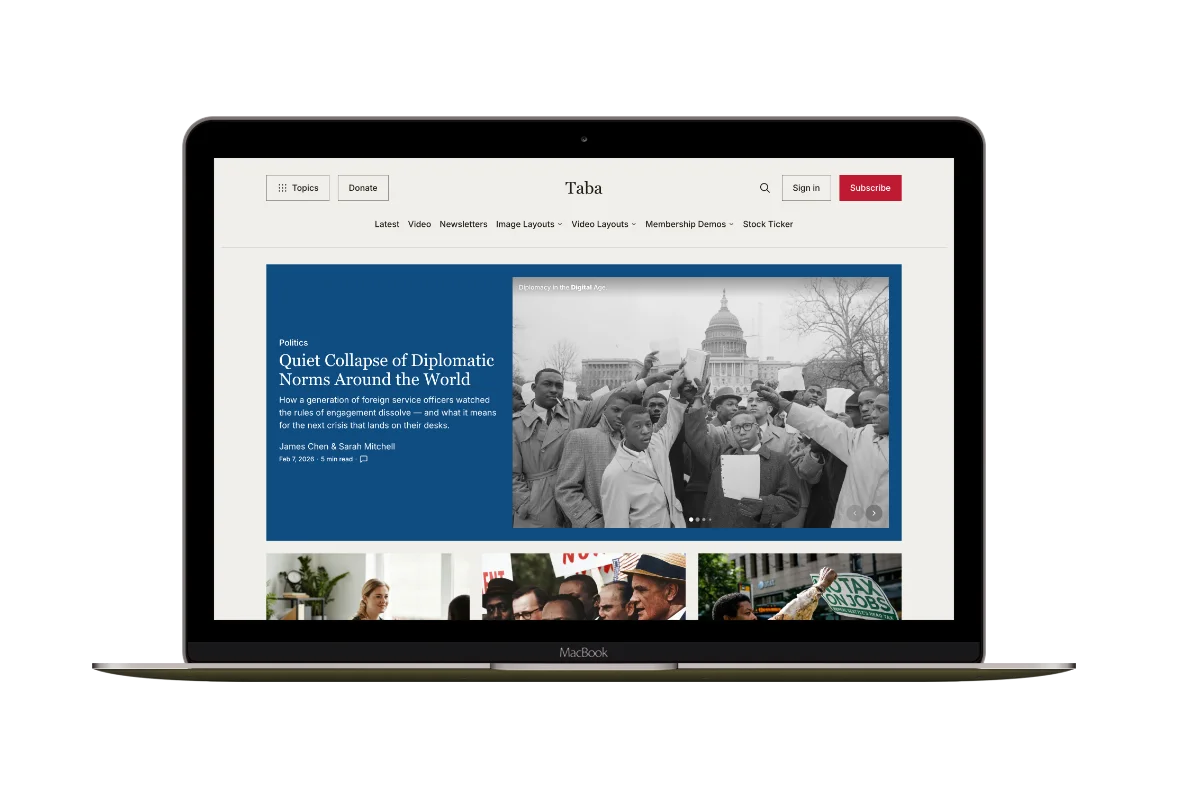
Taba
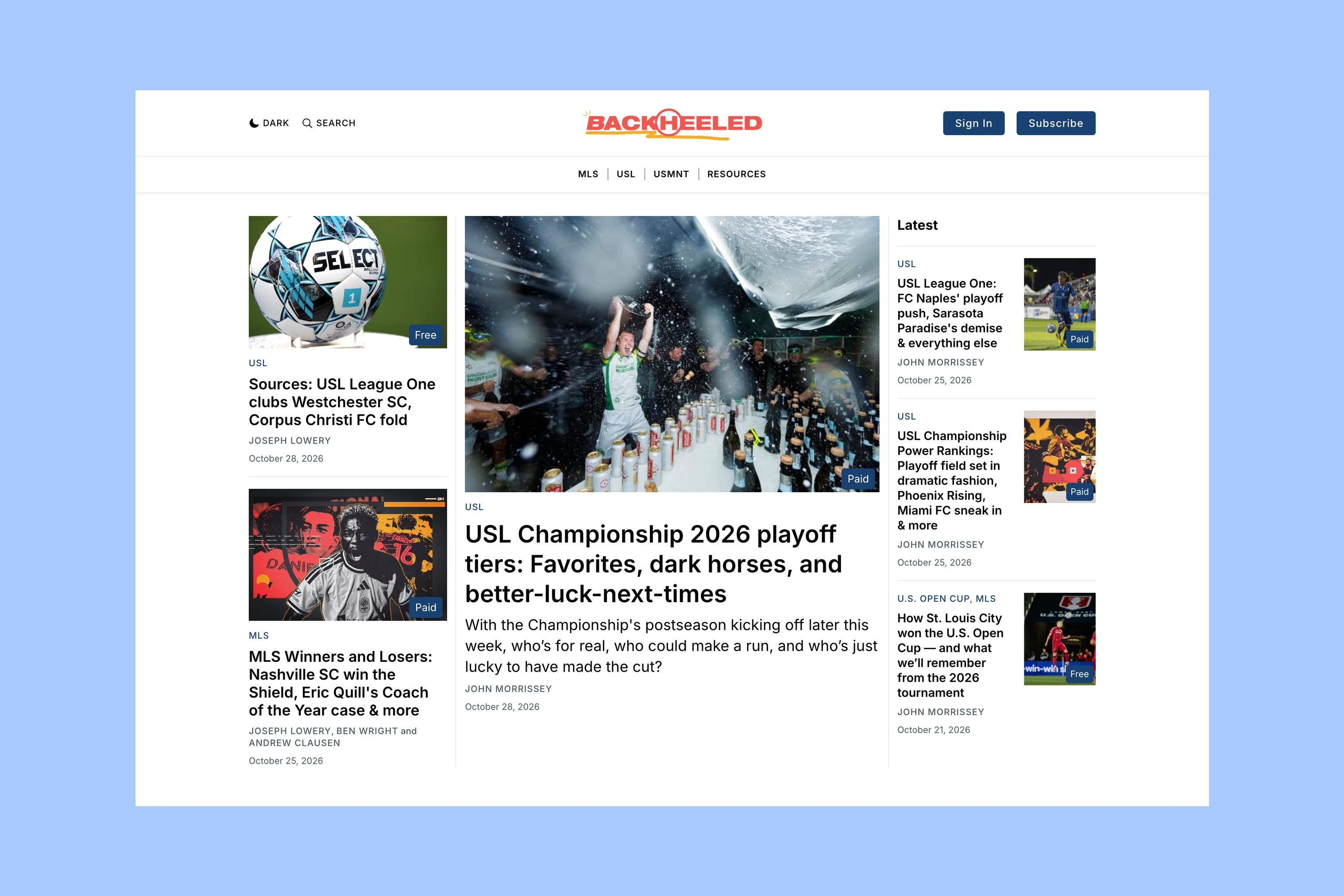
A newsroom front page for coverage across topics, video, and story formats.
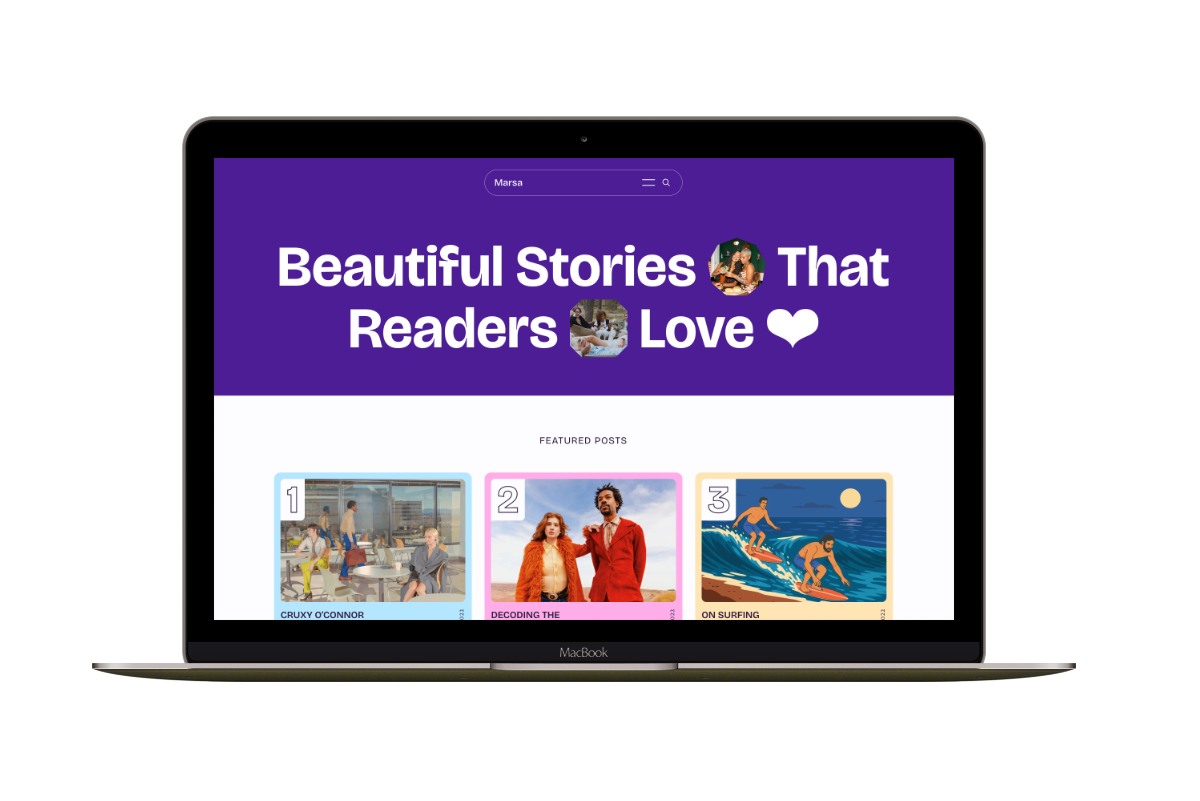
Marsa
A flexible publication homepage for featured stories, topics, and newsletters.
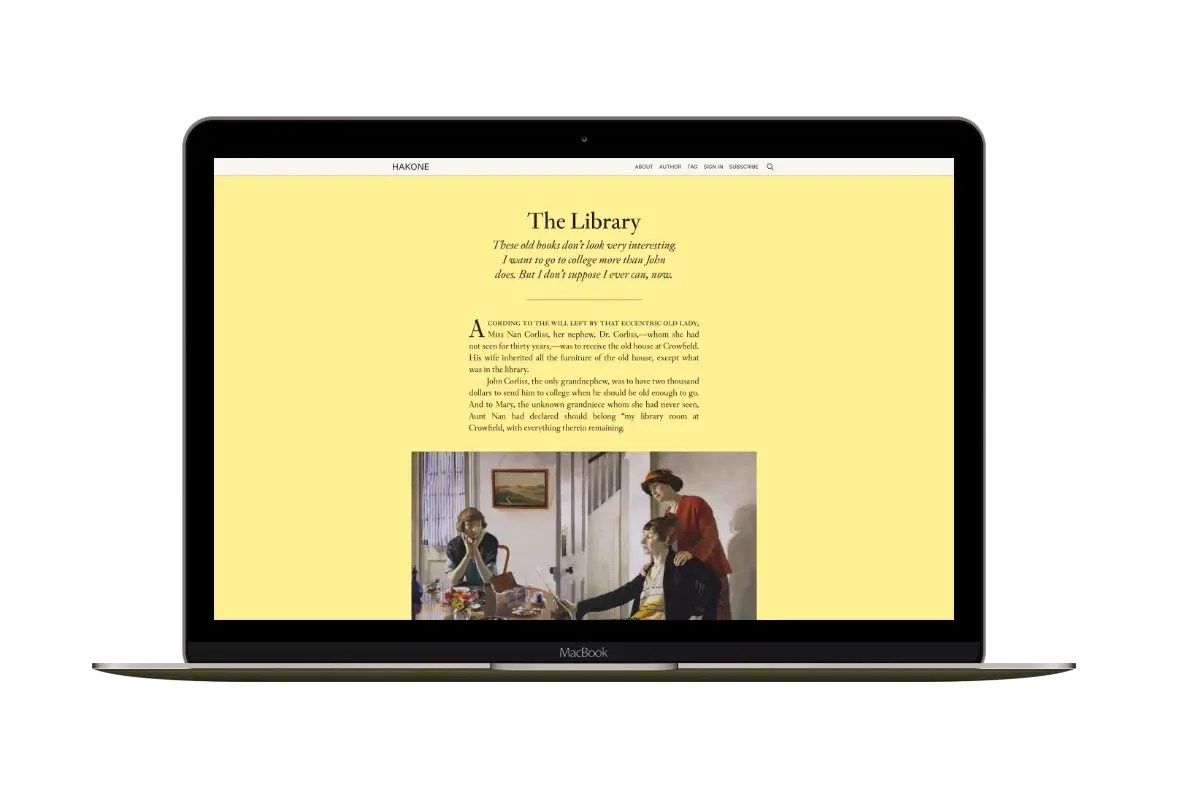
Hakone
For writers who want readers to browse complete posts on the homepage.