Hanoi vs Tripoli: choosing a Ghost magazine theme
A magazine homepage can give its first screen to one story. It can also show several headlines for readers to choose from. That choice matters more than the demo’s subject, whether it is photography or politics.
Hanoi leads with a large image and one selected story at a time. Tripoli puts a lead story, supporting stories and a Latest column together. I make both themes at Aspire Themes; the examples below use their public demos and sample content.
The first screen
The featured photograph fills most of Hanoi’s opening screen. The title and introduction sit over the image. Controls let readers move between up to five featured posts. This gives a photo essay, interview or other lead story its own opening.
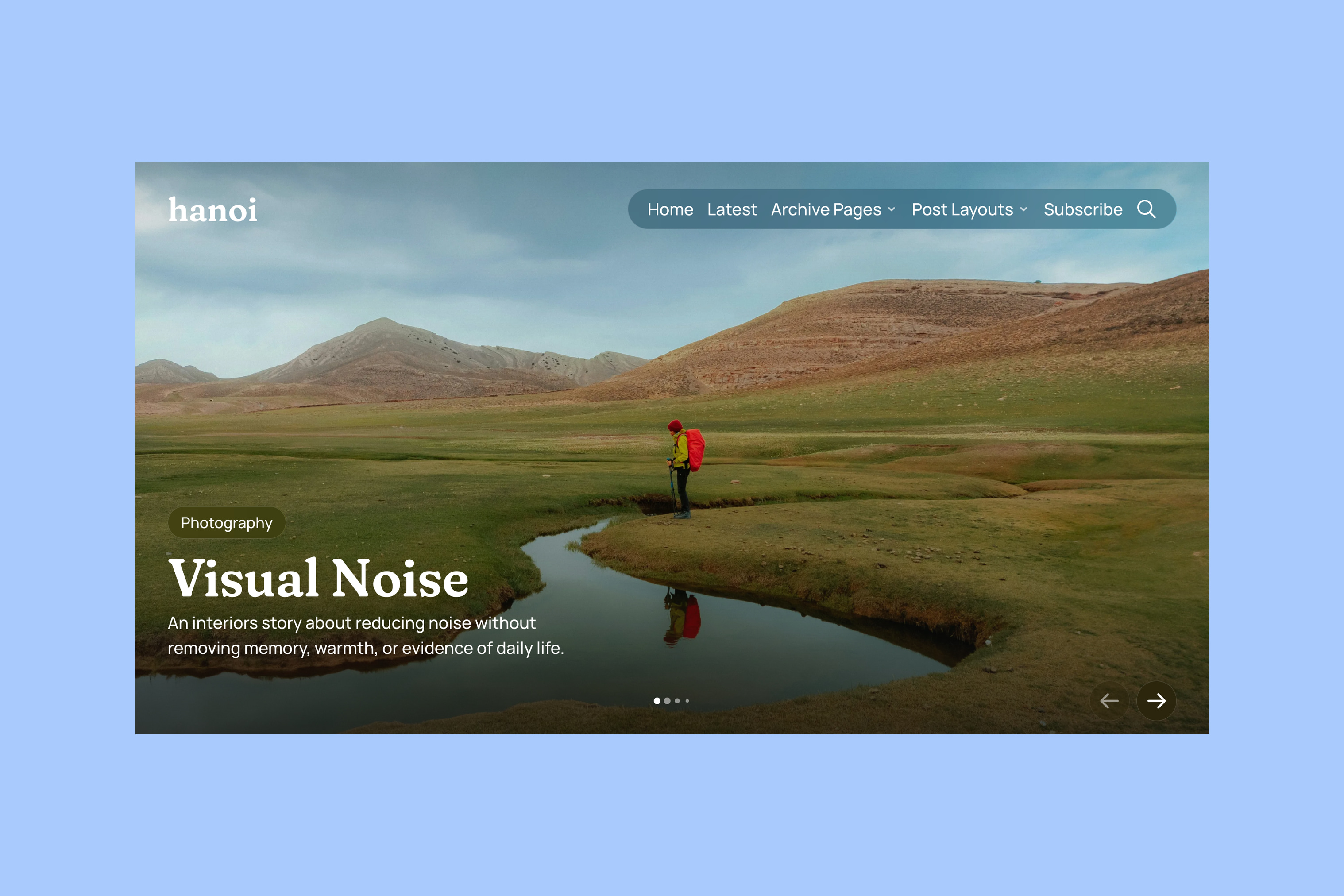
Choose a photograph that keeps the title readable and its main subject visible in a wide crop. Other stories remain available. The first screen gives the active lead priority. It does not show a list of other stories to choose from.
Tripoli makes more of those alternatives visible at once. On desktop, one large featured story sits in the center. Two supporting featured stories sit on the left. Recent stories appear on the right.
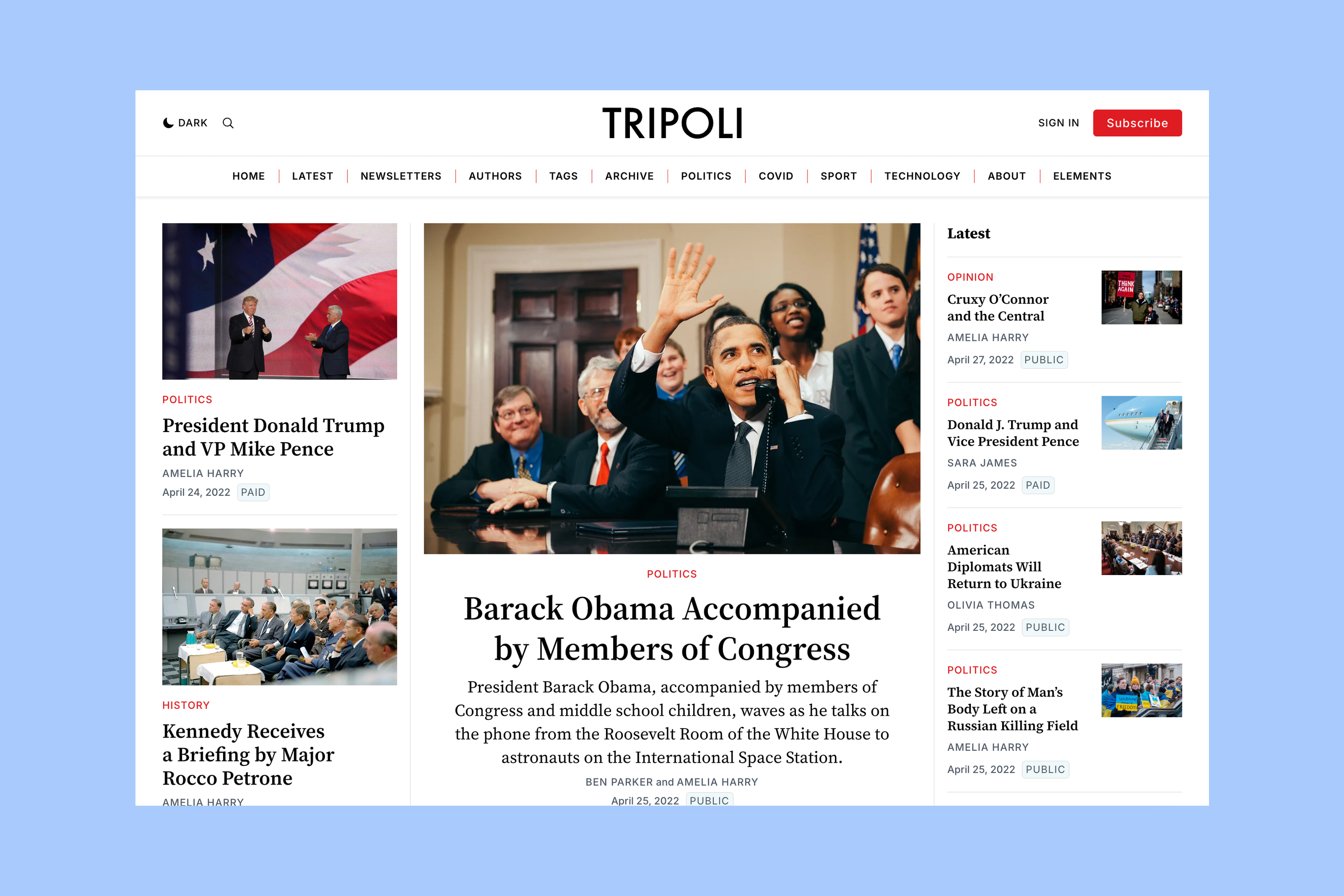
Visitors can scan several story groups before choosing an article. This layout needs enough published content to make those groups useful. On a phone, these story groups stack. The layout does not squeeze desktop columns into a narrow screen.
Browse by tag
Next, compare how readers browse by tag instead of starting with the lead story.
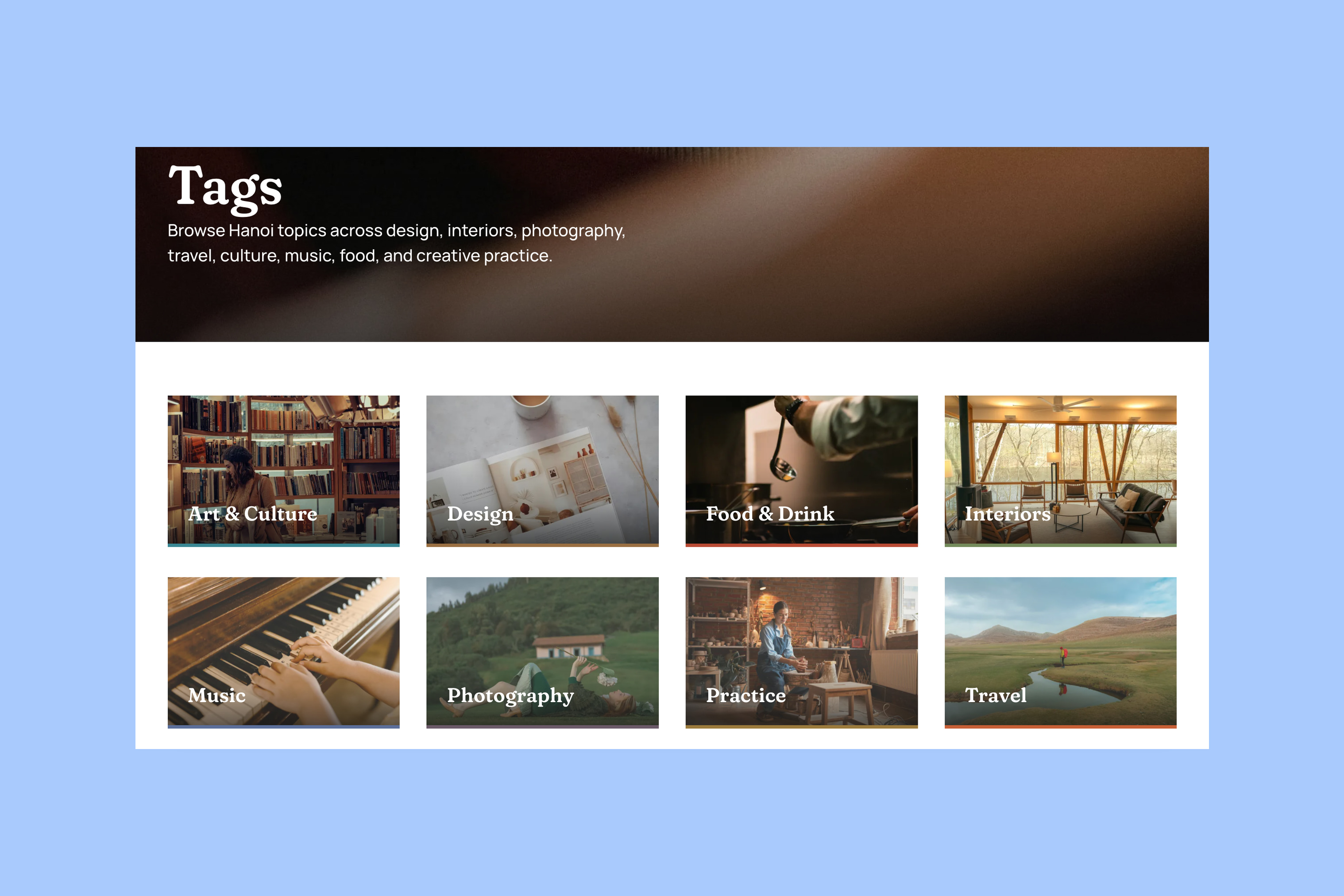
Hanoi shows tags as image cards on the homepage and in a separate Tags directory. Each card opens that tag’s archive. Readers first choose a tag, such as Photography or Design, then choose a story.
Tripoli can place groups of posts from selected tags directly on the homepage. Readers can see a tag’s headlines first. They can then choose to open its full archive.
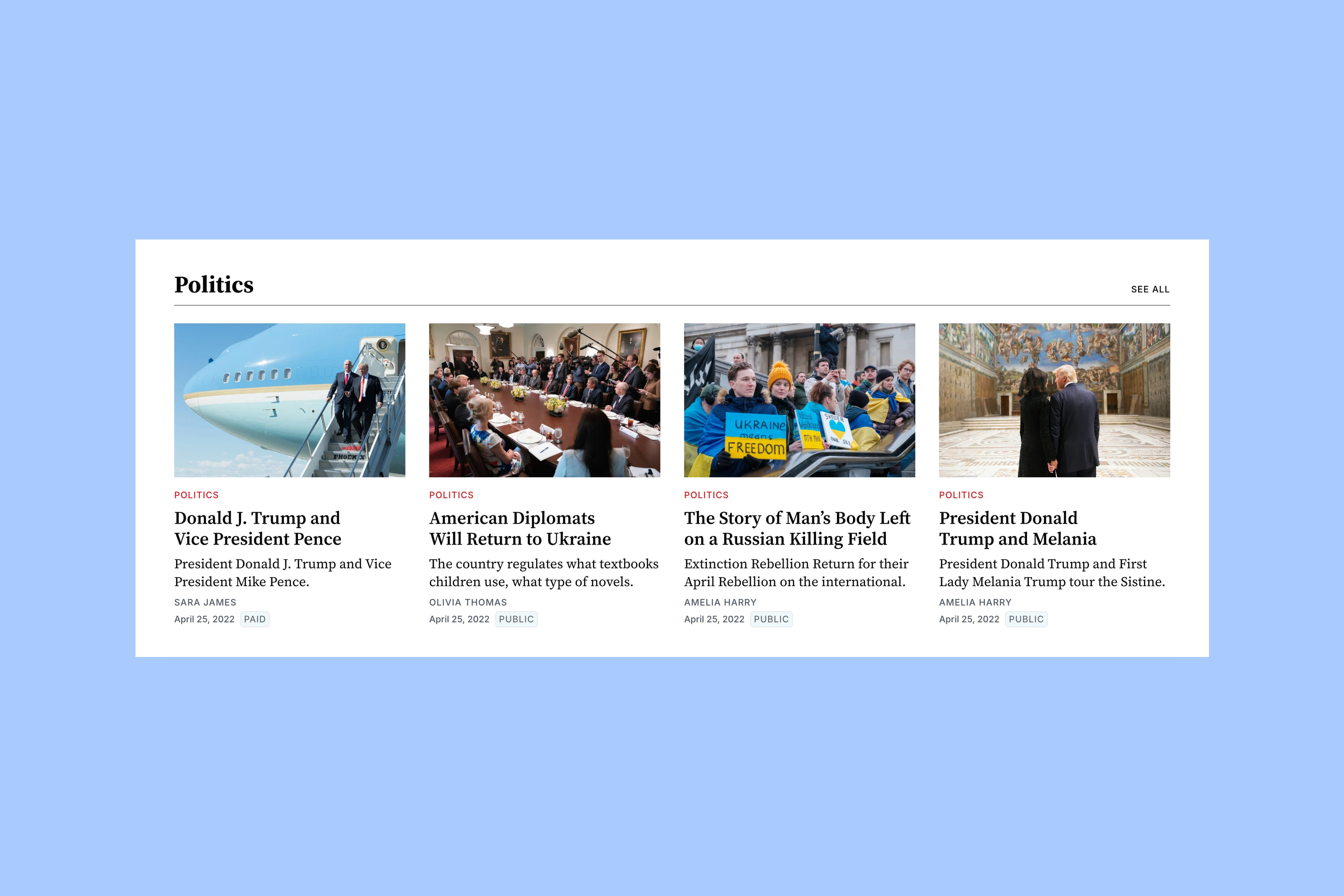
Tripoli gives active sections more space on the front page. Hanoi gives more space to the image-led introduction and the route into a subject. The Hanoi homepage guide and Tripoli homepage guide cover the section setup.
Article layouts
Tripoli opens each story in the same order. The title, introduction and byline come first. The feature image and article follow. This suits reports and essays that need a shared style.
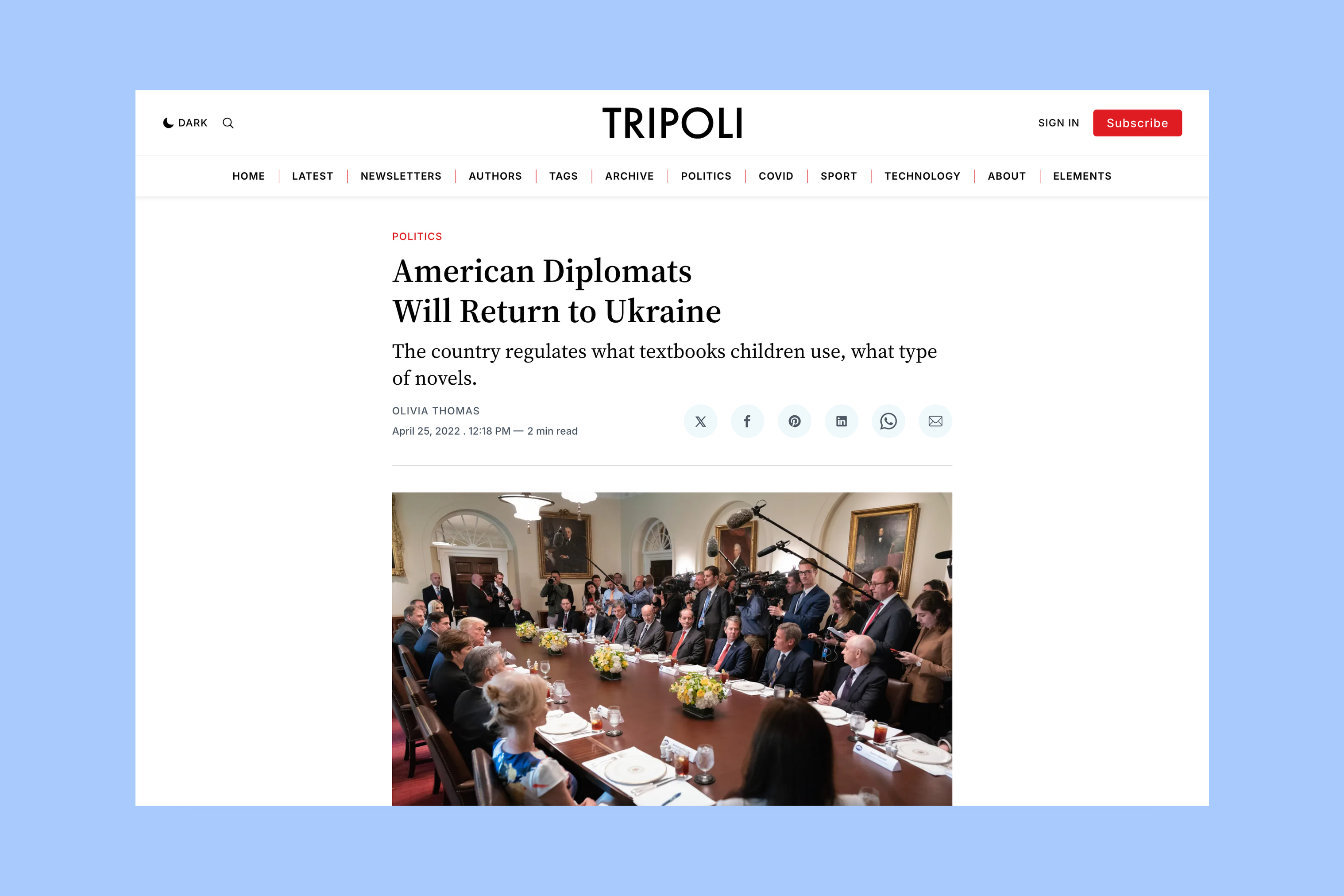
Each post in Hanoi can use the default article or one of four other layouts:
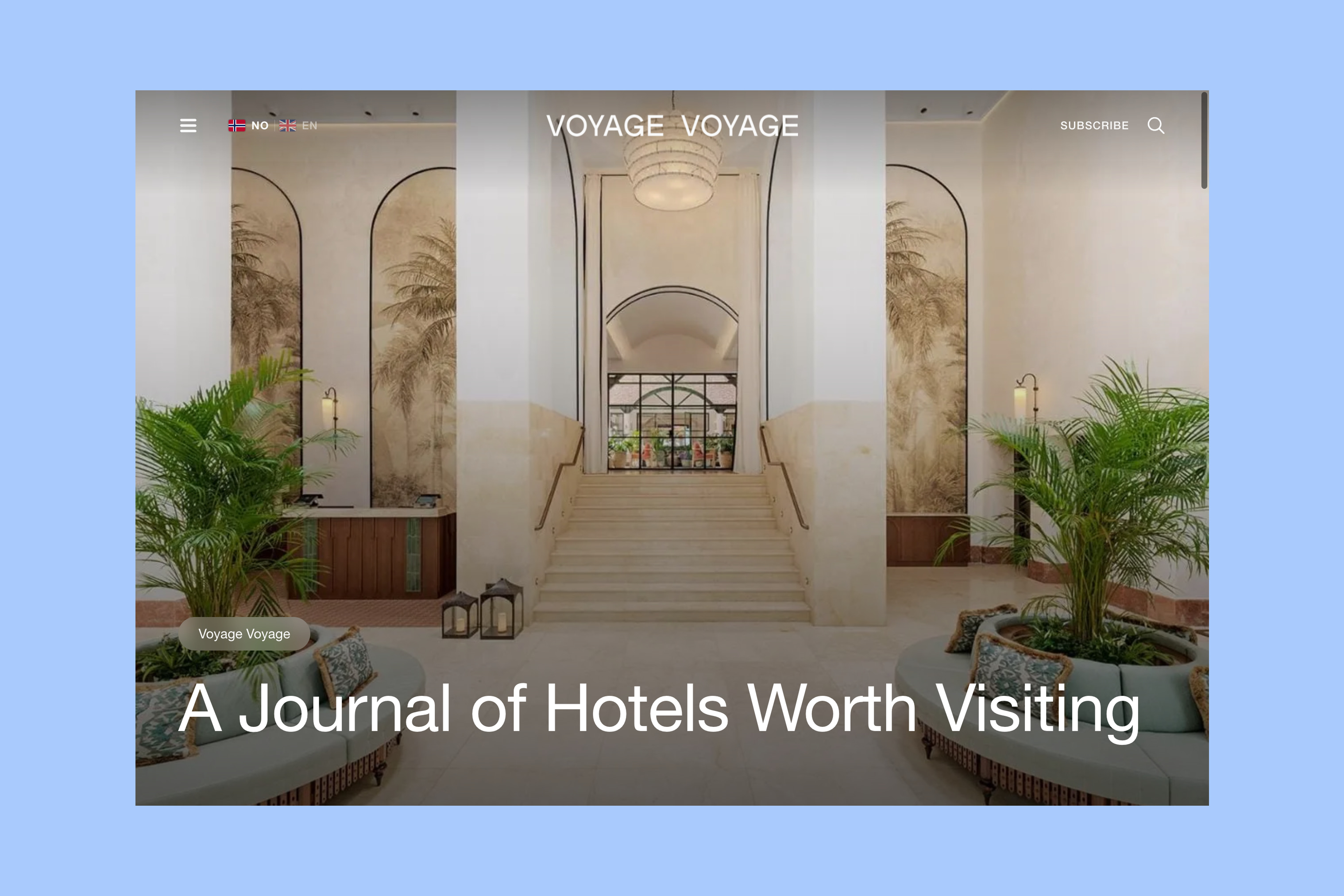
- Post Hero and Post Fullscreen place text over the photograph.
- Post Split places the image beside the title.
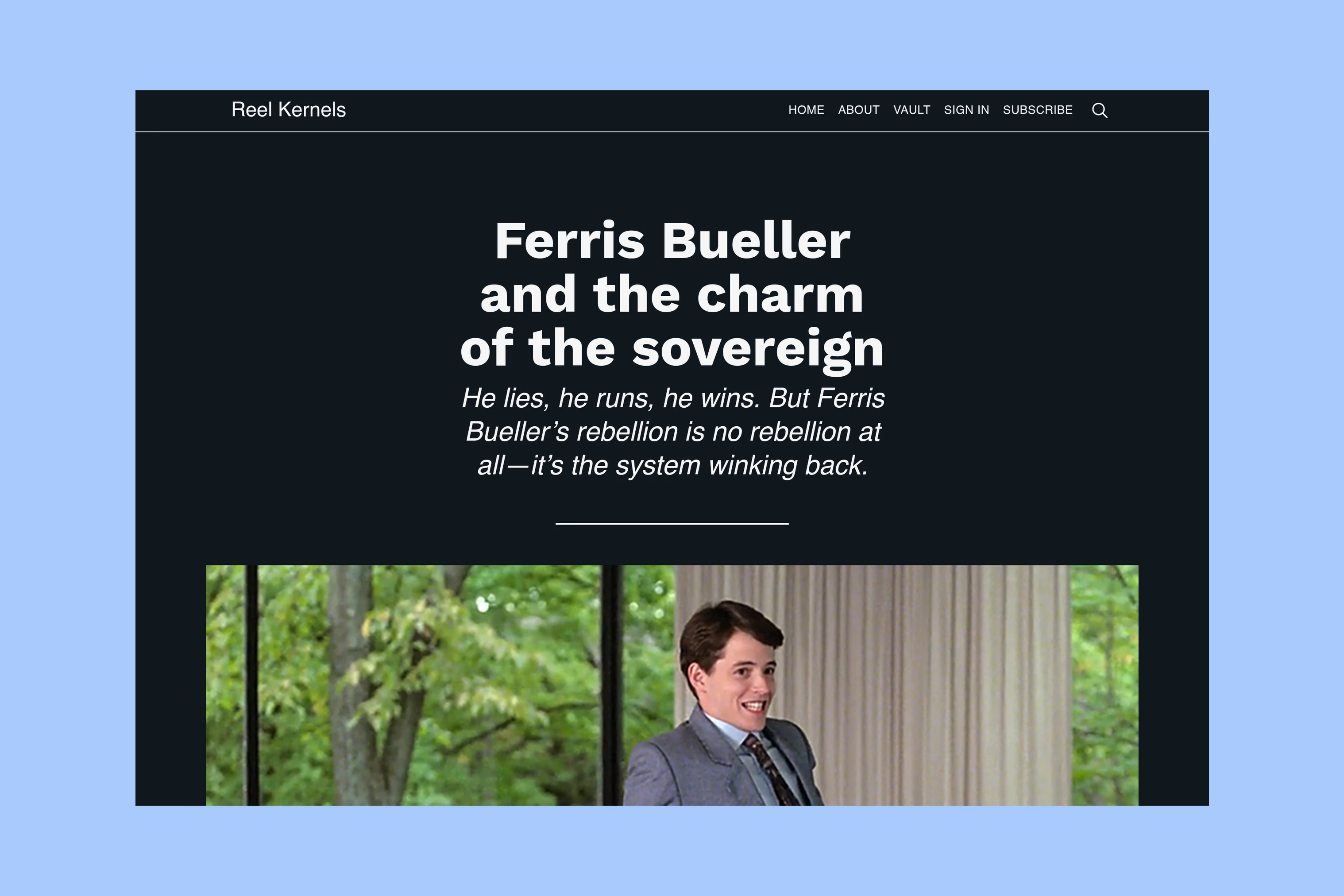
- Post Video provides a video-led opening.
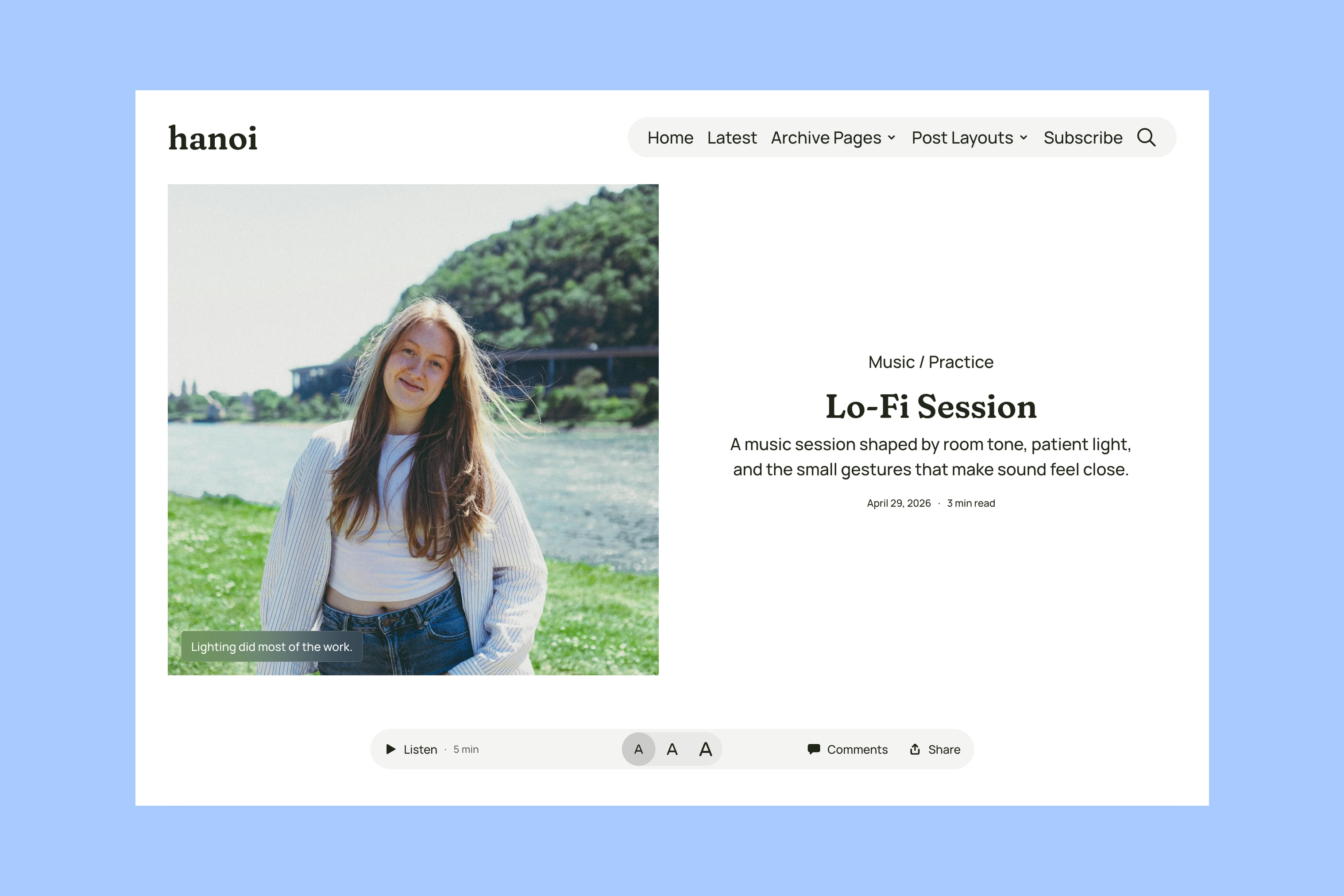
Those choices help when stories need different openings. Choose images for each story’s layout. A photograph that works beside a title may need a different crop to fill the screen. The post-layout guide explains the available templates.
Choosing a format
Both themes use Ghost for writing, memberships and newsletters. Their demo subjects do not limit what you can publish. The useful distinction is how readers discover that writing.
In the Hanoi demo, follow the lead story and then browse a subject in the Tags directory. In the Tripoli demo, scan the opening columns, scroll to a tag section and open one of its stories. Choose the route that matches how you want readers to explore your publication. For complete posts on the homepage, compare Sinai and Hakone. They offer that format instead of either magazine structure.
More from the Blog
Latest Ghost Themes
Arish
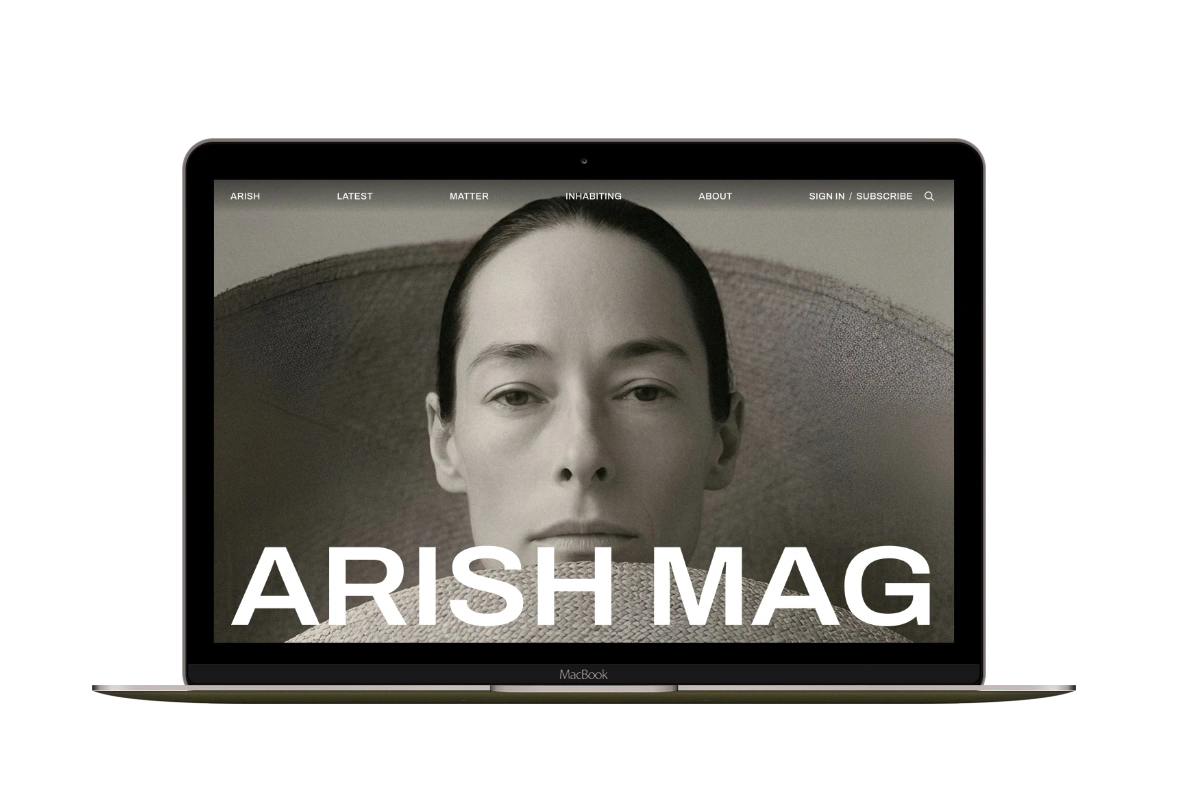
For visual magazines that lead with photography, film, and selected stories.
Siwa
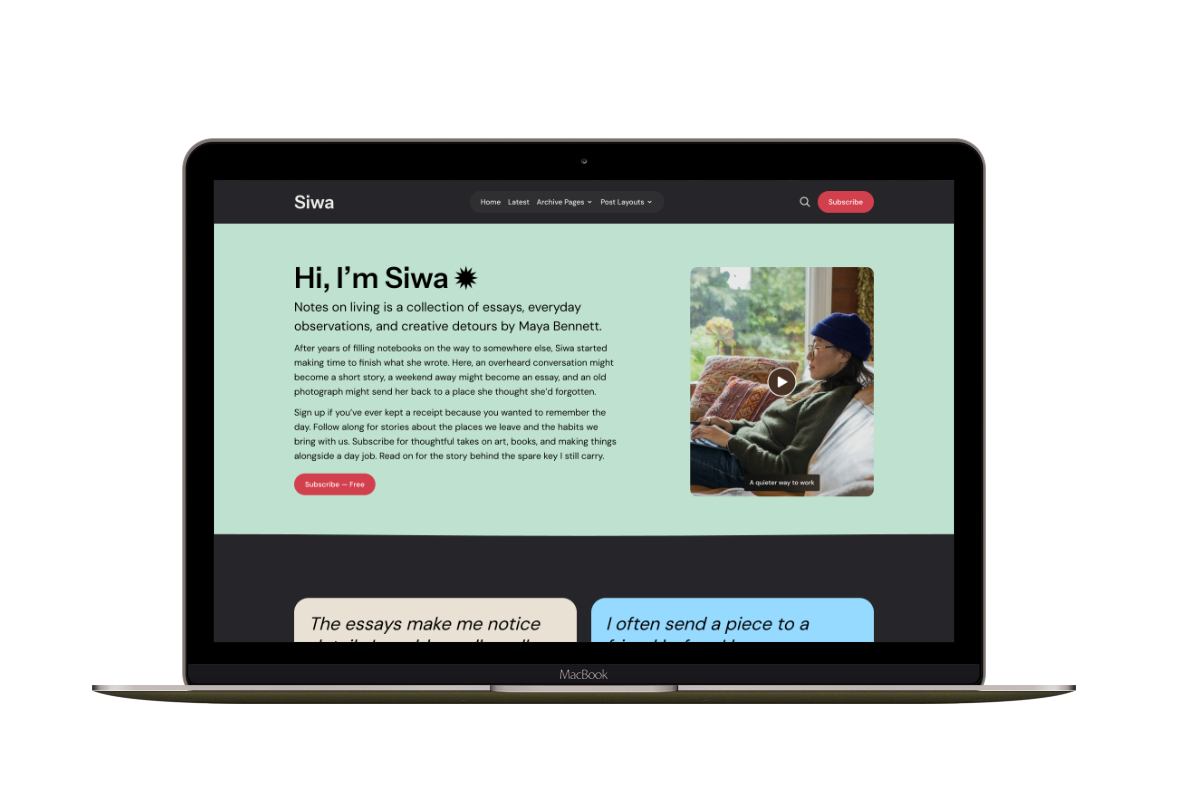
A personal publication that introduces the writer before inviting readers into the stories.
Hanoi
An image-led magazine for creative stories, rich navigation, and long-form reading.
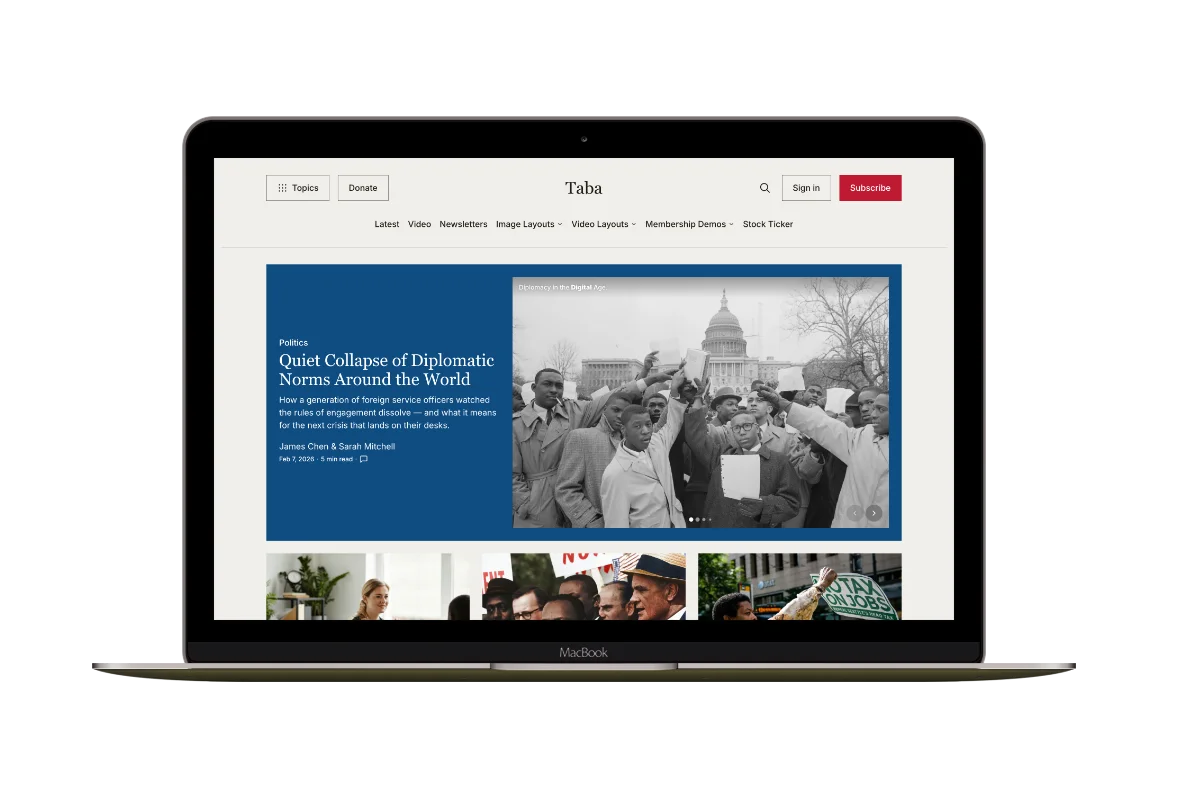
Taba
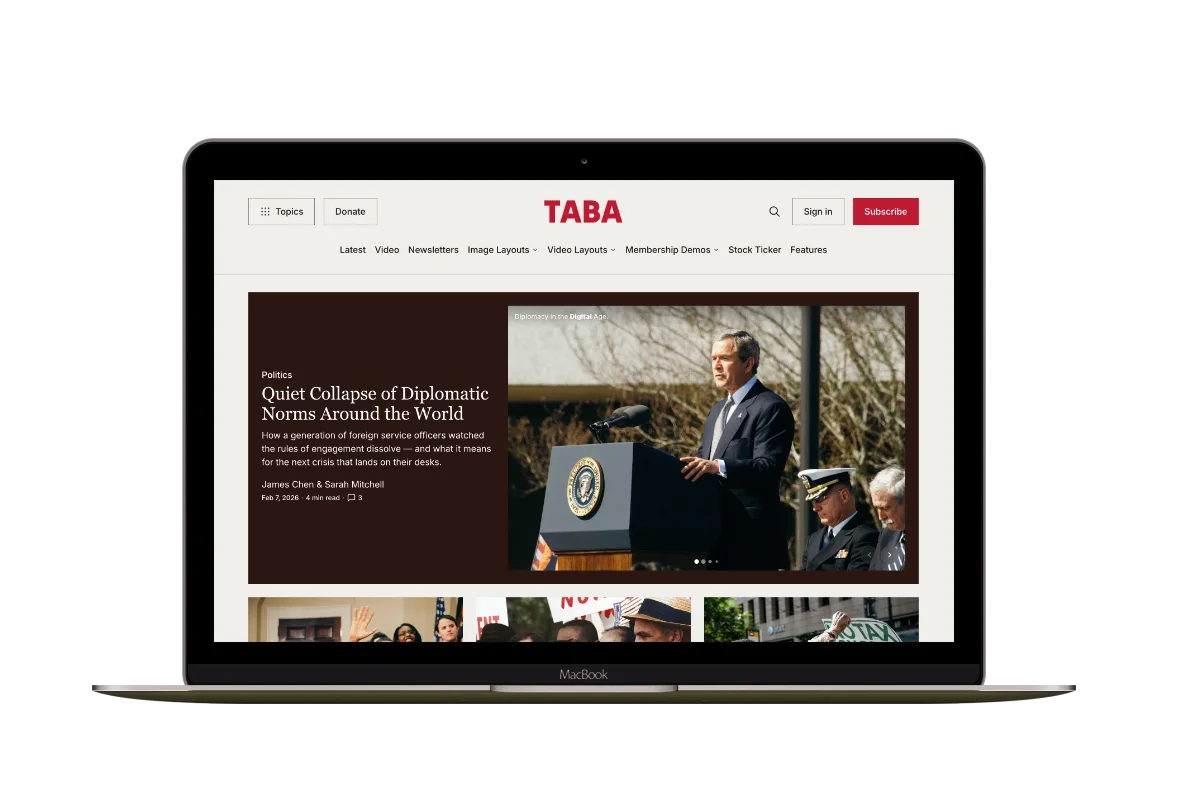
A newsroom front page for coverage across topics, video, and story formats.
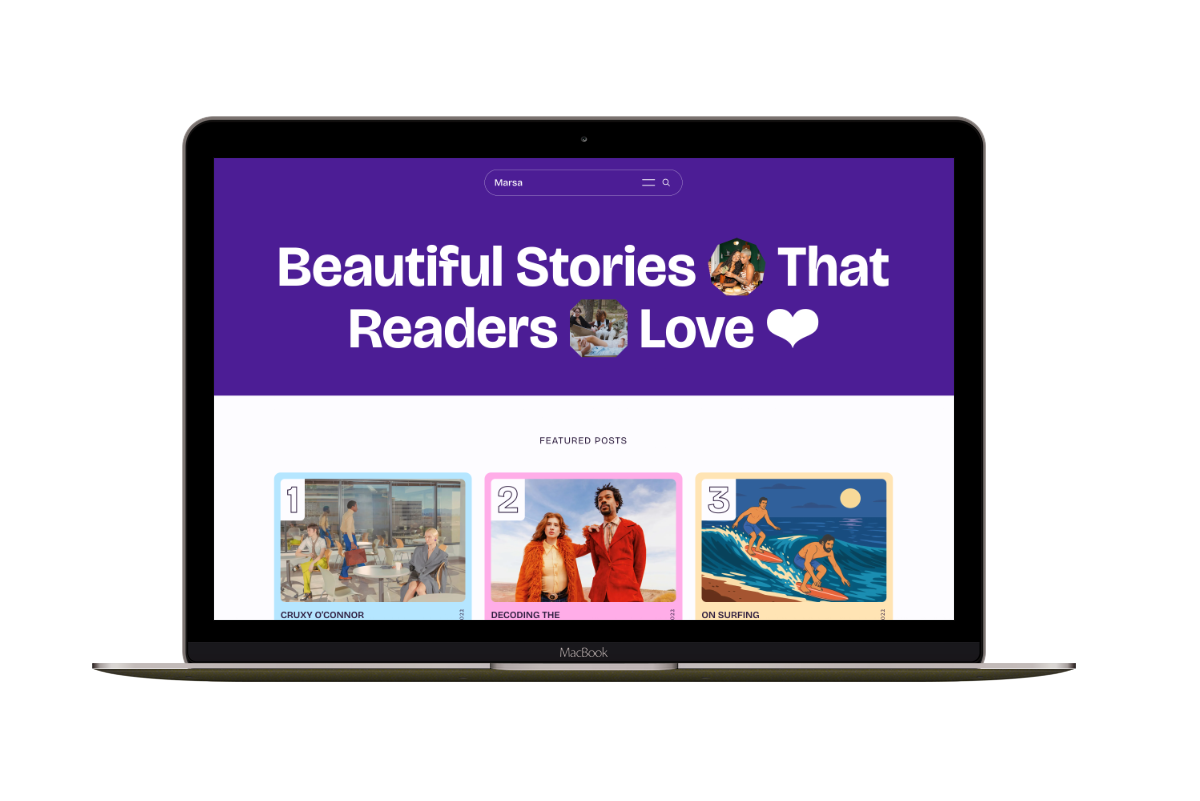
Marsa
A flexible publication homepage for featured stories, topics, and newsletters.
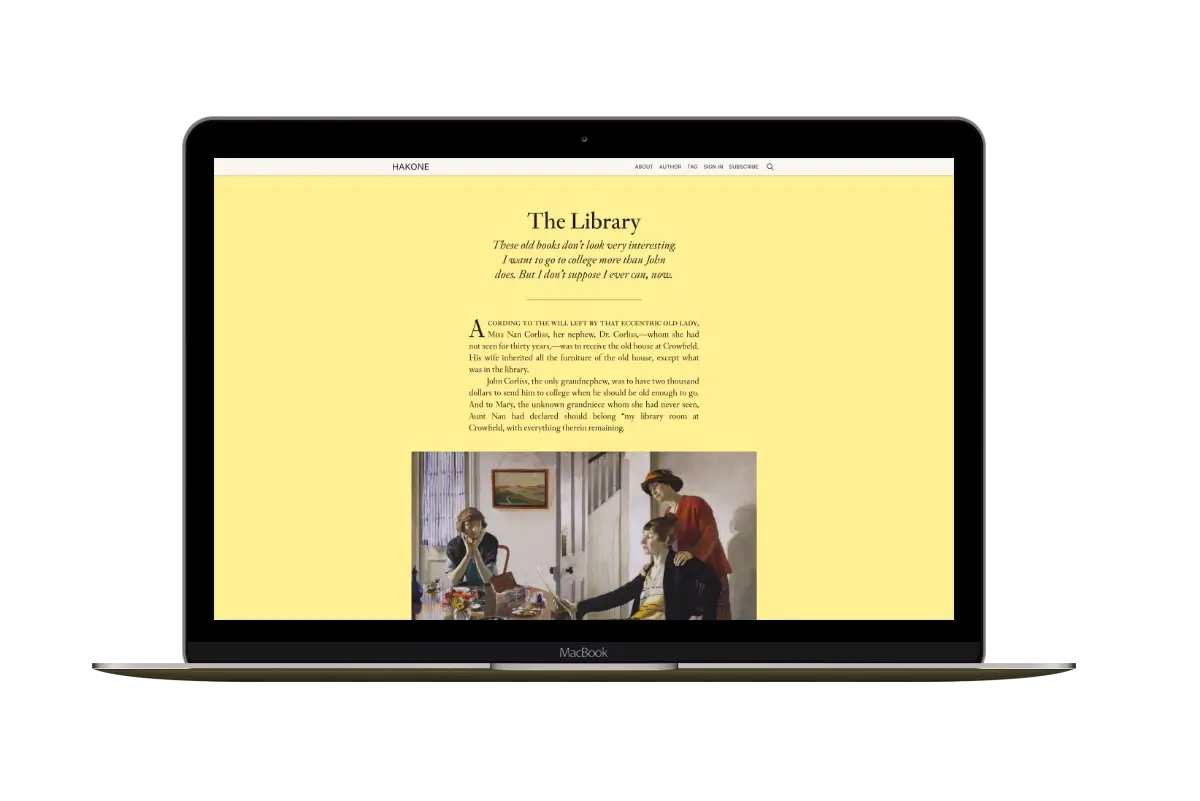
Hakone
For writers who want readers to browse complete posts on the homepage.