6 Technology Website Examples Built with Ghost
A technology publication can organize its homepage around a field, a reader’s work or a particular problem. The useful choice depends on whether visitors want to catch up, find guidance or explore a product.
These six Ghost websites show how those needs affect homepage organization and navigation. All six are in the customer showcase. The publishers supply their own content, customizations and linked technical resources.
Morning Tick
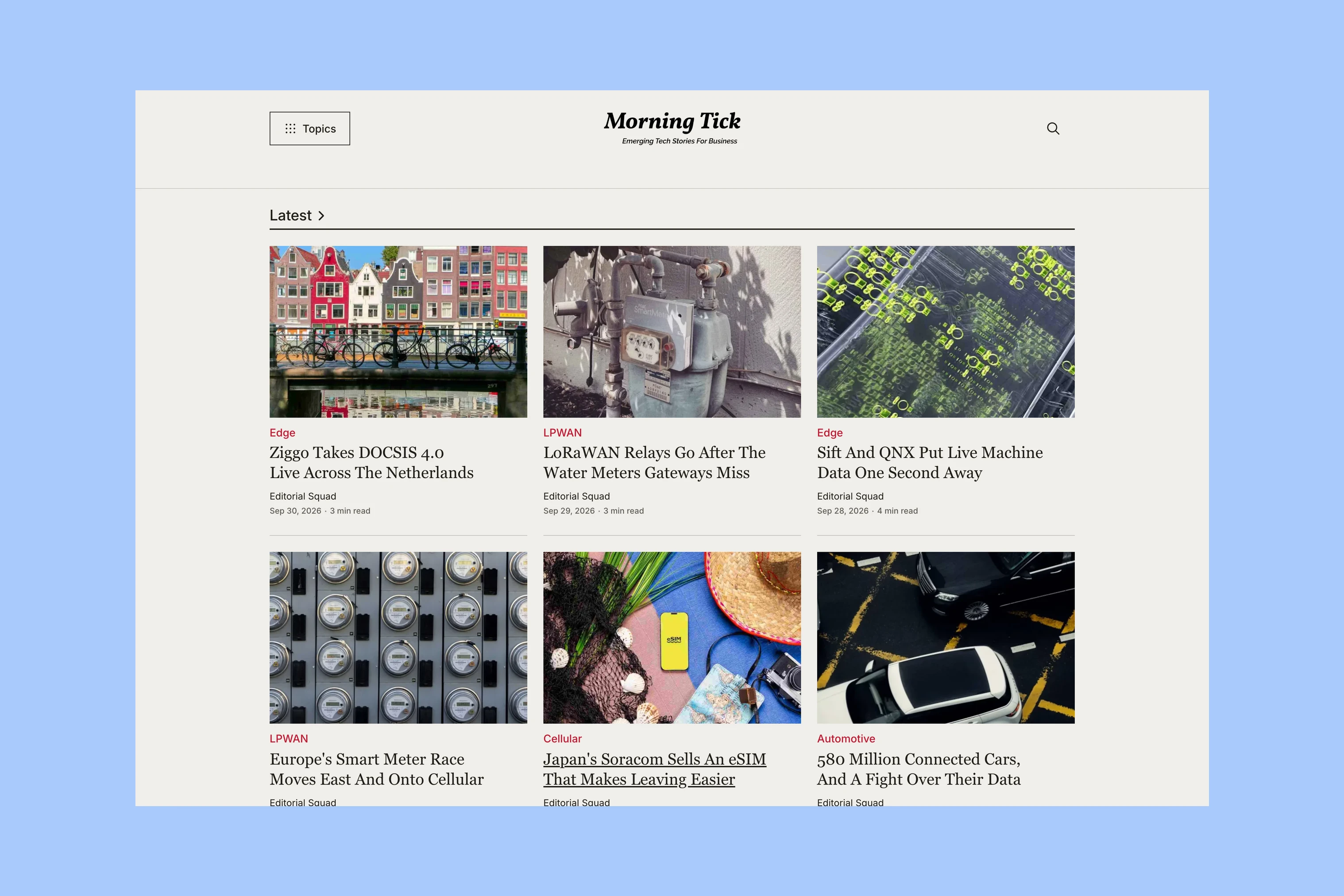
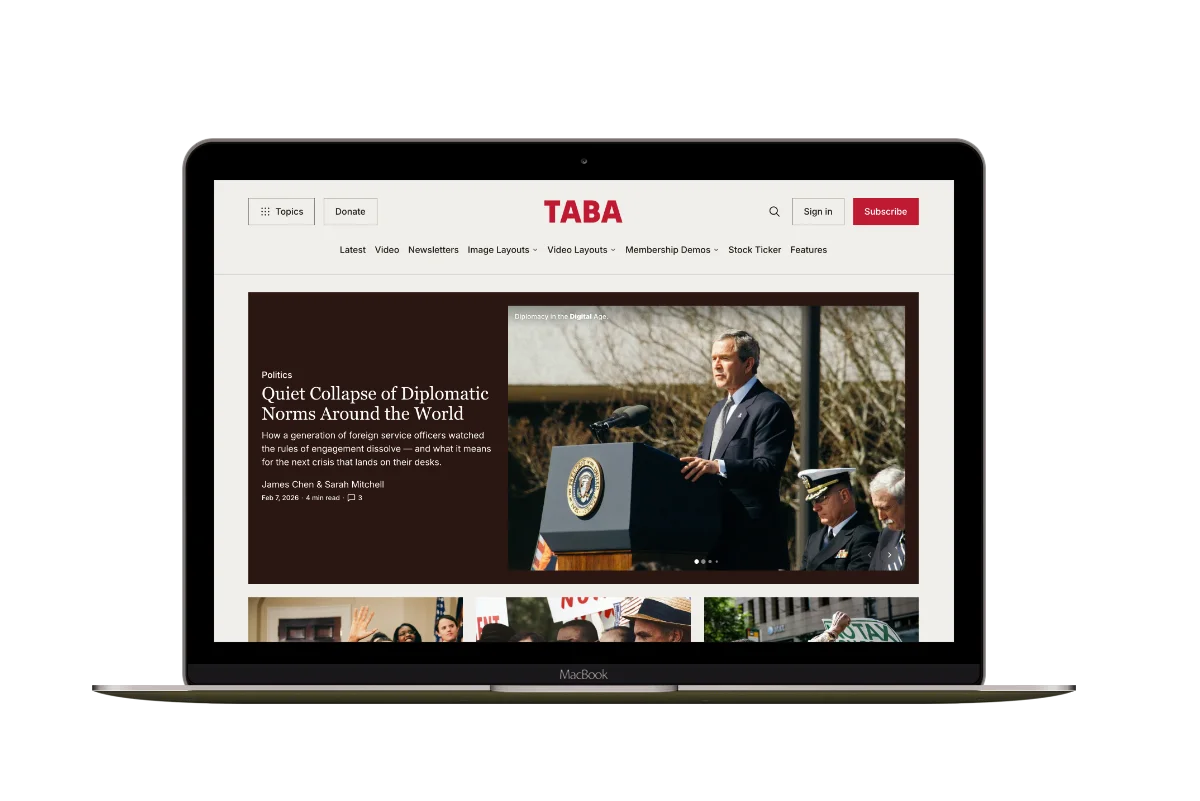
Morning Tick covers emerging technologies, including connected devices, satellites and automation. Its Latest grid collects new coverage across subjects, while topic sections farther down let a specialist stay with a field. A broad news publication can offer both a recent-post view and a more selective route.
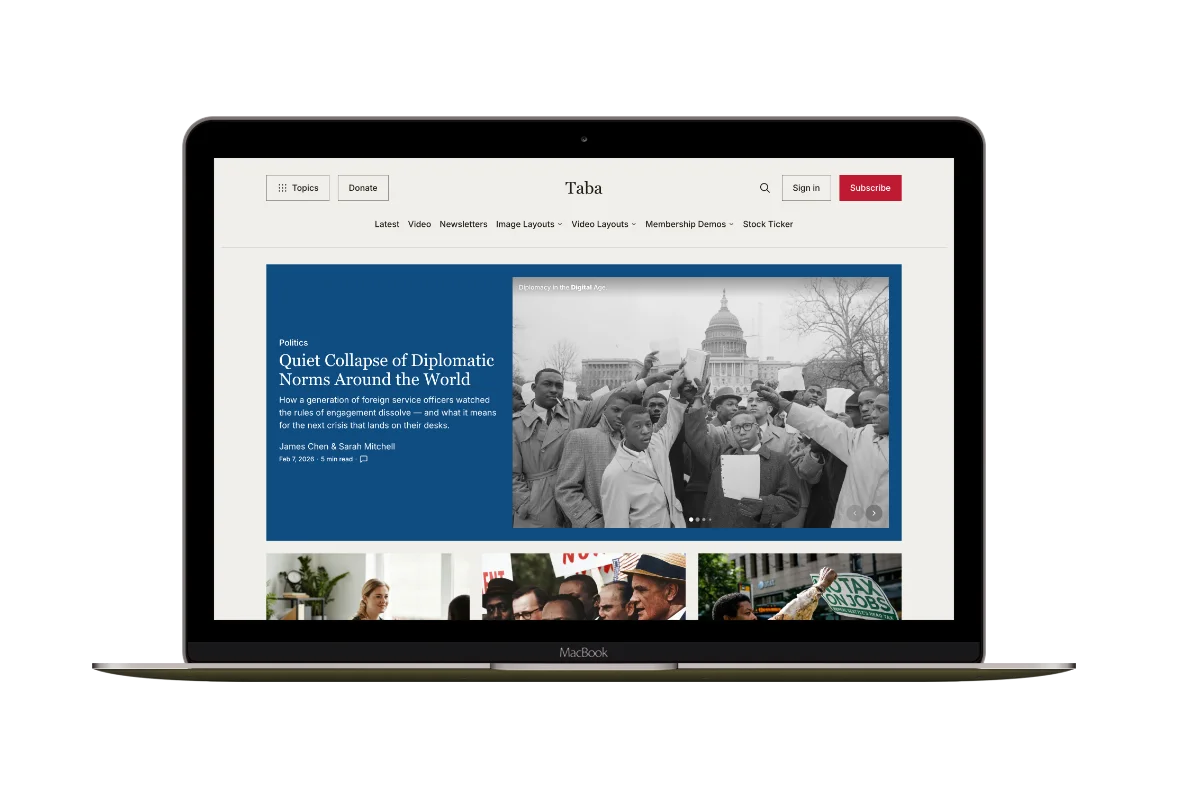
Theme: Taba.
Soft Side of Cyber
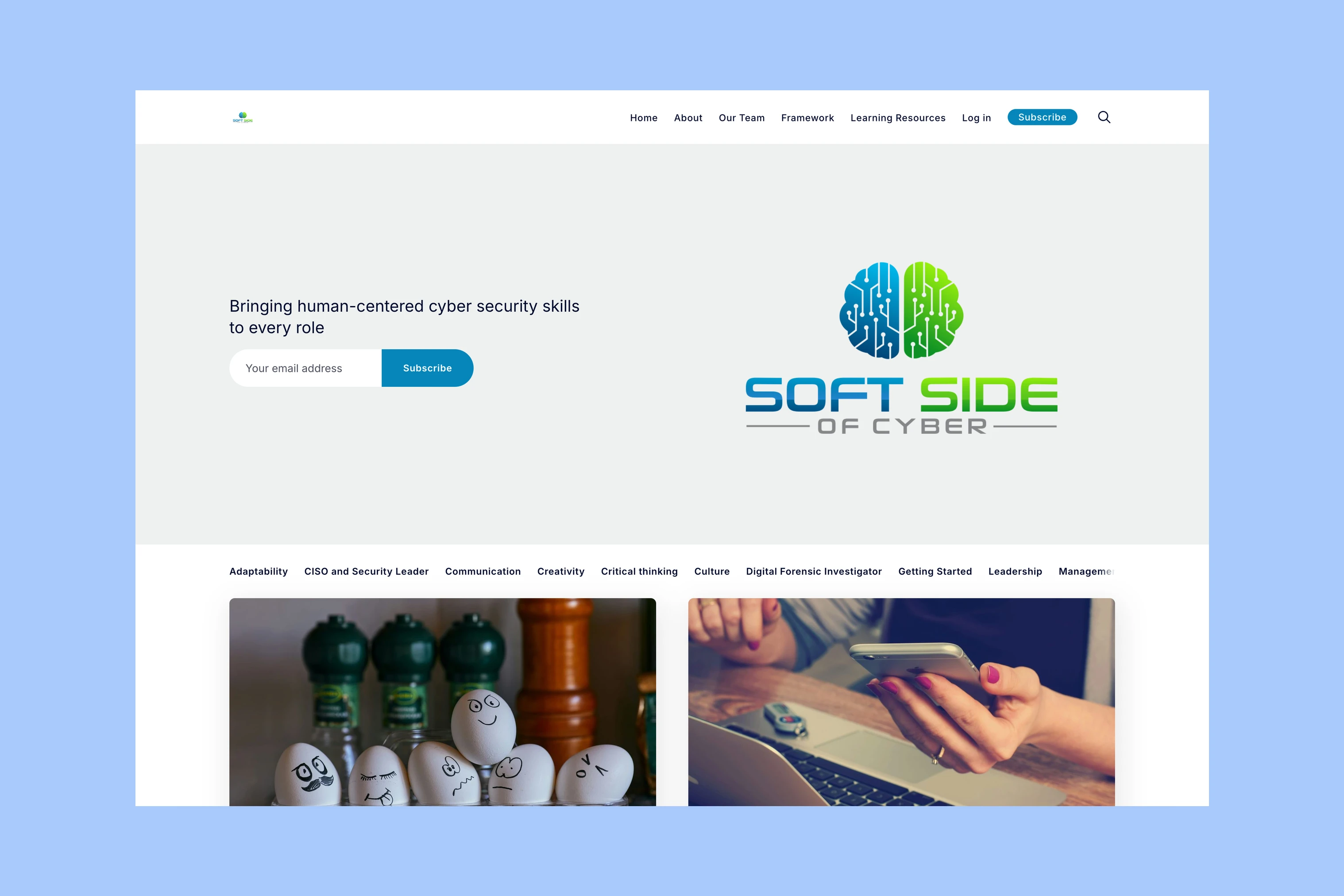
Soft Side of Cyber covers the human side of cybersecurity. Navigation names skills such as communication and leadership alongside professional roles. Readers can start with their job or a skill they want to develop.
Theme: Penang.
Privacy Shot

Privacy Shot publishes guides about VPNs, internet privacy, and streaming access. Its homepage combines a prominent guide with topic navigation, so a visitor can begin with the selected guide or choose a privacy subject. The lead gives one article priority without requiring every reader to start there.
Theme: Tripoli.
Navigate EdTech
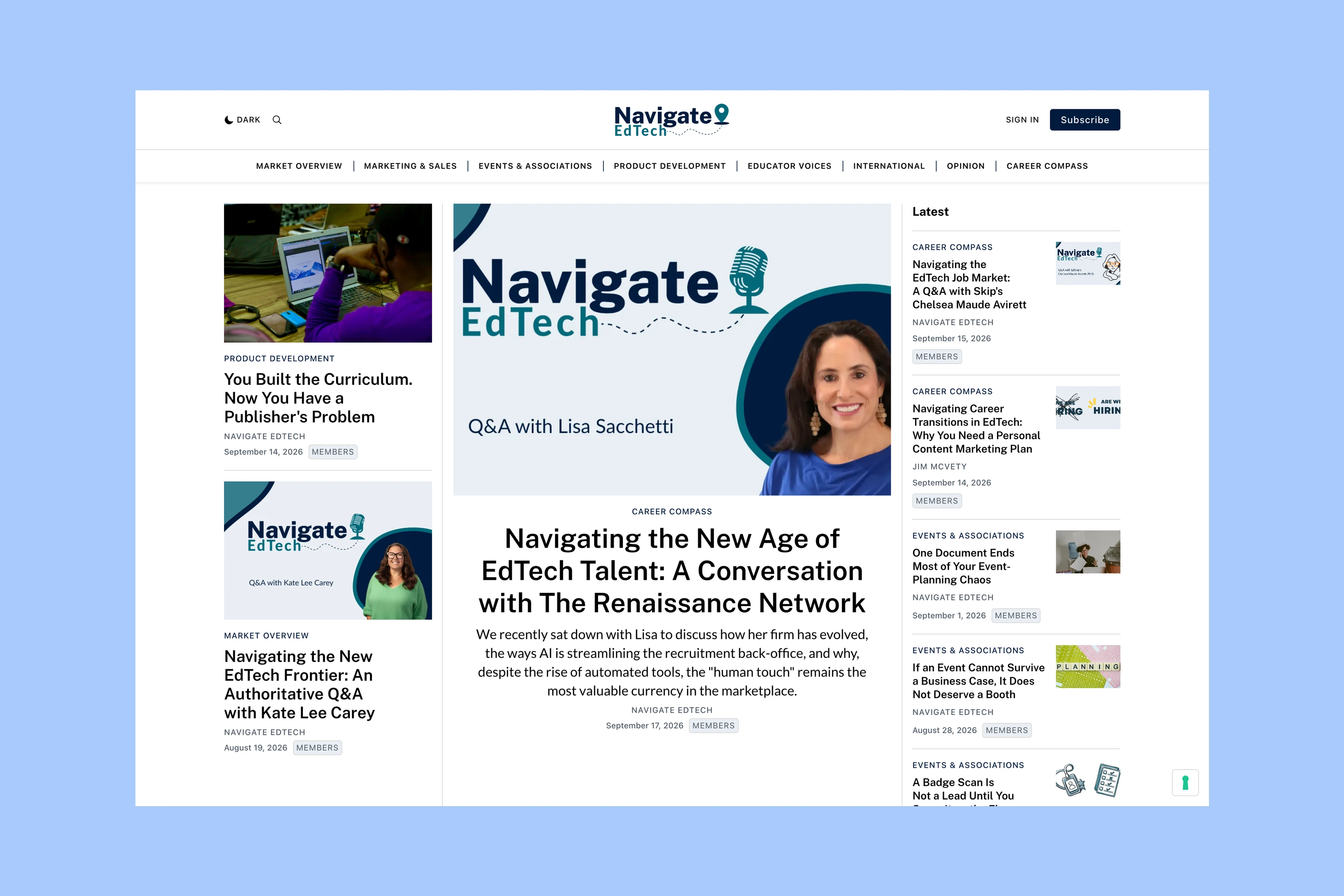
Navigate EdTech covers the work of education technology professionals. Sections for marketing and sales, product development, educator voices, and careers organize the reporting around readers’ responsibilities. This is useful when the same industry has readers doing different jobs: their role can be a clearer entry point than a broad technology label.
Theme: Tripoli.
Tech Explained By X
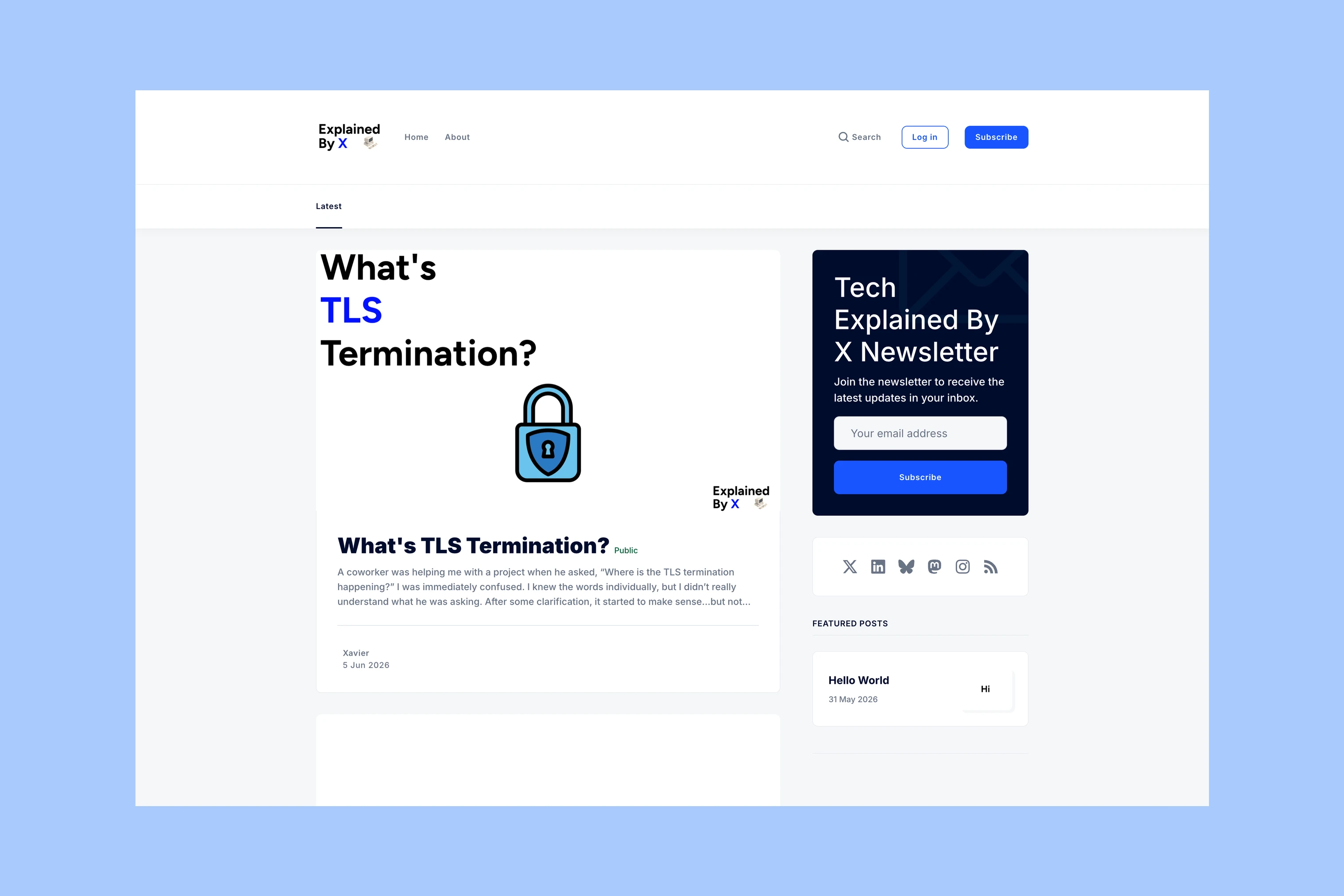
Tech Explained By X publishes explanations drawn from Xavier’s work in software development, security and operations. Article excerpts introduce the question an explanation answers. The small feed can give each piece enough context for a reader to judge its relevance, without dividing a few articles among many homepage sections.
Theme: Krabi.
Mithril Security
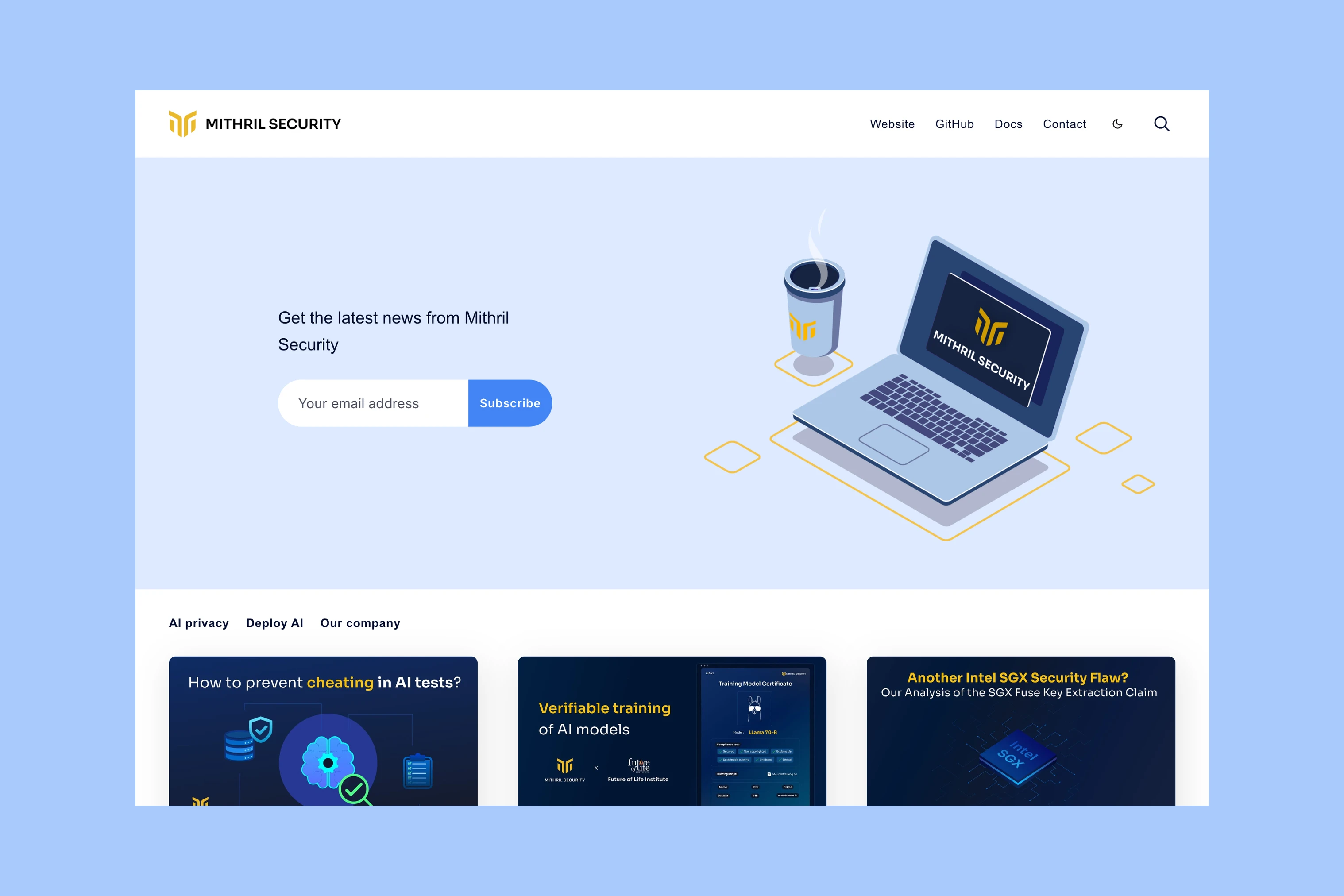
Mithril Security’s blog covers AI privacy and security, including confidential computing. Header links to GitHub and documentation give readers somewhere to continue when they want to inspect or use the work. Those destinations are supplied by the company; the theme provides the links, not the documentation or software.
Theme: Penang.
Navigation for Your Readers
If readers come back to follow a field, compare Taba and Tripoli for homepage topic sections and selected stories. For an explanation-led publication, compare how Penang and Krabi present the introduction, article summaries, and navigation.
Morning Tick and Navigate EdTech show why the labels matter as much as the grid: one groups a field, the other groups professional needs. Choose the organizing idea before judging how many stories fit on the homepage.