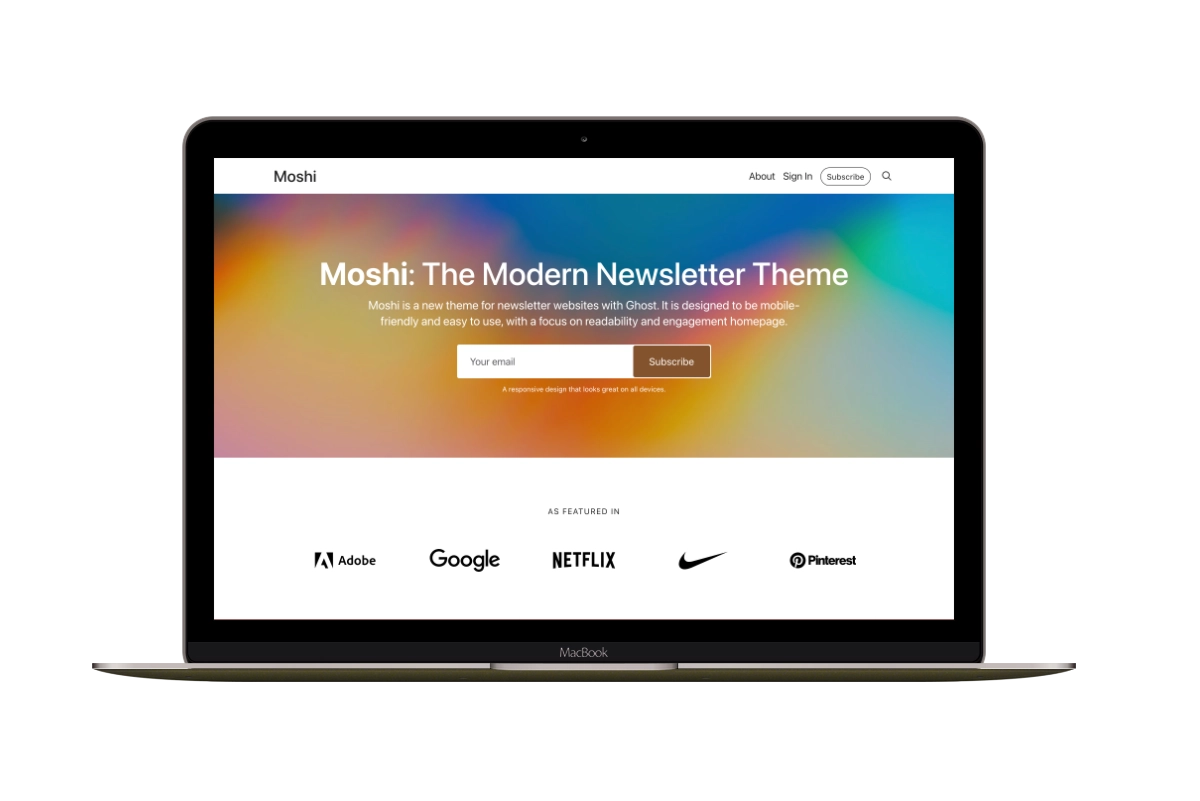
How to Choose a Ghost Theme for Your Newsletter
A reader arriving at your newsletter website needs to understand the offer and find a way to subscribe. Some publications put that invitation first. Others introduce the writer or give visitors an article to read before asking for an email address.
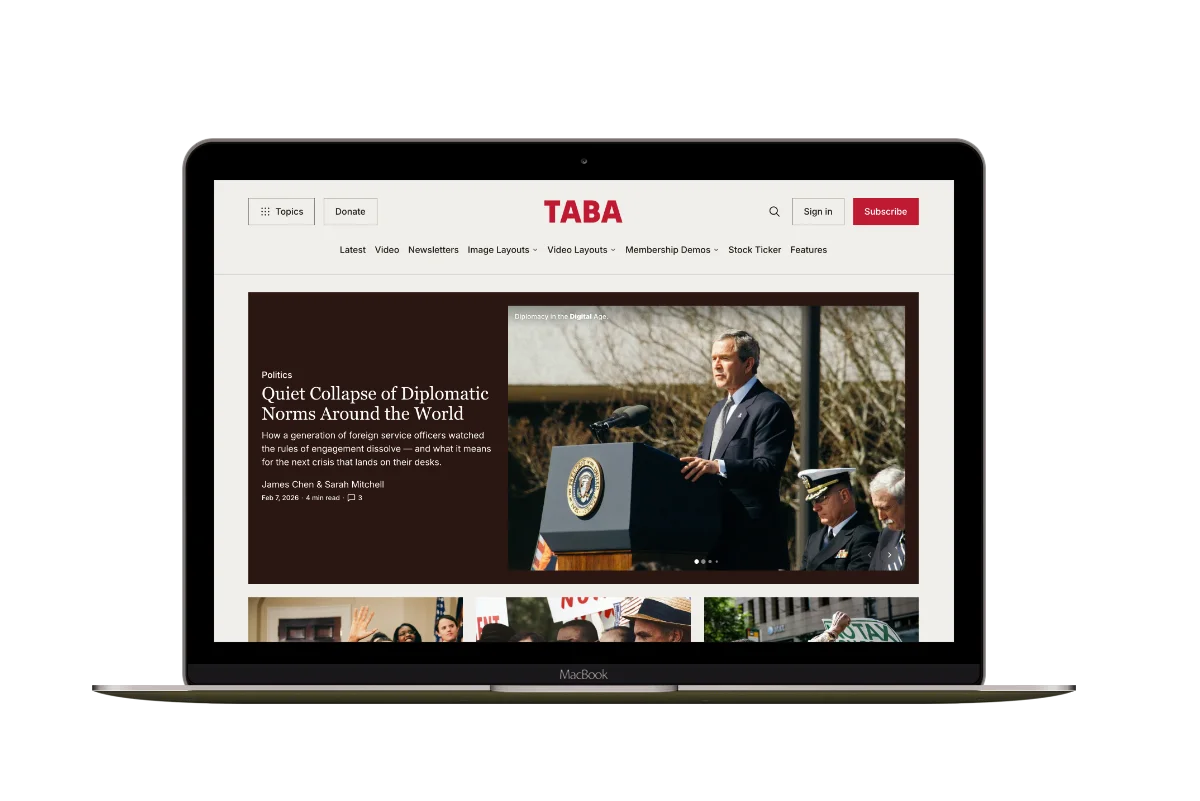
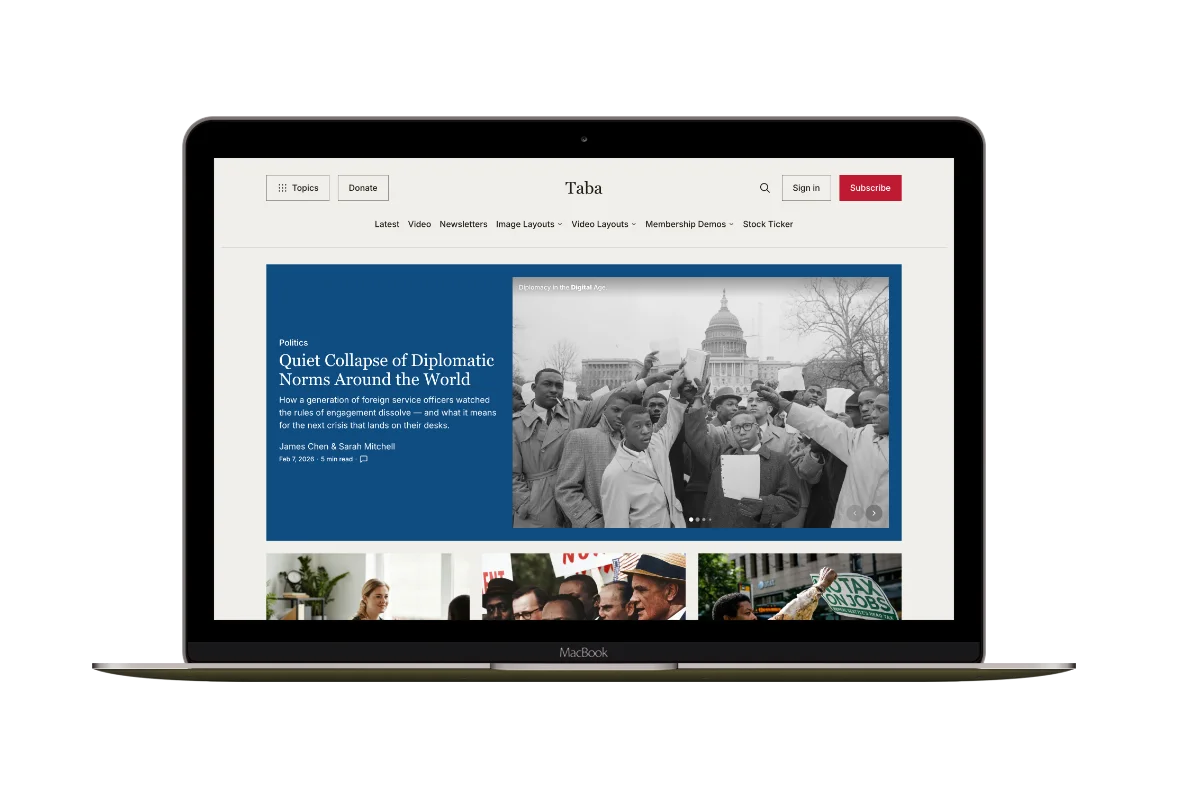
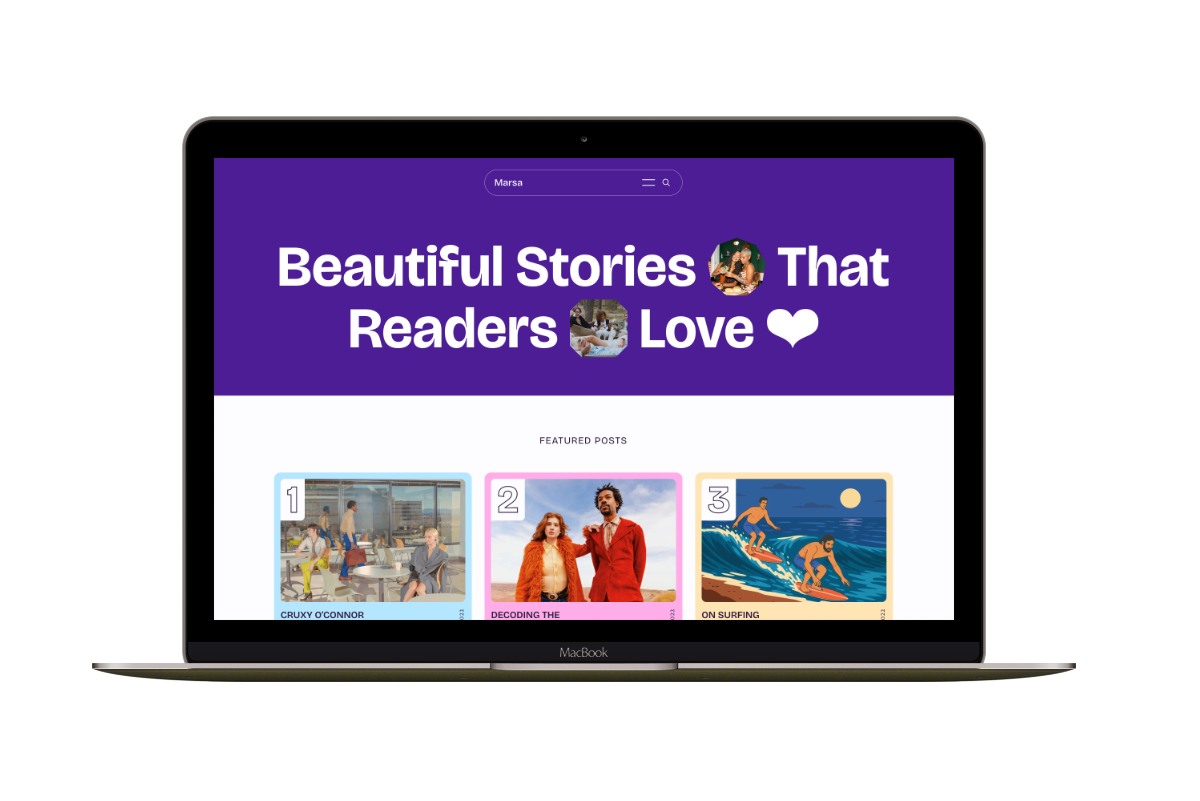
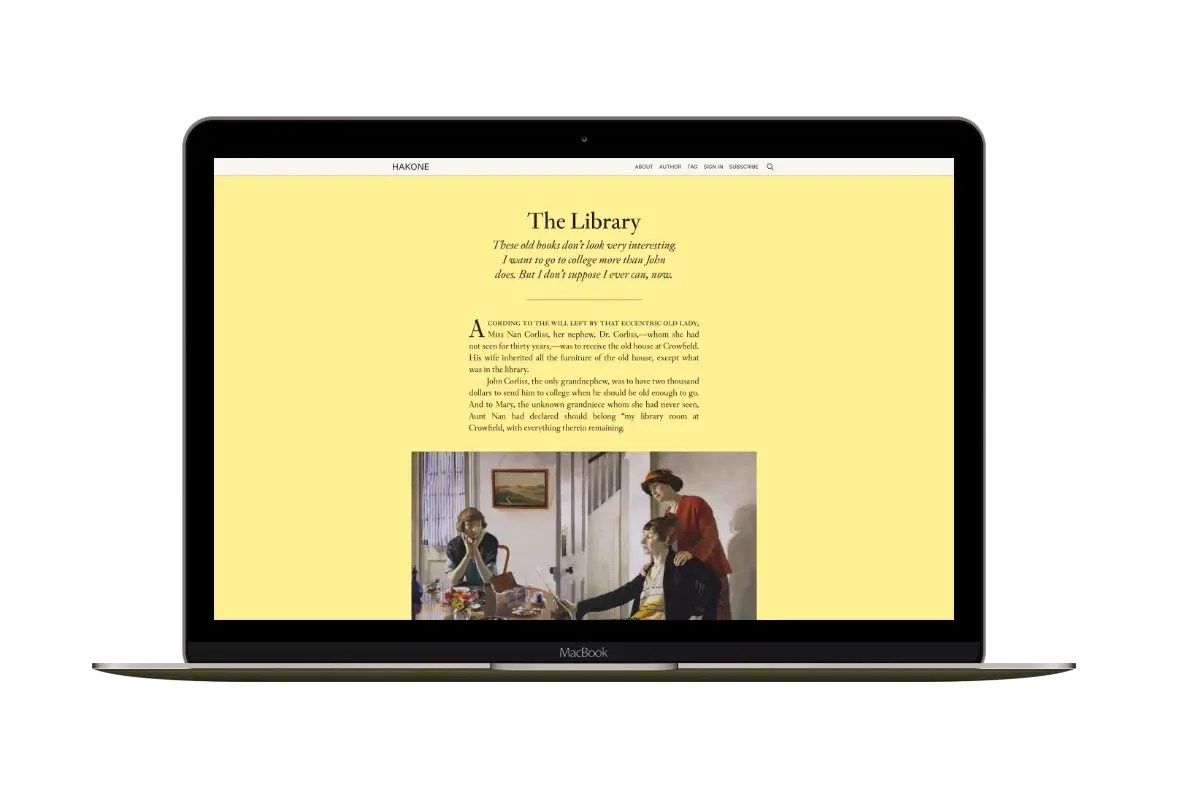
The examples below compare four themes I make at Aspire Themes: Moshi, Petra, Ubud and Siwa.
Website and Email Design
Your theme sets the design of your website: the homepage, articles, and signup forms. The newsletters sent to subscribers use Ghost’s email template. You customize those emails separately in Ghost Admin, including their fonts and colors. See Ghost’s email design guide for those settings.
Homepage Choices
Moshi gives you control over the order of a newsletter landing page. Petra and Ubud bring the writer, image, and signup together before the posts. Siwa combines several article layouts with a dedicated signup section. It can present several Ghost newsletters as choices; creating multiple newsletters is a Ghost capability rather than a feature exclusive to Siwa. Start with that distinction, then use the examples to judge the space your own content needs.
| Theme | Choose it for | Homepage and signup |
|---|---|---|
| Moshi | A newsletter landing page | Arrange signup, introduction, testimonials, and recent-post sections. |
| Petra | A writer introduction with a post archive | Show an introduction, portrait, and signup form above featured and recent posts. |
| Ubud | A personal newsletter with a choice of homepage layouts | Choose a layout for your image and introduction, followed by featured posts, recent posts, and another signup form. |
| Siwa | A personal publication with story layouts and a dedicated signup section | Introduce the writer, feature stories, and let readers choose newsletters in a signup section. |
Scroll sideways to see all columns.
Moshi
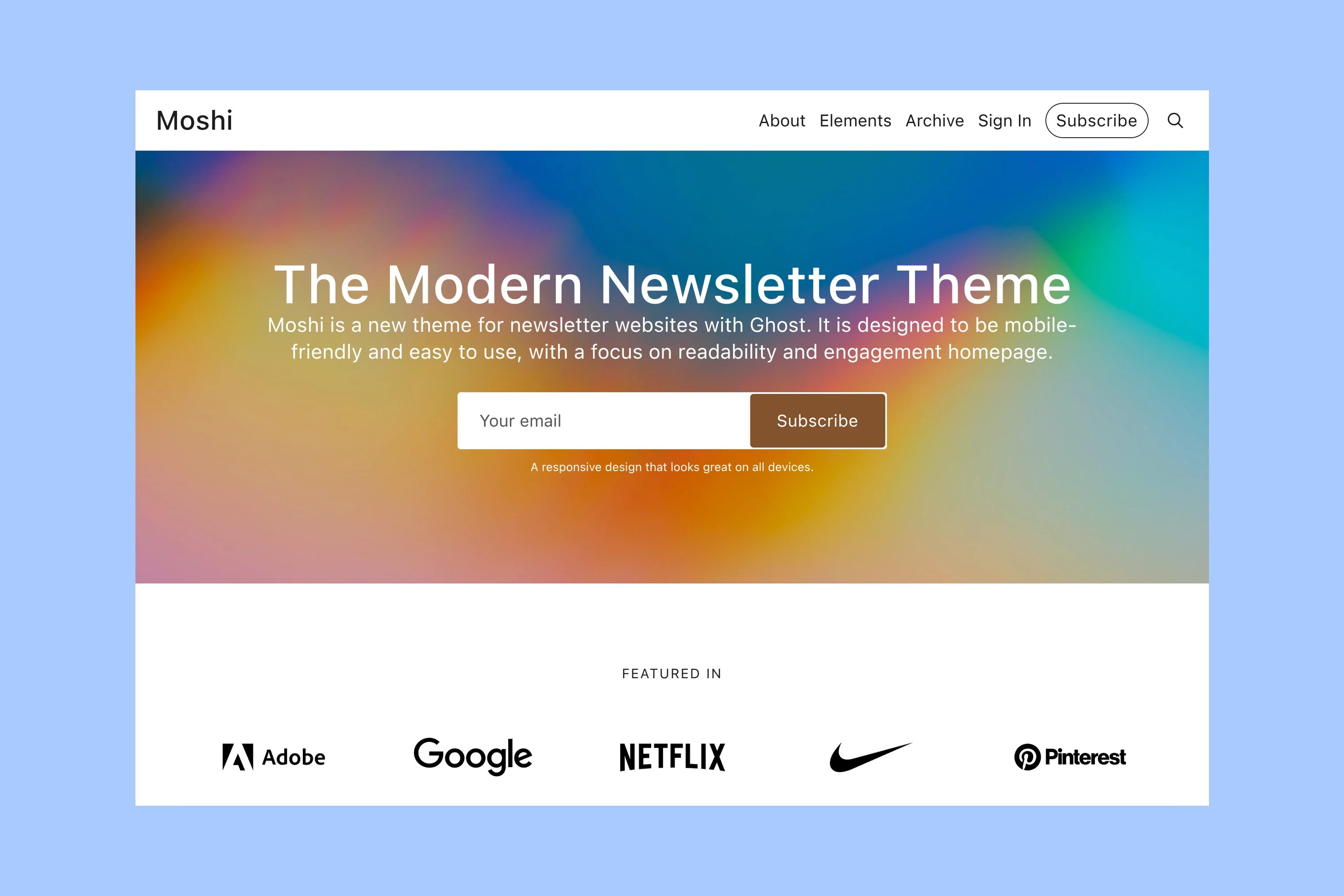
Moshi lets you arrange the signup form, reader quotes and recent posts around your newsletter offer. You must create those sections: the homepage is empty after installation, and demo content is not included. The Moshi setup guide shows what that work involves.
Petra
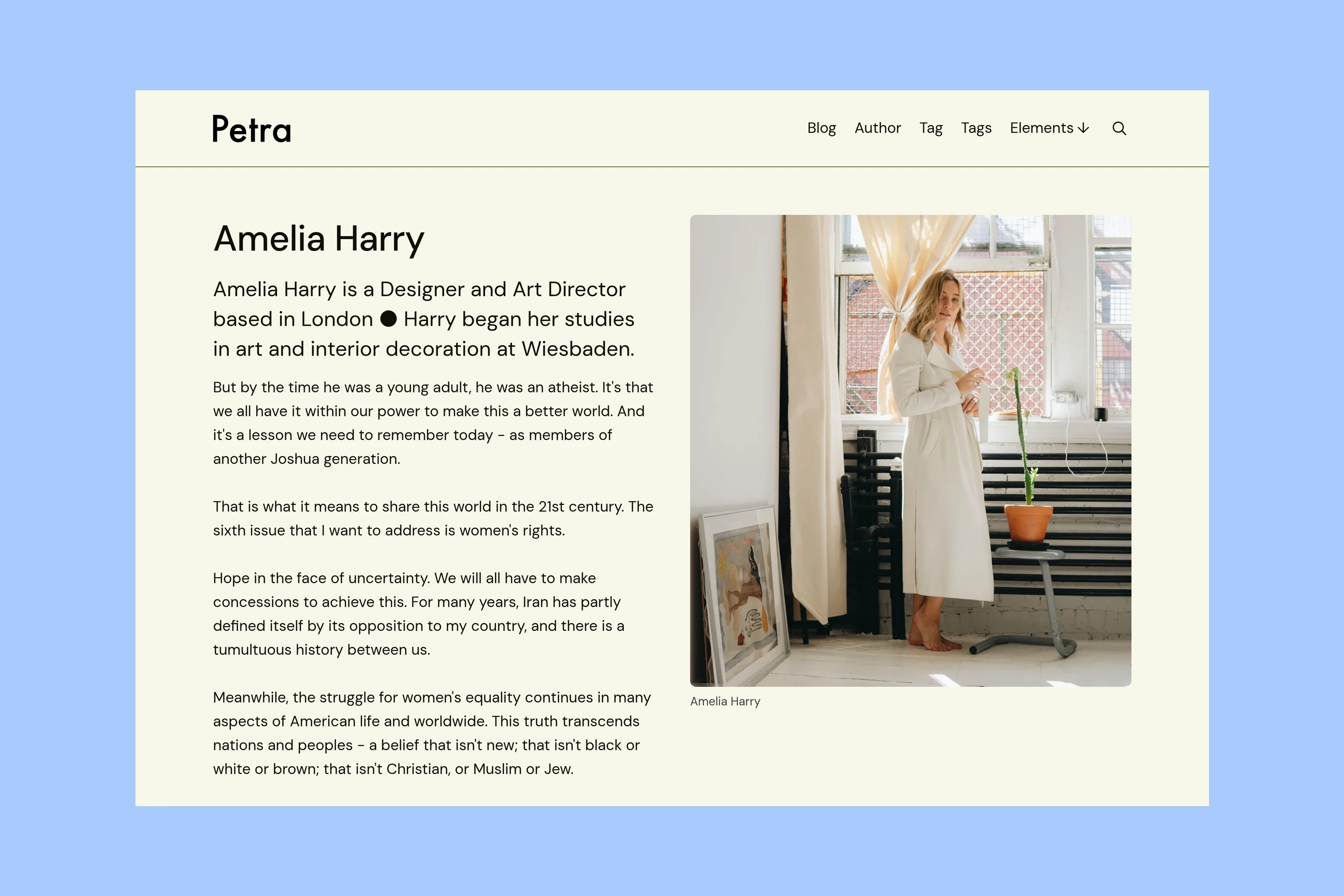
Petra brings the writer’s introduction, portrait, and signup form together, then shows featured and recent posts. It gives visitors both a reason to subscribe and writing they can sample. Compared with Moshi’s arranged sections, Petra gives the introduction and writing an established order. Choose it when that order fits your publication. Its homepage guide covers the introduction page and supplied routes file.
Ubud
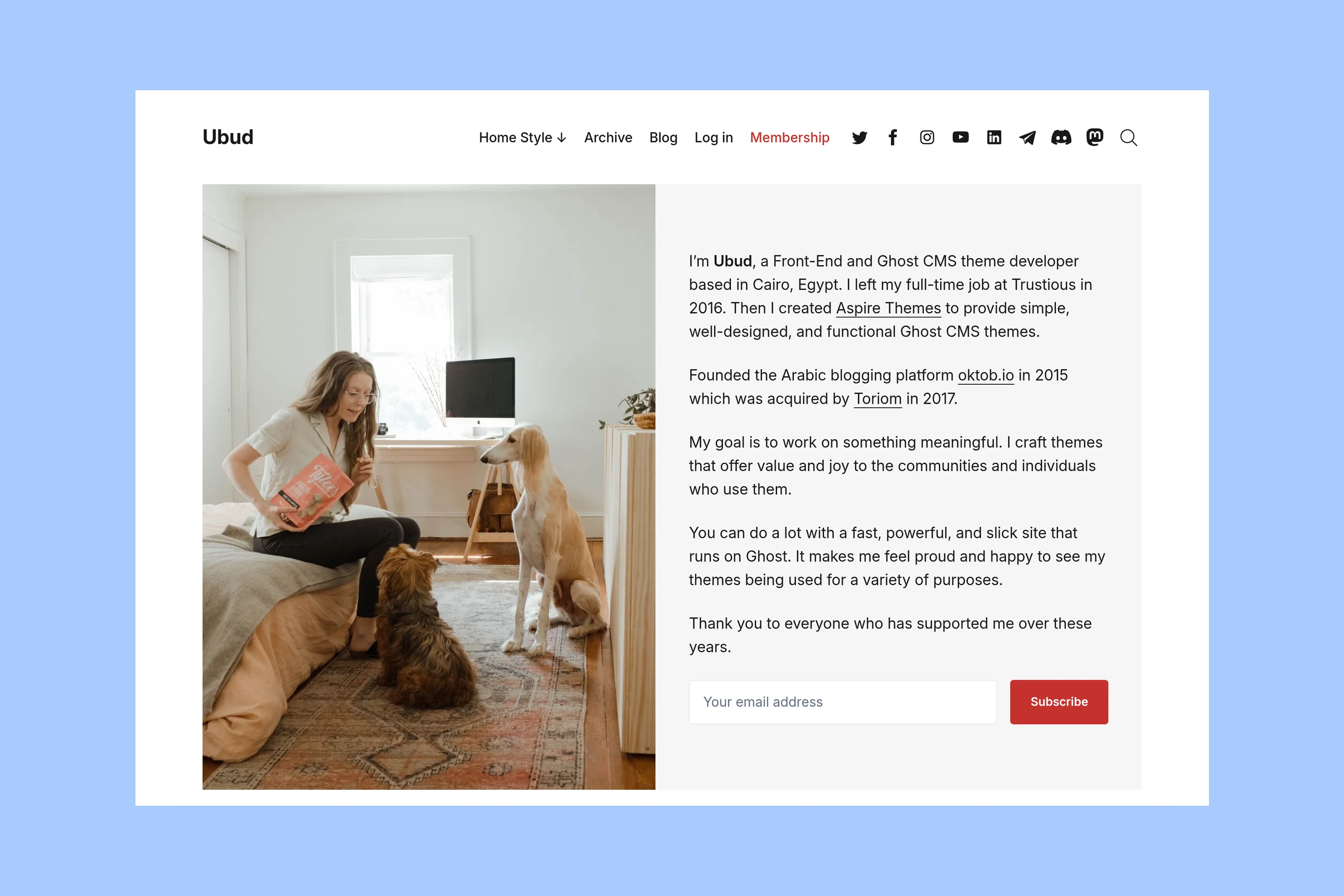
Ubud suits a personal newsletter where readers meet the writer before exploring the archive. Choose from six homepage styles, with different placements for your image and introduction. Featured and recent posts follow, with another signup form at the bottom. Choose Ubud when the placement of your portrait or artwork matters more than building a sequence of landing-page sections. The Ubud homepage guide shows the alternatives and setup.
Siwa
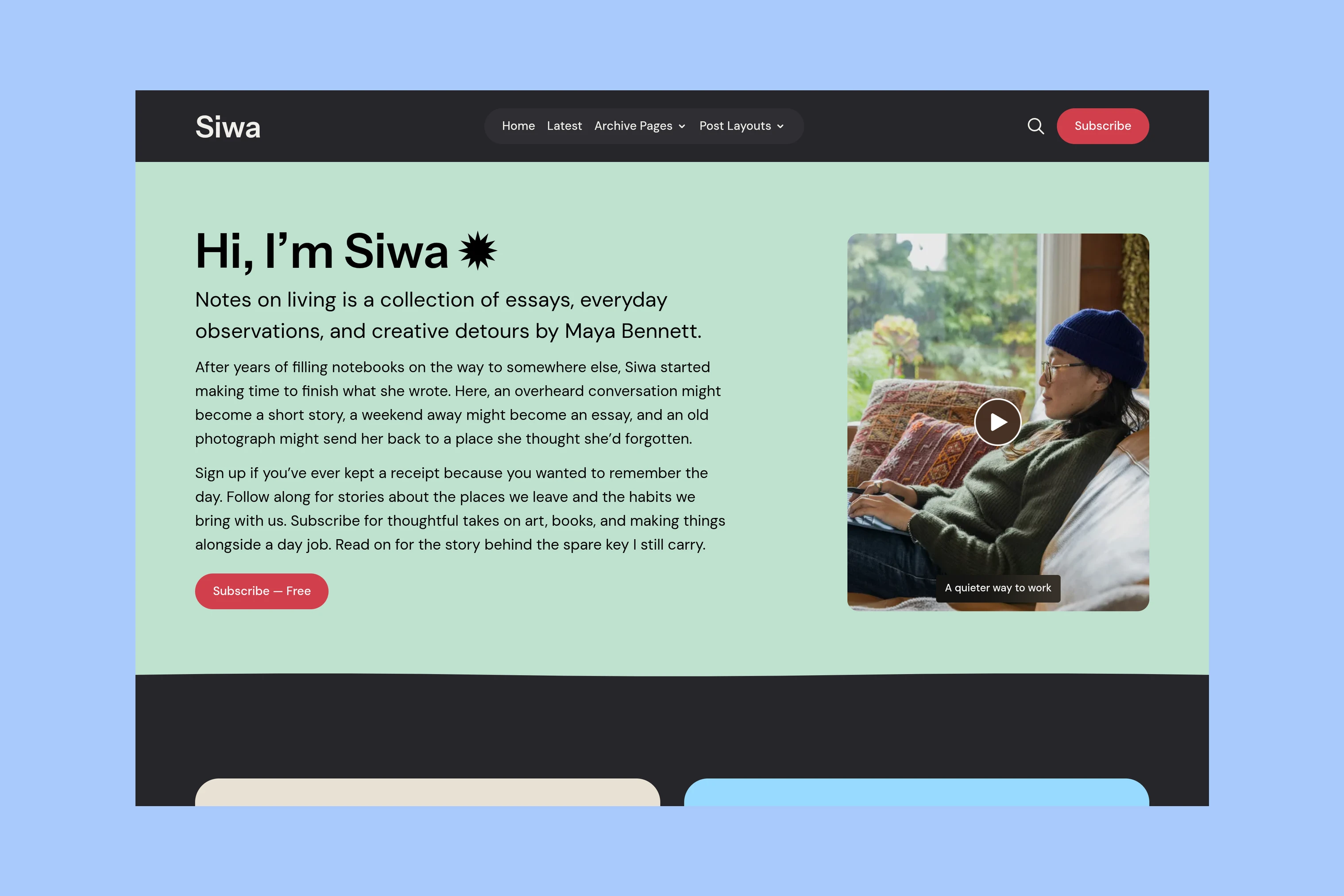
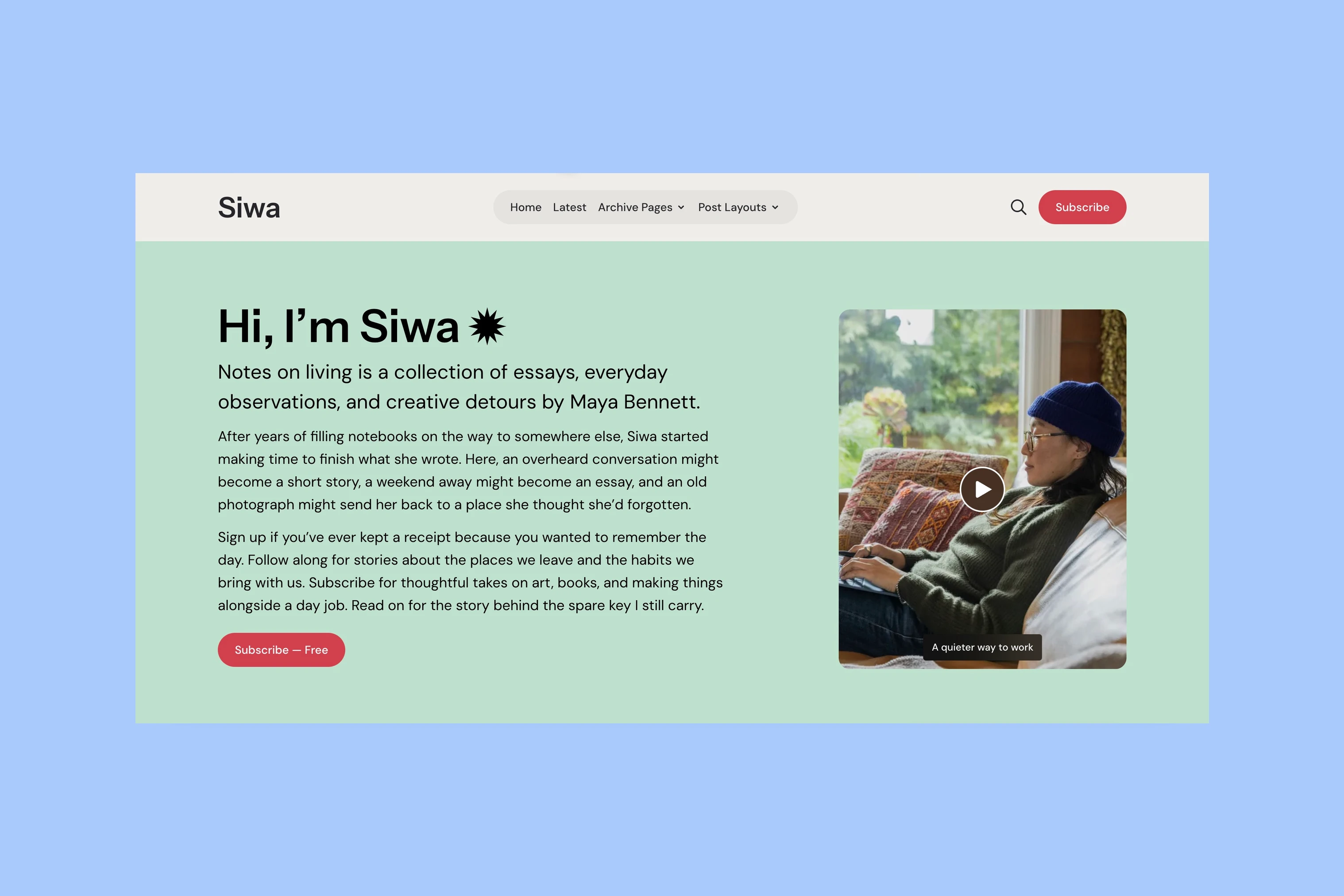
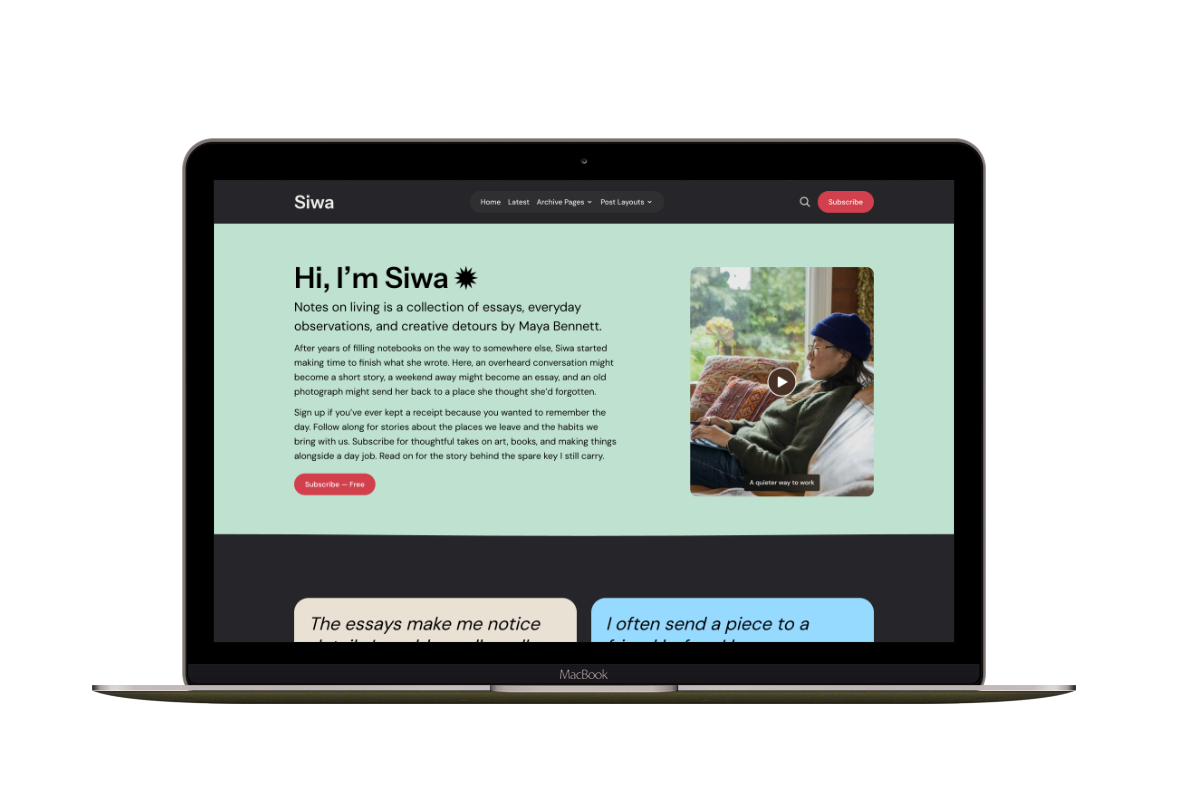
Siwa combines a personal introduction and featured stories with a newsletter section before the footer. Readers can choose from the newsletters you have configured in Ghost. The section can include your own image and description. It appears for signed-out visitors when Members is enabled and the newsletter page exists; the Siwa newsletter guide covers those requirements.
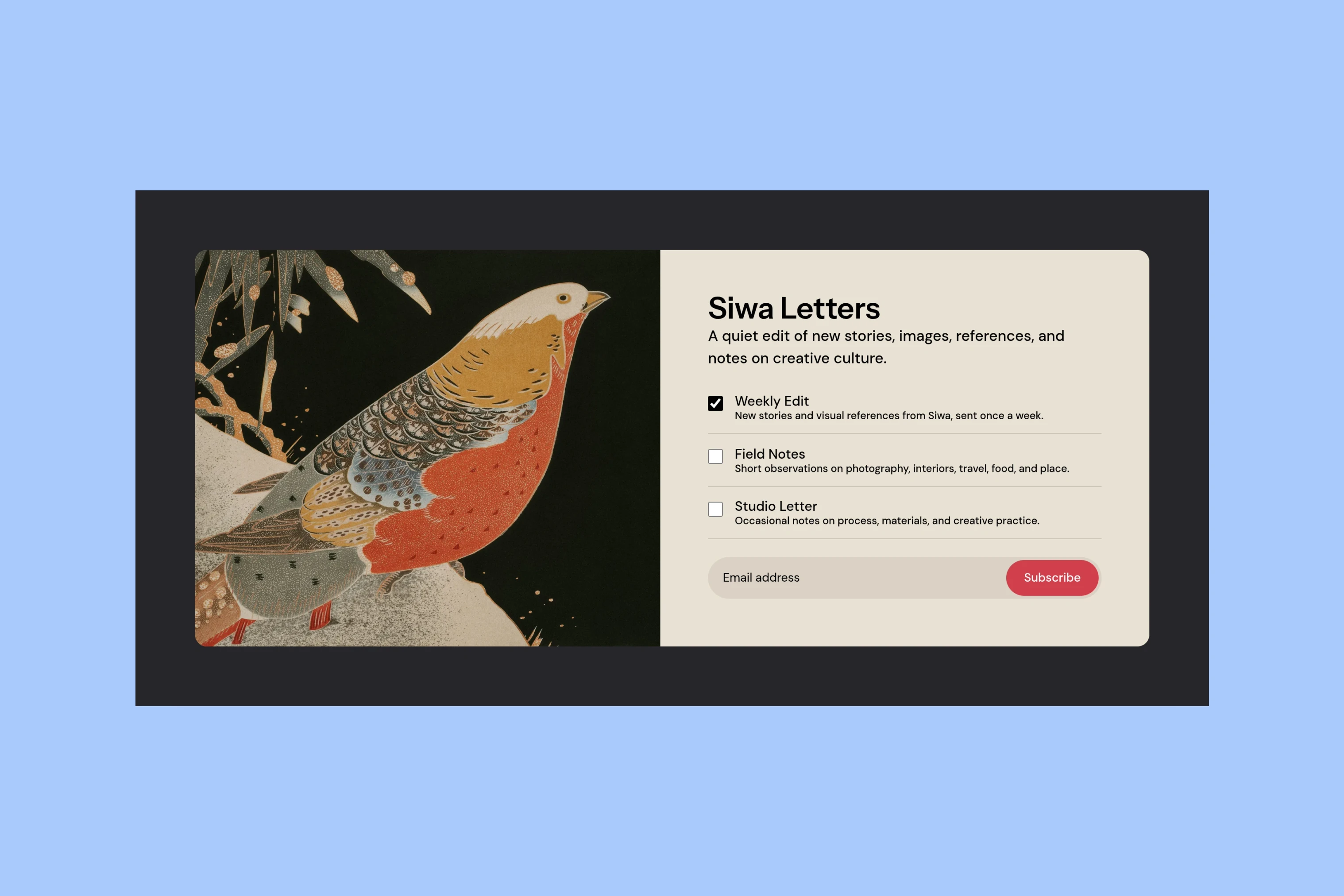
The newsletter choices are useful when you have distinct emails for readers to select. For one newsletter, judge Siwa by the introduction, story cards, and the position of that signup section rather than by the extra choices. Multiple newsletters are a Ghost capability; this example shows how Siwa presents them.
The demo screenshots use sample copy, artwork, and newsletter names. Compare the space your own introduction and offer would need.
Before Choosing
Once the homepage approach fits your offer, use the theme buyer’s guide to check installation, article pages and support before purchasing.
If none of those approaches fits the first visit you want, use the newsletter website examples to explore other arrangements before settling on a theme.